
- Age rating4+
- CategoryUtilities
- DeveloperZhengxi Zhou
- LanguagesEnglish
- Size1.5 MB
Links to the official App Store page
Download.org hosts no file of TockTock Timer. The button opens its official App Store page, published by Zhengxi Zhou. Listing last checked on Nov 18, 2026.
Screenshots
About
TockTock is a paired iPhone and Apple Watch timer designed around one annoyance: the built-in watchOS Timer app makes you scroll past durations you never use to reach the ones you reach for daily. TockTock fixes that.
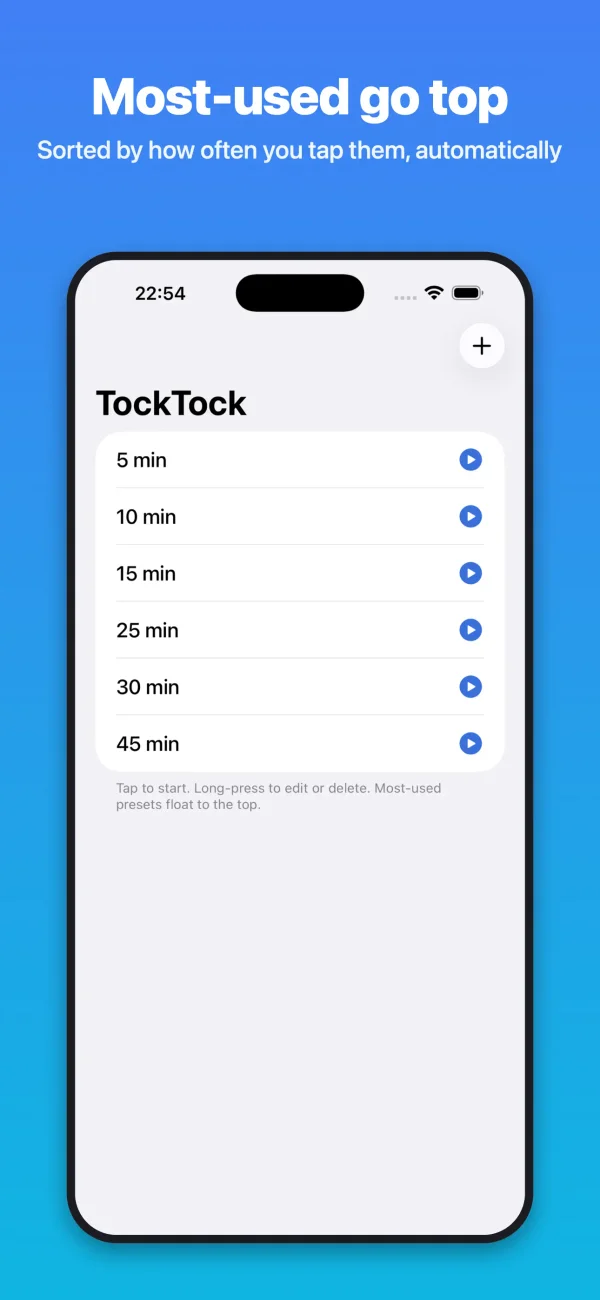
Your most-tapped presets float to the top of the list automatically. Ties broken by recency, so the timer you want is always under your thumb — no setup, no fiddling, no rearranging by hand.
FEATURES
• Six sensible defaults (5, 10, 15, 25, 30, 45 min) — edit, delete or add your own from either device
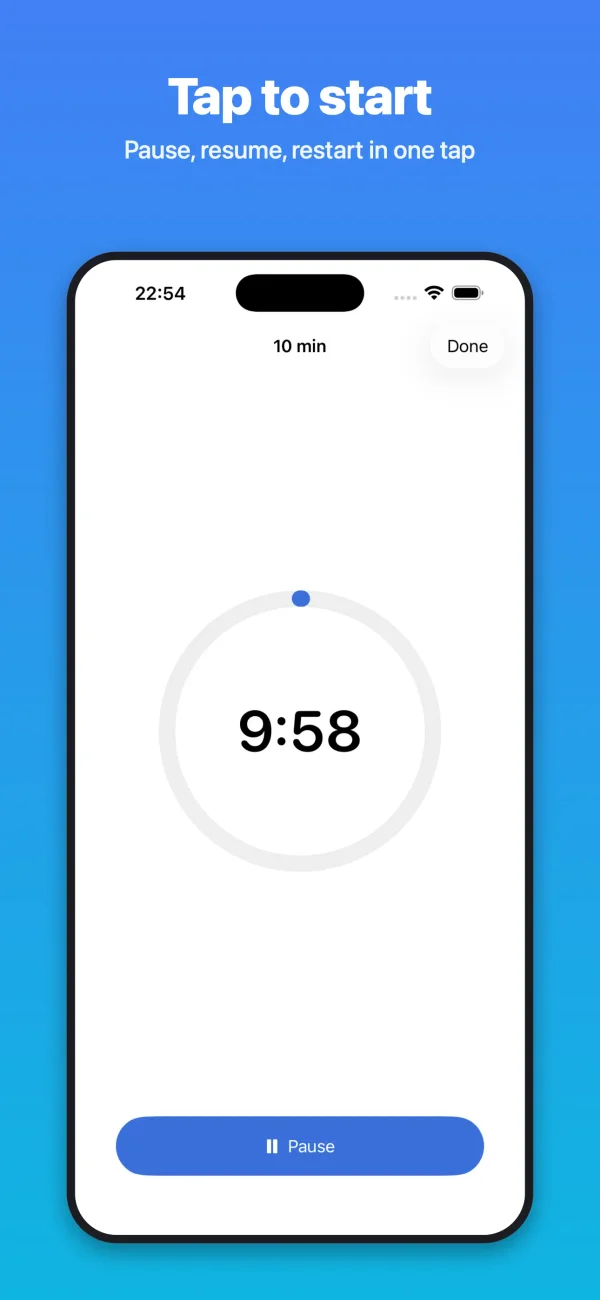
• Tap a preset on iPhone or Apple Watch to start an instant countdown
• Progress ring with monospaced time, plus Pause and Resume
• Haptic feedback on the watch when a timer finishes
• System chime and local notification on iPhone, so a backgrounded timer still pings you
• Restart in one tap when the timer hits zero
• Long-press on iPhone to edit or delete; swipe to delete; add custom durations down to one second
ON THE WATCH
The watch app is the heart of TockTock. Your top picks bubble up automatically so the timers you reach for daily are always above the fold. Add a custom duration right from your wrist — no need to pull out your phone.
PRIVACY BY DEFAULT
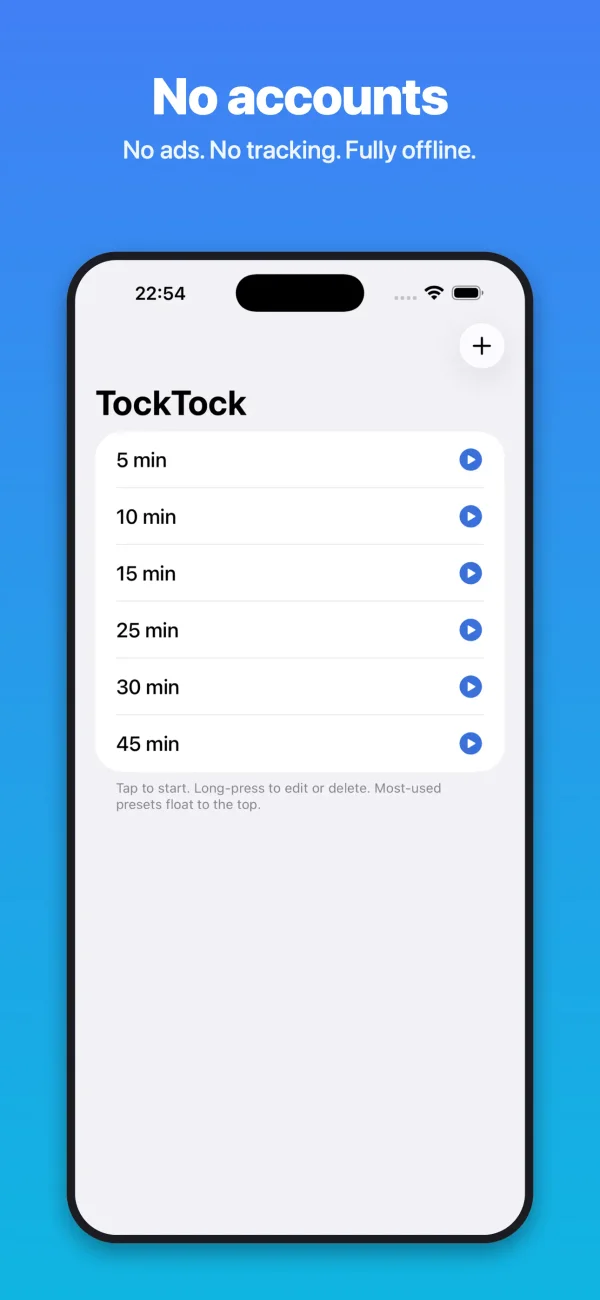
• No accounts. No sign-in.
• No ads. No tracking. No analytics.
• No network calls — TockTock works fully offline.
• Your presets and usage counts live in UserDefaults on your devices and never leave them.
REQUIRES
iOS 17.0 or later. watchOS 10.0 or later. The iPhone app is the companion; the watch app is the focus.
Built to scratch one itch — quiet, fast, and offline.
What’s new
Version 1.0.2 · May 25, 2026
The timer alarm now keeps ringing until you tap Stop, just like the built-in Timer app.
App privacy
What Zhengxi Zhou declares on the App Store about how this app handles data.
-
Data not collected
The developer does not collect any data from this app.
Privacy practices may vary, for example with the features you use or your age.
Information
- Seller
- Zhengxi Zhou
- Category
- Utilities
- Version
- 1.0.2
- Updated
- May 25, 2026
- Released
- May 13, 2026
- Size
- 1.5 MB
- Requires
- iOS 17.0 or later
- Age rating
- 4+
- Price
- Free
- Languages
- English
- Copyright
- © 2026 Zhengxi Zhou
You might also like
-
 Punycode URL BlockerBlock IDN xn-- Punycode URLs
-
 Weather-Clockno ads, no subscription costs
-
 Vision Viewer비전 뷰어
-
 BestTimerAppkeeps timing simple
-
 Nixie Tube Timer: CountdownPomodoro focus & study clock
-
 Mirror TimerMirror-ready clock & stopwatch
-
 Samir's Awesome TimerUtilities
-
 Timer tickFull-screen timer
-
 VisuoTimer CountdownSimple Visual Timer
-
 System SwitchboardUtilities