- Age rating4+
- CategoryUtilities
- DeveloperWOO KIM
- LanguagesEnglish
- Size5.9 MB
Links to the official App Store page
Download.org hosts no file of BestTimerApp. The button opens its official App Store page, published by WOO KIM. Listing last checked on Nov 18, 2026.
Screenshots



About
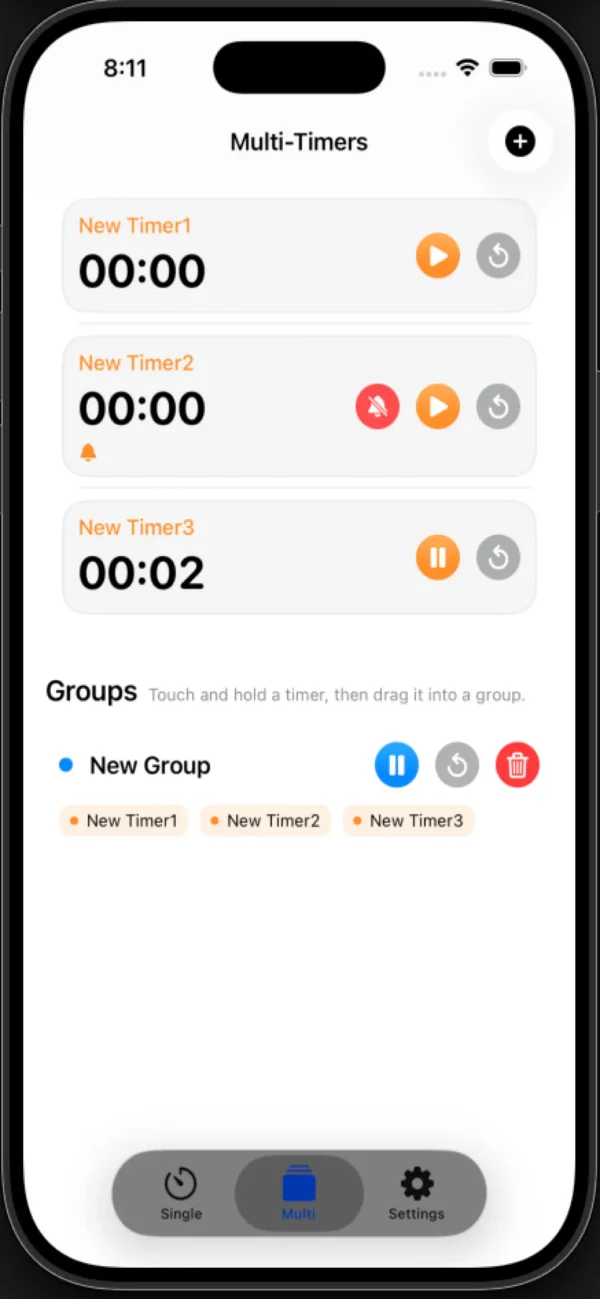
BestTimerApp is a clean, fast timer built for real life. Create a quick single timer or manage multiple timers at once — perfect for workouts, study sessions, cooking, and routines.
Key features:
Single Timer with precise control
Multi‑Timers list for managing several timers
Live Activity on Lock Screen and Dynamic Island
Custom time zones in Multi‑Timers
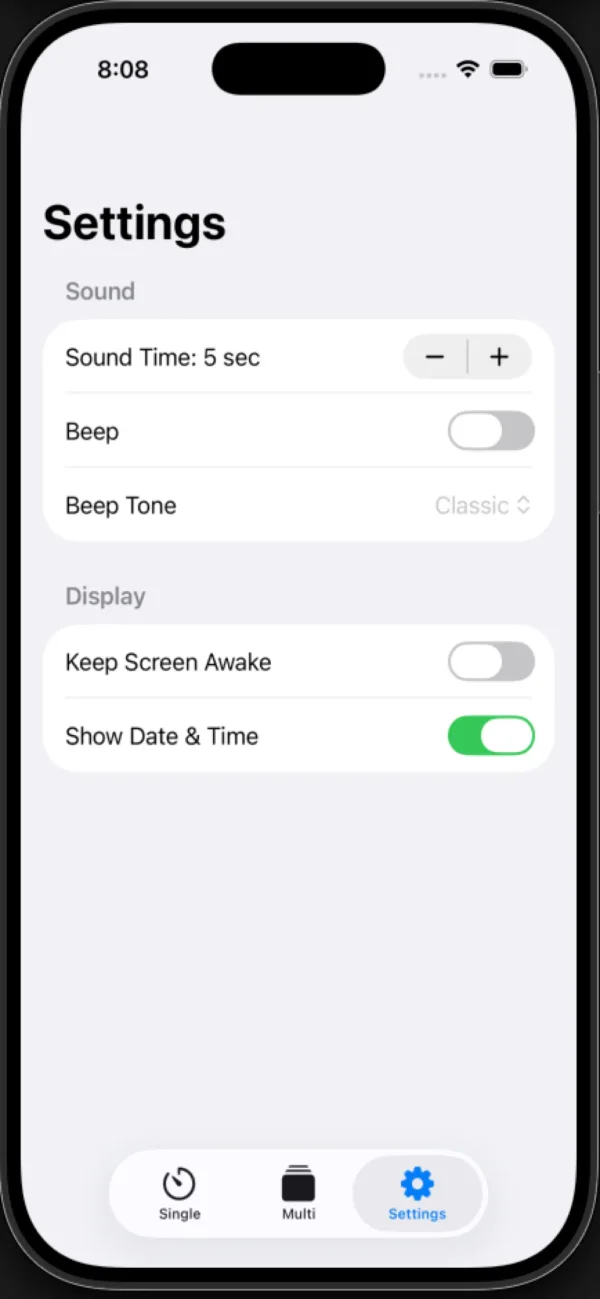
Sound settings with optional beep and tone selection
Simple, focused design with large readable time
What’s new
Version 1.1 · Mar 12, 2026
Version 1.1
Added Sequential Timer option for groups (run assigned timers one by one)
Improved timer replay behavior when a timer is at 0
Added immediate alarm stop behavior for reset/cancel actions
Added alarm indicator and alarm stop button in Multi Timer rows
Improved layout and usability in Single Timer and Multi Timer screens
Fixed stability issues and minor UI bugs
App privacy
What WOO KIM declares on the App Store about how this app handles data.
-
Data not collected
The developer does not collect any data from this app.
Privacy practices may vary, for example with the features you use or your age.
Information
- Seller
- WOO KIM
- Category
- Utilities
- Version
- 1.1
- Updated
- Mar 12, 2026
- Released
- Mar 3, 2026
- Size
- 5.9 MB
- Requires
- iOS 26.2 or later
- Age rating
- 4+
- Price
- Free
- Languages
- English
- Copyright
- © Woo Kim 2026
You might also like
-
 Tempo - Multi Kitchen TimerSave presets for your recipes
-
 Multi Timer - SLOXRun multiple timers at once
-
 Stop Watches (Multiple)Multiple timers, lap tracking
-
 TockTock TimerMost-used timers stay on top
-
 Countdown Color TimerUtilities
-
 Stopwatch - Pomodoro timerFocus on your workflow
-
 Timeryx - AI timerSmart timer for life
-
 Shansan Super TimerUtilities
-
 Countdown by Dots: Event TimerTrack Events with Dot Timer
-
 Countdown Timer ButtonStart, stop & reset and again.