- Age rating17+
- CategoryUtilities
- DeveloperTaewoon Kang
- LanguagesEnglish+ 2 more
- Size2.4 MB
Links to the official App Store page
Download.org hosts no file of Token Tracker: AI Usage. The button opens its official App Store page, published by Taewoon Kang. Listing last checked on Nov 15, 2026.
Screenshots
About
Developers are often early adopters, so I was quick to add iPhone Duo support. I still don’t own one myself, though. Haha.
iPhone Duo support update
• Adaptive sidebar navigation and multi-column usage cards on the unfolded display.
• Tab navigation on the folded display and standard iPhones.
• Preserve selected screens and provider details during rotation and resizing.
Keep your AI service quotas together on your iPhone.
SUPPORTED CONNECTIONS
• Codex: ChatGPT plan quotas. Account connection verified on iPhone.
• Claude: Claude plan quotas. Account connection verified on iPhone.
• Cursor: plan usage. Account connection verified on iPhone.
ADVANCED API CONNECTIONS
GLM / Z.ai, MiniMax, Grok CLI, OpenCode Go, GitHub Copilot, Kimi Code, Apify, Ollama Cloud, DeepSeek, Amp, Higgsfield, Devin / Windsurf, Kilo and Command Code. These require a compatible key or OAuth access token. They have request/parser tests, but live account compatibility has not been verified for every service. Some report usage or balance rather than remaining token quota. Custom HTTPS JSON endpoints are also supported.
NOT AVAILABLE IN THIS RELEASE
Antigravity, Gemini app/web, Gemini API/CLI tracking, Grok Bot, Kiro, Muse, local model runtimes (Ollama Local, LM Studio, oMLX), QianwenAI, Qoder and Perplexity. Catalog presence does not mean a service can be connected.
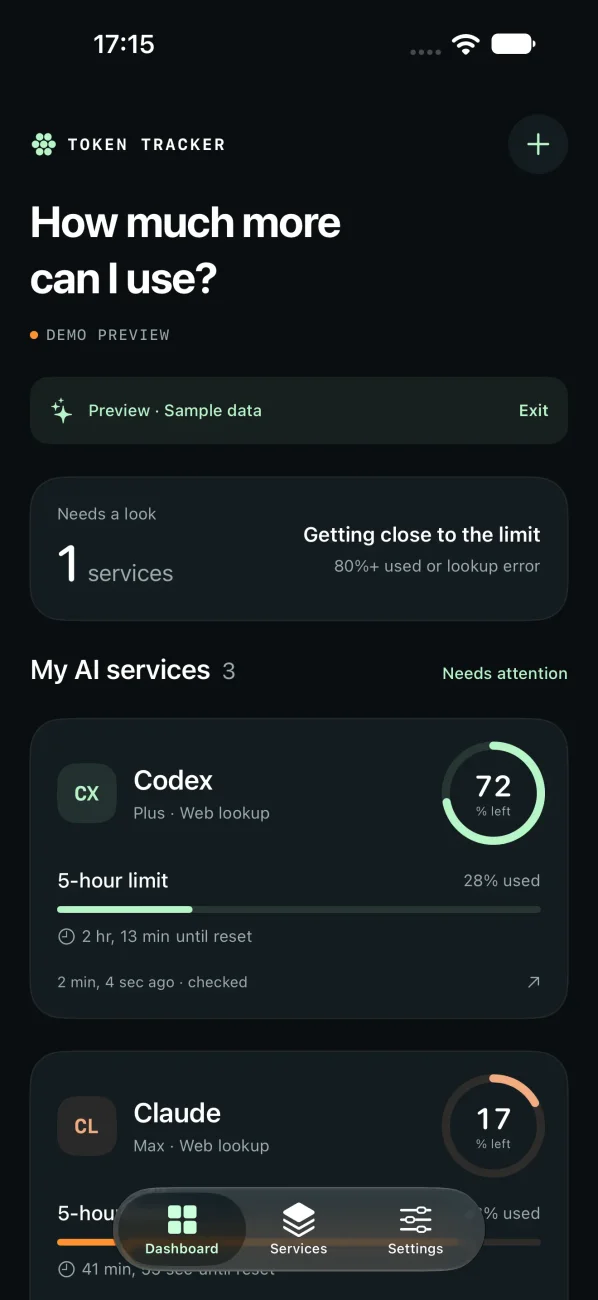
Connect Codex, Claude and Cursor through their service websites, or use supported API connections. See remaining percentages, independent usage windows, reset times and when each reading was checked.
Add Home Screen or Lock Screen widgets. Medium widgets show up to three connected services, with your choice of services.
Set percentage-step alerts, a remaining-quota threshold, scheduled reset reminders and alerts when a new reading detects an unexpected quota recovery.
While active, the app refreshes every minute. Widgets also fetch directly when iOS runs them, and their refresh button works without opening the app. Background checks use your saved connections when iOS permits. Settings shows the latest background run and its successful checks. iOS controls execution and widget update timing; immediate detection is not guaranteed.
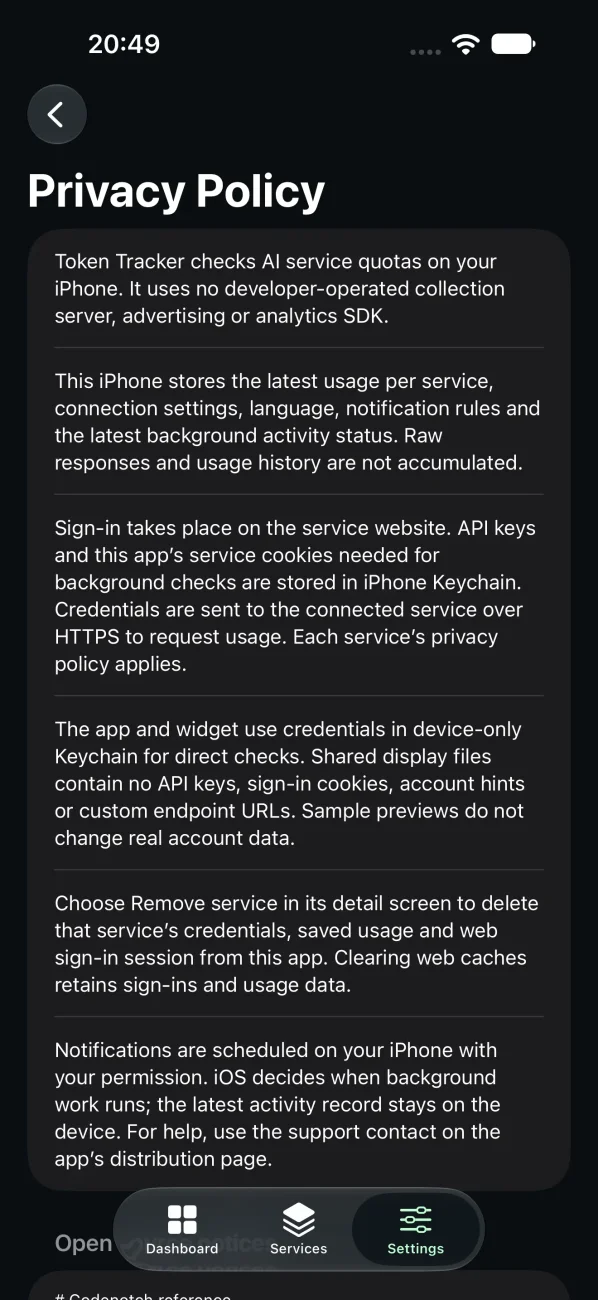
Available in English, Korean and Simplified Chinese. The app and widgets use device-only Keychain credentials for direct checks. Shared display files contain no credentials. No advertising or analytics SDK is included.
Service availability depends on the provider, account and plan. Some listed services cannot be connected on iPhone. Subscription percentages are not estimates of token counts. Token Tracker is an independent app and is not affiliated with the listed services.
App privacy
What Taewoon Kang declares on the App Store about how this app handles data.
-
Data not collected
The developer does not collect any data from this app.
Privacy practices may vary, for example with the features you use or your age.
Information
- Seller
- Taewoon Kang
- Category
- Utilities
- Version
- 1.1
- Updated
- Oct 31, 2026
- Released
- Oct 31, 2026
- Size
- 2.4 MB
- Requires
- iOS 17.0 or later
- Age rating
- 17+
- Price
- Free
- Languages
- English, Korean, Simplified Chinese
- Copyright
- © 2026 Taewoon Kang
You might also like
-
 GBalance - Minimalist LedgerGrow wealth by bookkeeping
-
 Bars: AI Usage & Data TrackerAI limits, API spend, cellular
-
 TokenWise - AI Quota TrackerUsage limits, resets & widgets
-
 北京重卡服务e点通Utilities
-
 AI Limits & Reset TrackerAlerts, widgets, reset timers
-
 AI UsageTrack your AI service usage
-
 JackChat AITalk to AI with your voice
-
 uPic: Hosting toolA powerful file hosting tool
-
 时序日历-农历、倒数日与小组件Utilities
-
 Usage for Claude + ChatGPTCodex & AI Limits Tracker