- Age rating4+
- CategoryProductivity
- DeveloperKaroly Nyisztor
- LanguagesEnglish
- Size1.3 MB
Links to the official App Store page
Download.org hosts no file of Tomodo. The button opens its official App Store page, published by Karoly Nyisztor. Listing last checked on Nov 16, 2026.
Screenshots

About
Tomodo: Your Minimalist Pomodoro Companion
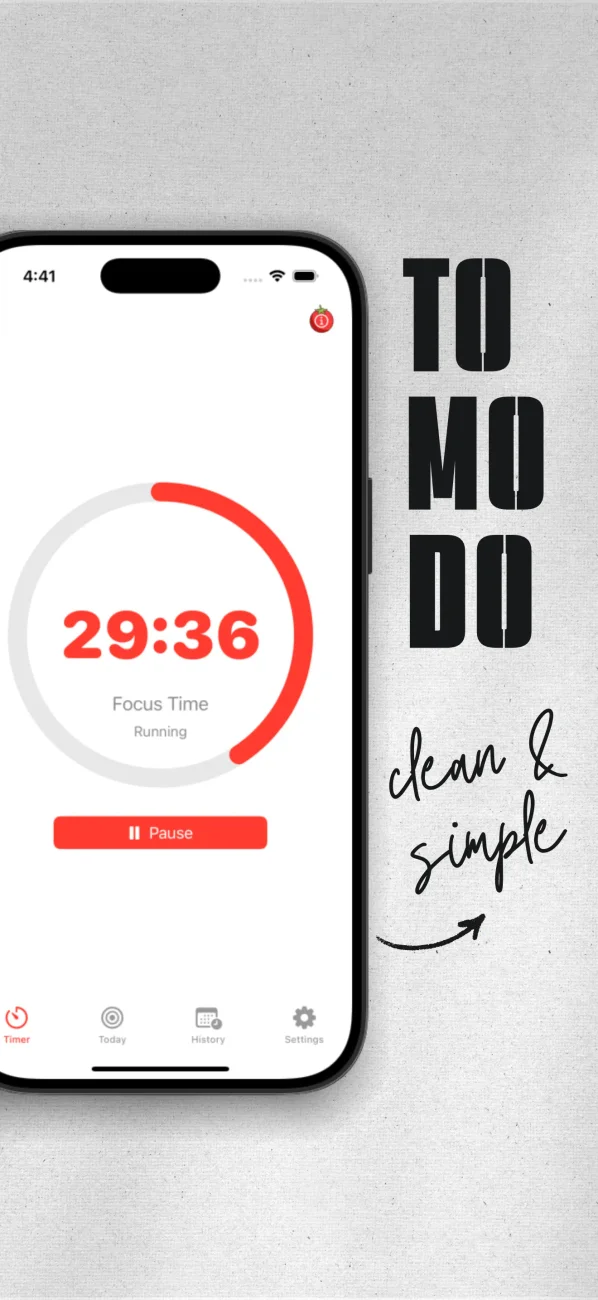
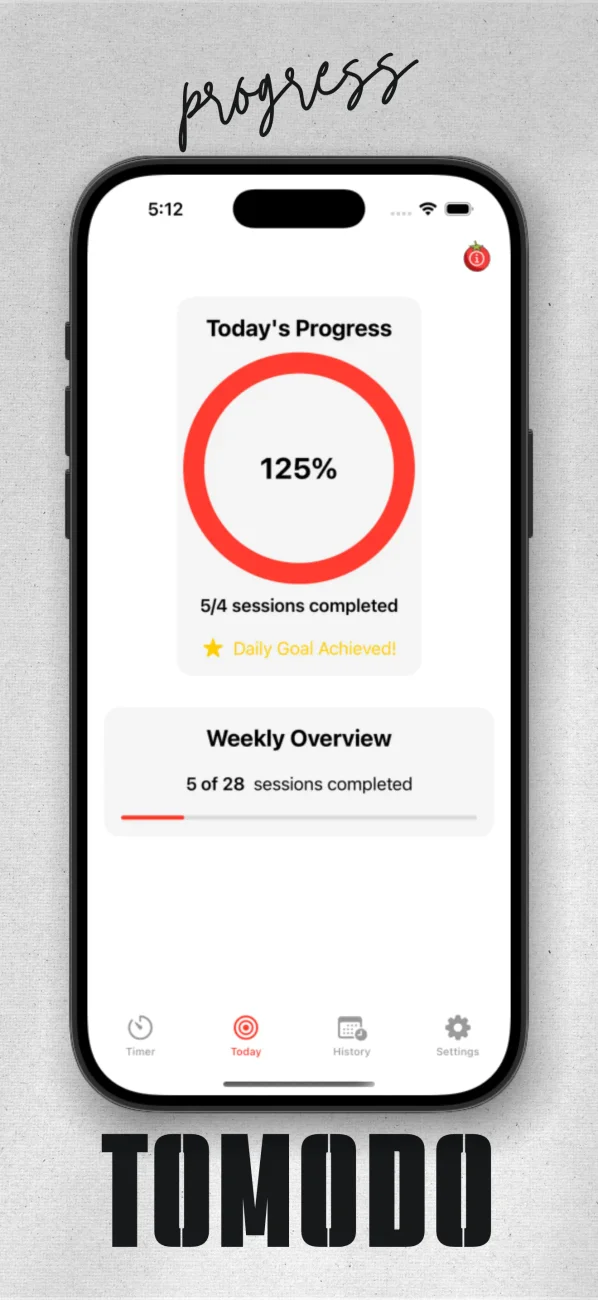
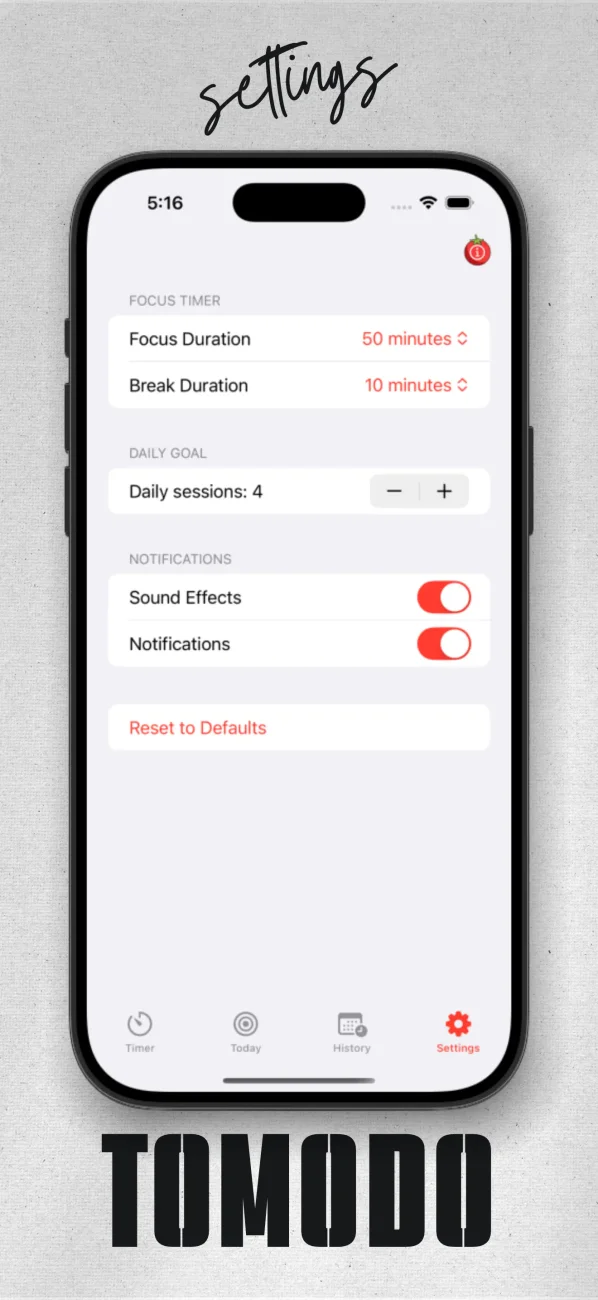
Stay focused and productive with Tomodo’s clean, modern design. While simple on the surface, Tomodo is packed with features: customize your timer, track your progress, and enjoy smart, intuitive controls that make your Pomodoro sessions seamless and distraction-free.
Tomodo adapts to your needs and helps you achieve your goals, one session at a time. Thoughtful touches like gentle alert sounds and dark mode support elevate this free app above its paid competitors.
Built by an experienced iOS developer who has been creating apps since 2009, Tomodo reflects over a decade of expertise and a commitment to high-quality, user-friendly design. Created for fun—not profit—Tomodo is **completely free: no ads, no hidden fees, and no subscriptions.
Key Features:
• Minimalist Design: A clean, distraction-free layout with large, bold countdown numbers and a sleek circular progress bar.
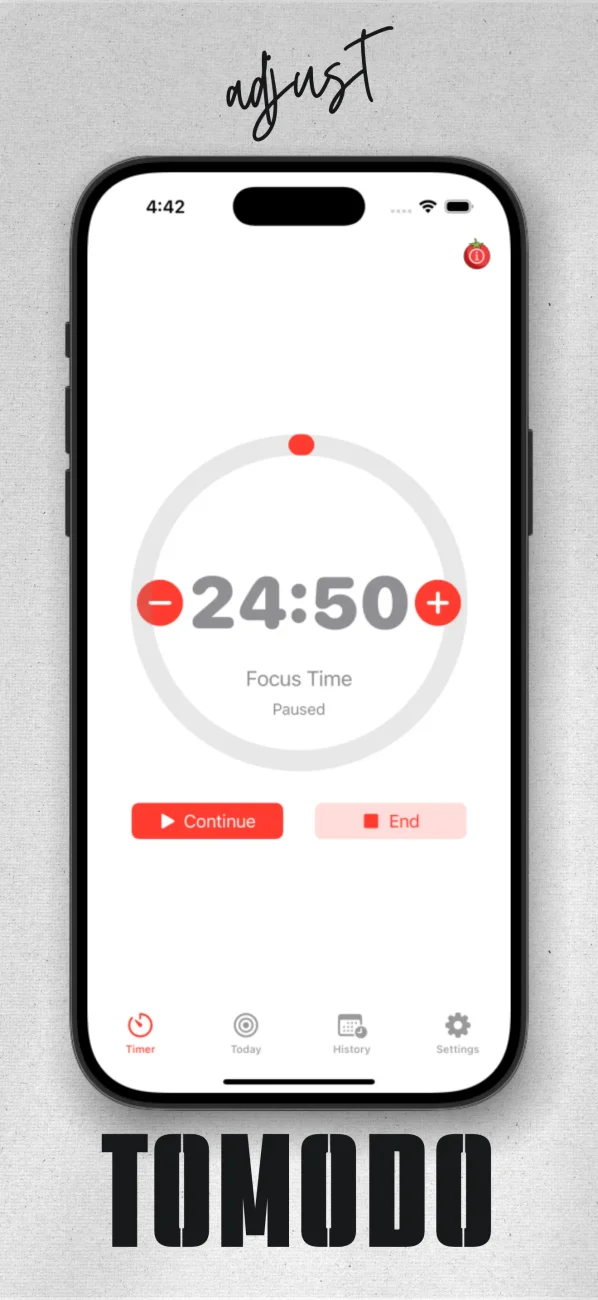
• Customizable Durations: Adjust focus and break times to fit your work style and goals.
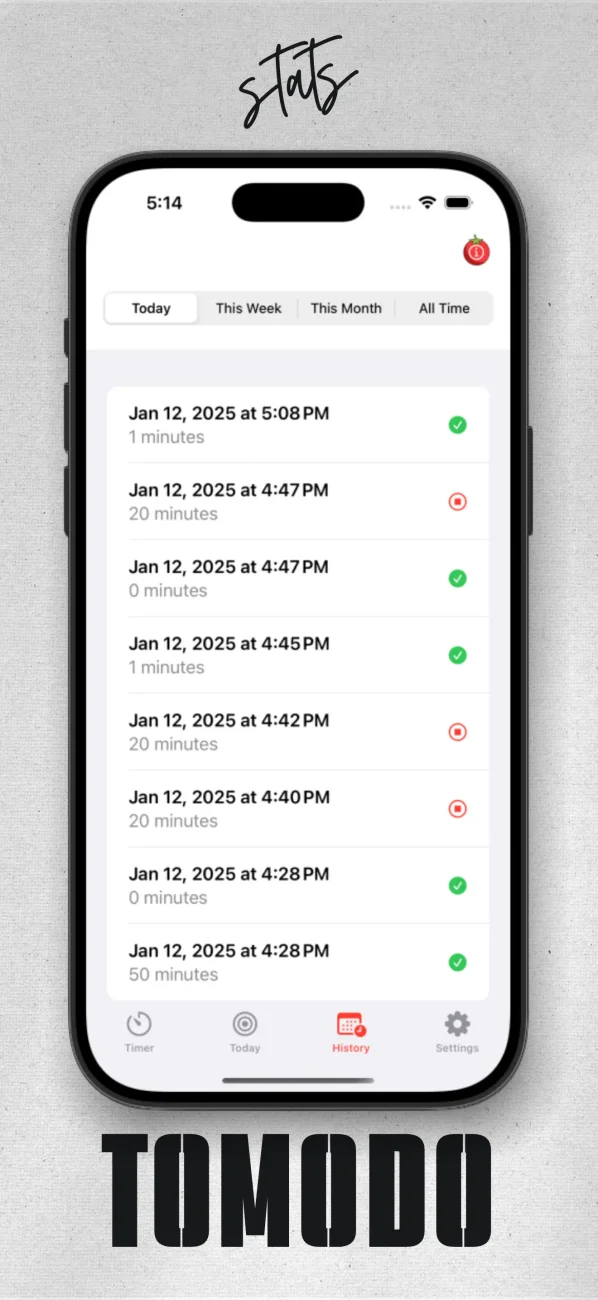
• Progress & Goals: Track your completed sessions and set daily targets with just a tap.
• Smart Controls: Start, pause, continue, or end your session easily. Tomodo remembers your settings and keeps running even if you switch apps.
• Live Activity — keep an eye on your countdown from the Lock Screen and the Dynamic Island.
• Never lose a session — the timer keeps going through app switches, force-quits and restarts.
• Gentle Alerts & Reminders: Get notified when your session ends—no matter where you are in the app, so you never miss a beat.
• Dark Mode & Dynamic Type: Enjoy a beautifully consistent look that respects your device’s settings and accessibility preferences.
Focus better, achieve more, and enjoy a cleaner path to productivity with Tomodo.
What’s new
Version 1.2 · Sep 30, 2026
Your focus timer now lives on your Lock Screen.
NEW
• Live Activity: see the current phase, the countdown, and your progress on the Lock Screen and in the Dynamic Island, without opening the app.
IMPROVED
• Rock-solid timing: your session keeps counting even if you switch apps, close Tomodo, or restart your iPhone.
• The "time's up" notification now arrives right on time, even when Tomodo is in the background.
FIXED
• Sessions in History now show when they actually started.
• Deleting a session from a filtered History list now removes the right one.
• Your settings are reliably saved from the very first launch.
Thanks for using Tomodo! If it helps you focus, a quick rating means a lot.
App privacy
What Karoly Nyisztor declares on the App Store about how this app handles data.
-
Data not collected
The developer does not collect any data from this app.
Privacy practices may vary, for example with the features you use or your age.
Information
- Seller
- Karoly Nyisztor
- Category
- Productivity
- Version
- 1.2
- Updated
- Sep 30, 2026
- Released
- Dec 16, 2024
- Size
- 1.3 MB
- Requires
- iOS 17.6 or later
- Age rating
- 4+
- Price
- Free
- Languages
- English
- Copyright
- © 2024 Károly Nyisztor
You might also like
-
 IPomodoro - Simple Focus TimerEasy to use focus timer
-
 TwentyFive - Pomodoro TimerFocus. No ads. Just timing.
-
 Foku - Pomodoro Focus TimerDeep Work & Study Sessions
-
 Pomodoro Timer - MA minimalist Pomodoro timer
-
 FocusLoop: Pomodoro TimerFocus, Productivity & Habits
-
 LCKDN: Calm PhoneApp Blocker & Screen Time
-
 SmartPomo TimerProductivity
-
 Pomo+TodoStay focused, clear todos
-
 Budly: Habit Tracker & FocusBuild discipline, reach goals
-
 YearFlow: Goal & Habit TrackerSet Goals. Build Habits. Grow.