Trace Camera - ArtBeam
Projector to Sketch on Paper
Designed for iPhone, iPod touch
Free · In-app purchases
- Age rating4+
- CategoryGraphics & Design
- Developerilker beri
- LanguagesEnglish
- Size69.2 MB
Links to the official App Store page
Download.org hosts no file of Trace Camera - ArtBeam. The button opens its official App Store page, published by ilker beri. Listing last checked on Nov 17, 2026.
Screenshots
About
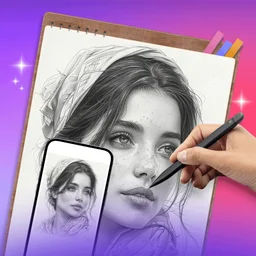
Want to draw but don't know where to start? Trace Camera - ArtBeam turns your device into a powerful AR drawing projector, allowing you to trace any image directly onto paper.
Whether you are a beginner looking to learn to draw, a parent seeking fun art activities for kids, or an anime fan wanting to sketch your favorite characters, ArtBeam makes art easy. No expensive equipment or tracing paper needed—just your phone and a pencil!
MAIN FEATURES
AR Trace Camera: Draw Anything
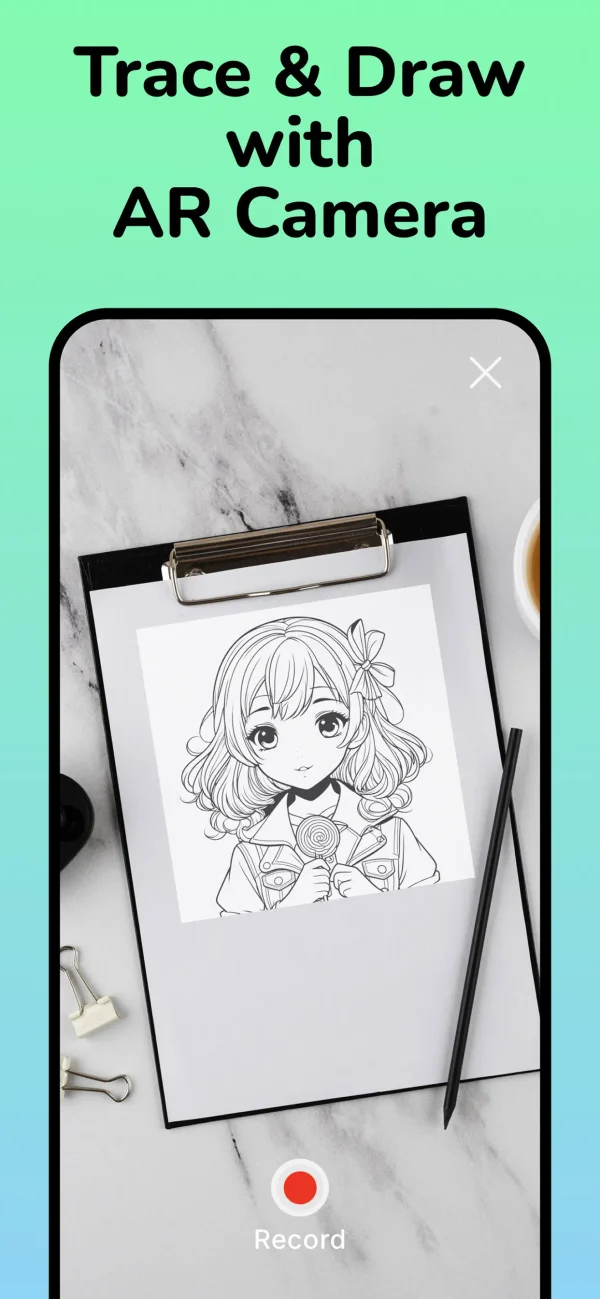
Use your phone’s camera as a professional image projector. The app overlays a semi-transparent image onto your notebook, letting you trace drawing lines with perfect precision. It’s like a traditional light box, but smarter!
Massive Template Library
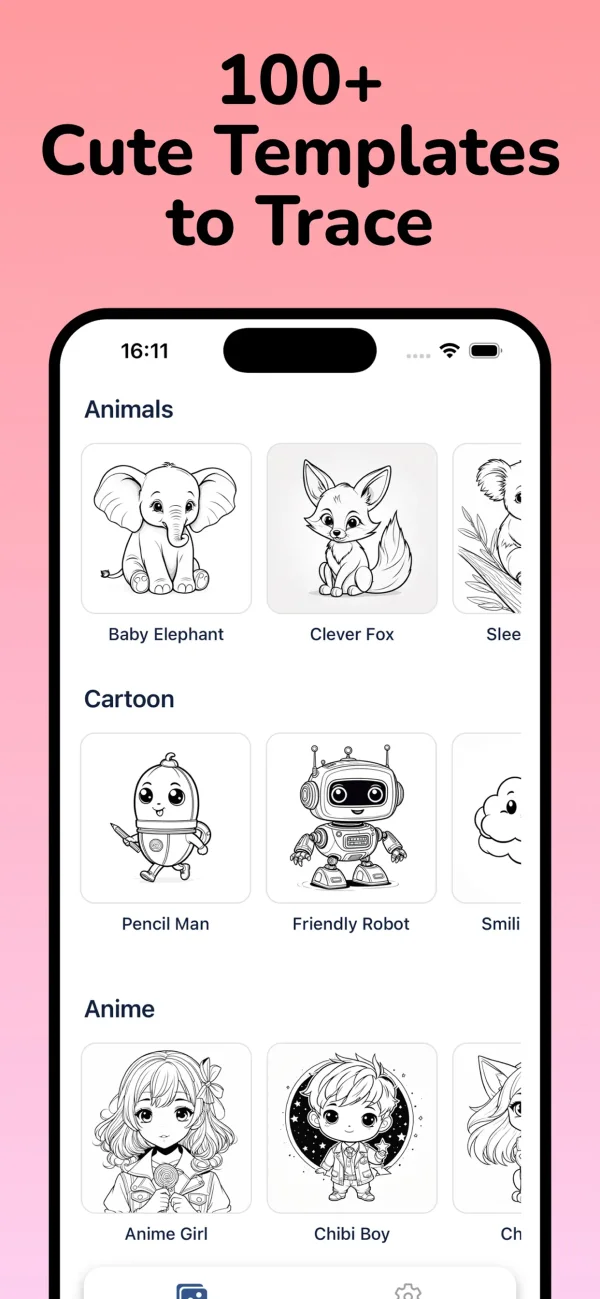
Access 100+ high-quality templates across popular categories.
- Anime Drawing: Sketch your favorite manga characters.
- Animals & Chibi: Cute cats, dogs, and fantasy creatures.
- Learn to Draw: Step-by-step drawing guides for beginners.
Turn Photos into Sketches
Have a favorite memory? Use our Photo to Sketch converter to turn any picture from your gallery into a traceable outline. Create custom portraits of your pets, friends, or landscapes instantly.
Record Time-Lapse Videos
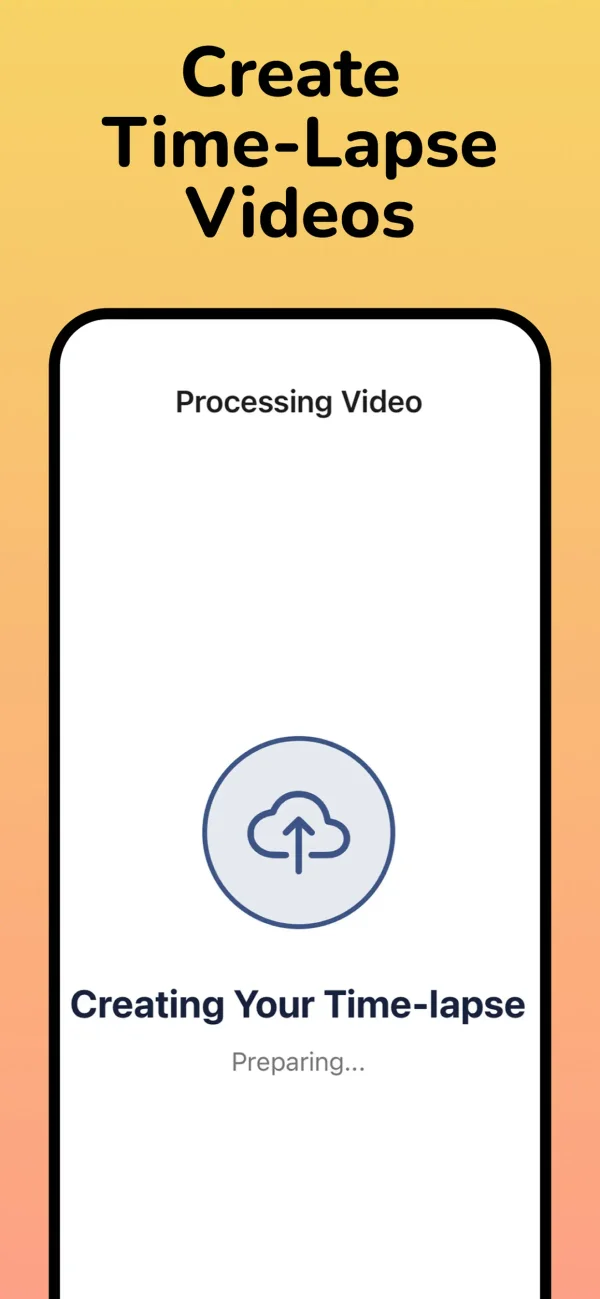
Capture your creative process! The app automatically records your session while you draw. Create satisfying sketching videos to share on TikTok, Instagram, or YouTube to show off your skills.
Advanced Art Tools
- Opacity Control: Adjust the transparency of the overlay for better visibility.
- Flashlight: Draw in low-light conditions.
- Grid Overlay: Use the grid method for perfect proportions.
- Lock Screen: Freeze the image so it doesn't move while you trace.
WHO IS THIS APP FOR?
- Kids & Beginners: Develop hand-eye coordination and learn basic art drawing skills.
- Anime Fans: The easiest way to create fan art and master anime drawing.
- Students: Perfect for school art projects using the tracing projector method.
- Social Media Creators: Make viral art content with built-in video recording.
HOW TO USE:
1. Select: Choose a template (Anime, Animals, etc.) or upload your own photo.
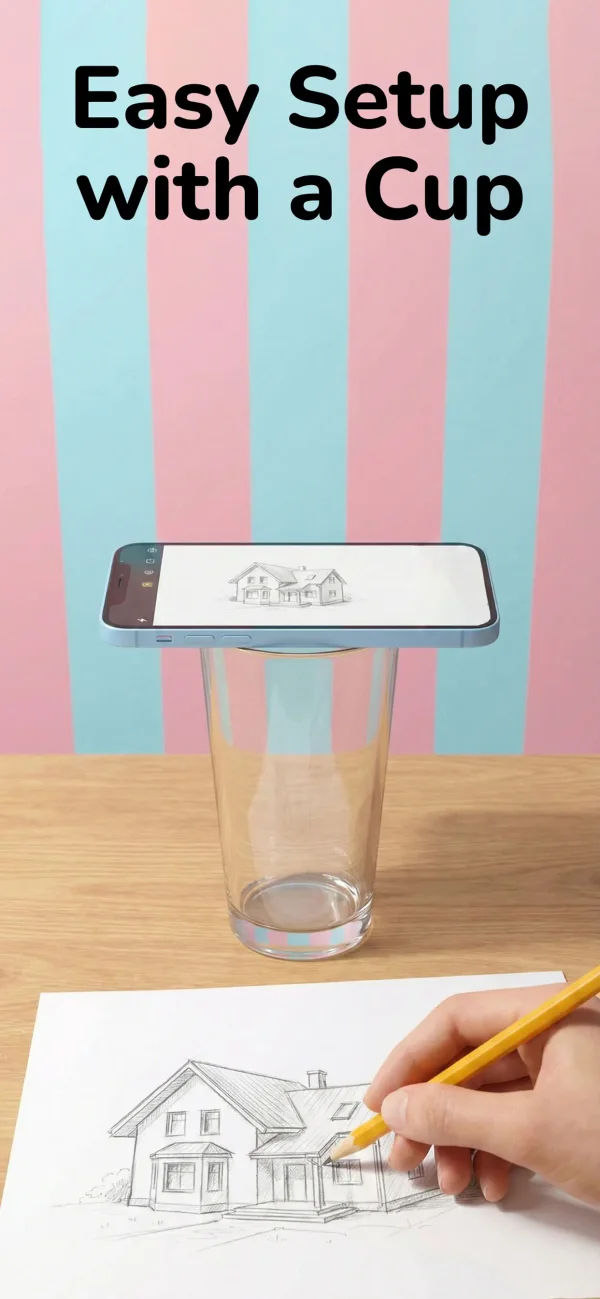
2. Position: Place your phone on a steady surface (like a cup, stack of books, or tripod).
3. Trace: Look through the screen and trace the lines onto the paper.
4. Share: Save your sketch and share your time-lapse video!
Why choose ArtBeam?
Unlike complex art apps, we focus on the physical experience of drawing on paper. We combine the fun of technology with the satisfaction of real sketching. It’s the ultimate how to draw assistant for everyone.
Download Trace Camera - ArtBeam today and unleash your inner artist! Start your ar sketch journey now.
https://ilkerb.com/drawing-projector/terms-of-use
What’s new
Version 1.1.0 · Apr 7, 2026
Bug fixes and performance improvements.
App privacy
What ilker beri declares on the App Store about how this app handles data.
-
Data not collected
The developer does not collect any data from this app.
Privacy practices may vary, for example with the features you use or your age.
Information
- Seller
- ilker beri
- Category
- Graphics & Design
- Version
- 1.1.0
- Updated
- Apr 7, 2026
- Released
- Nov 24, 2025
- Size
- 69.2 MB
- Requires
- iOS 15.1 or later
- Age rating
- 4+
- Price
- Free
- In-app purchases
- Yes
- Languages
- English
- Copyright
- © 2025 İlker Beri
You might also like
-
 AR Draw: Trace & Sketch MasterDraw & Trace Images with AR
-
 Trace Drawing - DrawLensDrawing Projector for Tracing
-
 Trace CameraLearn how to Draw & Sketch
-
 AR Draw & Sketch - TraceXTrace Photo, Paint & Doodle
-
 AR Drawing Projector: DraweeTrace & Draw Photos on Paper
-
 Sketch Paint Trace Art: InkARPhoto Projector & Color Paper
-
 Trace Drawing & Projector - ARTracing,Draw & Learn Anime Art
-
 Easy Drawing, Sketch & DrawSimple Draw, Tracing drawing
-
 Drawing Projector: OutlinoTrace Photos on Paper with AR
-
 AR Tracing & Drawing - DrawTooLightbox grid to Draw & Sketch