Trace Camera - ArtBeam
Projector to Sketch on Paper
iPhone, iPod touch向けに設計
無料 · アプリ内課金
- 対象年齢4+
- カテゴリグラフィック/デザイン
- 開発元ilker beri
- 言語英語
- サイズ69.2 MB
App Storeの公式ページにリンクしています
Download.orgはTrace Camera - ArtBeamのファイルを一切ホストしていません。ボタンを押すと、ilker beriが公開しているApp Storeのアプリページが開きます。ページの最終確認:2026/11/17。
スクリーンショット
概要
開発元はこのテキストをお使いの言語で提供していません。
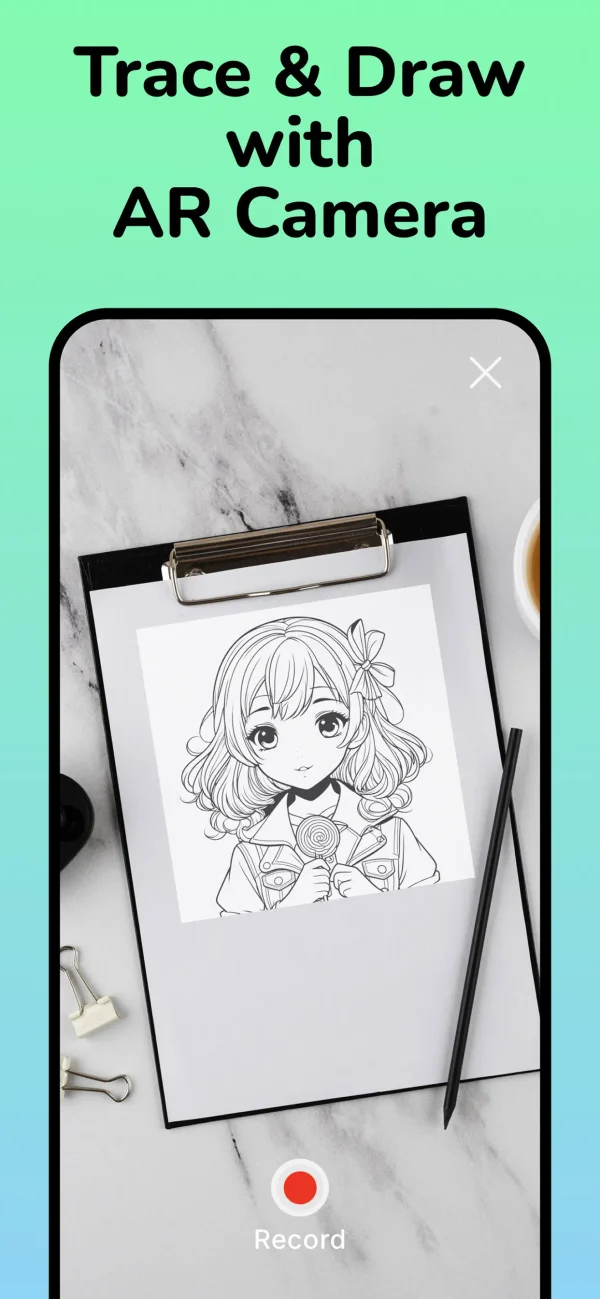
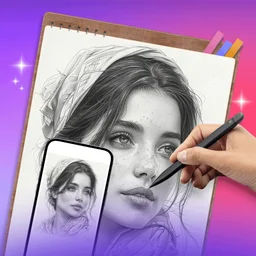
Want to draw but don't know where to start? Trace Camera - ArtBeam turns your device into a powerful AR drawing projector, allowing you to trace any image directly onto paper.
Whether you are a beginner looking to learn to draw, a parent seeking fun art activities for kids, or an anime fan wanting to sketch your favorite characters, ArtBeam makes art easy. No expensive equipment or tracing paper needed—just your phone and a pencil!
MAIN FEATURES
AR Trace Camera: Draw Anything
Use your phone’s camera as a professional image projector. The app overlays a semi-transparent image onto your notebook, letting you trace drawing lines with perfect precision. It’s like a traditional light box, but smarter!
Massive Template Library
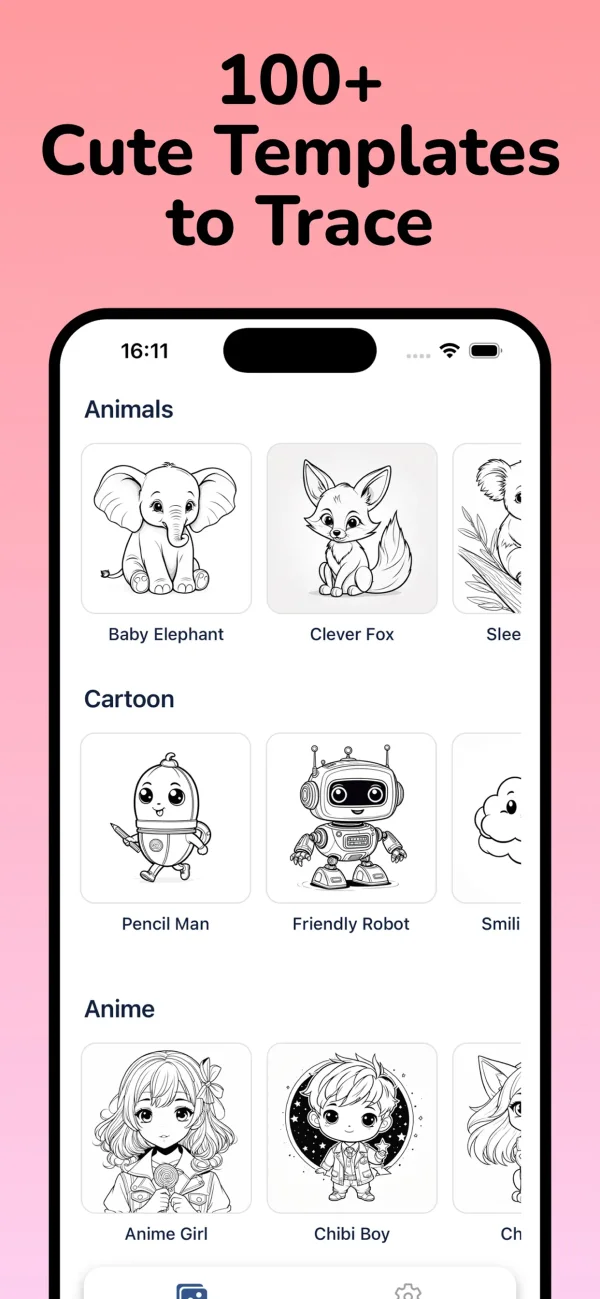
Access 100+ high-quality templates across popular categories.
- Anime Drawing: Sketch your favorite manga characters.
- Animals & Chibi: Cute cats, dogs, and fantasy creatures.
- Learn to Draw: Step-by-step drawing guides for beginners.
Turn Photos into Sketches
Have a favorite memory? Use our Photo to Sketch converter to turn any picture from your gallery into a traceable outline. Create custom portraits of your pets, friends, or landscapes instantly.
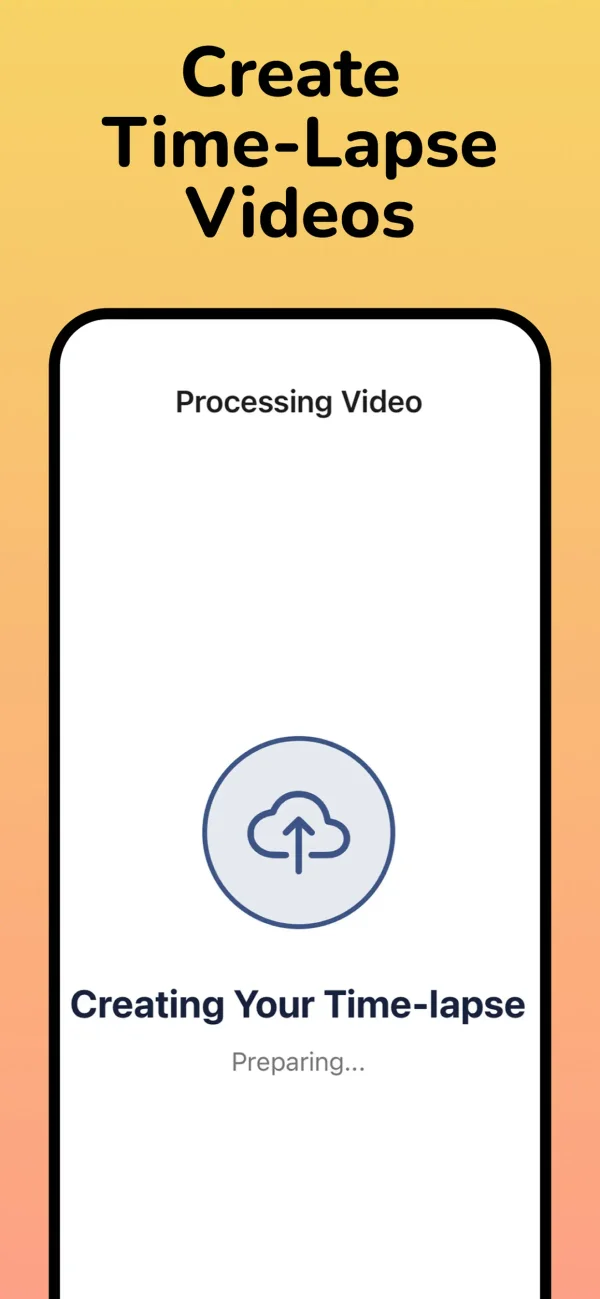
Record Time-Lapse Videos
Capture your creative process! The app automatically records your session while you draw. Create satisfying sketching videos to share on TikTok, Instagram, or YouTube to show off your skills.
Advanced Art Tools
- Opacity Control: Adjust the transparency of the overlay for better visibility.
- Flashlight: Draw in low-light conditions.
- Grid Overlay: Use the grid method for perfect proportions.
- Lock Screen: Freeze the image so it doesn't move while you trace.
WHO IS THIS APP FOR?
- Kids & Beginners: Develop hand-eye coordination and learn basic art drawing skills.
- Anime Fans: The easiest way to create fan art and master anime drawing.
- Students: Perfect for school art projects using the tracing projector method.
- Social Media Creators: Make viral art content with built-in video recording.
HOW TO USE:
1. Select: Choose a template (Anime, Animals, etc.) or upload your own photo.
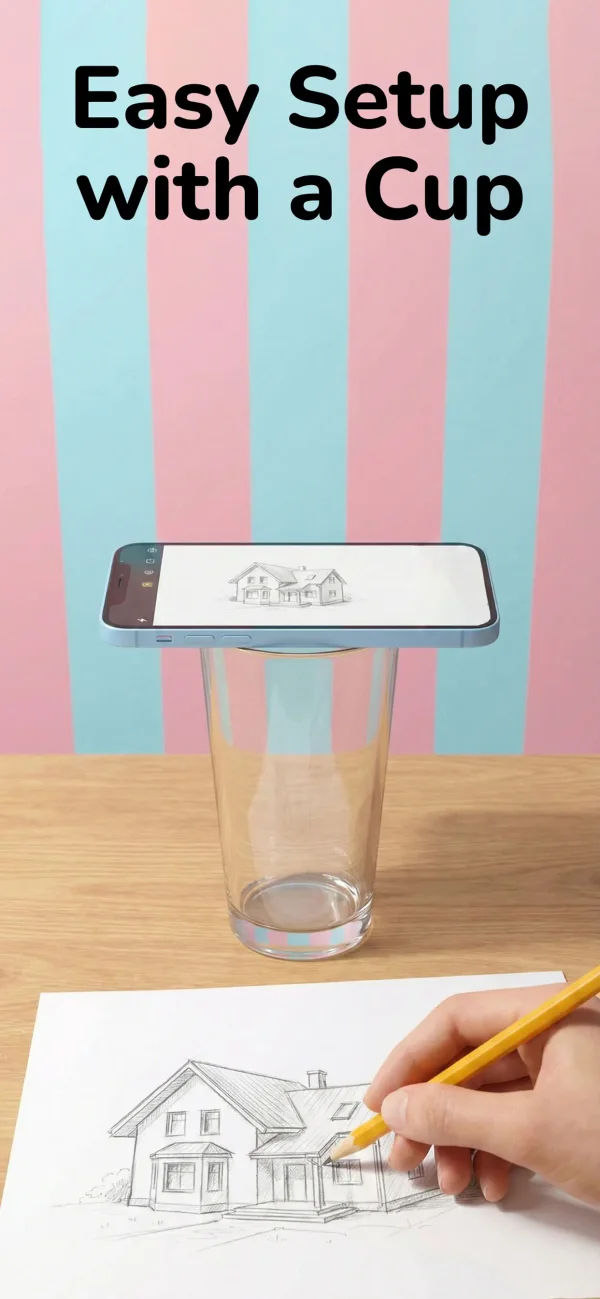
2. Position: Place your phone on a steady surface (like a cup, stack of books, or tripod).
3. Trace: Look through the screen and trace the lines onto the paper.
4. Share: Save your sketch and share your time-lapse video!
Why choose ArtBeam?
Unlike complex art apps, we focus on the physical experience of drawing on paper. We combine the fun of technology with the satisfaction of real sketching. It’s the ultimate how to draw assistant for everyone.
Download Trace Camera - ArtBeam today and unleash your inner artist! Start your ar sketch journey now.
https://ilkerb.com/drawing-projector/terms-of-use
新機能
バージョン 1.1.0 · 2026/4/7
Bug fixes and performance improvements.
アプリのプライバシー
このアプリのデータの取り扱いについて、ilker beriがApp Storeで申告している内容です。
-
データの収集なし
開発元はこのアプリからデータを収集しません。
プライバシーの取り扱いは、ご利用の機能やお客様の年齢などに応じて異なる場合があります。
情報
- 販売元
- ilker beri
- カテゴリ
- グラフィック/デザイン
- バージョン
- 1.1.0
- 更新日
- 2026/4/7
- リリース
- 2025/11/24
- サイズ
- 69.2 MB
- 必要条件
- iOS 15.1以降
- 対象年齢
- 4+
- 価格
- 無料
- アプリ内課金
- あり
- 言語
- 英語
- 著作権
- © 2025 İlker Beri
こちらもおすすめ
-
 トレース&スケッチ:イラスト模写練習 - AR Drawカメラ透過で紙にお絵描き!写真の線画変換・デッサン・下絵
-
 AR Drawing - DrawLens写し絵・なぞり描きアプリ
-
 Trace Cameraグラフィック/デザイン
-
 AR なぞり描き - TraceX写真をトレースして色塗り
-
 AR Drawing Projector: Draweeグラフィック/デザイン
-
 絵 イラスト トレース: InkAR紙に描く・模写 anime
-
 絵を描くアプリ AR写し絵 模写トレース:DrawLensイラスト&お絵描き デッサン 線画なぞり書きプロジェクター
-
 Easy Drawing, Sketch & Drawグラフィック/デザイン
-
 写し絵アプリ - Outlino写真を線画にARでトレース
-
 ARお絵かき:絵を写すアプリ&クロッキー | DrawTooトレーシングマットで楽しく描ける、なぞり書き&イラストアプリ