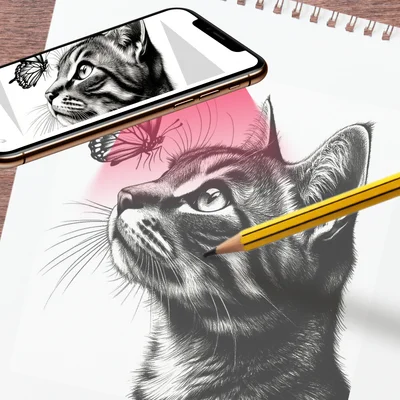
Trace Drawing with Camera App
Tracing Paper Sketching Smart
Designed for iPhone, iPad, iPod touch
Free · In-app purchases
- Age rating4+
- CategoryGraphics & Design
- DeveloperVan Thai Nguyen
- LanguagesEnglish
- Size133.0 MB
Links to the official App Store page
Download.org hosts no file of Trace Drawing with Camera App. The button opens its official App Store page, published by Van Thai Nguyen. Listing last checked on Nov 20, 2026.
Screenshots
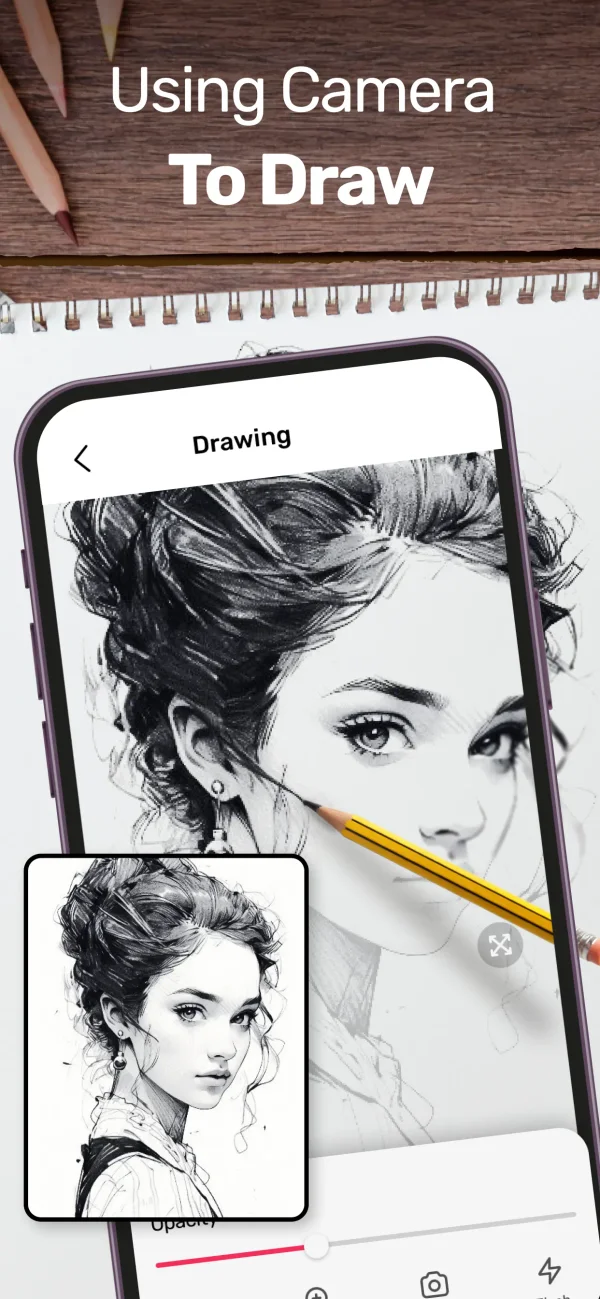
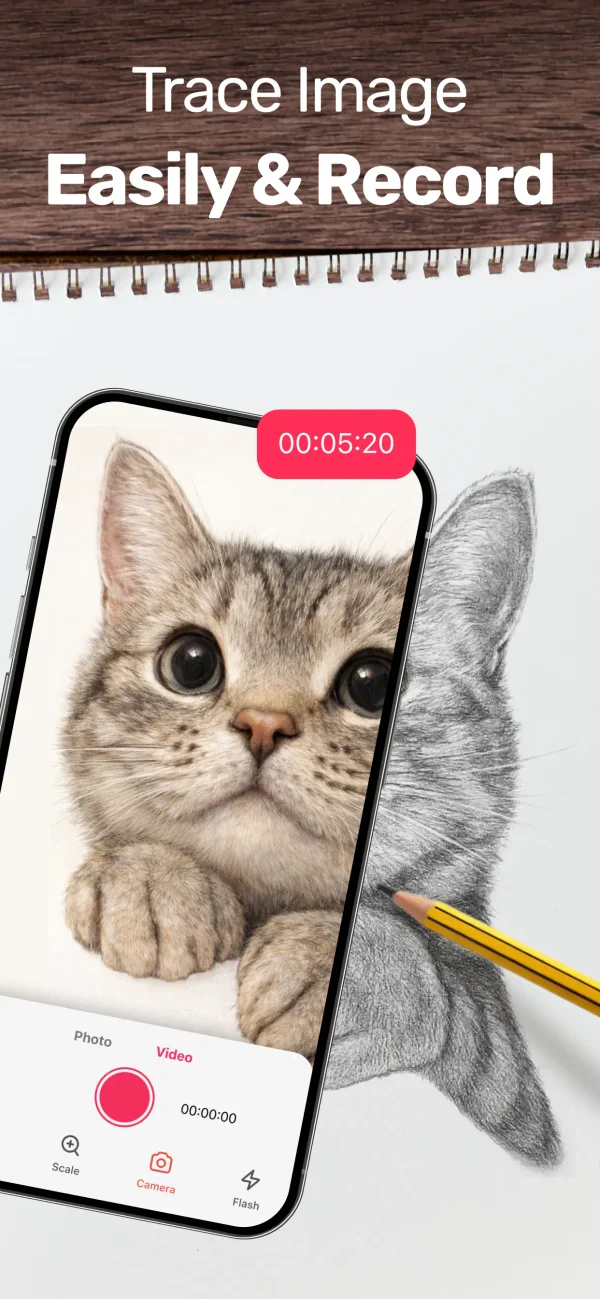
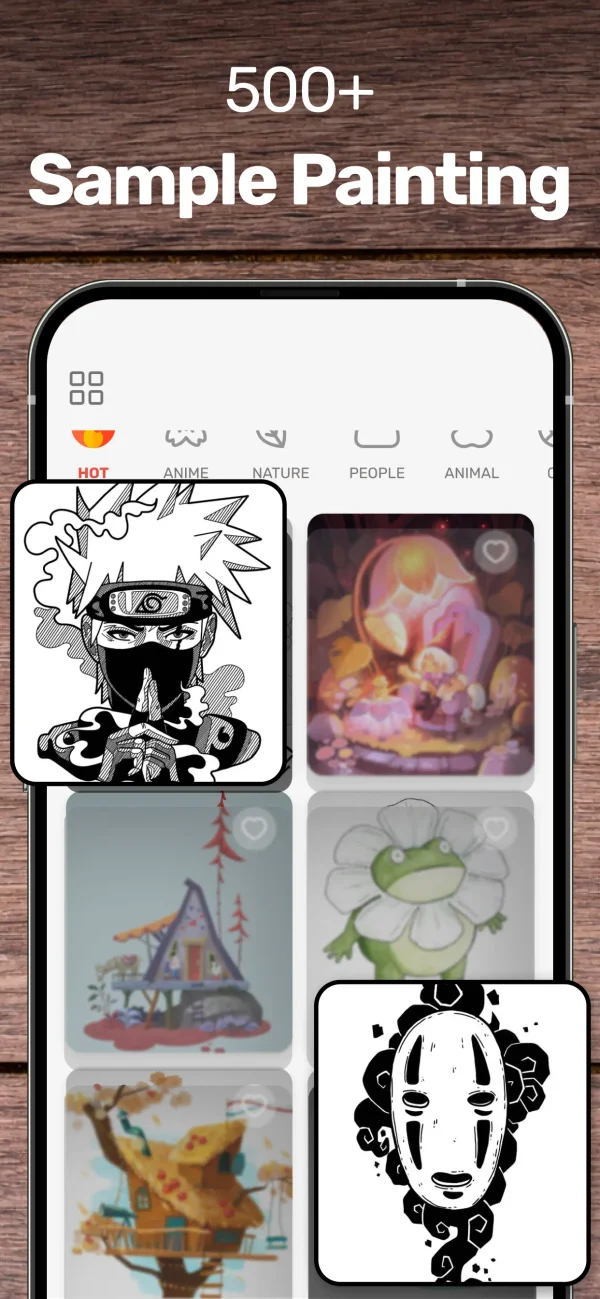
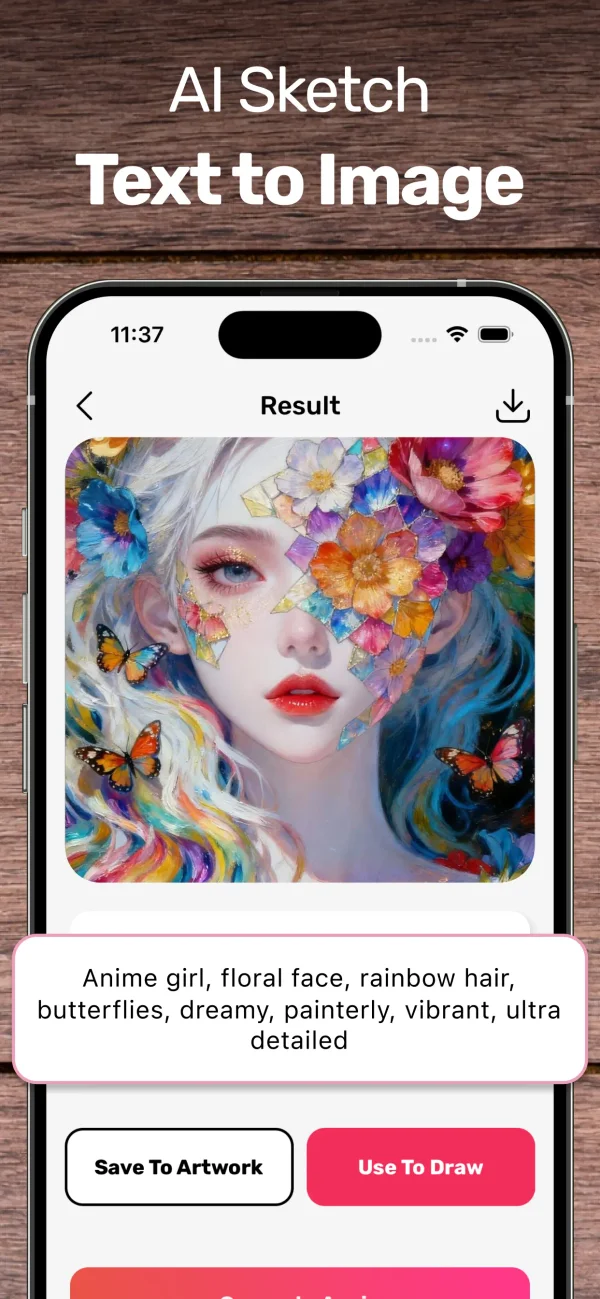
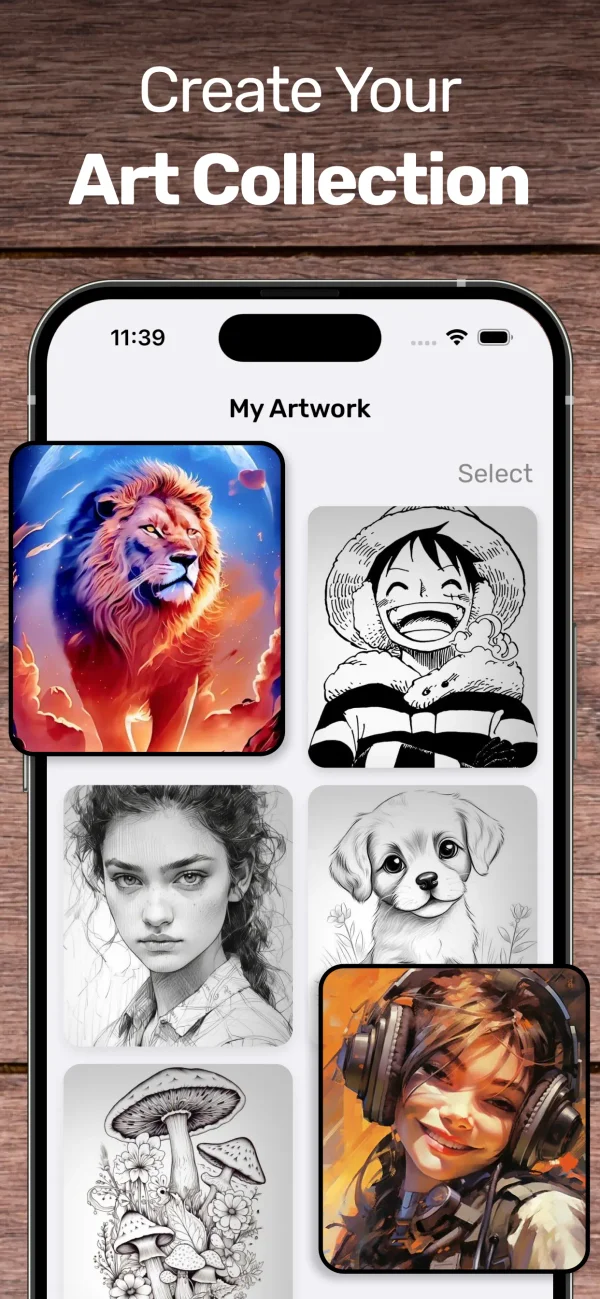
About
The Trace Drawing with Camera App revolutionizes the way you create art by harnessing the power of augmented reality technology. With this app, you have the freedom to sketch and paint on any surface, unleashing your creativity like never before.
Here's how it works:
Choose from our selection of artwork or upload your own high-quality images. Adjust the transparency and contrast of the image until it's perfect for tracing. Position your phone on a tripod or any stable surface above your canvas.
Begin tracing, and watch your creation come to life in an instant.
Key Features include:
- Record your drawing process to share with others.
- Utilize AI Sketch to generate images tailored to your preferences.
- Easily browse and import your own images into the app.
- Explore a wide range of topics, from Anime to Nature to Food.
- Save your artwork to build your own collection.
Whether you're a seasoned artist honing your skills or a beginner exploring the world of drawing, the AR Drawing Projector Sketcher is for you. Don't hesitate any longer—unlock your creative potential today!
Please note that subscription automatically renews unless auto-renew is cancelled at least 24 hours before the current period ends. Subscription fees are charged to your iTunes account upon confirmation of purchase. You can manage your subscription and disable auto-renewal in your Account Settings after purchase. Refunds are not provided for unused portions of the subscription term.
For further details, please refer to our Terms of Use
Terms of use: https://sites.google.com/view/ar-drawing-projector-sketcher/terms-of-service
Privacy policy: https://sites.google.com/view/ar-drawing-projector-sketcher/privacy-policy
What’s new
Version 1.0.2 · Apr 9, 2026
Minor bug fixes and performance improvements
App privacy
What Van Thai Nguyen declares on the App Store about how this app handles data.
-
Data used to track you
May be used to track you across apps and websites owned by other companies.
- Usage data
-
Data linked to you
May be collected and linked to your identity.
- Usage data
Privacy practices may vary, for example with the features you use or your age.
Information
- Seller
- Van Thai Nguyen
- Category
- Graphics & Design
- Version
- 1.0.2
- Updated
- Apr 9, 2026
- Released
- Apr 18, 2024
- Size
- 133.0 MB
- Requires
- iOS 15.0 or later
- Age rating
- 4+
- Price
- Free
- In-app purchases
- Yes
- Languages
- English
- Copyright
- © Nguyen Van Thai
You might also like
-
 AR Draw: Tracing Paper DrawingDraw Easy Trace to Sketch
-
 Tracing Projector Draw EasySketch Easily with Your Camera
-
 Smart Phone Sketcher DrawingAi Projector Eye Paper Copy AR
-
 AR Trace Projector & SketchTrace Drawing - How To Draw
-
 AR Draw - Trace AnythingStep by Step Drawing AR Sketch
-
 AR Draw Paint: Trace & SketchDrawing: Creative way to draw
-
 AR Magic Sketch with cameraArtist Draw, Brush, Paint
-
 PikTrace - AR Sketch & DrawSketch, Trace, and Draw in AR
-
 AR Sketch: Drawing & PaintTrace, Draw & Paint with AR
-
 Trace Drawing: Learn to SketchPhoto Trace, Draw & Paint App