Tracing Projector Draw Easy
Sketch Easily with Your Camera
Designed for iPhone, iPad, iPod touch
Free · In-app purchases
- Age rating4+
- CategoryGraphics & Design
- DeveloperPhuong Thao Vu Thi
- LanguagesEnglish
- Size79.1 MB
Links to the official App Store page
Download.org hosts no file of Tracing Projector Draw Easy. The button opens its official App Store page, published by Phuong Thao Vu Thi. Listing last checked on Nov 26, 2026.
Screenshots

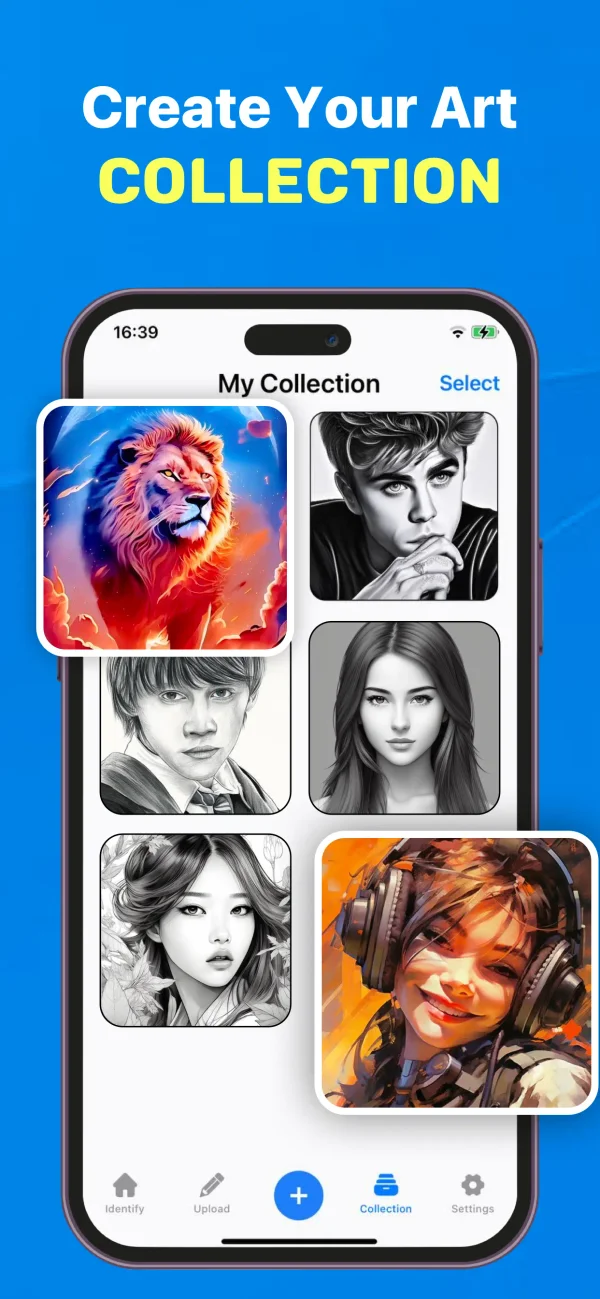
About
Tracing Projector Draw Easy helps you create beautiful drawings using camera-assisted tracing technology. Simply display an image on your screen and trace it onto paper with precision and ease.
Whether you're a beginner learning proportions or an experienced artist refining your technique, this app makes drawing more accessible and enjoyable.
How It Works
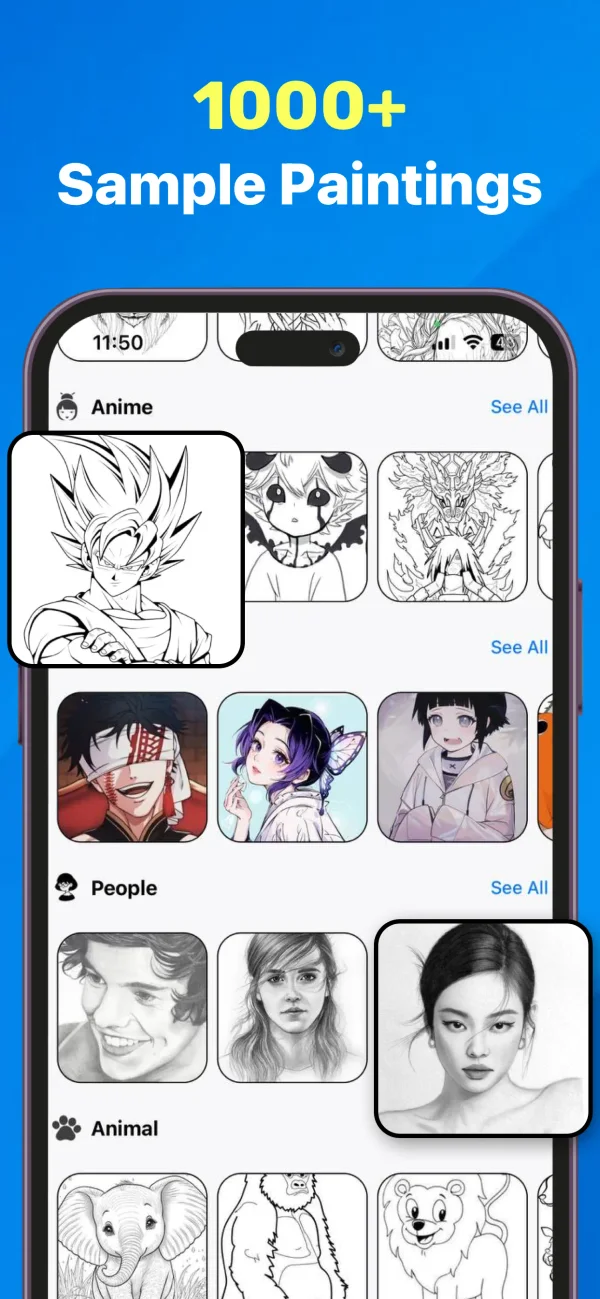
Choose from our built-in image library or upload your own high-quality photo
Adjust transparency and contrast to make the image easy to trace
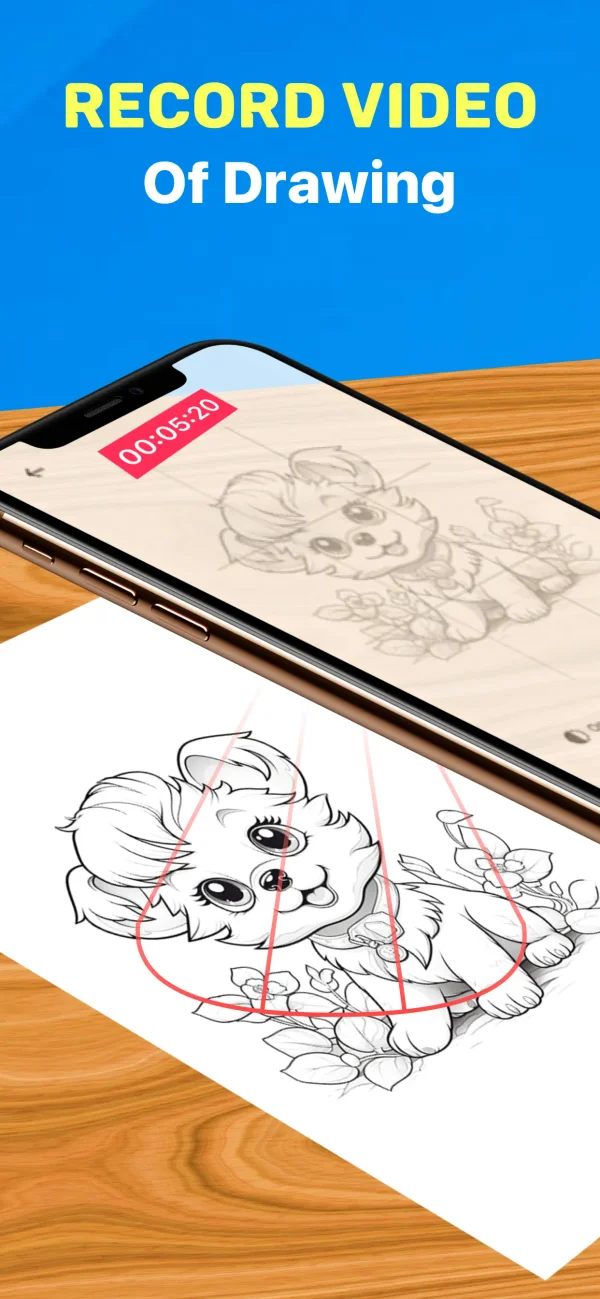
Position your phone on a tripod or stable surface above your paper
Trace the outlines and start creating instantly
Key Features
• Camera-assisted tracing
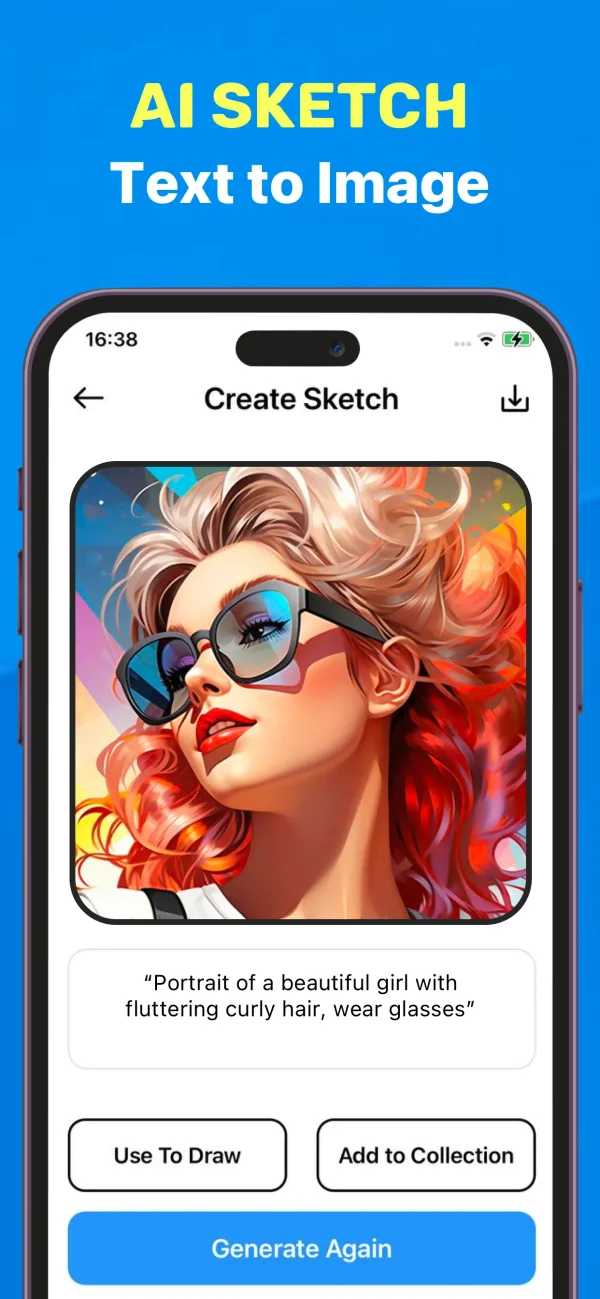
• AI Sketch image generation
• Import images from your gallery
• Multiple categories: Anime, Animals, Nature, Food, Portraits, and more
• Record your drawing process
• Save and organize your artwork
Designed for artists of all levels, Tracing Projector Draw Easy provides a simple and effective way to practice sketching, improve accuracy, and explore creativity.
Start tracing and bring your ideas to life today.
Tracing Projector Draw Easy is independently designed and developed. This application is not affiliated with, endorsed by, or associated with any other drawing or augmented reality application. All content, visuals, and features are created independently by our team.
Subscription Information
Subscription automatically renews unless auto-renew is cancelled at least 24 hours before the end of the current period. The subscription fee is charged to your iTunes account at confirmation of purchase. You can manage your subscription and turn off auto-renewal in your Account Settings after purchase. No cancellation of the current subscription is allowed during the active subscription period. Refunds will not be provided for any unused portion of the term.
Terms of Use:
https://sites.google.com/view/ardrawingtracingprojector/terms-of-service
Privacy Policy:
https://sites.google.com/view/ardrawingtracingprojector/privacy-policy
What’s new
Version 1.3.6 · Mar 23, 2026
bug fixed
App privacy
What Phuong Thao Vu Thi declares on the App Store about how this app handles data.
-
Data used to track you
May be used to track you across apps and websites owned by other companies.
- Usage data
-
Data linked to you
May be collected and linked to your identity.
- Usage data
Privacy practices may vary, for example with the features you use or your age.
Information
- Seller
- Phuong Thao Vu Thi
- Category
- Graphics & Design
- Version
- 1.3.6
- Updated
- Mar 23, 2026
- Released
- Aug 6, 2023
- Size
- 79.1 MB
- Requires
- iOS 15.0 or later
- Age rating
- 4+
- Price
- Free
- In-app purchases
- Yes
- Languages
- English
- Copyright
- © Vu Thi Phuong Thao
You might also like
-
 AR Drawing – Tracing ProjectorDraw Art with Smart Sketcher
-
 AR Tracing: Drawing by TayasuiTrace, Sketch & Draw on Paper
-
 AR Sketch Art: Camera DrawingTrace & Draw by WhatSticker
-
 AR Trace Projector & SketchTrace Drawing - How To Draw
-
 Smart Phone Sketcher DrawingAi Projector Eye Paper Copy AR
-
 AR Projector Tracing & DrawingTrace & Draw AI Photo on Paper
-
 AR Drawing How to Draw SketchTrace & Paint picture on paper
-
 Painter Eye: AR Drawing AppProjector, Sketch & Trace
-
 AR Sketch - Trace AnythingDraw AR - Trace to Photo
-
 Trace Drawing with Camera AppTracing Paper Sketching Smart