
Drawing Projector: AR Trace
How to Draw: Sketch & Paint
Designed for iPhone
Free · In-app purchases
- Age rating4+
- CategoryGraphics & Design
- DeveloperTUSE TECH LLP
- LanguagesEnglish
- Size29.9 MB
Links to the official App Store page
Download.org hosts no file of Drawing Projector: AR Trace. The button opens its official App Store page, published by TUSE TECH LLP. Listing last checked on Nov 13, 2026.
Screenshots
About
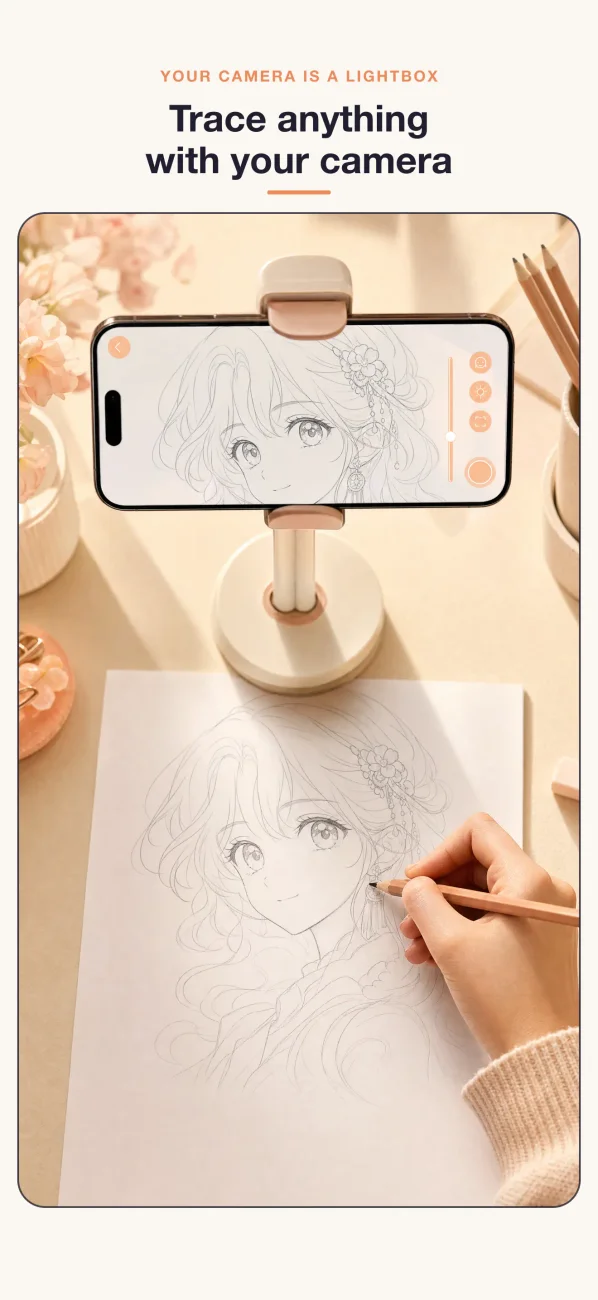
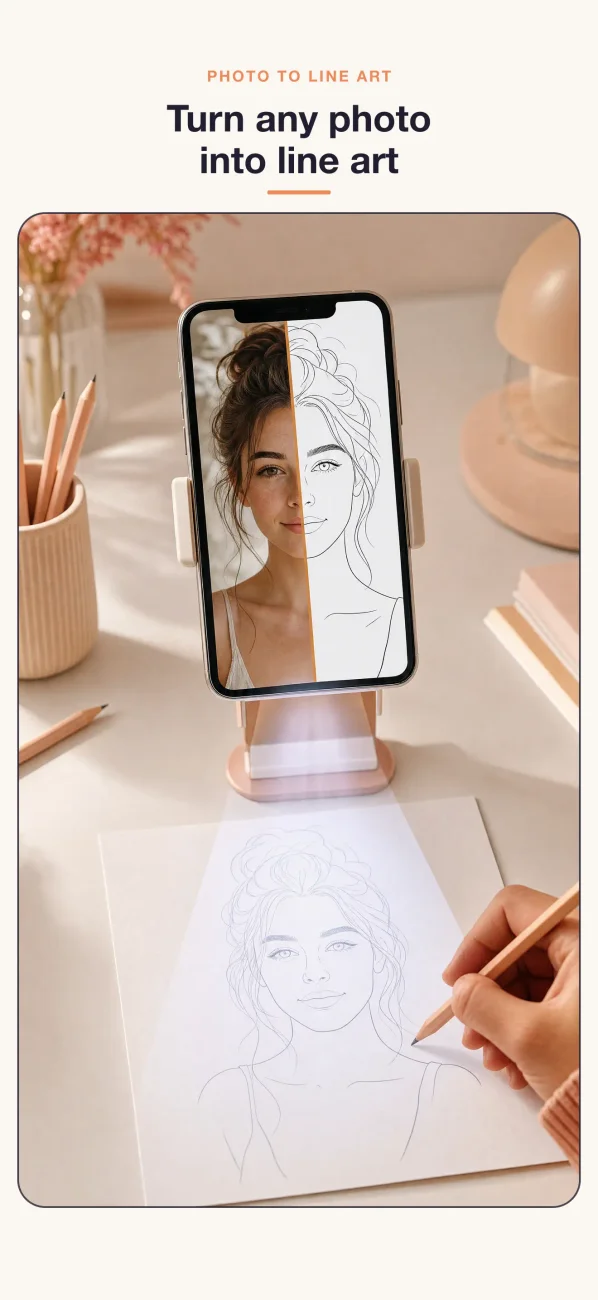
Turn any photo or template into traceable line art — then project it live through your camera onto paper and trace with a real pencil.
Drawing Projector: AR Trace converts your image to clean edge art on-device (no internet required), then overlays it semi-transparent over your live camera feed. Position your phone above the paper, adjust opacity, lock the frame, and trace stroke by stroke — just like a classic drawing projector, right from your pocket.
CORE FEATURES
• Camera lightbox overlay — project any image as transparent line art onto paper
• Opacity & lock controls — dial in the perfect trace opacity, freeze the frame while you draw
• Flashlight & grid — illuminate your paper and keep proportions true
• Photo to line art — convert any photo to traceable edges, entirely on-device
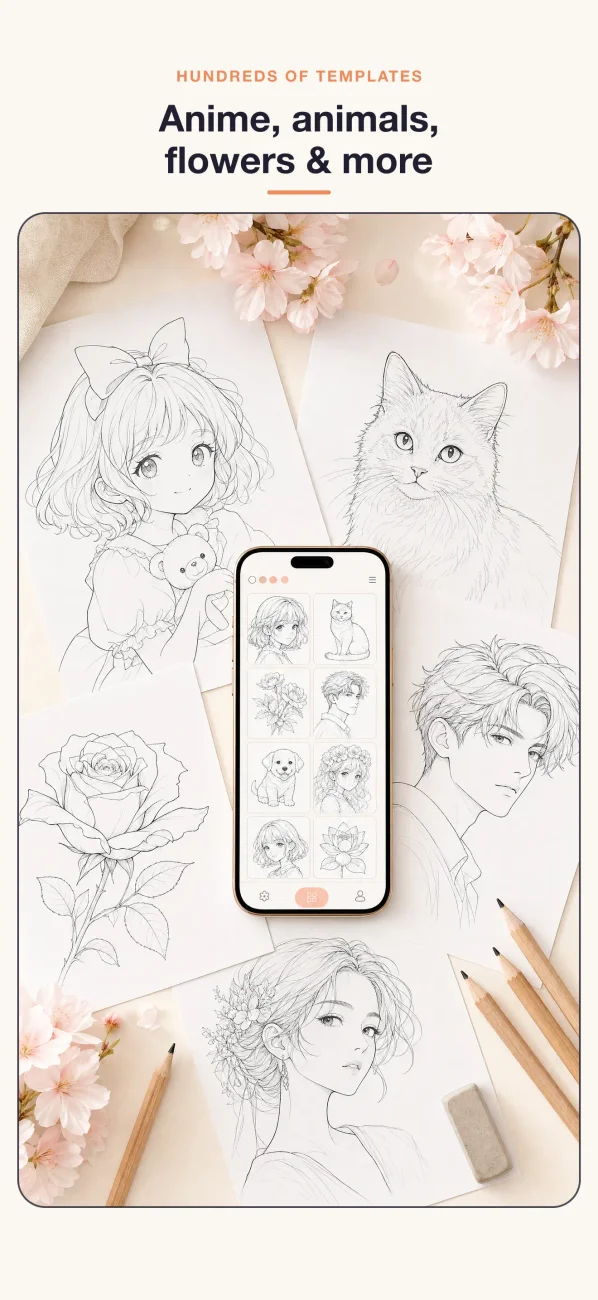
• Built-in template library — anime characters, animals, flowers, and more to start instantly
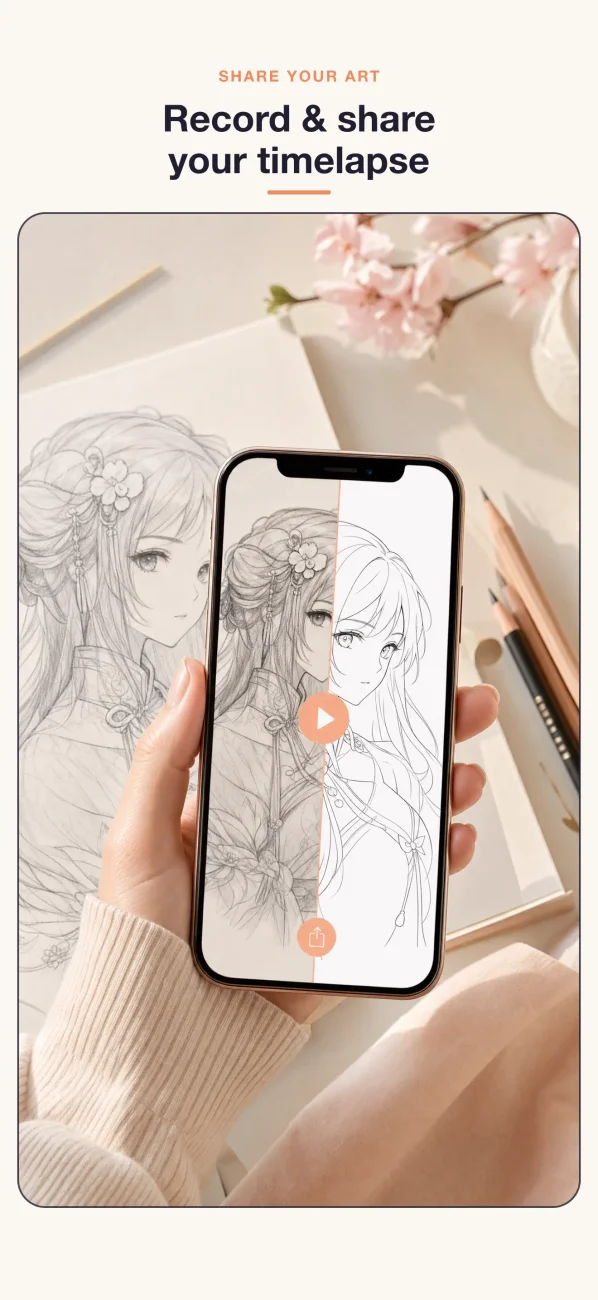
• Timelapse recording — every tracing session is captured frame-by-frame; export your draw-with-me video and share it
• Daily draw streak — build a habit with a streak counter and local reminder each day
• Progress gallery — before/after view of every finished project
WORKS OFFLINE
Import, convert, trace, and export your entire session in Airplane Mode. All processing is on-device.
Creative tracing aid — camera lightbox for drawing. See Settings → Legal for full disclaimer.
EULA - https://www.apple.com/legal/internet-services/itunes/dev/stdeula/
What’s new
Version 1.2.3 · Oct 29, 2026
Trace with outlines on a transparent background.
Choose a template or convert a photo to line art for your next drawing.
Look for the new pencil-and-heart app icon.
App privacy
What TUSE TECH LLP declares on the App Store about how this app handles data.
-
Data used to track you
May be used to track you across apps and websites owned by other companies.
- Identifiers
-
Data not linked to you
May be collected but is not linked to your identity.
- Identifiers
Privacy practices may vary, for example with the features you use or your age.
Information
- Seller
- TUSE TECH LLP
- Category
- Graphics & Design
- Version
- 1.2.3
- Updated
- Oct 29, 2026
- Released
- Jul 17, 2026
- Size
- 29.9 MB
- Requires
- iOS 16.0 or later
- Age rating
- 4+
- Price
- Free
- In-app purchases
- Yes
- Languages
- English
- Copyright
- © Tuse Tech LLP
You might also like
-
 Drawing Art & Sketch: ArtworkDraw on paper, trace & paint
-
 Drawing Projector - Trace&DrawSketch, AI Styles & Templates
-
 Drawing Projector LiteTrace Photos & Sketches
-
 Photo to Sketch: AI AR DrawingSketchbook, Trace & Pencil Art
-
 AR Draw Sketch: Trace ArtDraw Anime, Tattoo & Art
-
 Trace Drawing & Projector - ARTracing,Draw & Learn Anime Art
-
 AR Trace: Drawing ProjectorSketch Photos on Paper Easily
-
 AR Drawing Projector: Draw ArtTrace to Sketch Paint on Paper
-
 Tracer: AR TracingTrace any image, anywhere
-
 AR Trafaret: Drawing & SketchAR Stencil for Drawing