
- Age rating4+
- CategoryUtilities
- DeveloperShuhei Sakai
- LanguagesEnglish+ 1 more
- Size33.6 MB
Links to the official App Store page
Download.org hosts no file of TradeSimuFx. The button opens its official App Store page, published by Shuhei Sakai. Listing last checked on Nov 27, 2026.
Screenshots
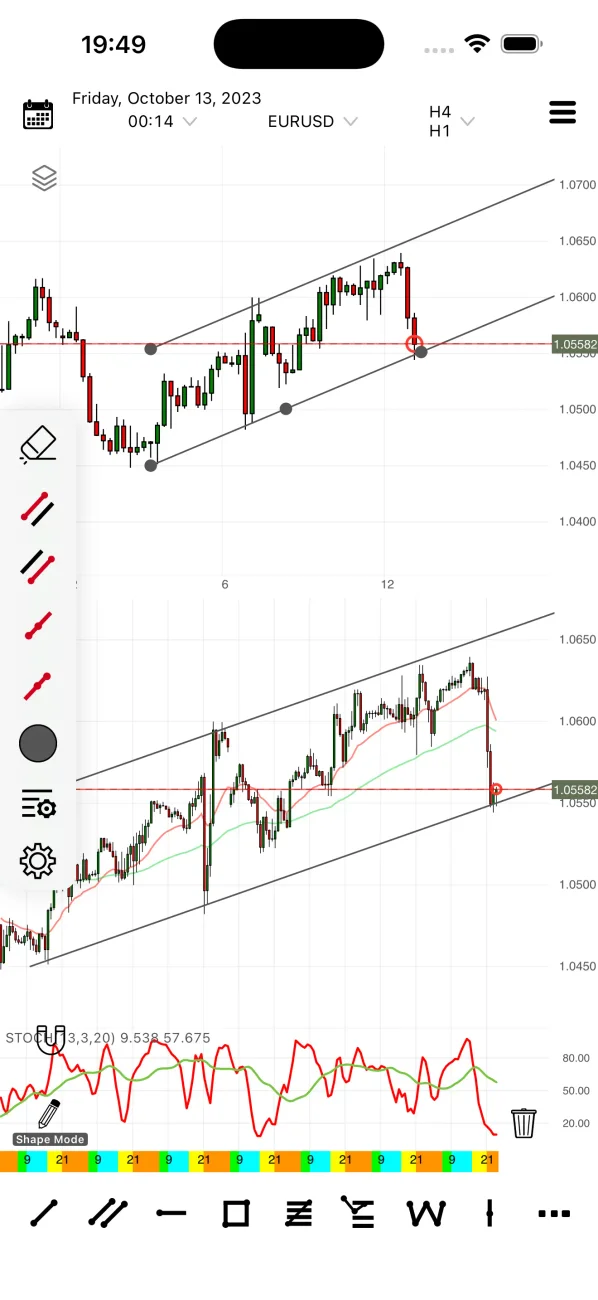


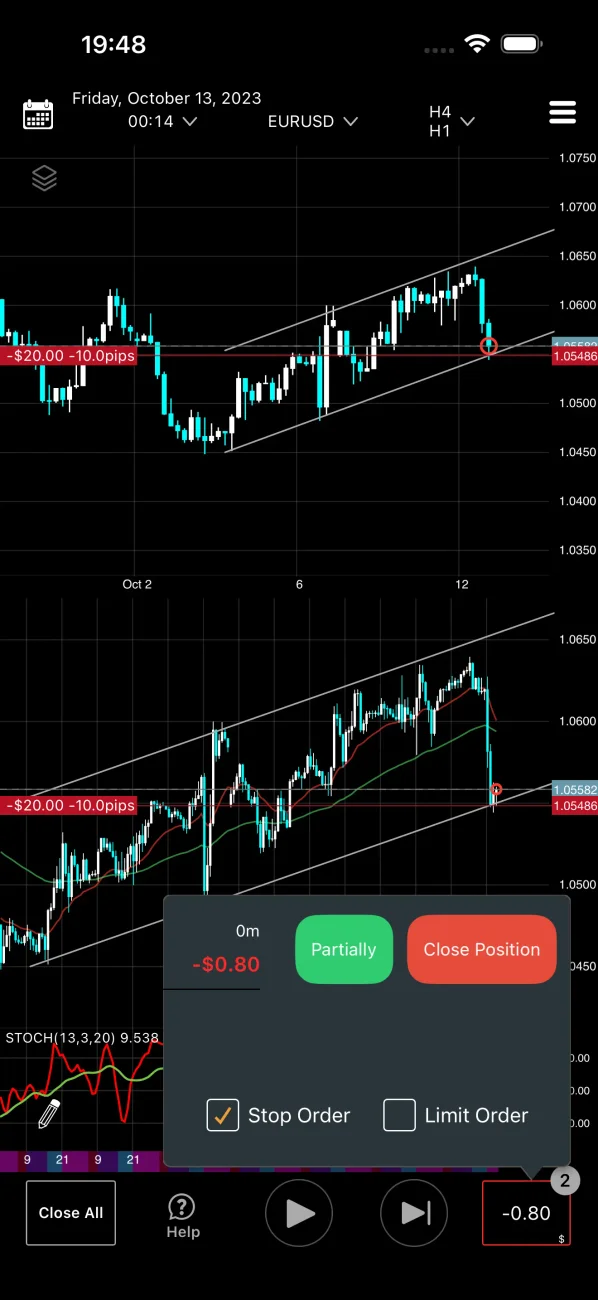

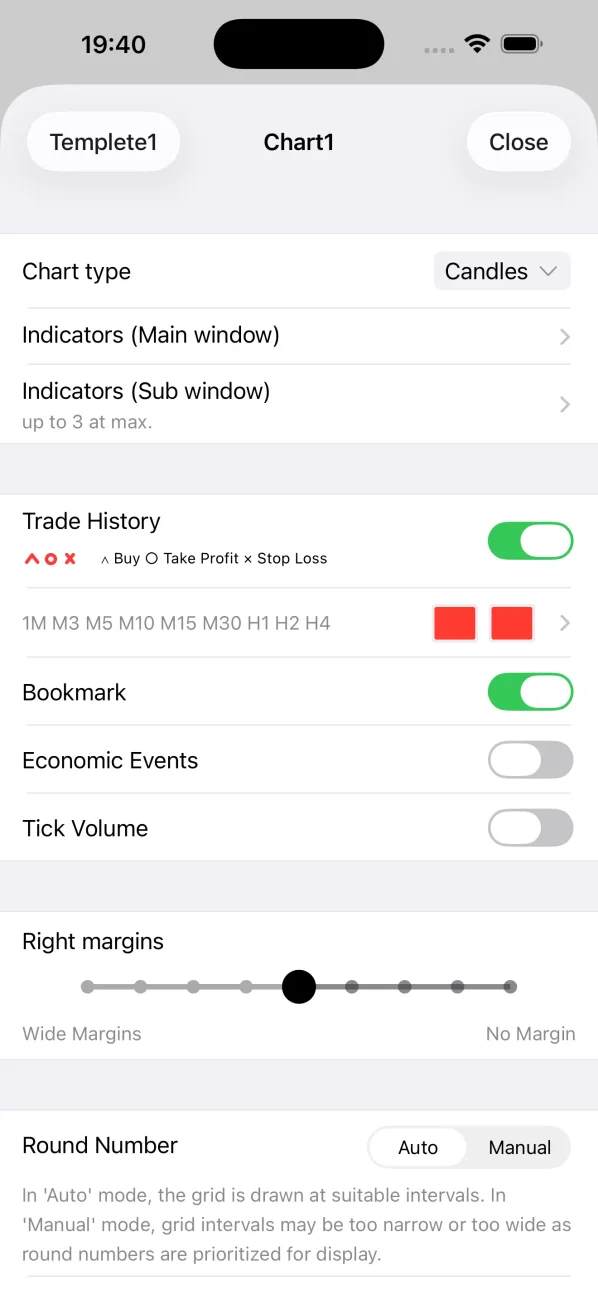
About
Replay historical Forex charts to practice and test your trading.
This app has no real-money trading features (no deposits or withdrawals, no live orders, and no broker account linking).
Features
- Replay past Forex charts.
- Chart data is available from 2015 onwards.
- 20 symbols: 19 currency pairs, including EURUSD and USDJPY, plus XAUUSD (gold).
- Timeframes: 1m, 3m, 5m, 10m, 15m, 30m, 1h, 2h, 4h, 8h, 12h, daily, weekly, and monthly.
About the data
- All data is historical. It is not real-time.
- Data for Forex currency pairs is added every Sunday for the previous week.
- The calendar for each new month is added through app updates. To view charts for the next month, please update the app to the latest version.
- XAUUSD data is added only with app updates, not every week.
- No data is added between Christmas and New Year.
About accuracy
- This app uses 1-minute data, so second-based timeframes are not available.
- The spread is a fixed value for each currency pair (you can change it in the settings). Actual spreads change constantly, so results may differ from real trading, especially during news releases and around the daily rollover at the New York close.
- Pips are converted to amounts using a fixed exchange rate for each month. Actual rates change constantly, so the calculated amounts are approximate.
- We aim to calculate each indicator as accurately as possible, but values may differ slightly from other charting software due to differences in price data between brokers.
Notes
- This app is a simulator. You cannot buy or sell real currencies with it.
- This app does not solicit or recommend Forex trading.
- There is no Mac version.
For more details, please visit our developer website:
https://tradesimu.com/en
By downloading this app, you agree to our Terms of Service:
https://tradesimu.com/en/terms
Privacy Policy:
https://tradesimu.com/en/privacy
What’s new
Version 4.16 · Nov 25, 2026
[New Features & Improvements]
- Added an analysis to Price Movement Analysis that compares risk-reward based on the stop loss distance (Price Movement Analysis > Compare Risk-Reward).
- You can now enter or edit the "Entry Stop Loss" of closed trades from the trade menu of each day in the calendar and from All History.
- Added "Set Entry Stop Loss" to the Summary tab of the data sheet. It appears when some trades have no entry stop loss recorded.
- In Review Mode, long-press a trade in the list to move to Before Entry or After Exit, enter its entry stop loss, or delete it.
- Added "Delete Selected" to the "..." menu of the Trading History tab of the data sheet, so you can delete checked trades at once.
- Added "Quick Settings" (iPad only). Settings you star in Settings > Quick Settings can be switched quickly from the gear button on the chart.
- Moved Risk of Ruin to the Amount tab of the data sheet. It now shows the numbers in English as well.
- The setting that keeps the chart data cache from being deleted automatically, and the notices shown when the cache has been deleted, are now available in English.
[Auto Entry Improvements]
- Added the "Contrarian Averaging" strategy to Auto Entry.
[Bug Fixes]
- Fixed an issue where a "Text" drawing placed by tapping the chart was drawn at the default font size, even though the input screen showed the previous font size. (Changing the font size once on the input screen used to apply it.)
- Fixed an issue where, with "Count bulk closure as one entry" turned on, closing two or more positions at once (Close All, or stop loss/take profit) while the calendar was showing a month two or more months away from the month of the closed positions saved only the combined row of the bulk closure, and not the record of each position. (The positions did not appear in the calendar's daily trades and were not counted in the data sheet statistics.) Trades whose records were already lost cannot be restored.
[Others]
- Added the December calendar.
[Notice]
- The last FX chart data update this year will be on Sunday, December 20. FX data for the weeks from December 21 will be added after the New Year.
- We plan to release an update adding the January calendar on or after January 4. The data for those weeks will be available after this update.
App privacy
What Shuhei Sakai declares on the App Store about how this app handles data.
-
Data not linked to you
May be collected but is not linked to your identity.
- Usage data
- Diagnostics
Privacy practices may vary, for example with the features you use or your age.
Information
- Seller
- Shuhei Sakai
- Category
- Utilities
- Version
- 4.16
- Updated
- Nov 25, 2026
- Released
- Jun 23, 2020
- Size
- 33.6 MB
- Requires
- iOS 17.5 or later
- Age rating
- 4+
- Price
- $1.99
- Languages
- English, Japanese
- Copyright
- © Shuhei Sakai
You might also like
-
 LightSpectrum ProUtilities
-
 Panecal Plus Sci. CalculatorMultiline editable calculator
-
 Y!News Excluder for SafariY!News Excluder for Safari
-
 FX検証リプレイUtilities
-
 AnyFont install fonts & finderFont book for word, design,art
-
 Tire Calculator (Offset&Speed)Offset & speed error calc.
-
 LIQUID eKYCUtilities
-
 iFloating Clock - RealtimeClock, Timer and Countdown
-
 かんたん利益計算 - せどりやフリマの売上管理のおともにUtilities
-
 深視力トレーニングシミュレータUtilities