- Age rating4+
- CategoryUtilities
- DeveloperTRANSCREEN TECHNOLOGY SDN. BHD.
- LanguagesEnglish+ 16 more
- Size12.7 MB
Links to the official App Store page
Download.org hosts no file of tranScreen. The button opens its official App Store page, published by TRANSCREEN TECHNOLOGY SDN. BHD. Listing last checked on Nov 14, 2026.
Screenshots

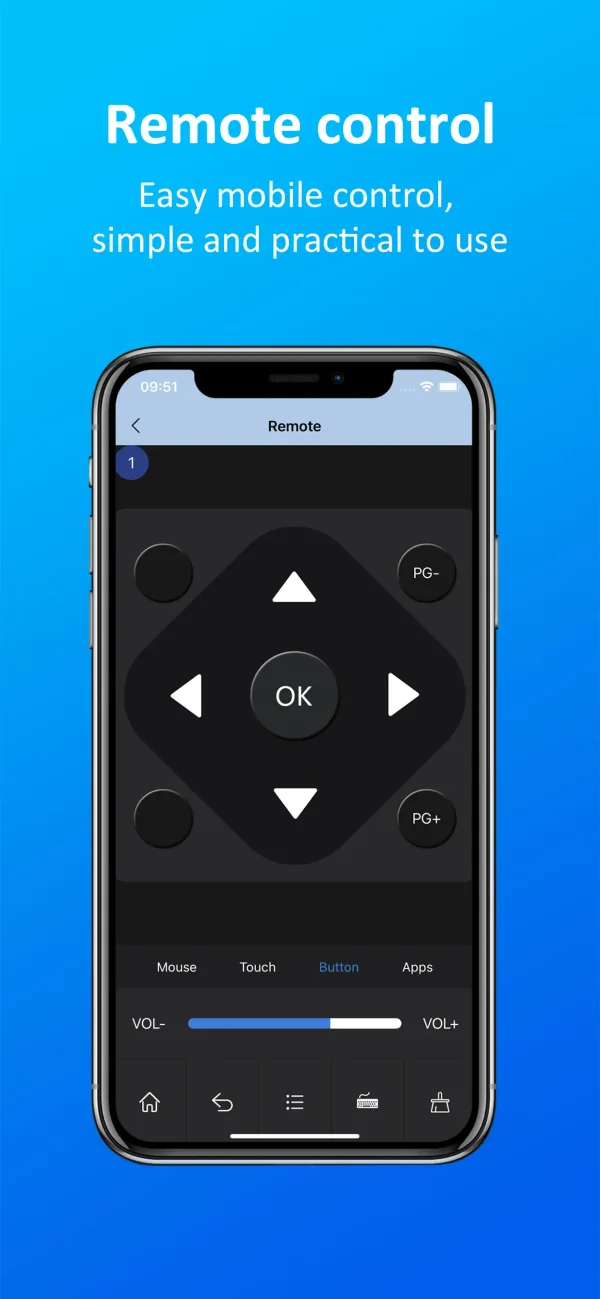
About
Professional and efficient projection expert
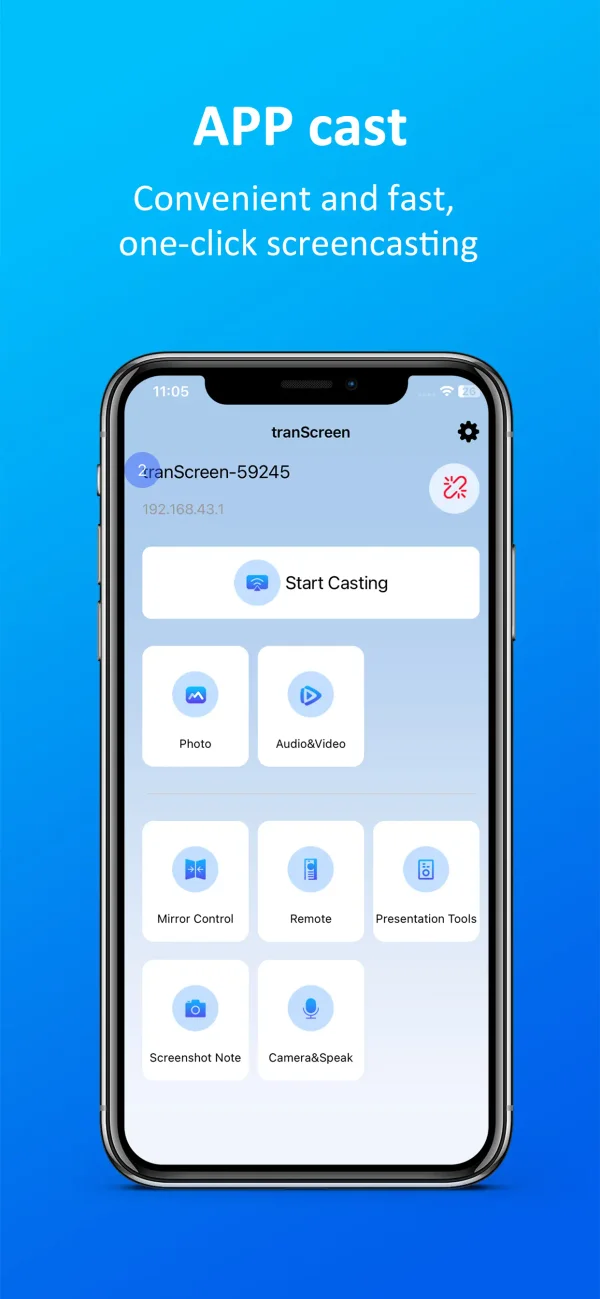
tranScreen is a multi-screen interactive software for interaction between smart phones and smart TVs.
The main functions are as follows:
1. Push the screen picture on the mobile phone wirelessly to display on the TV.
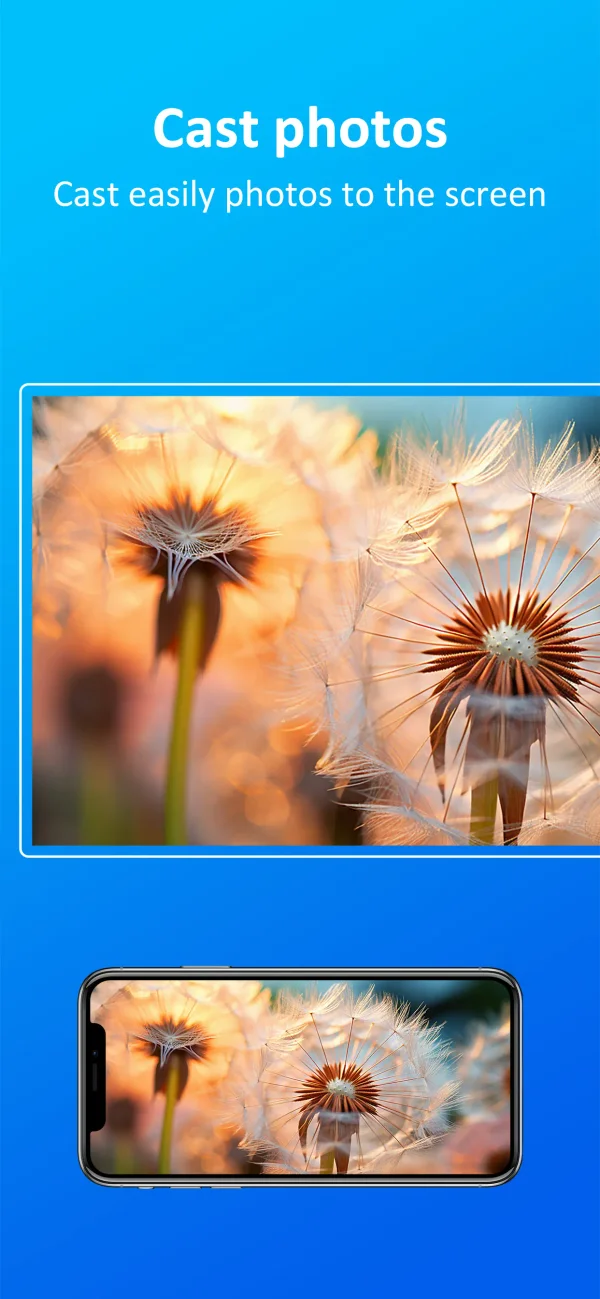
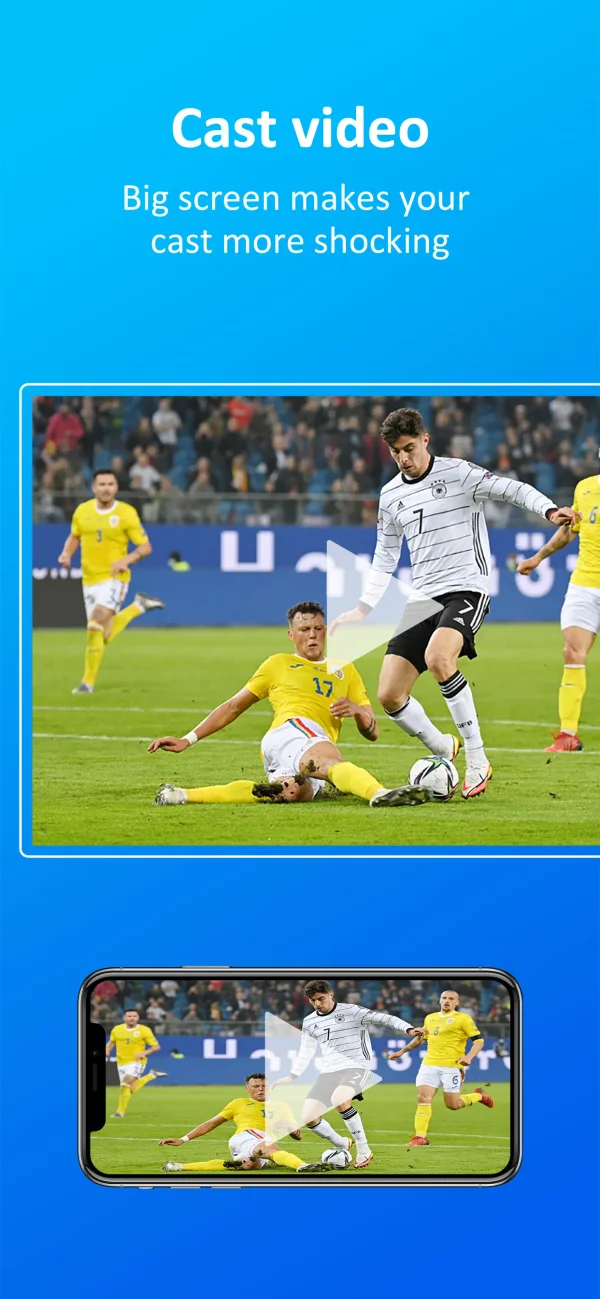
2. Push the files (videos, audios, pictures, documents... etc.) on the phone to the TV.
3. Wirelessly transmit the screen picture of the TV terminal to the mobile phone for display, and can directly perform multi-touch on the TV terminal through the touch screen of the mobile phone.
4. The mobile phone can be used as a wireless mouse, keyboard, touchpad and remote control for the TV.
5. Push the shooting screen of the mobile phone camera to the TV in real time, and you can speak on the TV through the mobile phone microphone.
6. The mobile phone can take a screenshot of the TV screen in real time, and save and view it on the mobile phone.
What’s new
Version 7.8 · Jul 10, 2026
1. Fixed the issue where the mirror control interface could not be used in landscape mode.
2. Fixed the issue where the NFC tag failed to successfully connect to Wi-Fi for the second time during the automatic connection process.
App privacy
What TRANSCREEN TECHNOLOGY SDN. BHD. declares on the App Store about how this app handles data.
-
Data not linked to you
May be collected but is not linked to your identity.
- Location
- User content
Privacy practices may vary, for example with the features you use or your age.
Information
- Seller
- TRANSCREEN TECHNOLOGY SDN. BHD.
- Category
- Utilities
- Version
- 7.8
- Updated
- Jul 10, 2026
- Released
- Aug 7, 2019
- Size
- 12.7 MB
- Requires
- iOS 12.0 or later
- Age rating
- 4+
- Price
- Free
- Languages
- English, Arabic, French, German, Indonesian, Italian, Japanese, Korean, Malay, Polish, Portuguese, Russian + 5 more
- Copyright
- © TRANSCREEN TECHNOLOGY SDN. BHD.
You might also like
-
 HY300 4K Smart Projector GuideApp Pro Remote Manual Setup
-
 Remote, Mouse and KeyboardFor Apple TV, Mac and PC
-
 Mobile Mouse Bluetooth RemoteWireless Touchpad & Keyboard
-
 Remote for Android TVFor Android and Google TV
-
 Miracast: Screen Mirroring TVCast photo/video/IPTV & mirror
-
 Remote MouseHandy Computer Remote
-
 TV CastingFormerly WhalePlay
-
 Remote Control for Android TVControl Your Smart TV & TV Box
-
 Screen Mirroring・Air TV CastWeb Video Cast&TV Mirror Share
-
 Zank Remote for Smart TVs, BoxUniversal remote for your TVs