Remote Mouse
Handy Computer Remote
Designed for iPhone, iPad, iPod touch
Free · In-app purchases
- Age rating4+
- CategoryUtilities
- Developer耀 阮
- LanguagesEnglish+ 24 more
- Size50.6 MB
Links to the official App Store page
Download.org hosts no file of Remote Mouse. The button opens its official App Store page, published by 耀 阮. Listing last checked on Nov 23, 2026.
Screenshots
About
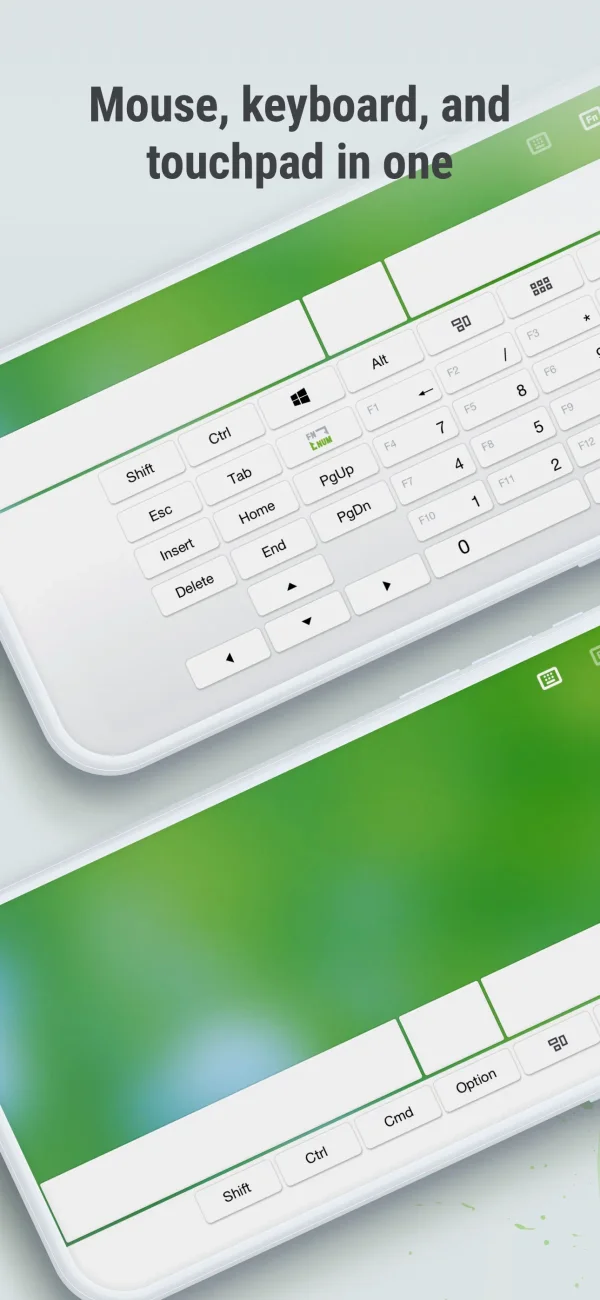
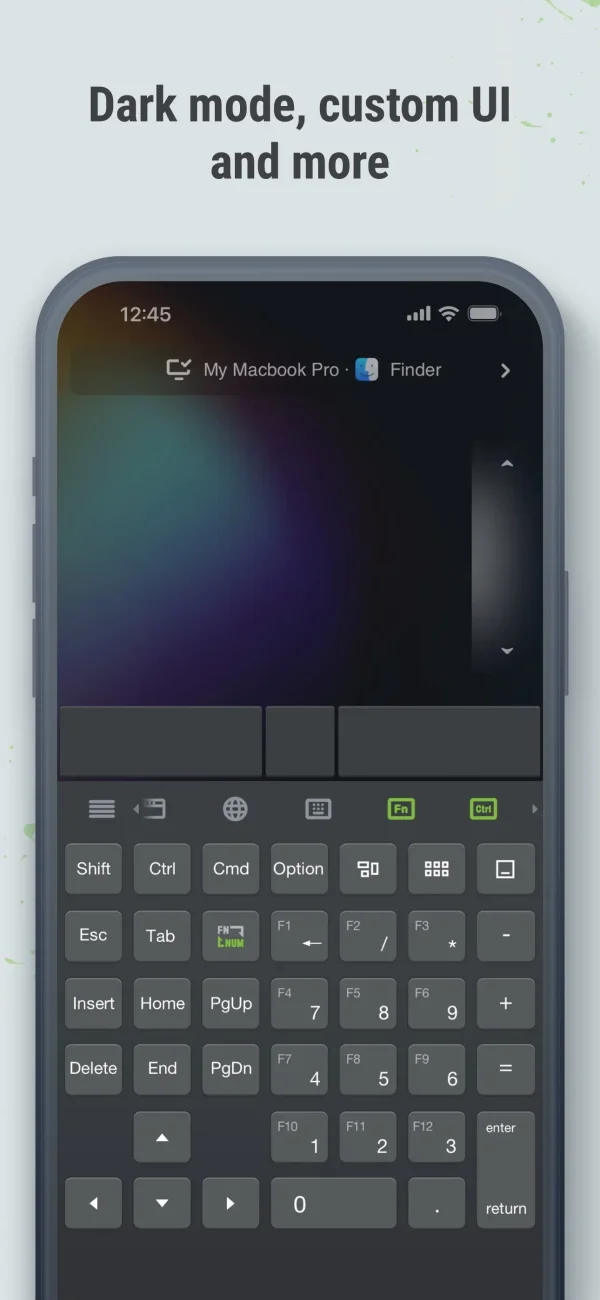
Remote Mouse™ turns your mobile device into a powerful remote control app for your PC or Mac. Use your phone or tablet as a wireless mouse, keyboard, and touchpad — complete with multi-touch gestures and media controls. Whether you're watching movies, controlling a presentation, or browsing the web from your couch, Remote Mouse™ offers an effortless way to control your computer remotely.
With over 20 million users and featured by CNET, Mashable, and Product Hunt, Remote Mouse™ offers one of the most elegant solutions to computer control from mobile.
What you can do:
Mouse
• Control the cursor like a real PC mouse
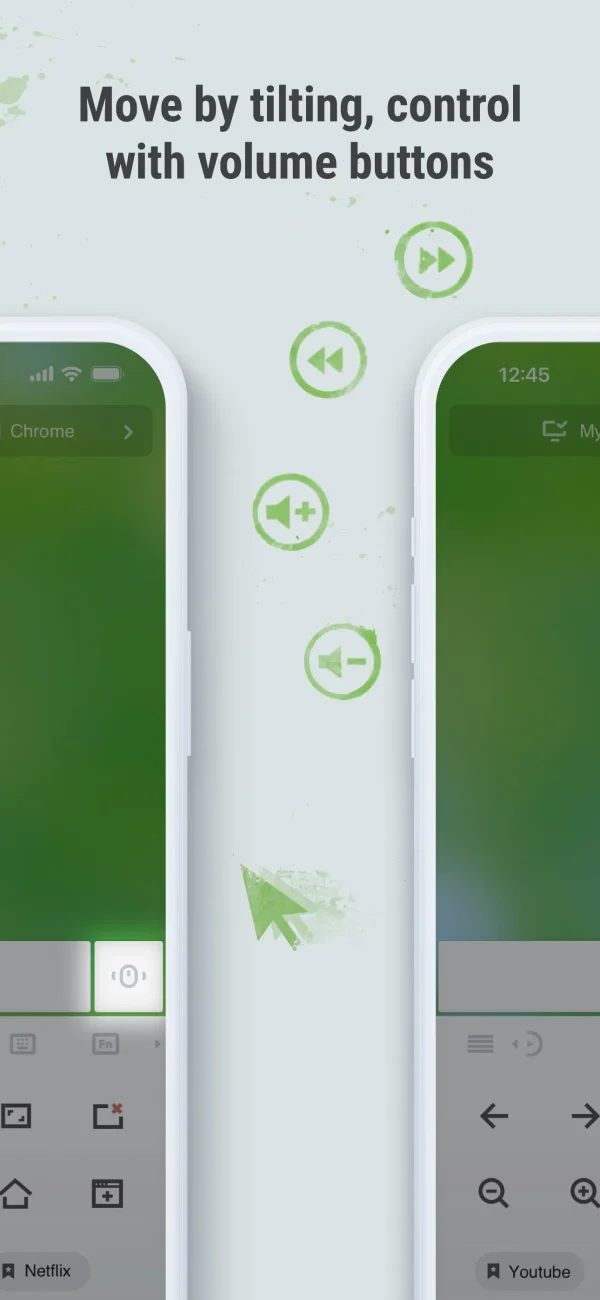
• Move using your phone’s gyroscope (Gyro Mouse)
• Left-handed mode support
Keyboard
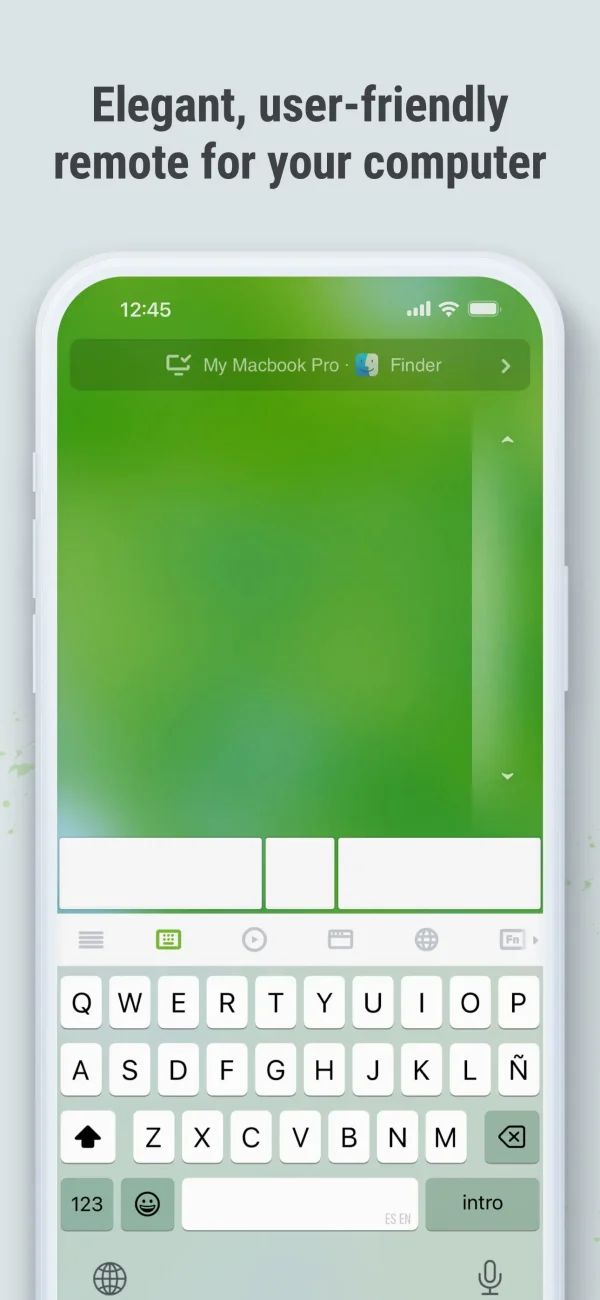
• Type remotely in any language
• Use voice input (if supported by your soft keyboard)
• Send system and app shortcuts
• Adaptive layouts for Mac or PC
• Use your phone as a remote keyboard for your computer
Touchpad
• Simulates Apple Magic Trackpad
• Supports multi-touch gestures
• Ideal wireless touchpad app for remote navigation
Specialty Panels
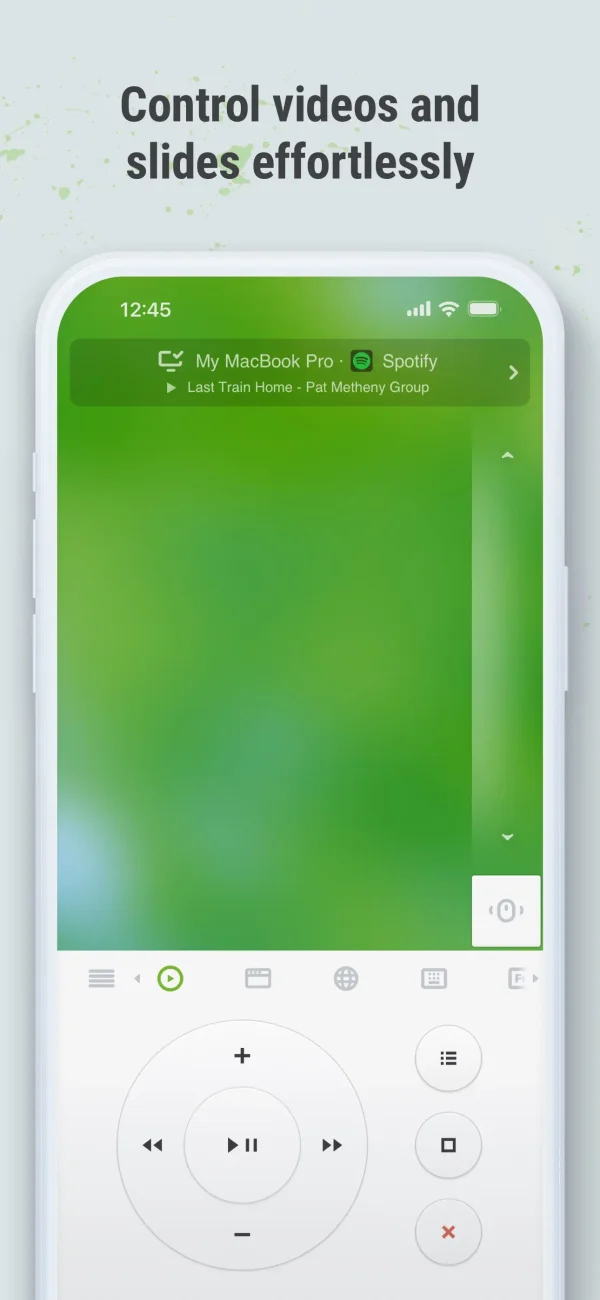
• Media Remote: Control videos, music, and presentations across apps and sites like YouTube, Netflix, Disney+, Apple TV+, VLC, Spotify, and more.
• Browser Remote: Navigate Chrome, Firefox, and Opera
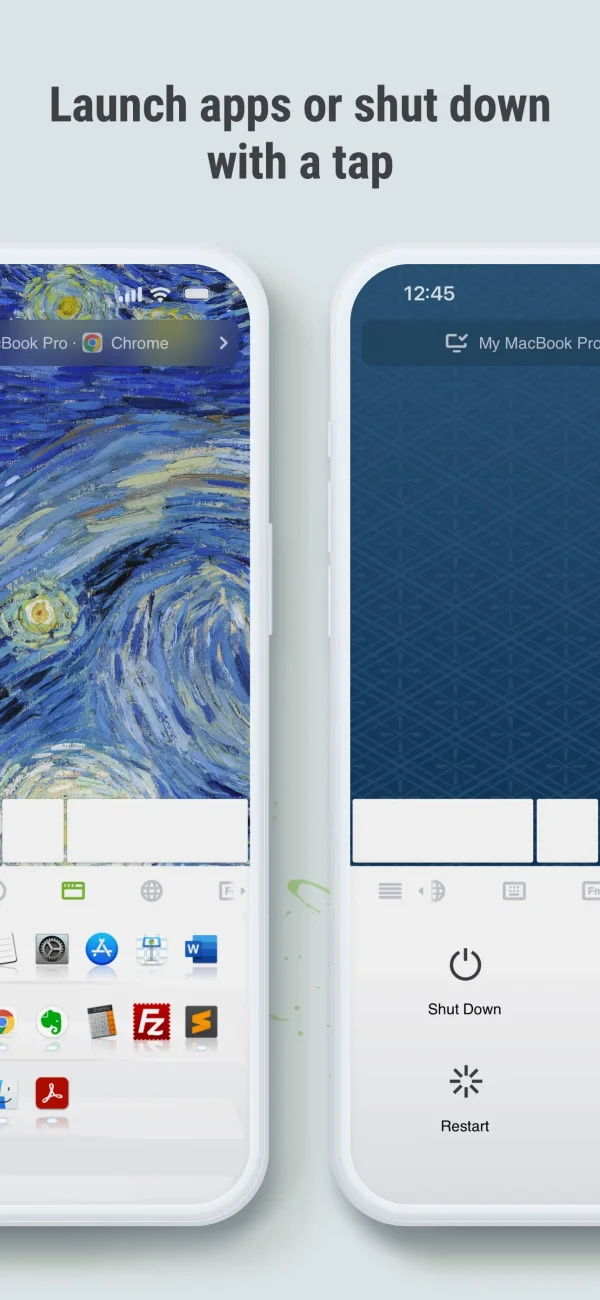
• App Switcher: Launch and switch between apps
• Power Options: Shut down, sleep, or restart remotely
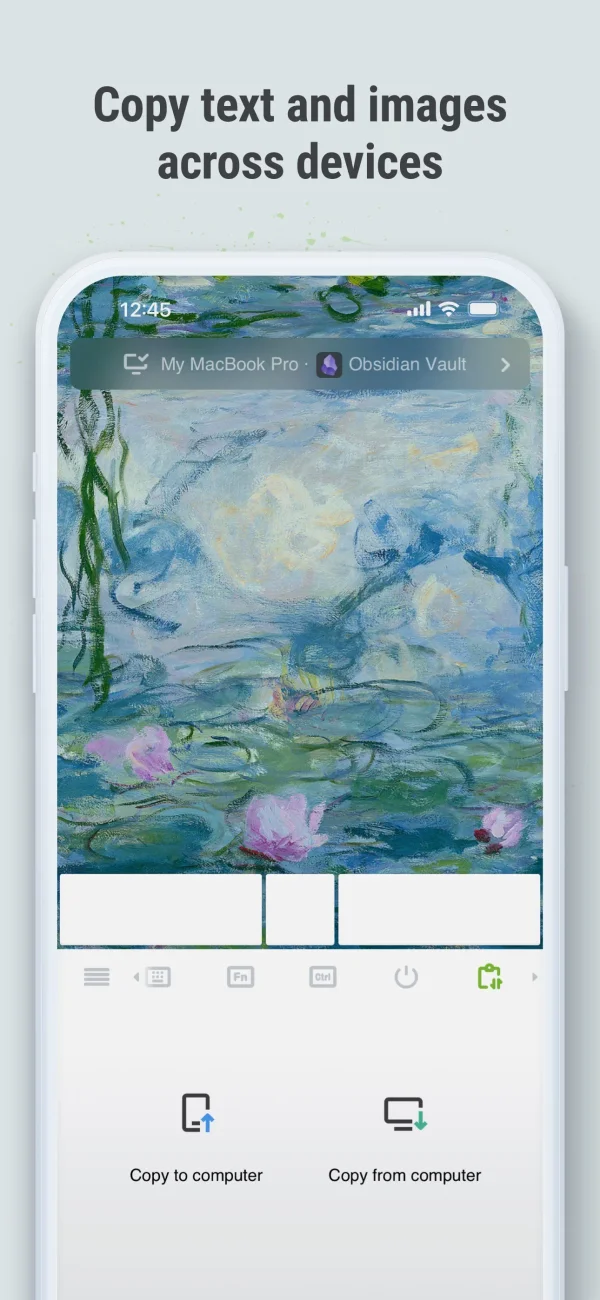
• Clipboard Sync: Copy and paste text/images across devices
Other features
• Control volume using physical phone buttons
• Secure the connection with a password
• Reorder specialty panels
• Customize your remote with personal wallpapers
Connection & Compatibility
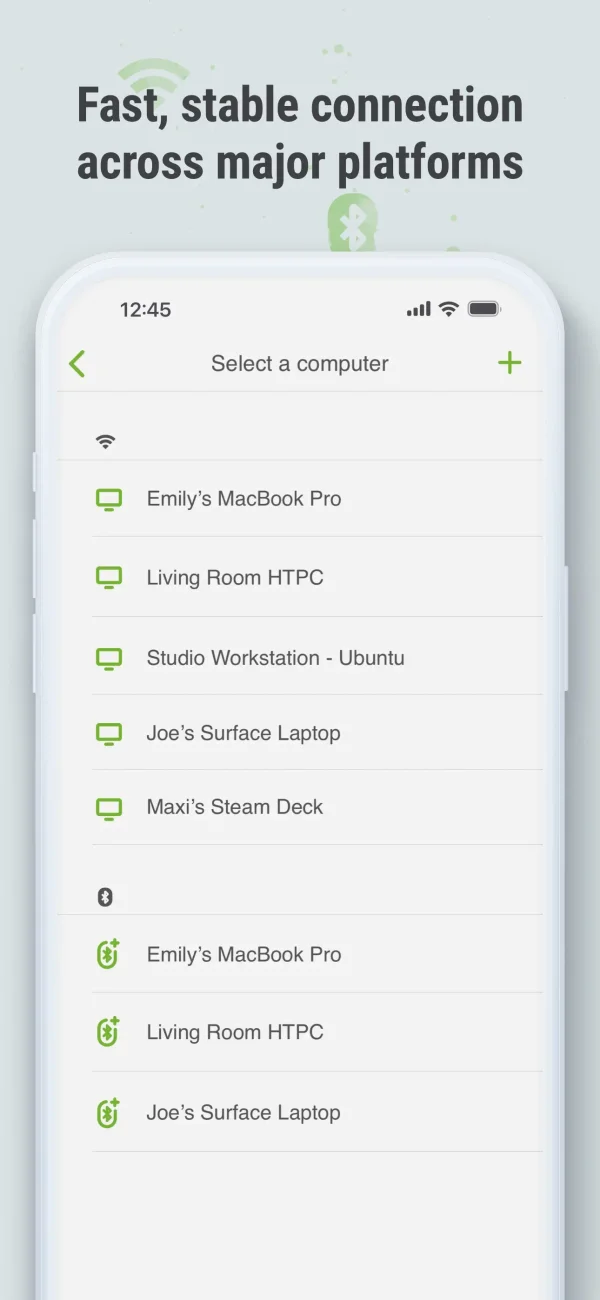
• Connect over Wi-Fi or Bluetooth
• Connect by IP address, QR code, or connection history
• Supports Windows, macOS, and Linux
Easy to set up:
1. Download and install Remote Mouse for desktop on your computer: [https://remotemouse.net](https://remotemouse.net)
2. Launch the desktop version (it runs in the background)
3. Connect your mobile device to your computer via Wi-Fi or Bluetooth
What’s new
Version 5.334 · Nov 9, 2026
Compatible with iPhone Duo.
App privacy
What 耀 阮 declares on the App Store about how this app handles data.
-
Data used to track you
May be used to track you across apps and websites owned by other companies.
- Usage data
-
Data linked to you
May be collected and linked to your identity.
- Usage data
Privacy practices may vary, for example with the features you use or your age.
Information
- Seller
- 耀 阮
- Category
- Utilities
- Version
- 5.334
- Updated
- Nov 9, 2026
- Released
- Aug 24, 2010
- Size
- 50.6 MB
- Requires
- iOS 15.0 or later
- Age rating
- 4+
- Price
- Free
- In-app purchases
- Yes
- Languages
- English, Arabic, Czech, Danish, Dutch, Finnish, French, German, Indonesian, Italian, Japanese, Korean + 13 more
- Copyright
- © Remote Mouse
You might also like
-
 Remote, Mouse and KeyboardFor Apple TV, Mac and PC
-
 Unified RemoteControl your computer
-
 Mobile Mouse Remote - CloudComputer Trackpad & Keyboard
-
 PC RemoteControls your PC easily
-
 Mobile Mouse Bluetooth RemoteWireless Touchpad & Keyboard
-
 Universal TV Remote Control #Smart Remote for Any TV
-
 Remote for Android TVFor Android and Google TV
-
 Remote Control for Android TVControl Your Smart TV & TV Box
-
 iVCam WebcamUse your phone as a PC webcam
-
 DroidCam Webcam & OBS CameraUse your phone as a PC Webcam.