Transforma - File Converter
Convert HEIC, PDF, Video & MP3
Designed for iPhone, iPad
Free · In-app purchases
- Age rating4+
- CategoryUtilities
- DeveloperPawel Zalewski
- Size15.1 MB
Links to the official App Store page
Download.org hosts no file of Transforma - File Converter. The button opens its official App Store page, published by Pawel Zalewski. Listing last checked on Nov 12, 2026.
Screenshots
About
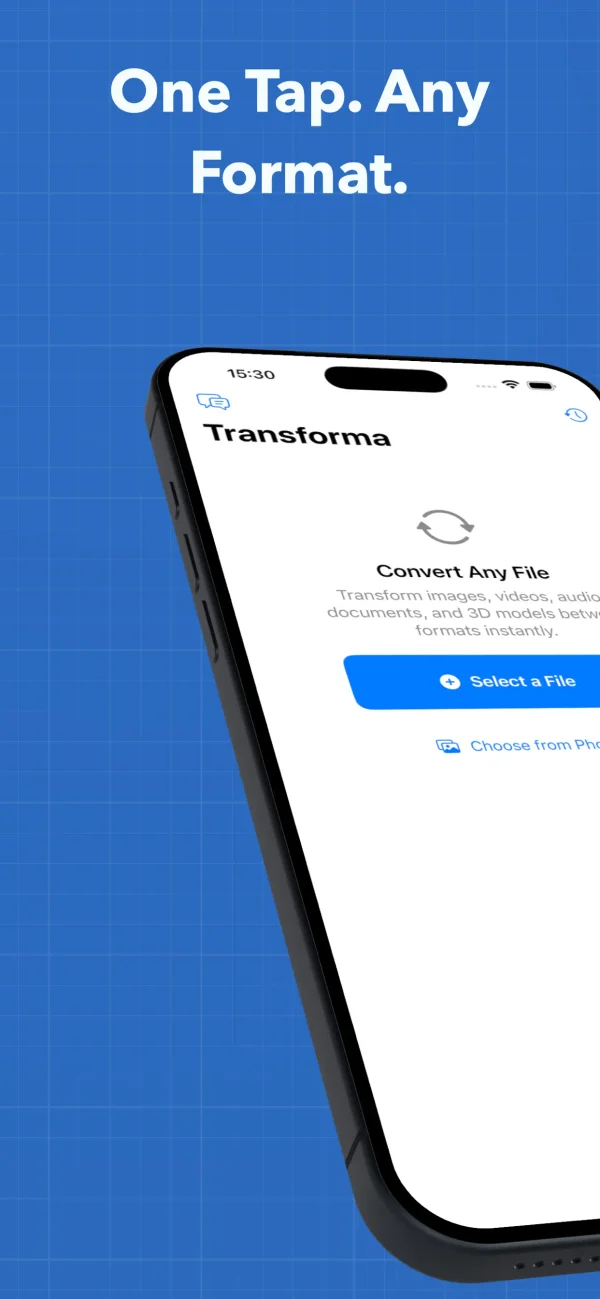
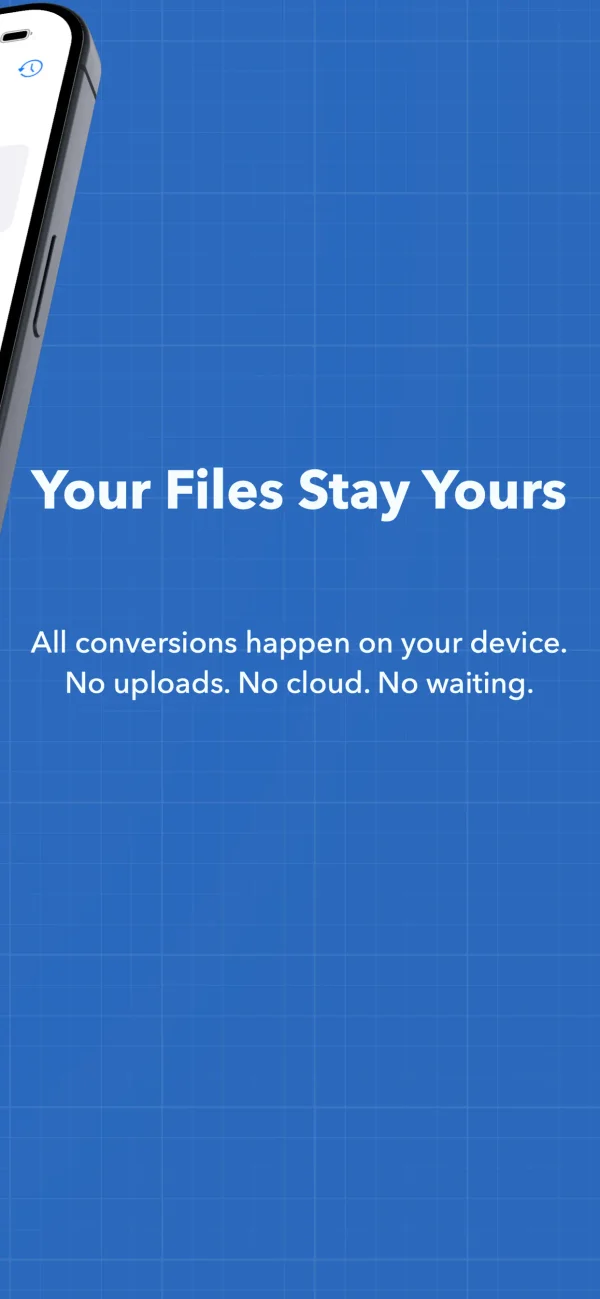
Convert files instantly on your iPhone — images, videos, audio, documents, and more. Transforma processes everything on-device. No uploads, no servers, no cloud. Your files never leave your phone.
WHAT MAKES TRANSFORMA DIFFERENT
Unlike online converters, Transforma works 100% on your device using Apple's native frameworks. This means:
- Complete privacy — files never leave your iPhone
- Works offline — convert anywhere, no internet needed
- No file size limits — convert what your device can handle
- Instant results — no upload/download wait times
- Try free — 5 conversions at no cost, then unlock unlimited with a one-time purchase
SUPPORTED FORMATS (40+)
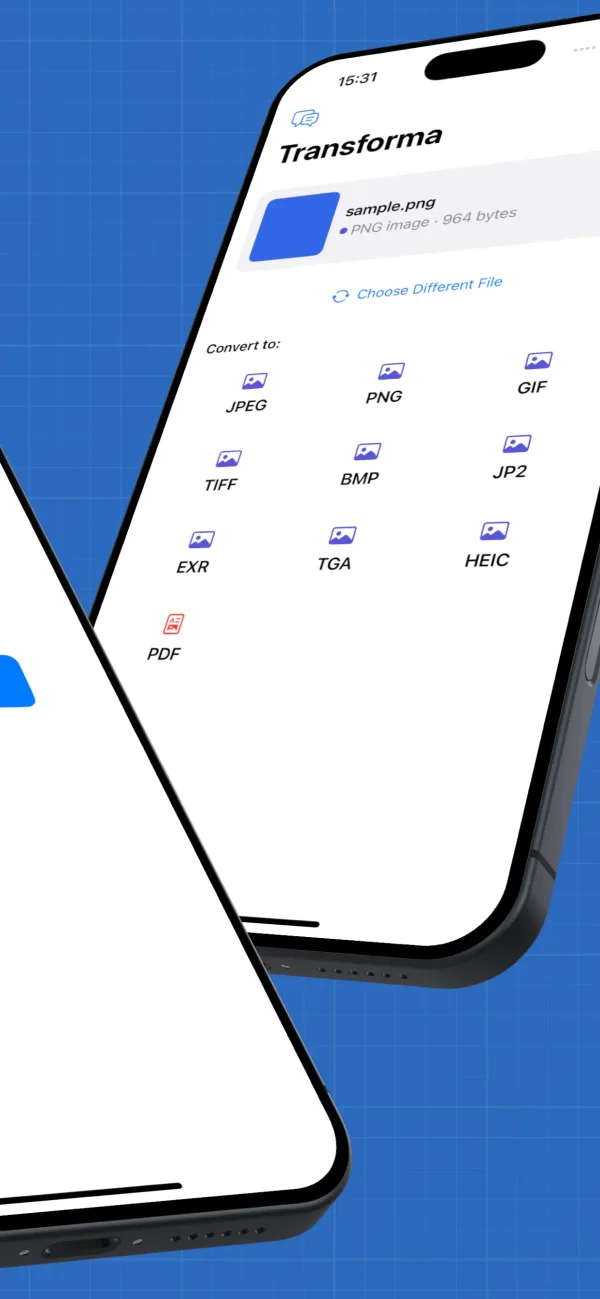
Images: HEIC, JPEG, PNG, GIF, TIFF, BMP, WebP, JPEG 2000, ICO, EXR, TGA
Video: MOV, MP4, M4V with H.264, HEVC, and ProRes codecs (up to 4K)
Audio: MP3, AAC, M4A, WAV, AIFF, FLAC, ALAC, OGG, OPUS, CAF
Documents: PDF, DOCX, RTF, HTML, TXT, Markdown, ePub
Data: CSV, JSON, YAML, XLSX, PLIST, TOML, XML
Archives: ZIP, TAR, GZIP, BZ2, 7z
3D Models: USDZ, OBJ, STL, PLY, USD, SCN
HOW IT WORKS
1. Open Transforma and select your file (from Files, Photos, or Share Sheet)
2. Tap the output format you want
3. Done — share or save your converted file
FEATURES
- Batch Conversion: Convert multiple files at once
- Background Removal: AI-powered subject isolation using Apple Vision
- Quality Controls: Adjust resolution, bitrate, quality, and codec settings
- Metadata Preserved: EXIF, GPS, and camera info carried forward
- Share Sheet Integration: Convert files from any app without leaving it
- Conversion History: Easily find and reshare previous conversions
- Drag and Drop: Works with iPad multitasking
BUILT WITH APPLE FRAMEWORKS
Transforma uses AVFoundation, CoreImage, PDFKit, Vision, and ModelIO — the same frameworks Apple uses in its own apps. No third-party libraries, no web views, no hidden servers.
Try 5 conversions free, then unlock unlimited with a one-time purchase. No subscriptions. No ads.
What’s new
Version 1.5.1 · Apr 24, 2026
Bug fixes and performance improvements.
App privacy
What Pawel Zalewski declares on the App Store about how this app handles data.
-
Data not linked to you
May be collected but is not linked to your identity.
- Diagnostics
Privacy practices may vary, for example with the features you use or your age.
Information
- Seller
- Pawel Zalewski
- Category
- Utilities
- Version
- 1.5.1
- Updated
- Apr 24, 2026
- Released
- Mar 10, 2026
- Size
- 15.1 MB
- Requires
- iOS 17.0 or later
- Age rating
- 4+
- Price
- Free
- In-app purchases
- Yes
- Copyright
- © Paweł Zalewski
You might also like
-
 KnakkeUtilities
-
 PickColor StudioLive Color Picker & AI Palette
-
 Screenshot Cleaner AIUtilities
-
 Snooze It - Quick RemindersSnooze now, remember later
-
 Voice Counter - List & CountYou talk, It counts
-
 ShotSort: Screenshot ActionsExtract info & take actions
-
 File Converter - FileSnapImages, PDF & Video converter
-
 Hijri Plus - هجري بلسUtilities
-
 Clean Qibla CompassSimple, accurate, no ads
-
 Photo Cleaner: Phone StorageDelete Duplicates & Free Space