- Age rating4+
- CategoryUtilities
- DeveloperGilad Tal
- LanguagesEnglish+ 6 more
- Size14.4 MB
Links to the official App Store page
Download.org hosts no file of Voice Counter - List & Count. The button opens its official App Store page, published by Gilad Tal. Listing last checked on Nov 17, 2026.
Screenshots
About
Voice Counter helps you count items, scores, people....
It is the only app in the App Store that lets you do it with your voice.
How it works:
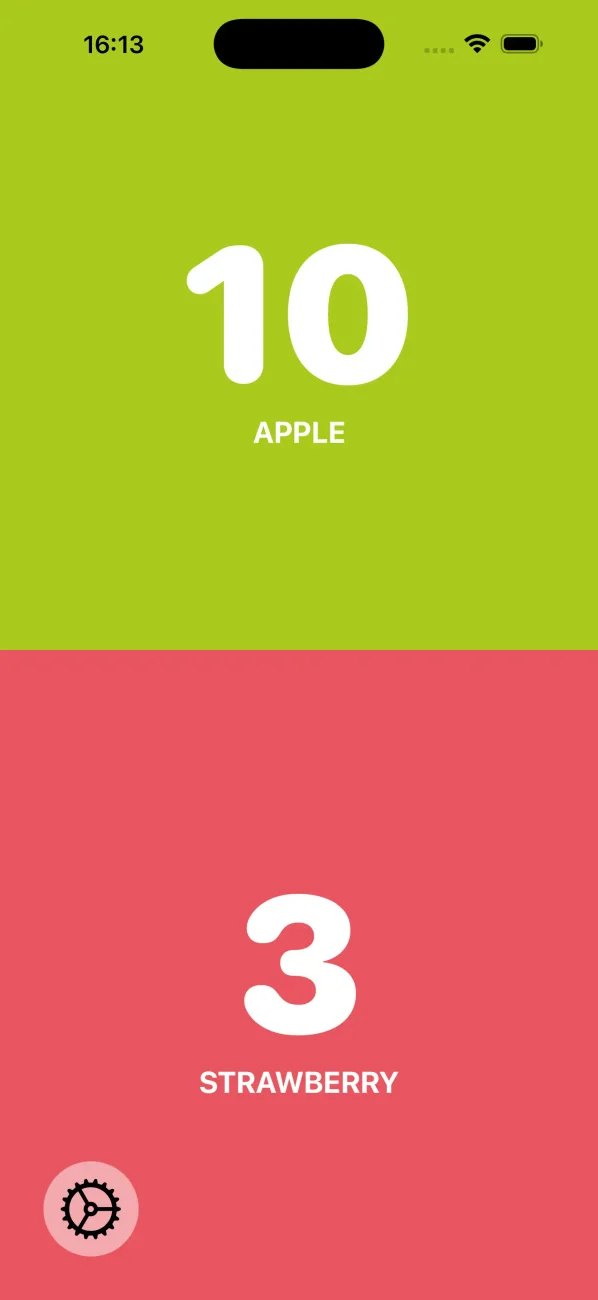
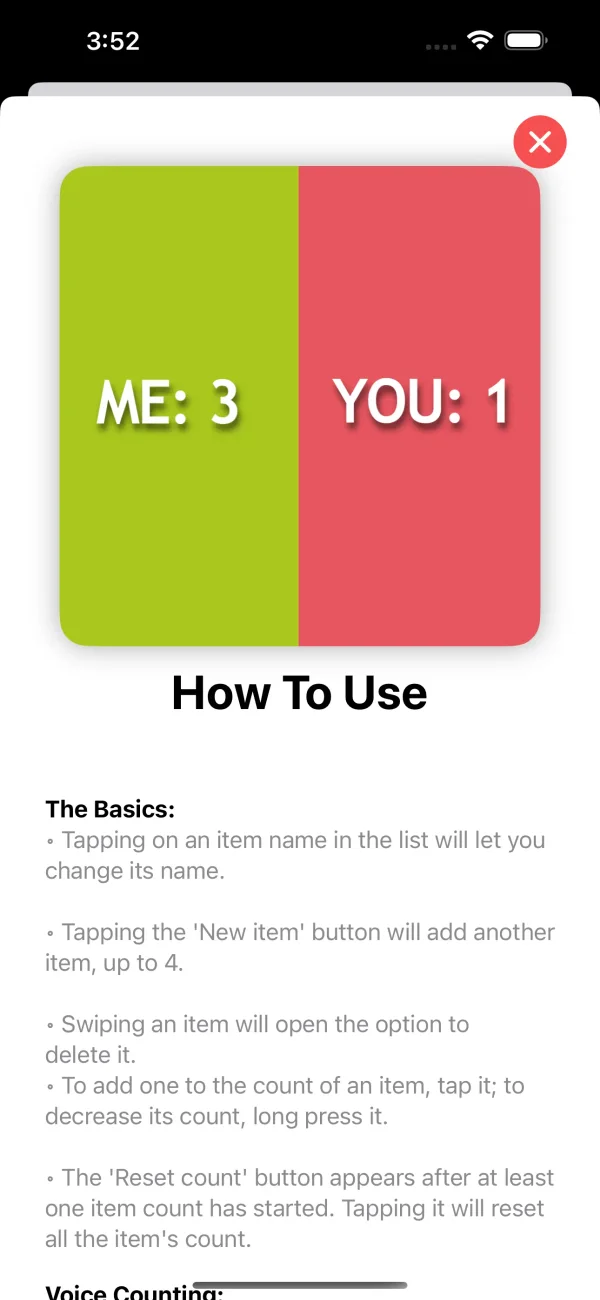
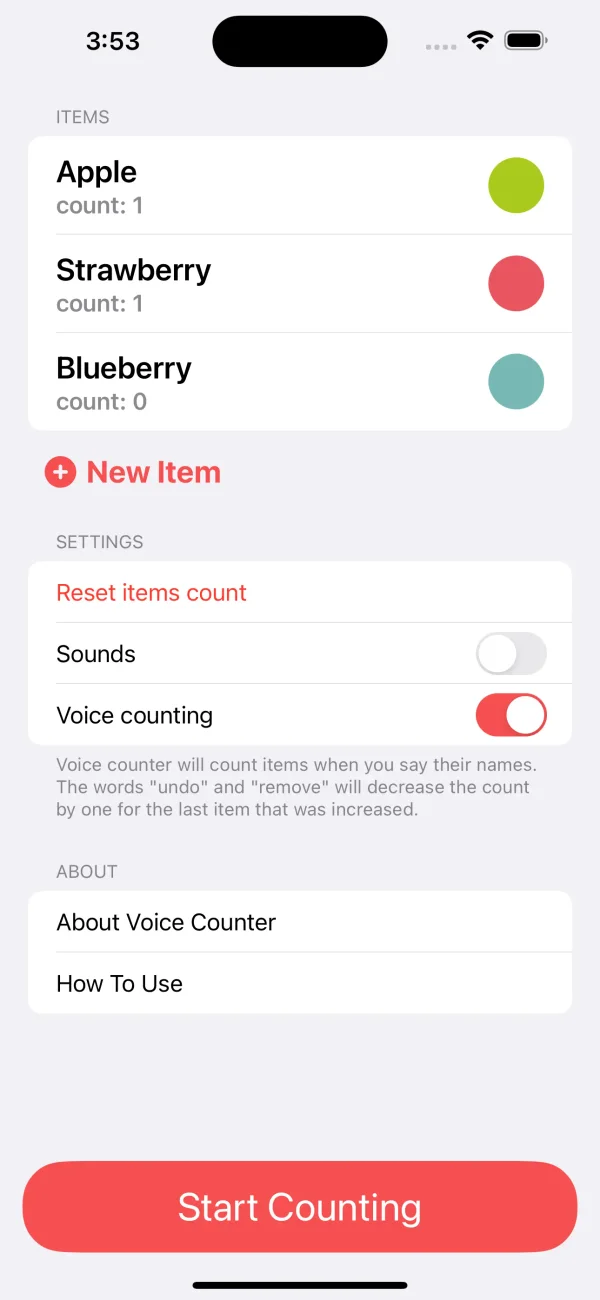
Say the name of an item, and Voice Counter will keep its score automatically.
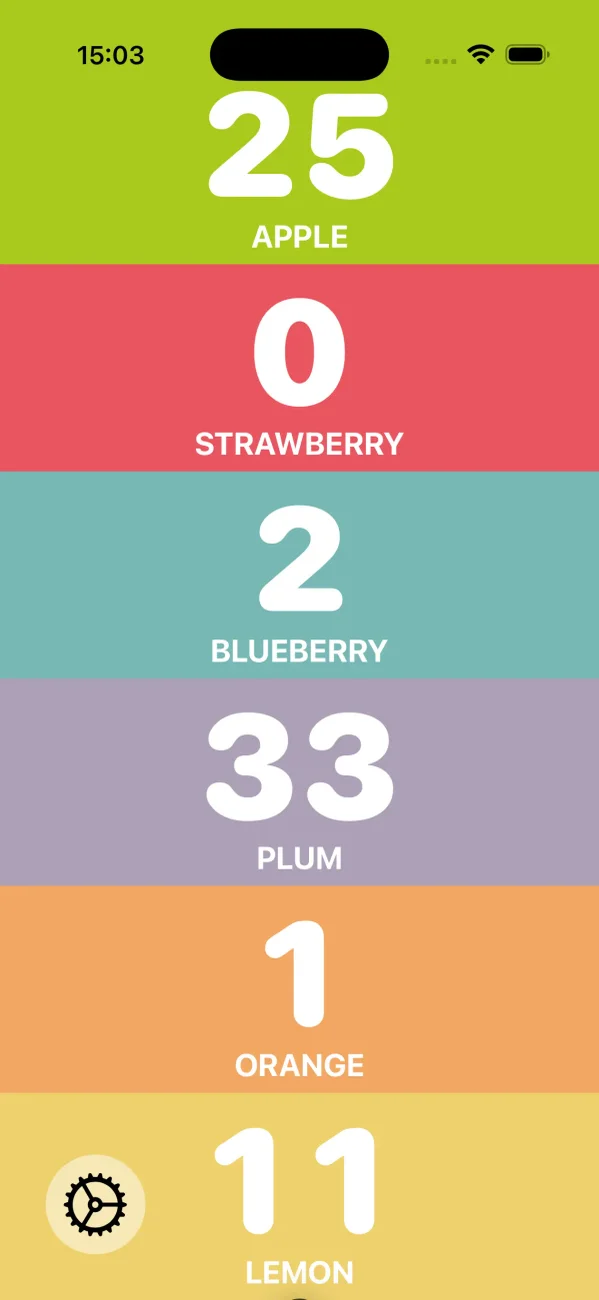
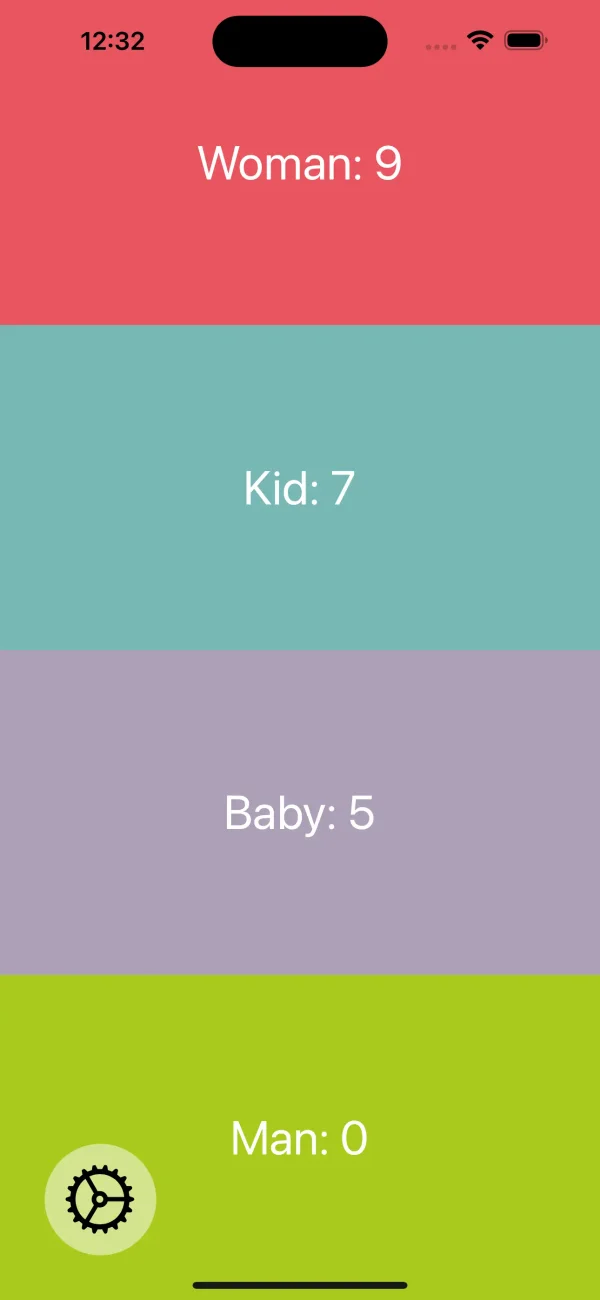
Tap the screen to count manually, or use the built‑in Speech Recognizer to listen for item names and track them for you.
Examples:
- Playing ping pong? Write each team’s name and say it whenever they score. Voice Counter keeps track of the match.
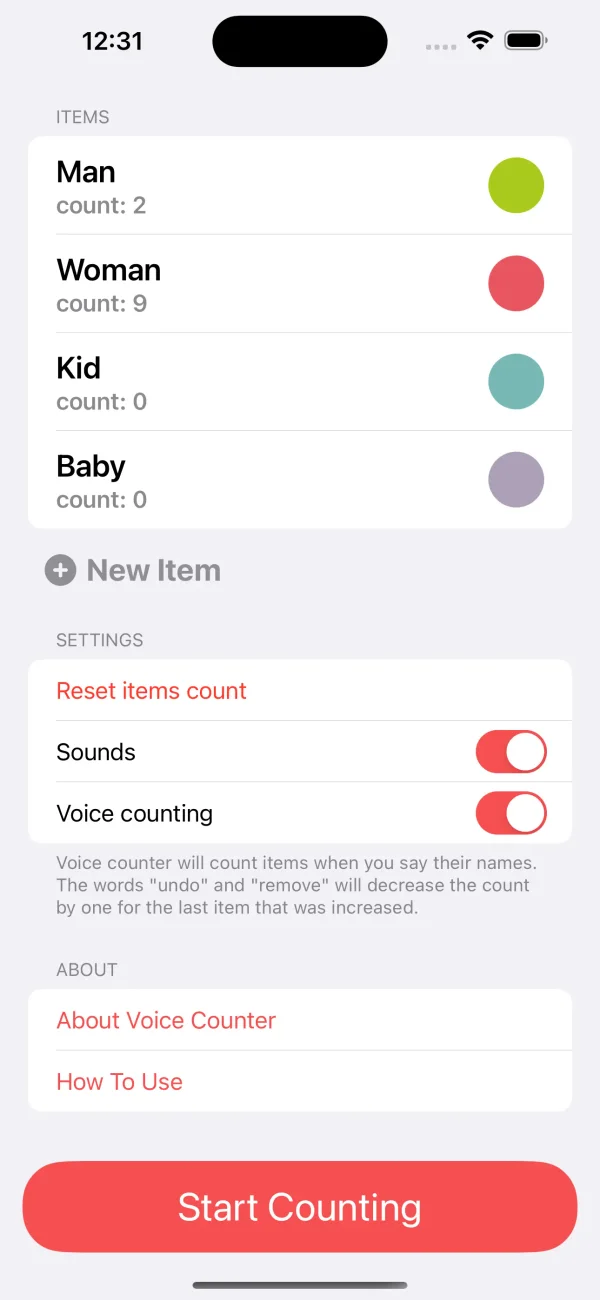
- Counting how many women and men enter a room? Set the names in the list and tap the corresponding button when you spot them.
- Track appearances of characters in a show, tally votes, monitor attendance, or count inventory without losing focus.
Multilingual Support:
Voice Counter automatically adapts to your system language.
It supports:
- English
- German
- French
- Arabic
- Korean
- Spanish
- Japanese
Why choose Voice Counter:
- Hands‑free counting with voice commands
- Simple, intuitive design for fast tallying
- Perfect for games, inventory count, sport events, workouts, classrooms, meetings, and productivity
- Works offline without internet
What’s new
Version 15.0 · Sep 27, 2026
Thanks to all your support and feedback, two long-awaited features are hot off the press!
Meet Your New Tiny Buddy (The Reset Button): No more digging through the settings screen just to start over. Simply toggle "Show reset button" in settings, and a handy little reset button will appear right on the main counting screen. One tap, and it's back to zero.
Keep the Screen Awake: Say goodbye to the phone going dark mid-count. Screen keep-awake support is now active, so the display stays on while counting—hands-free, hassle-free.
Got more ideas? Keep them coming! Every bit of feedback is appreciated. Happy counting!
App privacy
What Gilad Tal declares on the App Store about how this app handles data.
-
Data not linked to you
May be collected but is not linked to your identity.
- User content
- Usage data
- Diagnostics
Privacy practices may vary, for example with the features you use or your age.
Information
- Seller
- Gilad Tal
- Category
- Utilities
- Version
- 15.0
- Updated
- Sep 27, 2026
- Released
- Jan 3, 2024
- Size
- 14.4 MB
- Requires
- iOS 17.0 or later
- Age rating
- 4+
- Price
- $8.99
- Languages
- English, Arabic, French, German, Japanese, Korean, Spanish
- Copyright
- © NoOrgCorp
You might also like
-
 Screenshot Cleaner AIUtilities
-
 PickColor StudioLive Color Picker & AI Palette
-
 Snooze It - Quick RemindersSnooze now, remember later
-
 KnakkeUtilities
-
 Transforma - File ConverterConvert HEIC, PDF, Video & MP3
-
 Conduit ProBend it right. Every time.
-
 reLive VoiceVoice Cloning Made Simple
-
 Clean Qibla CompassSimple, accurate, no ads
-
 Photo Cleaner: Phone StorageDelete Duplicates & Free Space
-
 ShotSort: Screenshot ActionsExtract info & take actions