
- Age rating4+
- CategoryUtilities
- Developerfast2work GmbH
- LanguagesGerman+ 1 more
- Size10.8 MB
Links to the official App Store page
Download.org hosts no file of Travorus. The button opens its official App Store page, published by fast2work GmbH. Listing last checked on Nov 12, 2026.
Screenshots
About
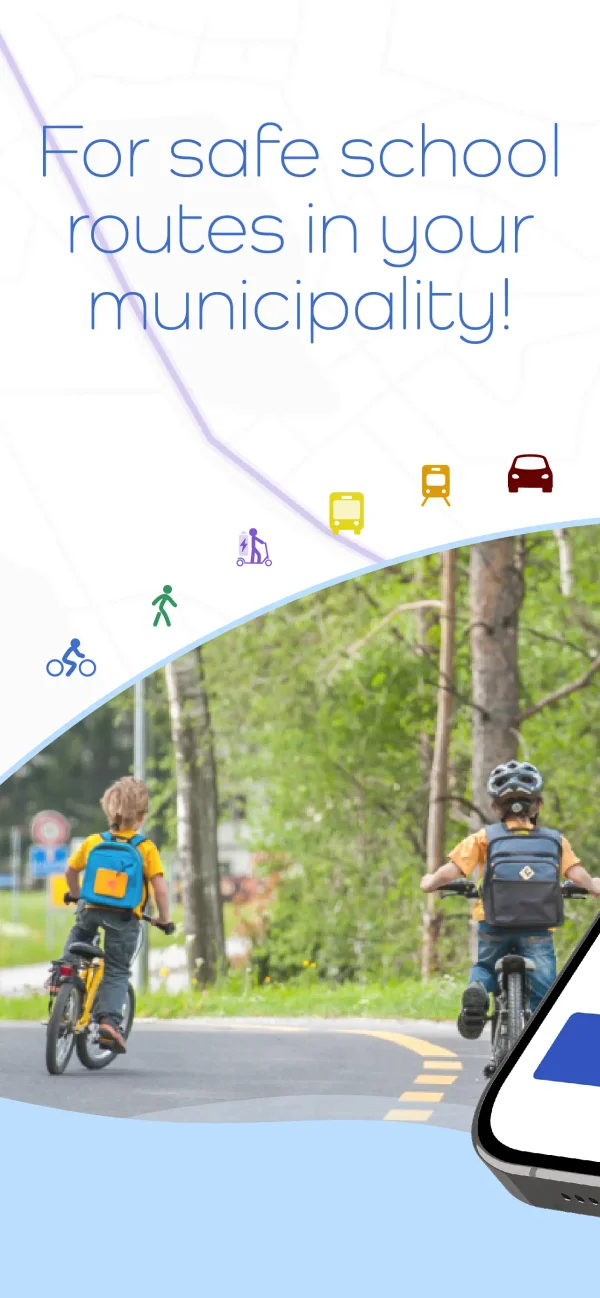
Join us and make your journey to school safer! How do you travel? By bike? On foot? By bus? Or a combination? Where do you go every day? Are there any dangerous spots in the traffic along the way? Can you not see intersections properly? Are there missing traffic lights or zebra crossings to help you cross the road more safely?
Everything that catches your attention on your school route can be marked in the Travorus app.
How to do it? Very simple:
Your school or city partners with us on a project and records the school routes, modes of transportation used, and danger spots over a few weeks. But this is only possible with your help:
Using the Travorus app, which you can download for free. The Travorus app records your journey to school. A simple press of a button is all it takes. You can mark all the danger spots along your route and indicate which mode of transportation you use to get to school on which route.
You don't want your address and personal data to be recorded? No problem! We don't store any personally identifiable information. Of course, we need to record your location, otherwise, we wouldn't know your route. But you don't need to sign up or log in to use it. To ensure your residence isn't traceable, we trim a portion of your route before analyzing it. This way, no one knows your address.
Here's how to use the app:
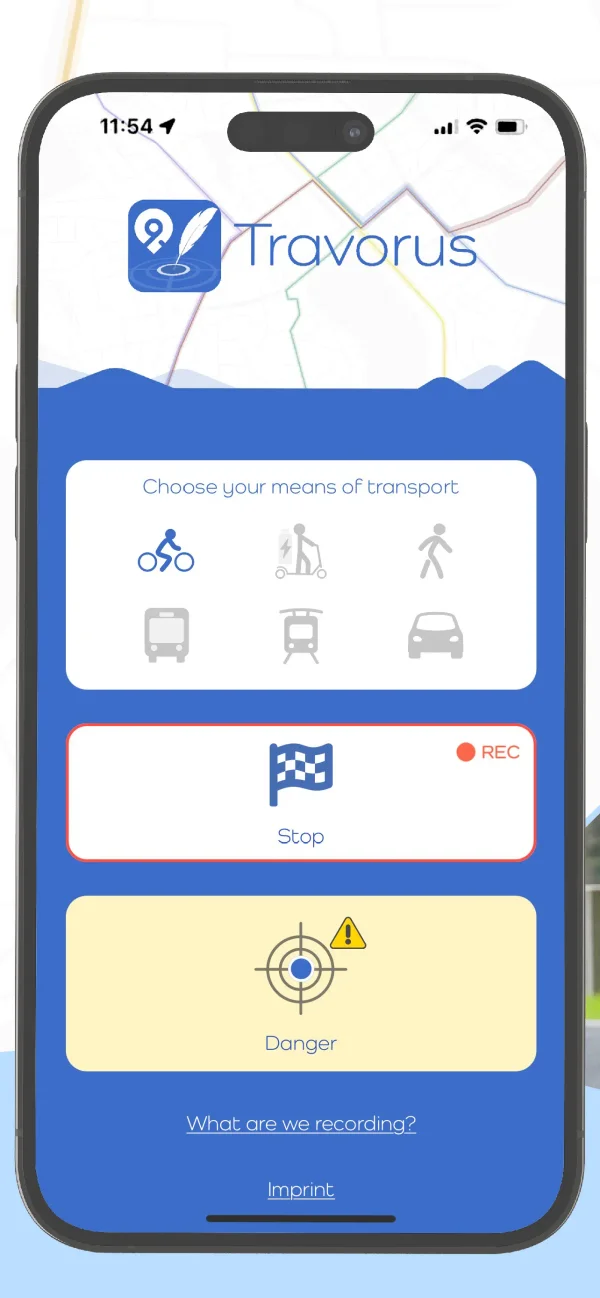
When you open the app for the first time, you need to accept the privacy policy first. Then, you select your mode of transportation and press "Start". Travorus will now record your position using the chosen mode of transportation. If you switch transportation modes along your route – for instance, walking to catch a bus – you simply press "bus" when you board the bus. There's no need to stop and start a new recording.
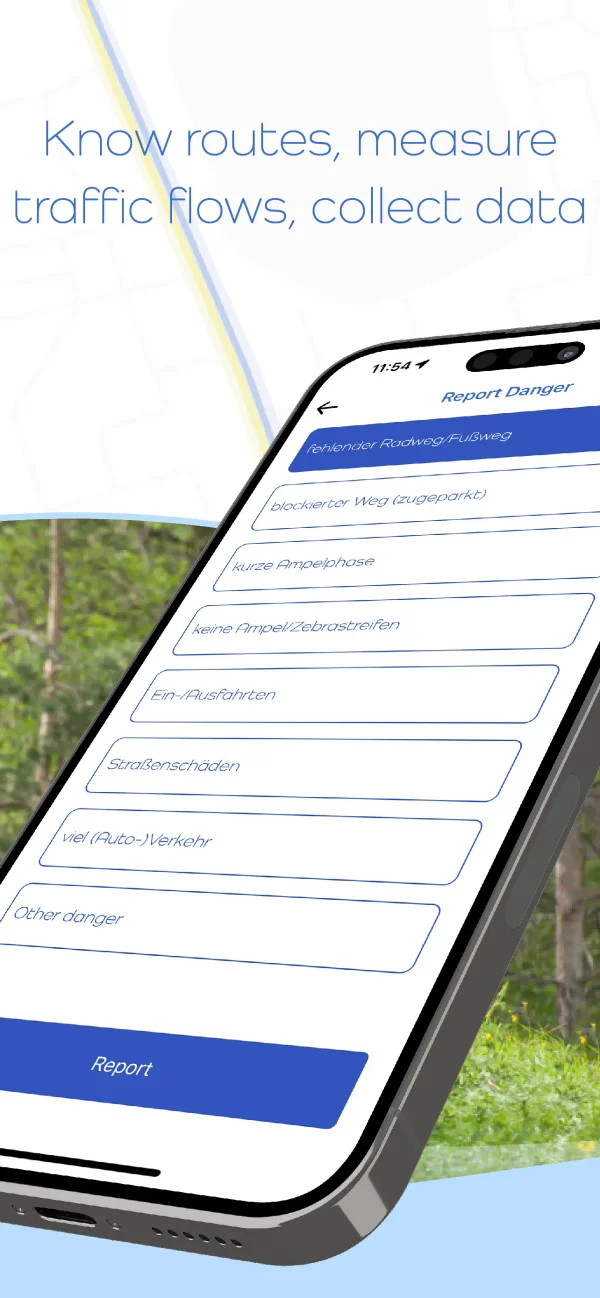
If you come across a spot on your route that you find dangerous, you can easily press "Danger". A pop-up will appear, allowing you to choose the specific danger you want to report. The last danger option allows you to write your own text if none of the listed danger points fit. Tell us what's happening.
At the end of your journey, press "Stop" – and that's it!
At the end of the project, your local council will receive an overview of all the school routes taken by participating students. The traffic flows will indicate which routes were used by walking, biking or using e-scooters, buses or trams, and even cars during the start and end of the school day. These data provide officials with information about the main traffic routes, the most frequently used modes of transportation, and the identified danger spots.
Let's get started:
Download the app, press "Start", and head off to school.
Made with love in Oldenburg.
Terms of Use: https://www.apple.com/legal/internet-services/itunes/dev/stdeula/
What’s new
Version 1.2 · May 15, 2025
We've made some minor bug fixes to improve your experience. Thanks for using our app!
App privacy
What fast2work GmbH declares on the App Store about how this app handles data.
-
Data not linked to you
May be collected but is not linked to your identity.
- Location
Privacy practices may vary, for example with the features you use or your age.
Information
- Seller
- fast2work GmbH
- Category
- Utilities
- Version
- 1.2
- Updated
- May 15, 2025
- Released
- Nov 9, 2023
- Size
- 10.8 MB
- Requires
- iOS 15.0 or later
- Age rating
- 4+
- Languages
- German, English
- Copyright
- © 2023 fast2work GmbH
You might also like
-
 Smart Photo SweeperUtilities
-
 ArcticTracksUtilities
-
 Dockie TalkieUtilities
-
 i4 AUGMENTED REVIEWAR Viewer for 3D Models
-
 EM2APPApp for EM2GO EV wall boxes
-
 Image to Text convertorScan, Search & Read Text Aloud
-
 Flasher AppUtilities
-
 Stadtwerke LingenUtilities
-
 WILKA easyAppDoor access and management
-
 Teletek PROUtilities