
TrimCut - Video Editor
Caption, Music, Video Maker
Designed for iPhone, iPad, iPod touch
Free · In-app purchases
- Age rating17+
- CategoryPhoto & Video
- DeveloperCLIPCUT TECHNOLOGY LIMITED
- LanguagesEnglish+ 13 more
- Size197.7 MB
Links to the official App Store page
Download.org hosts no file of TrimCut - Video Editor. The button opens its official App Store page, published by CLIPCUT TECHNOLOGY LIMITED. Listing last checked on Nov 26, 2026.
Screenshots

About
Unleash your creativity with TrimCut: your all-in-one video editing studio and pro retouching app. Use our powerful AI tools, slow-motion effects, auto captions and background removal to transform your ideas into captivating stories for Reels, YouTube and FaceBook!
Powerful AI Tools
• AI Retouch: Smooth skin, eliminate blemishes and wrinkles, whiten teeth, you can easily create flawless videos for social media.
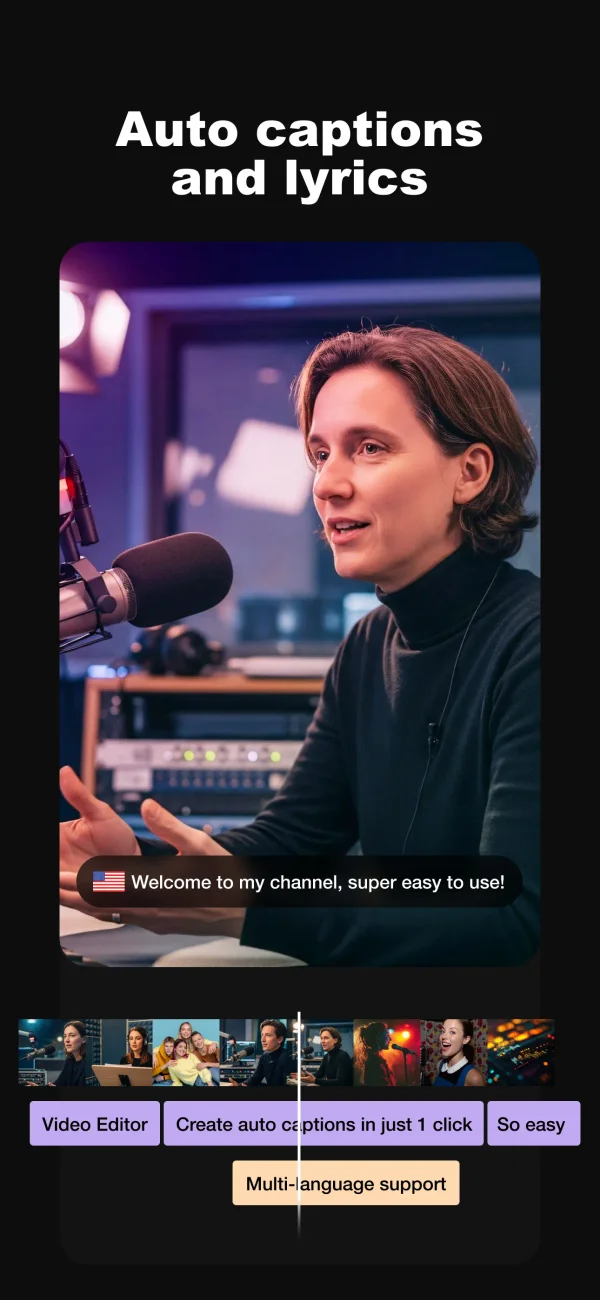
• Auto Captions: Generate accurate subtitles or lyrics with a single tap. Perfect for making your YouTube stories or Instagram Reels accessible and engaging.
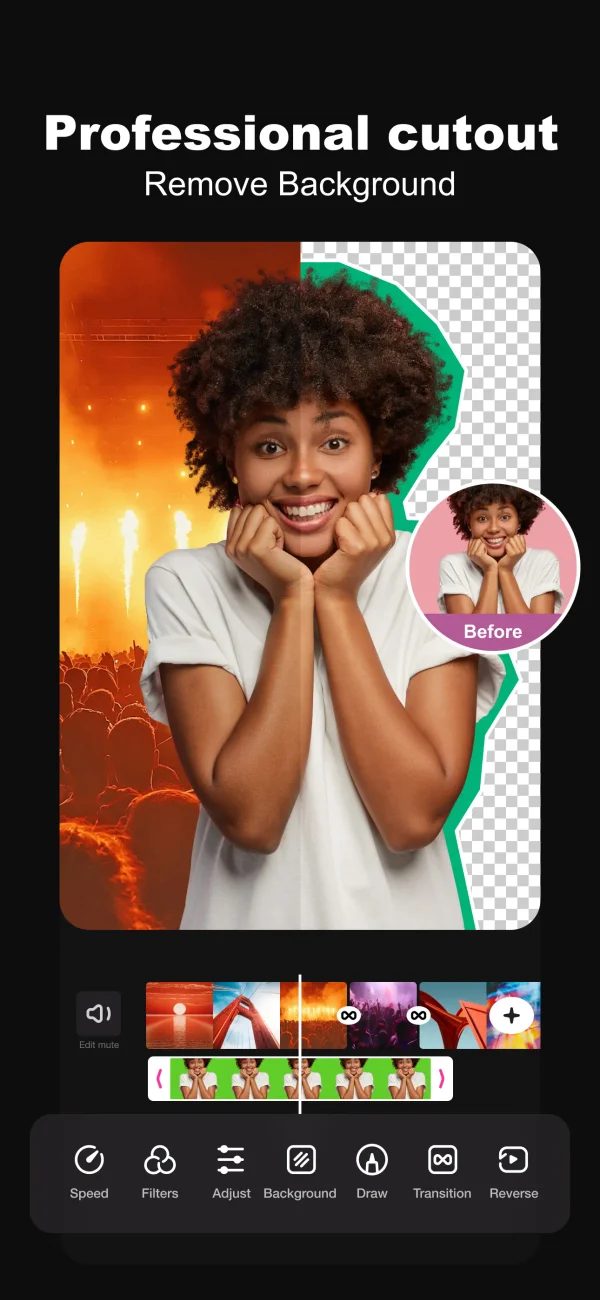
• AI Remove Background: Instantly remove your video's background with one tap.
• Slow-motion effects: Transform your moment into smooth and cinematic sequences that heighten the drama and emotion.
• Auto Adjust: Automatically balances colors and lighting to make your videos or vlogs look their best.
Basic Video Editing
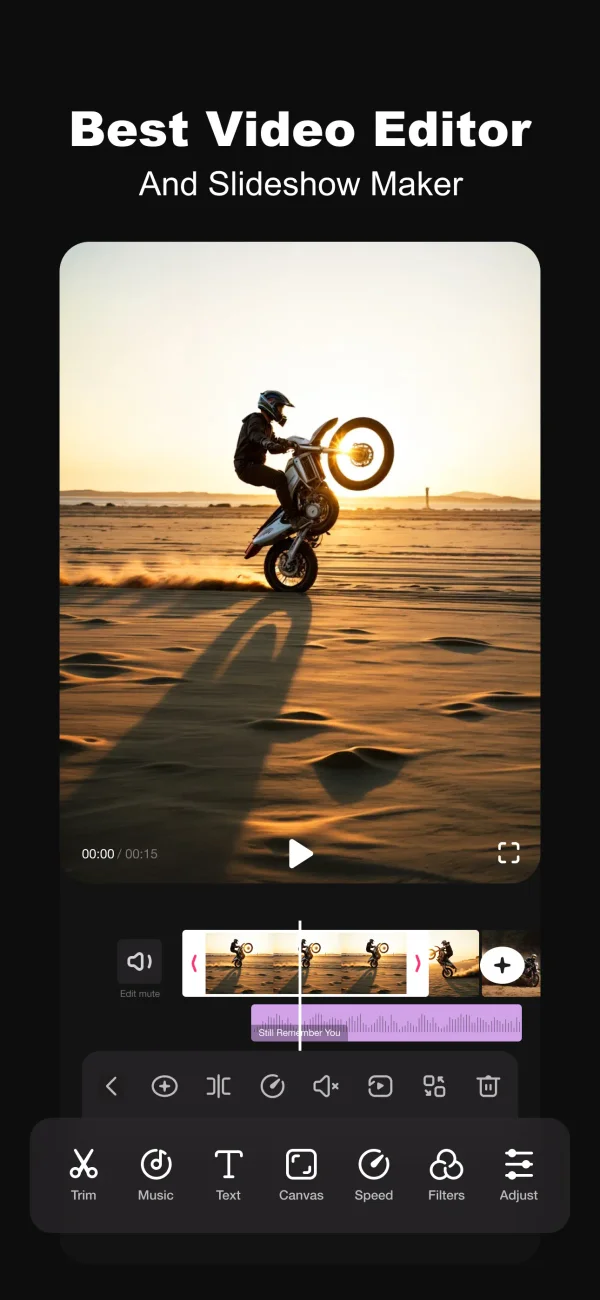
• Trim & Merge: Seamlessly stitch multiple clips together.
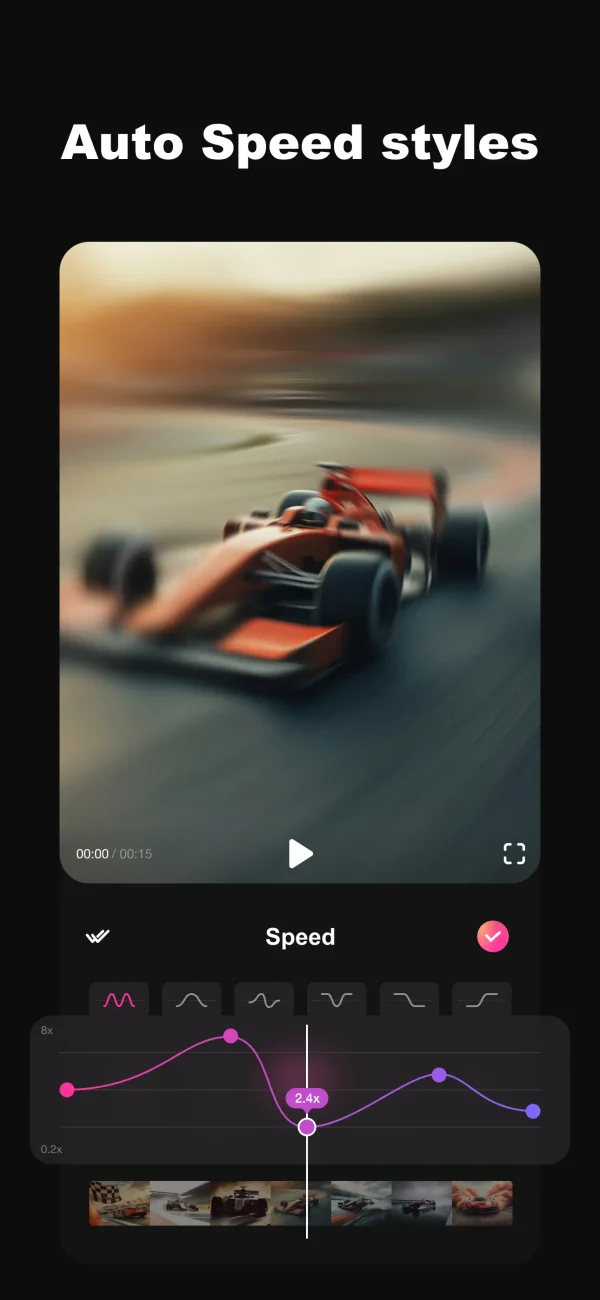
• Speed Adjustment: Precisely control the pace of your video with customizable speed curves.
• Easy Reordering & Deletion: Manage your clips intuitively with drag-and-drop.
• Draft Saving: Save your projects anytime and undo/redo with confidence.
Advanced Video Editing
• Picture-in-Picture (PIP): Layer multiple video clips to create dynamic content.
• Multi-Track Timeline: Easily overlay videos, photos, stickers, and text on a user-friendly timeline.
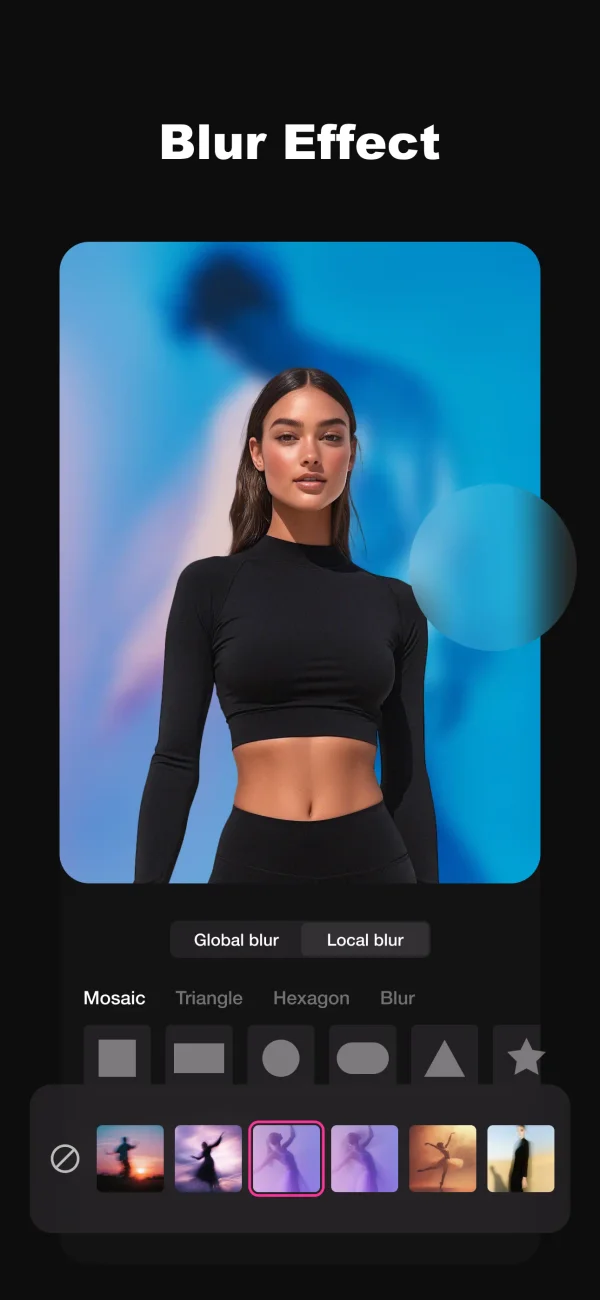
• Blur Video: Artfully blur the background to make yourself stand out, or add a dreamy haze to a memory, turning ordinary clips into professional-looking scenes.
Text & Brush Tools
• Use playful texts and draw directly on your video to highlight a moment, wish someone a happy birthday, or create a unique viral clip.
Trending Filters & Effects
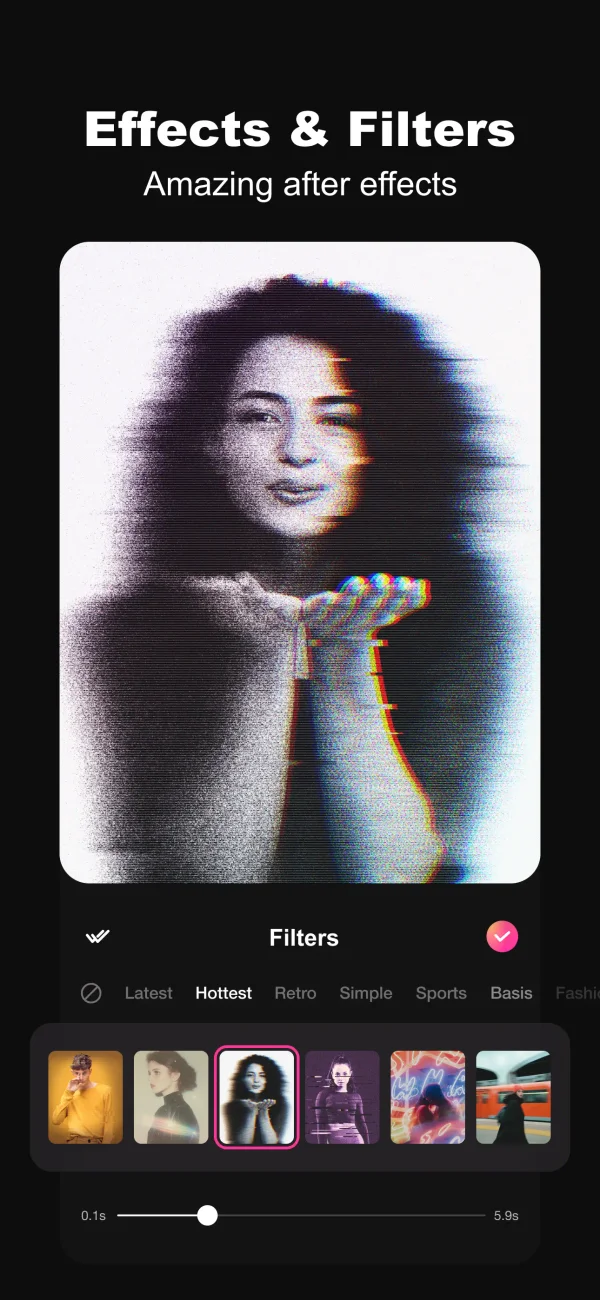
• Professional Effects: Access a rich library of glitch, transition, VHS, and FX effects.
• Cinematic Filters: Apply movie-style filters to your videos to set the perfect mood.
Photo to Video Templates
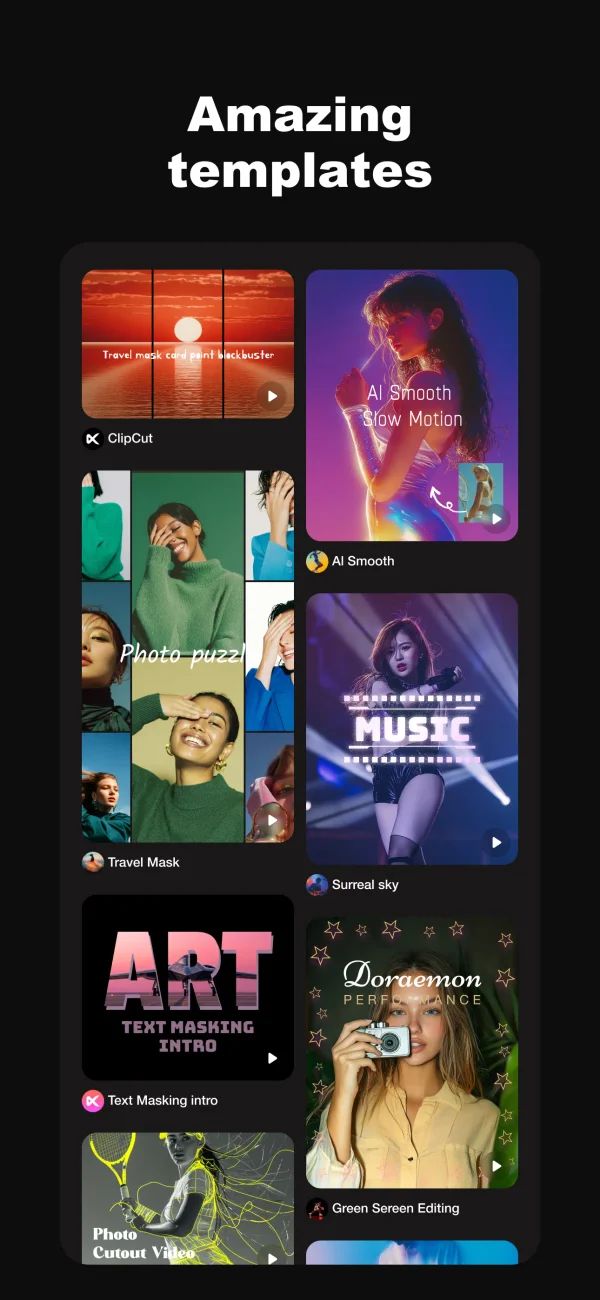
• Turn your favorite photos into stunning videos in seconds.
• Choose from trending templates with cinematic transitions, stylish effects, and perfectly synced music.
• Simply select your photos and let TrimCut automatically create eye-catching slideshows, travel stories, birthday videos, memories, and social media clips.
• Customize text, filters, music, and timing to make every video uniquely yours.
• Perfect for Reels, TikTok, Shorts, YouTube, and Instagram.
Music & Sound
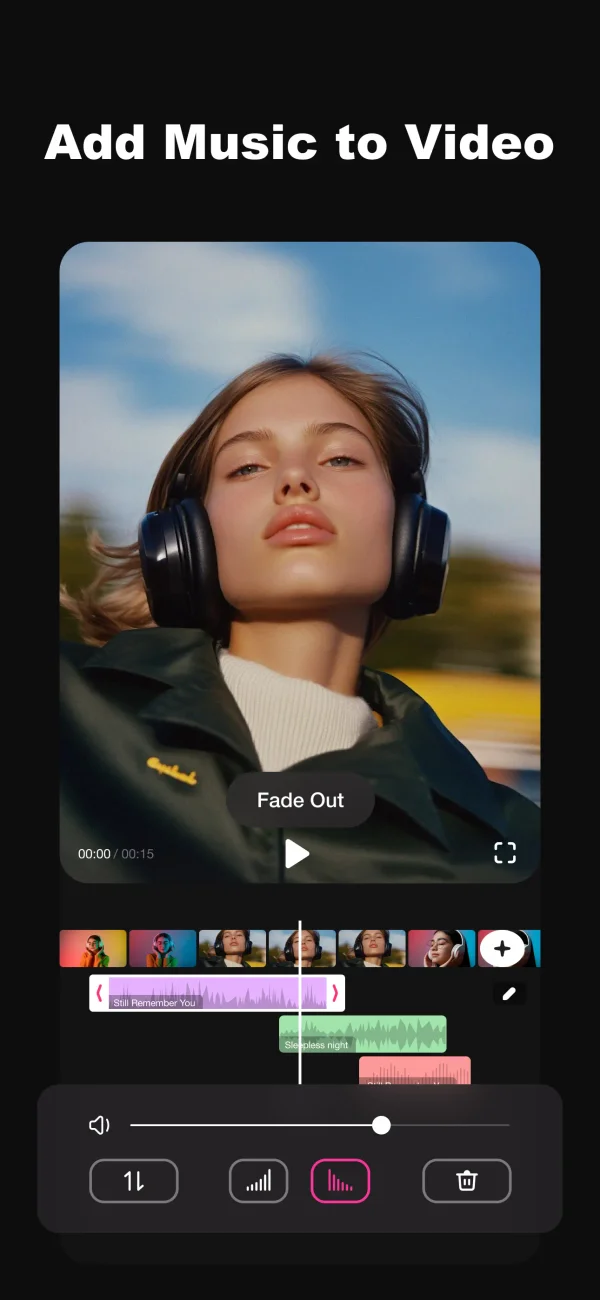
• Explore a vast library of music to find the perfect audio match for your video
• Music Beat Detection: Automatically add markers to sync your edits with the music's rhythm, taking your videos to the next level.
• Adjust sound: Easily make your voice clear over the music, or emphasize a key moment with a sound effect boost.
Easy to Share
• 4K HD & GIF Export: Save and share your creations in stunning 4K quality or as fun GIFs.
• One-Tap Sharing: Directly share your masterpieces to your favorite social platforms.
TrimCut Pro Unlimited Subscription
- Subscription type: Weekly, Monthly, Yearly.
- Subscription automatically renews unless auto-renew is turned off at least 24-hours before the end of the current period.
- Subscriptions may be managed by the user and auto-renewal may be turned off by going to the user's Account Settings after purchase.
- Any unused portion of a free trial period will be forfeited when the user purchases a subscription.
- Payment will be charged to iTunes Account at confirmation of purchase.
- An account will be charged for renewal within 24 hours prior to the end of the current period. The cost depends on the selected plan.
Privacy Policy:
https://pzmobile.com/app/en/policy
Terms of Use:
https://pzmobile.com/app/en/terms
What’s new
Version 3.3.1 · Nov 20, 2026
Fixed some known issues and improved overall stability.
App privacy
What CLIPCUT TECHNOLOGY LIMITED declares on the App Store about how this app handles data.
-
Data used to track you
May be used to track you across apps and websites owned by other companies.
- Diagnostics
-
Data not linked to you
May be collected but is not linked to your identity.
- Usage data
- Diagnostics
Privacy practices may vary, for example with the features you use or your age.
Information
- Seller
- CLIPCUT TECHNOLOGY LIMITED
- Category
- Photo & Video
- Version
- 3.3.1
- Updated
- Nov 20, 2026
- Released
- Oct 10, 2024
- Size
- 197.7 MB
- Requires
- iOS 15.0 or later
- Age rating
- 17+
- Price
- Free
- In-app purchases
- Yes
- Languages
- English, Arabic, French, German, Indonesian, Japanese, Korean, Portuguese, Simplified Chinese, Spanish, Thai, Traditional Chinese + 2 more
- Copyright
- © 2026 PZMobile
You might also like
-
 VivaVideo - Video Cut & EditorAI Video & Photo Transfer・Reel
-
 Adobe Premiere AI Video EditorCreate shorts, reels & videos
-
 Vozo AI Video Translator & DubCaptions,Avatar,Teleprompter
-
 Filmora: AI Video Editor&MakerAI Video Generator・Reel Maker
-
 Super Screen Recorder: Full HDGame Video Recorder & Editor
-
 VITA - Video Editor & MakerPro Editing Tools
-
 Spring - Video EditorAI, Filters, Music, & Captions