TripMeter: Drive Tracker
Auto Trip Log & Driving Stats
Designed for iPhone
Free · In-app purchases
- Age rating4+
- CategoryNavigation
- Developer家龙 李
- LanguagesEnglish+ 8 more
- Size22.0 MB
Links to the official App Store page
Download.org hosts no file of TripMeter: Drive Tracker. The button opens its official App Store page, published by 家龙 李. Listing last checked on Nov 23, 2026.
Screenshots


About
TripMeter logs your drives and turns them into maps, stats and replays you'll want to look back on. No account, no ads, no tracking: your trips stay on your iPhone, and in your own iCloud if you turn on sync.
AUTOMATIC TRIP LOG
• Smart Recording (Pro): starts when you start driving and saves when you park, so there's nothing to remember
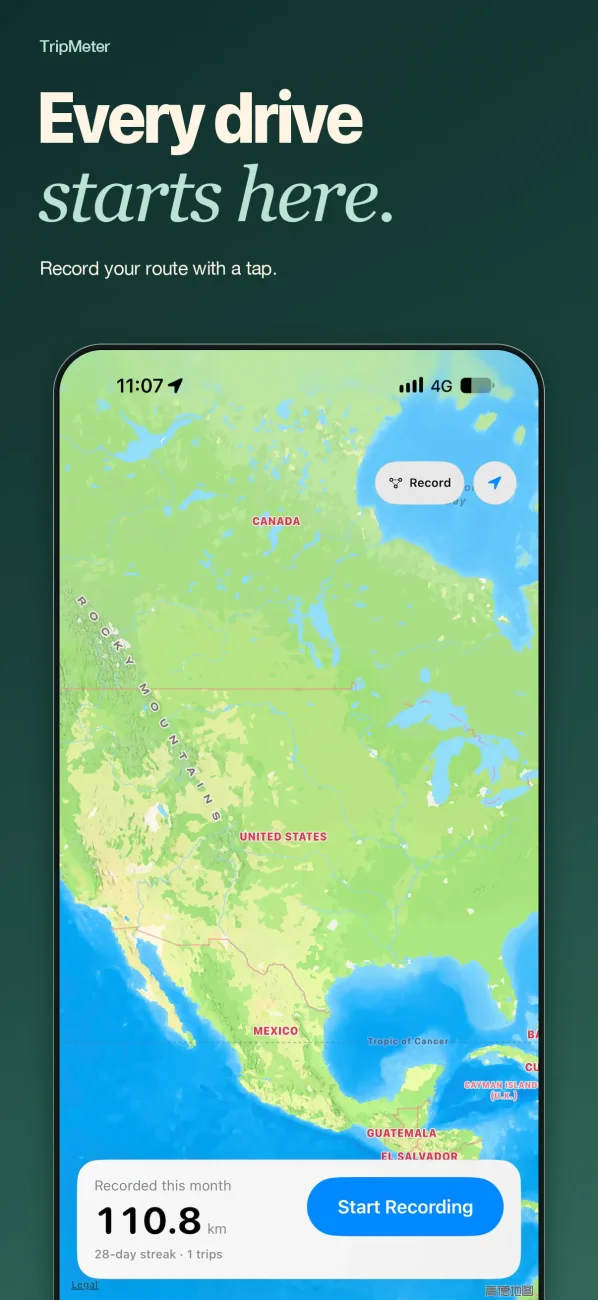
• Or start a trip with one tap, a Shortcut or the Control Center button
• Start recording when CarPlay or your car's Bluetooth connects, with a Shortcuts automation
• Live Activity and Dynamic Island show distance and time on the Lock Screen
• Home Screen and Lock Screen widgets: distance this month, driving score and your latest trip
• Trips are saved as you go and restored if the app closes mid-drive
EVERY ROAD ON ONE MAP
• Route heatmap: every trip on a single map, and the roads you drive most glow brightest (zoom and time filters with Pro)
• All-Day Footprints (Pro): quietly records where you go all day, without pressing start
• Year and month recaps
UNDERSTAND YOUR DRIVING
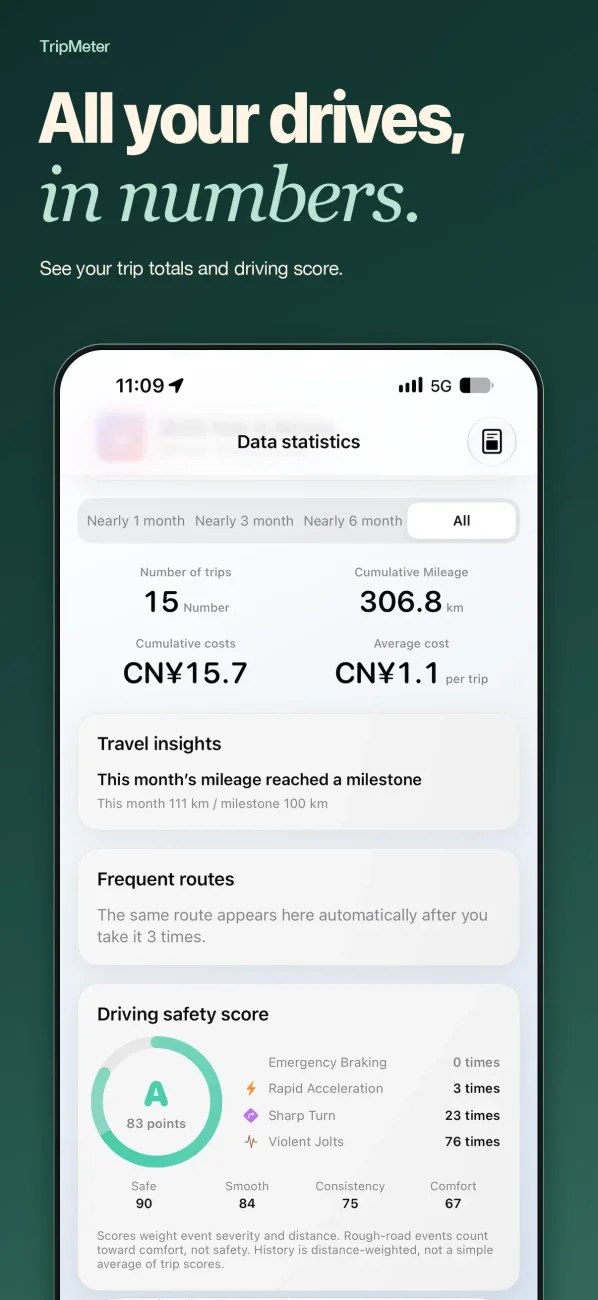
• Driving score for safety, smoothness, stability and road comfort, based on hard braking, rapid acceleration, sharp turns and bumpy roads
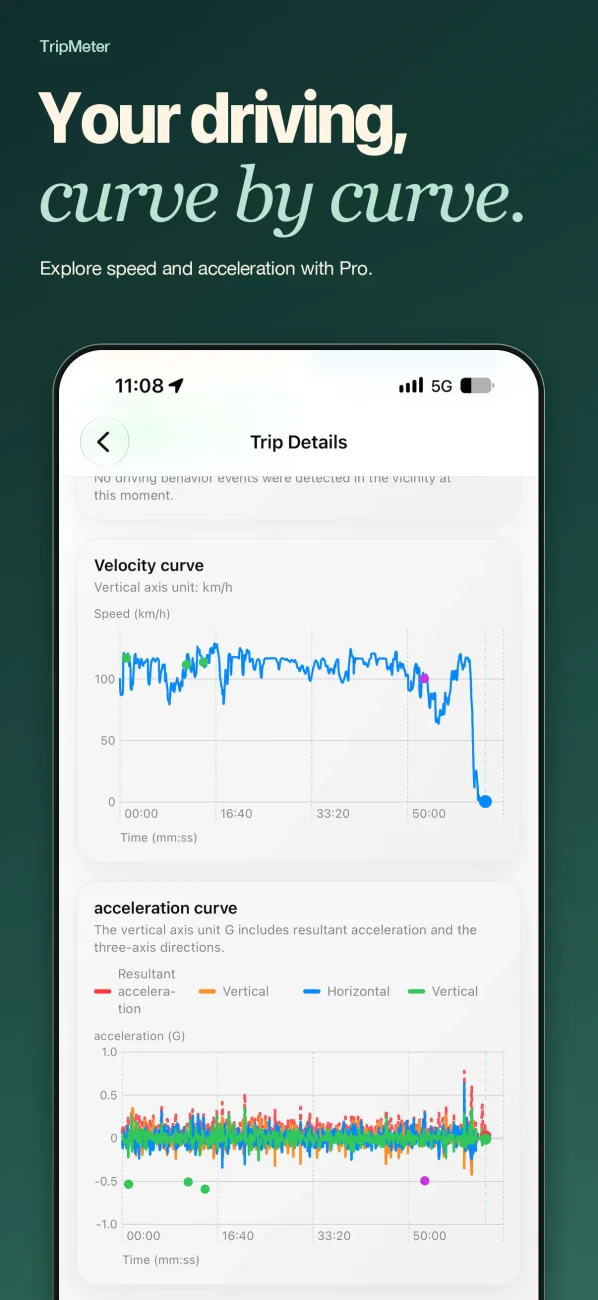
• Speed, acceleration and elevation charts for every trip (Pro)
• Recurring routes with your best times, and commute stats between home and work (Pro)
• Monthly driving report and travel insights (Pro)
• Several vehicles, each with its own history
RELIVE AND SHARE
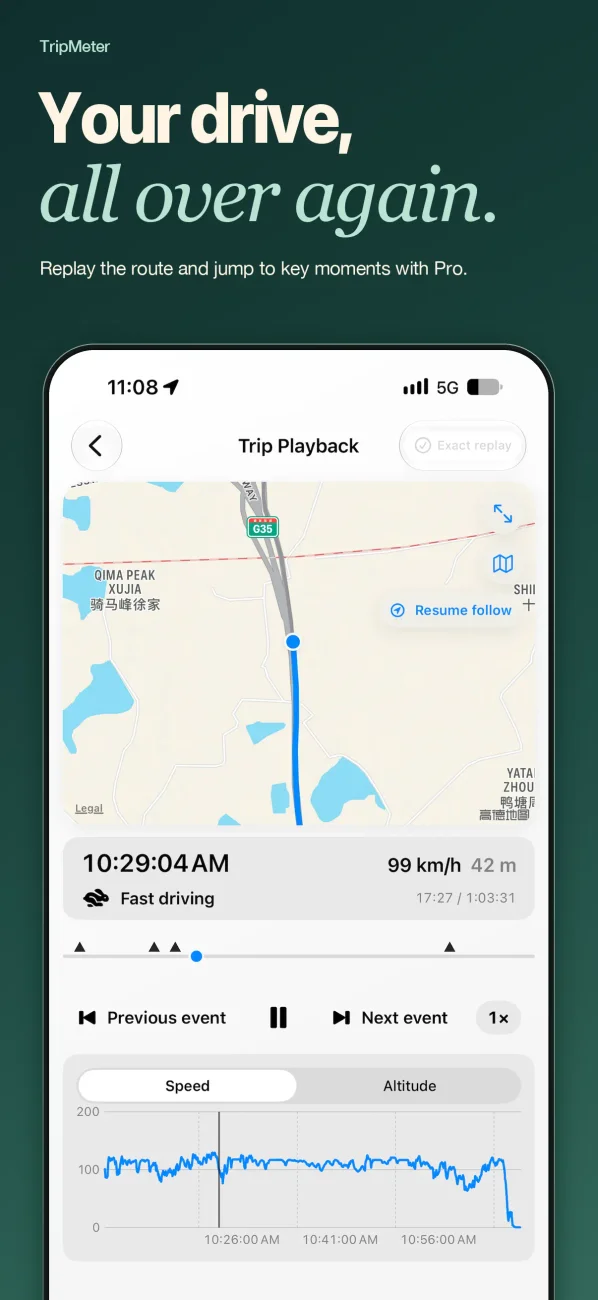
• Replay any trip on the map and export it as a video (Pro)
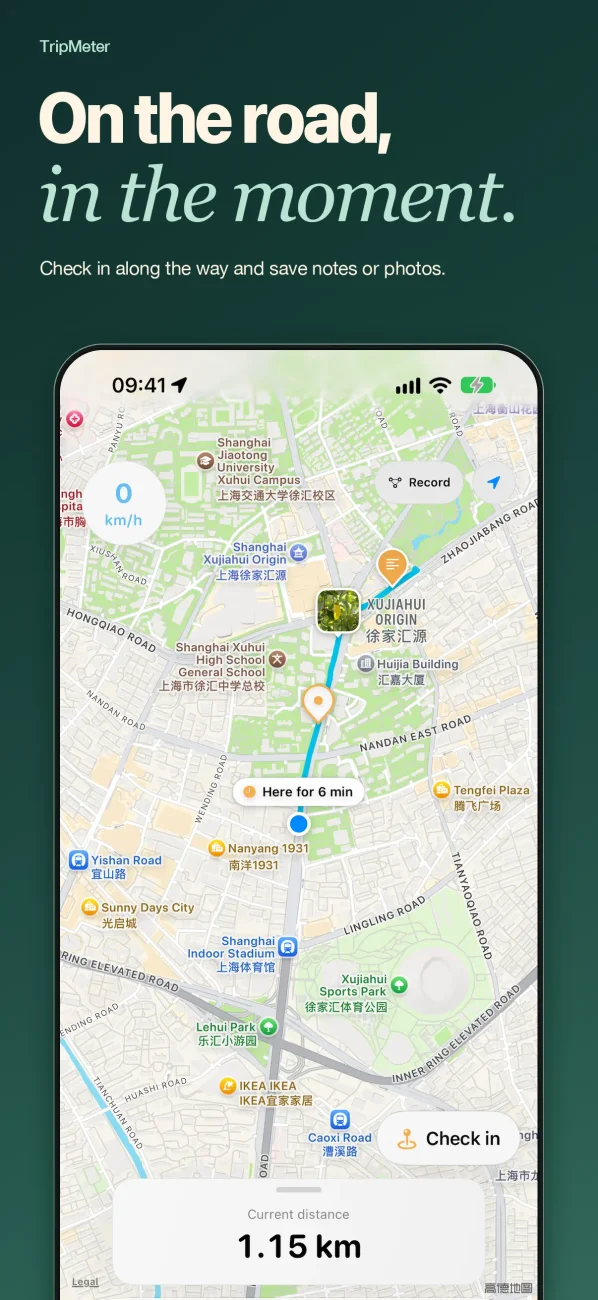
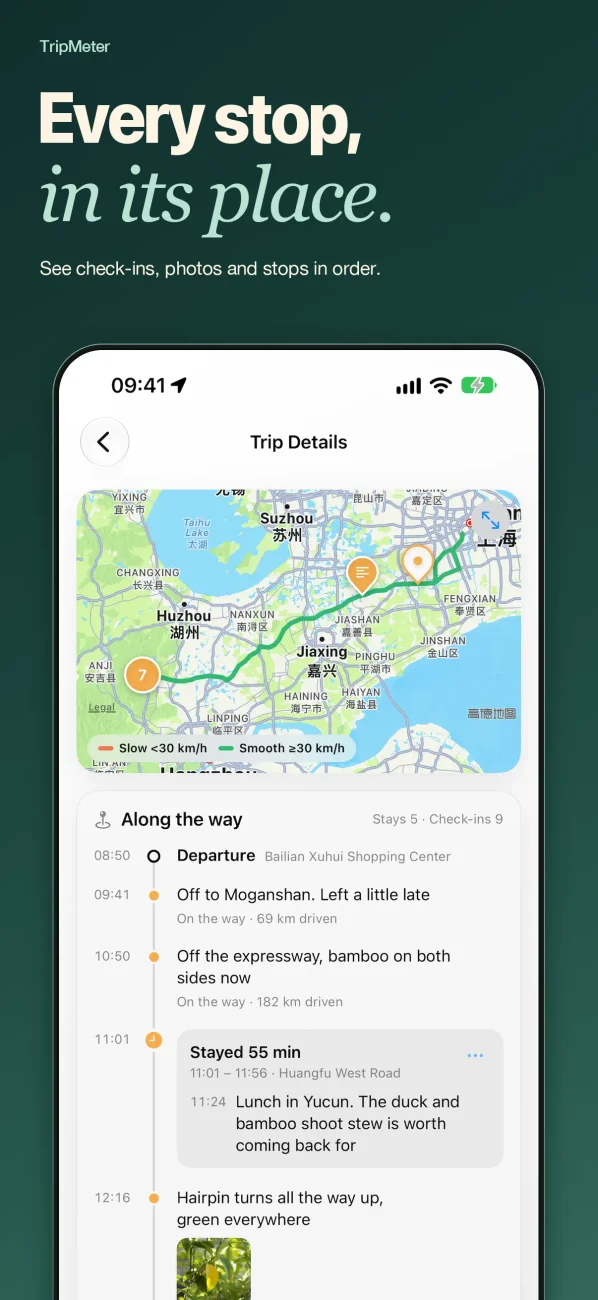
• A timeline for every trip: stops are detected automatically, and notes and photos are pinned where they happened
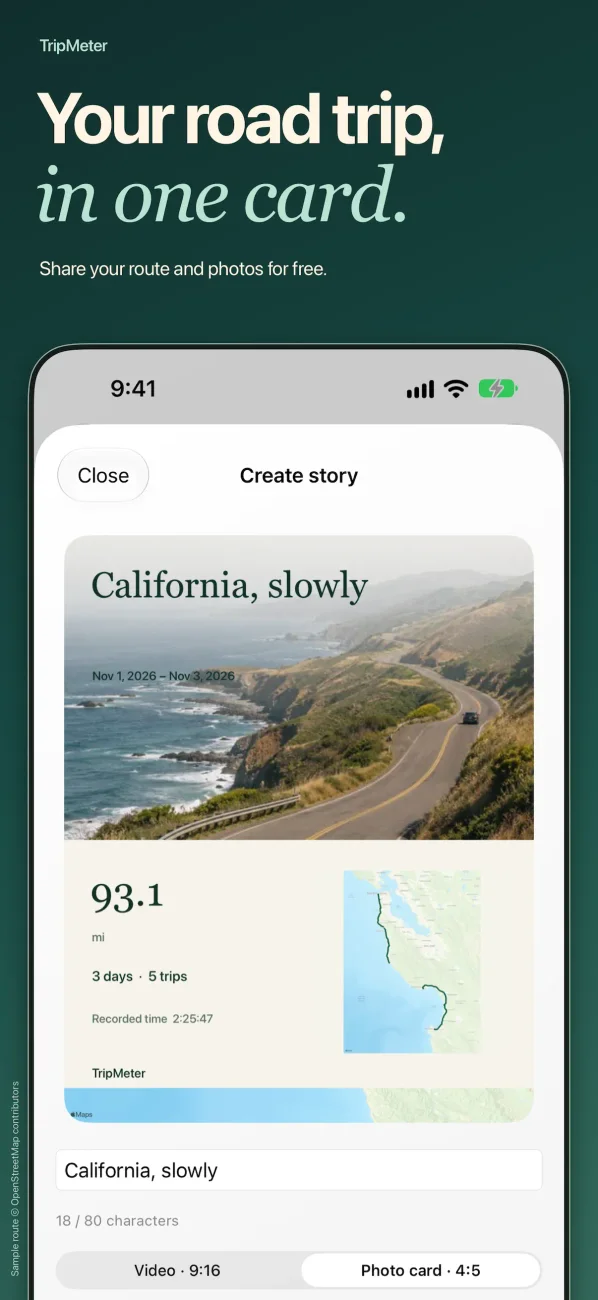
• Share cards with your route and key stats; your home area is hidden automatically
• Driving, cycling, running or walking: each trip shows the stats that fit
YOUR DATA, YOUR FORMAT
• Import GPX and KML tracks
• Export PDF, CSV and GPX / KML / GeoJSON, one trip or all at once (Pro)
• Miles or kilometers, any currency, 12- or 24-hour time
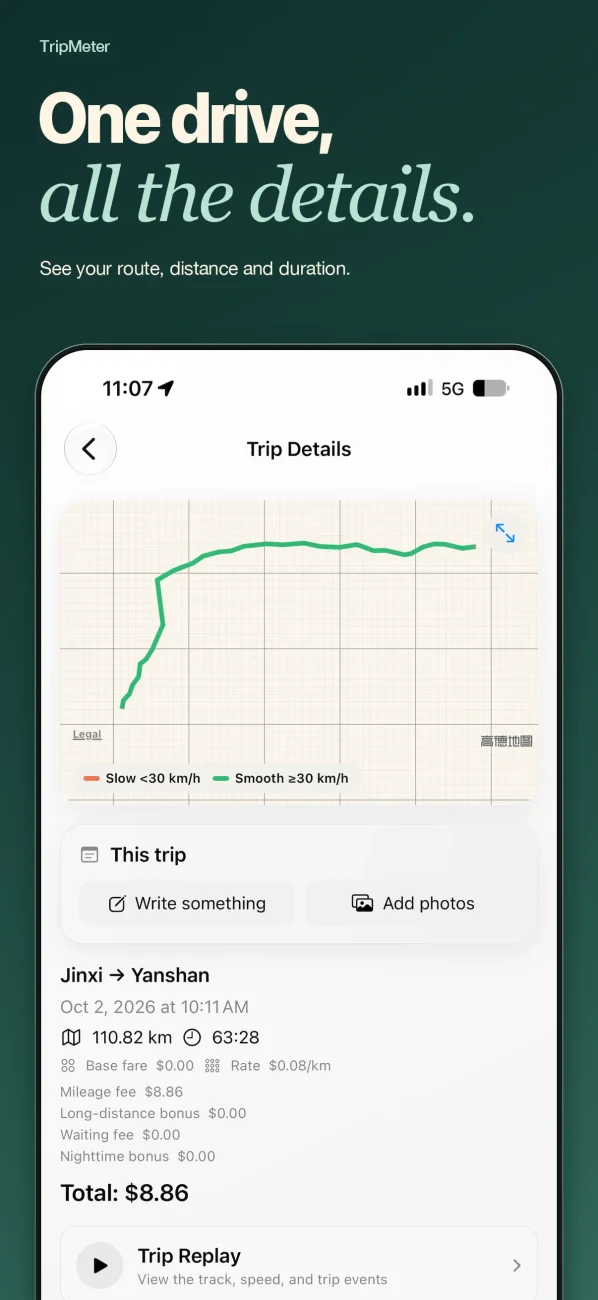
• Optional fare estimate and navigation mode; compare the planned route with the one you drove (Pro)
PRIVATE BY DESIGN
TripMeter has no account and no servers. Trips are stored on your device and, with iCloud sync, in your own iCloud. We can't see where you've been.
TRIPMETER PRO
The free version records unlimited trips and shows your 5 most recent. Older trips stay saved and unlock with Pro.
Pro includes Smart Recording, All-Day Footprints, iCloud sync, full trip history, replay and video export, PDF / CSV / track exports and batch export, the full heatmap, speed, acceleration and elevation analysis, monthly reports, insights, commute and recurring-route stats, and future updates to Pro features.
Pro is available as a yearly subscription or a one-time lifetime purchase. Payment is charged to your Apple Account. The subscription renews automatically unless canceled at least 24 hours before the end of the current period. Manage or cancel it in your App Store account settings.
Terms of Use (EULA): https://www.apple.com/legal/internet-services/itunes/dev/stdeula/
Privacy Policy: https://github.com/PoppiesLee/privacy-policy
What’s new
Version 2.3.9 · Nov 22, 2026
--This update includes the following improvements--
1.Paused duration & live pause timer: Accurately tracks total paused duration across multiple pause/resume cycles and crash recovery, shown in Trip Details and the end-trip confirmation prompt. The expanded and collapsed recording panels, Lock Screen Live Activity, and Dynamic Island now display a live pause timer while paused.
2.Driving-while-paused reminder: When sustained driving is detected while paused, an in-app banner and an actionable local notification alert you so you can resume recording in one tap or dismiss it
3.Enhanced CSV & single-trip PDF reports: CSV exports append 7 new columns at the end—paused duration (seconds), end date, travel mode, vehicle, start place, end place, and notes—without breaking existing column layouts. Single-trip PDFs now include full overnight date ranges, paused duration, vehicle, start/end places, and complete notes, with a fix for dark table backgrounds when exporting in Dark Mode.
4.Daily summary & batch summary exports: Batch export in Trip History adds “Daily summary (CSV)” and “Summary report (PDF)” to aggregate daily trip counts, distance, active duration, paused duration, total duration, first/last times, and per-currency fares for easier daily work-hour tracking.
5.Social links in About: Added an “About Us” section in About with direct links to our official X and RedNote pages.
App privacy
What 家龙 李 declares on the App Store about how this app handles data.
-
Data not collected
The developer does not collect any data from this app.
Privacy practices may vary, for example with the features you use or your age.
Information
- Seller
- 家龙 李
- Category
- Navigation
- Version
- 2.3.9
- Updated
- Nov 22, 2026
- Released
- Jan 21, 2026
- Size
- 22.0 MB
- Requires
- iOS 17.0 or later
- Age rating
- 4+
- Price
- Free
- In-app purchases
- Yes
- Languages
- English, French, German, Japanese, Korean, Portuguese, Simplified Chinese, Spanish, Traditional Chinese
- Copyright
- © 2026 JiaLongLi
You might also like
-
 TripMeter: Drive Cost & FuelGPS odometer & speedometer
-
 Paravia: Your Footprints AtlasMap posters, 3D & trip videos
-
 MooFootprint - Travel MapTrack, share, relive your jour
-
 Speedometer: Trip LogTrack speed & trips anywhere
-
 GoLog · Life Footprint MapTrack trips, save memories
-
 Oro AtlasSunrise/sunset, heading & alt
-
 Path: Timeline & Travel MapLocation History & GPS Diary
-
 DX500RALLY.SHOTNavigation
-
 Trailhome: GPS ReturnFind your way back, offline
-
 TraceWay - GPX RecorderLocation Tracking and Logging