
- Age rating4+
- CategoryUtilities
- DeveloperTrusted A/S
- LanguagesEnglish
- Size54.7 MB
Links to the official App Store page
Download.org hosts no file of Trusted Data App. The button opens its official App Store page, published by Trusted A/S. Listing last checked on Nov 12, 2026.
Screenshots


About
New and completely redesigned for iOS. This is the Trusted Data App.
Free for all users of the Trusted Data Portal, you can log in with your user credentials to enjoy your Trusted data-tracking solution on the go. Everything syncs with the software for a seamless experience.
FEATURES
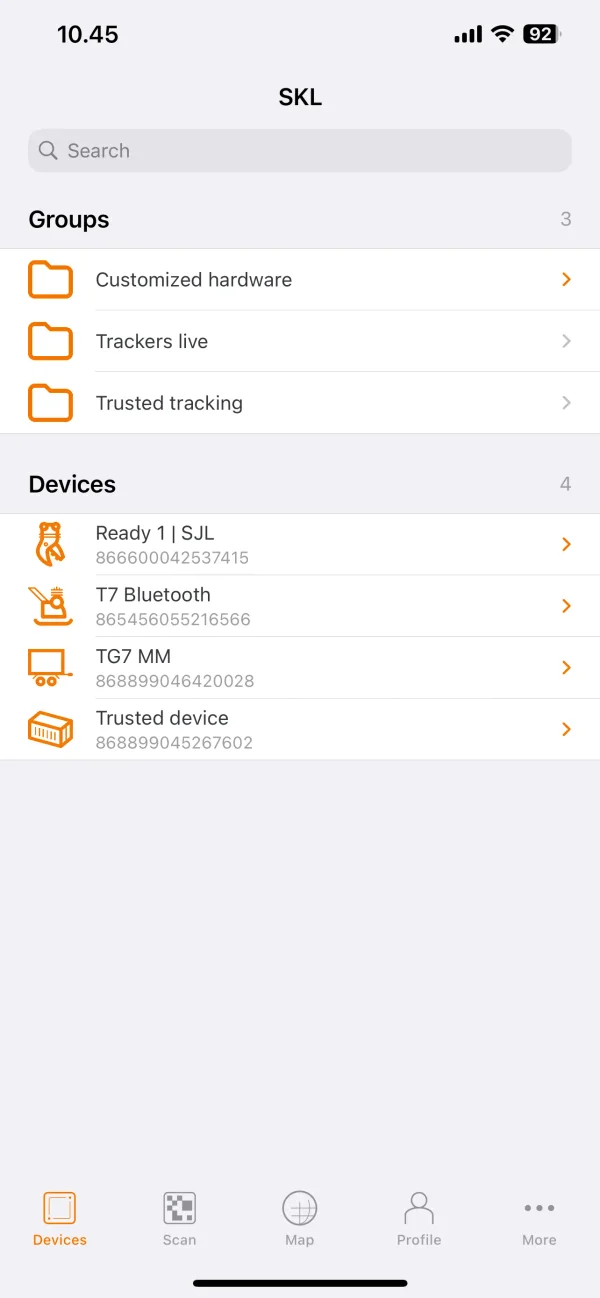
Manage your tracking devices
See your tracking devices on lists and in groups. Browse, search and sort devices as you like.
Map view
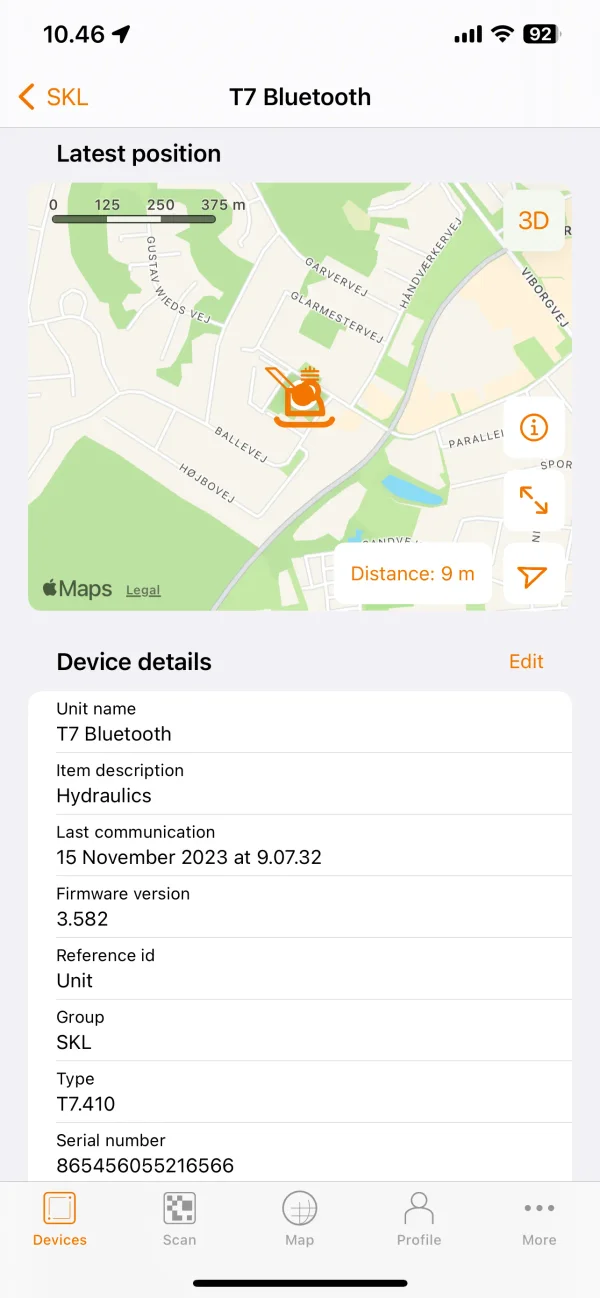
View devices on maps and see if your assets are home or away. Click to get directions to the latest position.
Unit view
Click Edit to set up basic details about your device. Personalize your view of the information to get the data you care about at a glimpse.
Data visualization
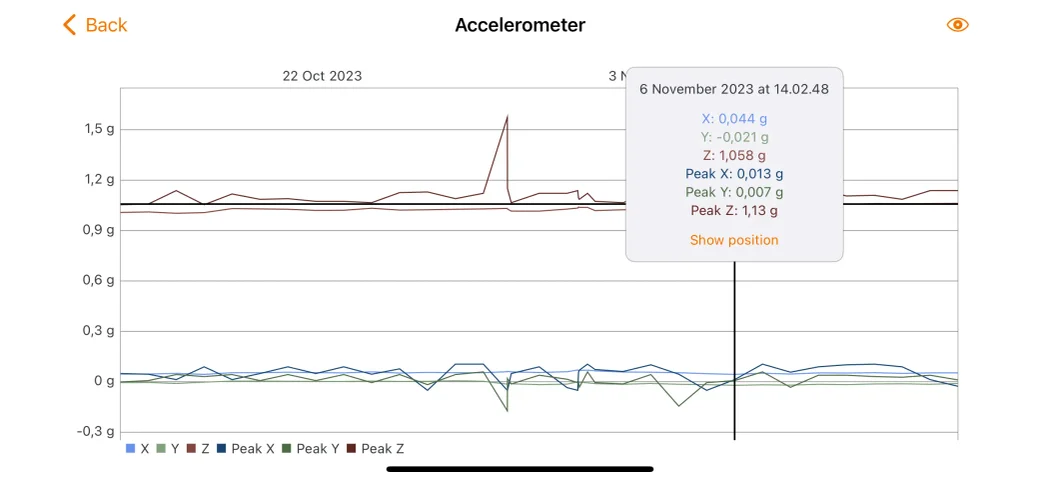
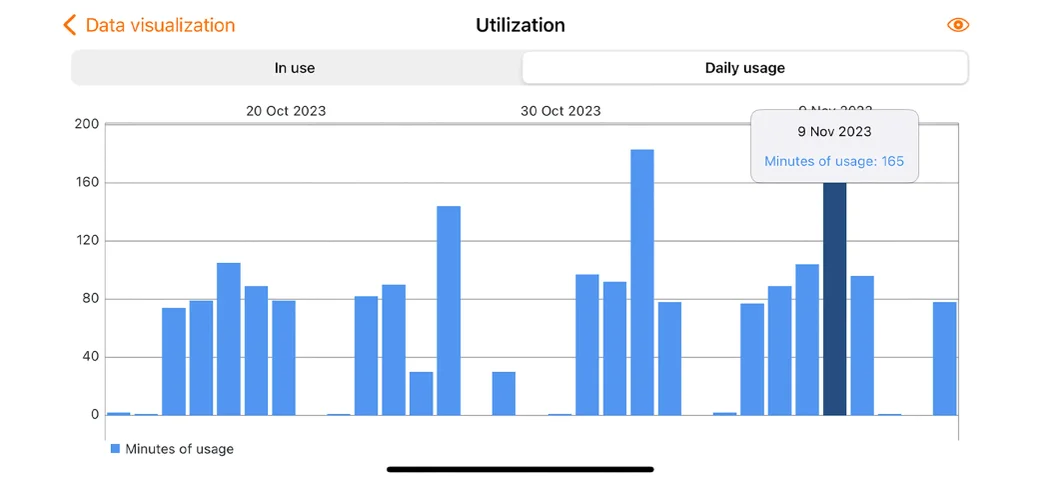
Browse data on zoomable graphs. Identify incidents on the go and see incident location. For Vision subscriptions, Utilization data is now also available on your app. Browse the running hours of your assets on a timeline or see daily usage in minutes. Also, view a full transmission list to see when and where your data was tracked – and what triggered it.
Edit configuration
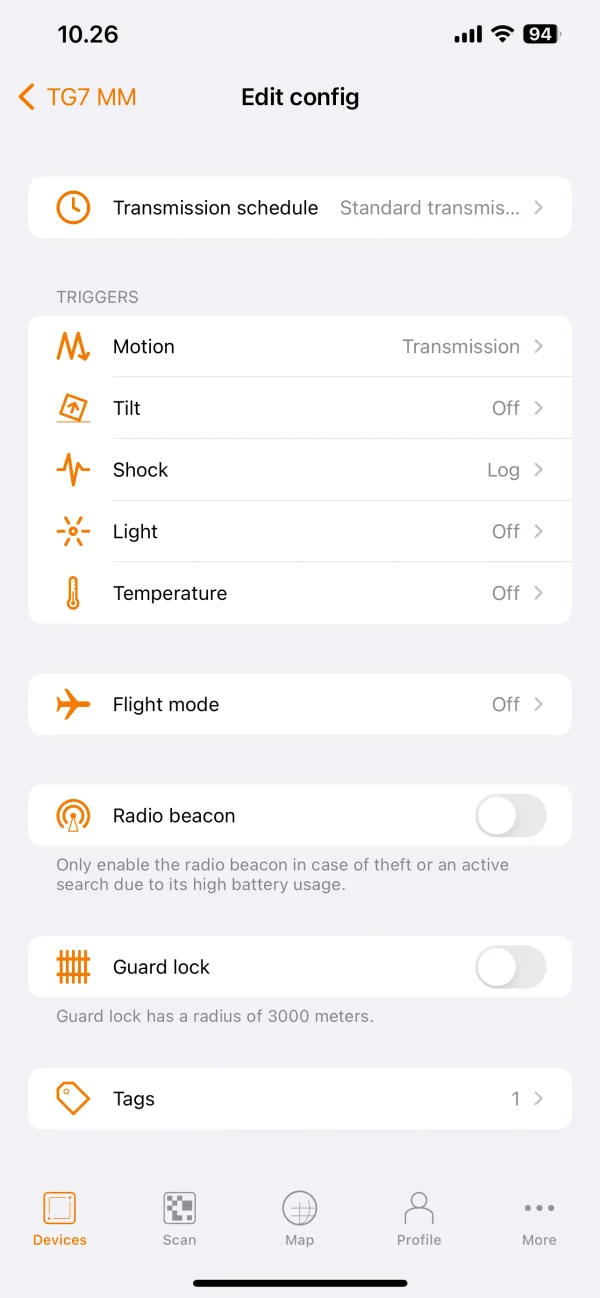
Configure your devices with the selection of Triggers you are used to on Desktop. Set up flight mode or turn on Guard Lock.
Introducing Guard Lock – exclusively for app
By activating Guard Lock for your device, you will lock the unit virtually to a given position. Turn on and choose either Current unit position or Current location of your phone. You are now done. When this new configuration is downloaded to your device, you will receive an alarm by e-mail if your device transmits a position away from the location where it now has been virtually locked.
Scan devices
Use the Scan Device feature for an easy setup and installation of your devices: Scan the QR on the label to go to your unit and set up name, description, and a transmission schedule before mounting. Snap a picture after your installation for reference or replacement right in the app.
Support
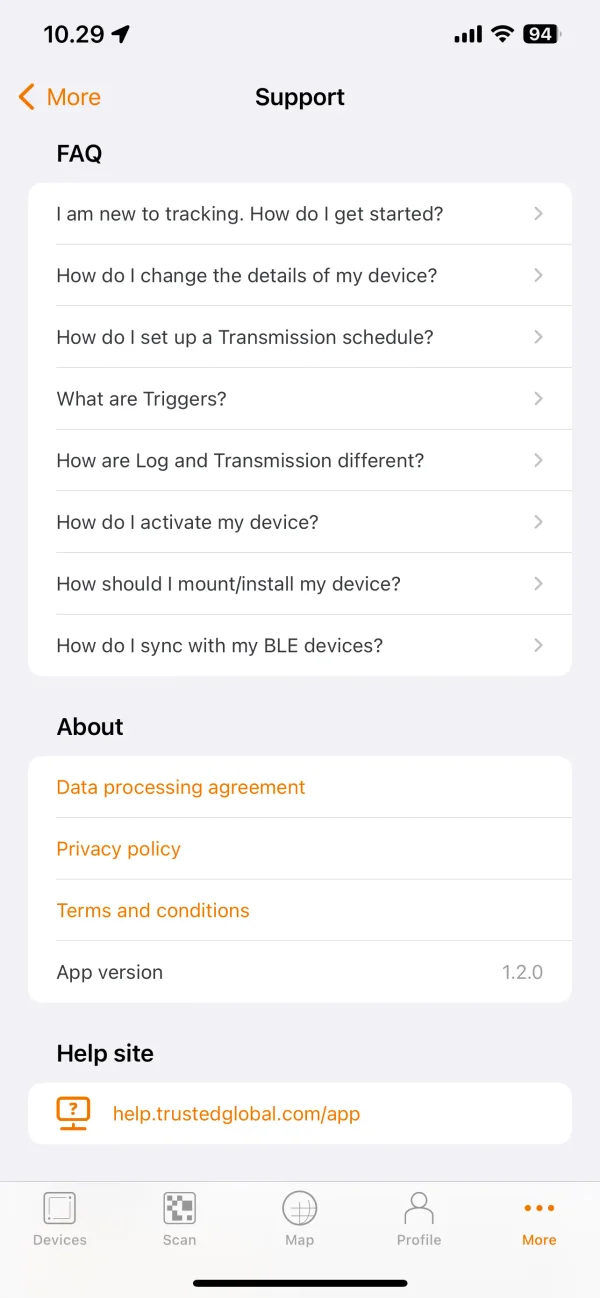
A redesigned support section helps you get started with your Trusted tracking solution. See FAQ to begin. For other inquiries, please contact: app.support@trustedglobal.com.
Designed with a native feel for your iPhone and free for all users of the Trusted Data Portal.
What’s new
Version 2.3.5 · Oct 26, 2026
The map with overview of all of your devices, has be redesigned.
App privacy
What Trusted A/S declares on the App Store about how this app handles data.
-
Data linked to you
May be collected and linked to your identity.
- Location
- User content
- Identifiers
- Usage data
- Diagnostics
Privacy practices may vary, for example with the features you use or your age.
Information
- Seller
- Insero Horsens
- Category
- Utilities
- Version
- 2.3.5
- Updated
- Oct 26, 2026
- Released
- Apr 25, 2023
- Size
- 54.7 MB
- Requires
- iOS 17.6 or later
- Age rating
- 4+
- Price
- Free
- Languages
- English
- Copyright
- © 2023 Trusted A/S
You might also like
-
 Blend+ The telematics solutionA new fleet management app
-
 SODA Safe of Data AppUtilities
-
 ASPION G-Log Data loggerRead out of all ASPION sensors
-
 EasyCertCertificates in your pocket
-
 easy2-MOBMan-over-board device
-
 ProjectArewaYour Hub for Positive Impact
-
 QuCam+Dashcam App
-
 Trimline: AI Car IdentifierVehicle Photo Scanner & Model
-
 Endorser MobileVerifiable Claims for All
-
 4K MAESTRO Total ControlUtilities