- Độ tuổi4+
- Danh mụcTiện Ích
- Nhà phát triểnTrusted A/S
- Ngôn ngữTiếng Anh
- Kích thước54,7 MB
Liên kết đến trang App Store chính thức
Download.org không lưu trữ tệp nào của Trusted Data App. Nút này mở trang ứng dụng trên App Store, nơi Trusted A/S phát hành ứng dụng. Trang được kiểm tra lần cuối: 12/11/2026.
Ảnh chụp màn hình


Giới thiệu
Nhà phát triển chưa cung cấp nội dung này bằng ngôn ngữ của bạn.
New and completely redesigned for iOS. This is the Trusted Data App.
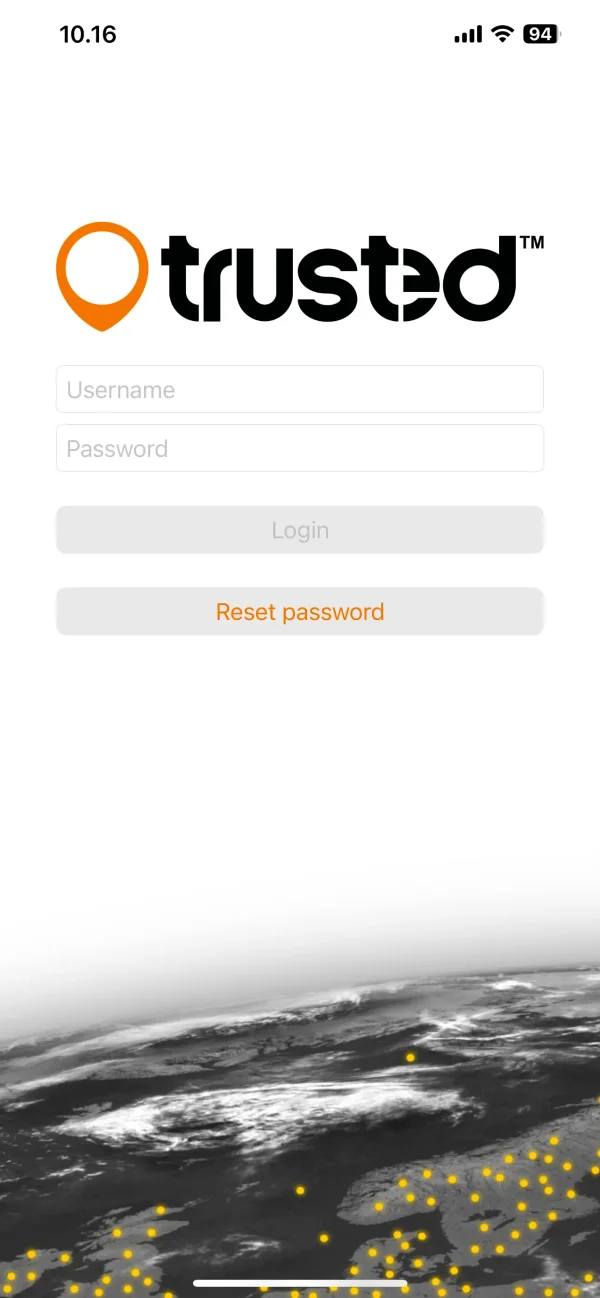
Free for all users of the Trusted Data Portal, you can log in with your user credentials to enjoy your Trusted data-tracking solution on the go. Everything syncs with the software for a seamless experience.
FEATURES
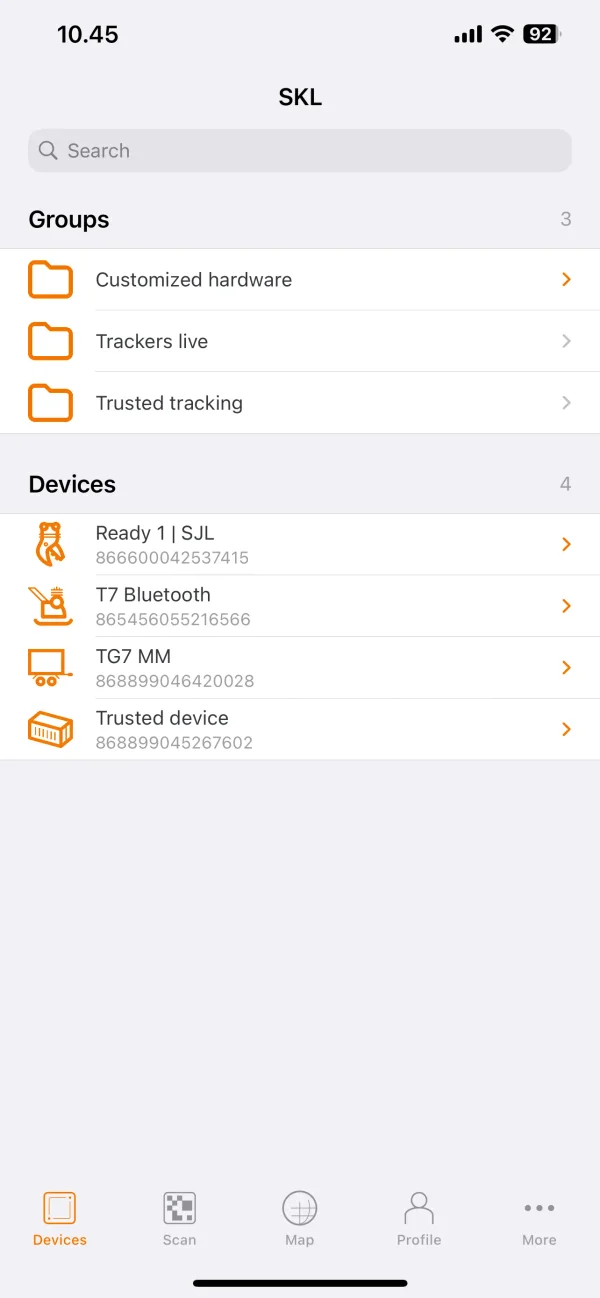
Manage your tracking devices
See your tracking devices on lists and in groups. Browse, search and sort devices as you like.
Map view
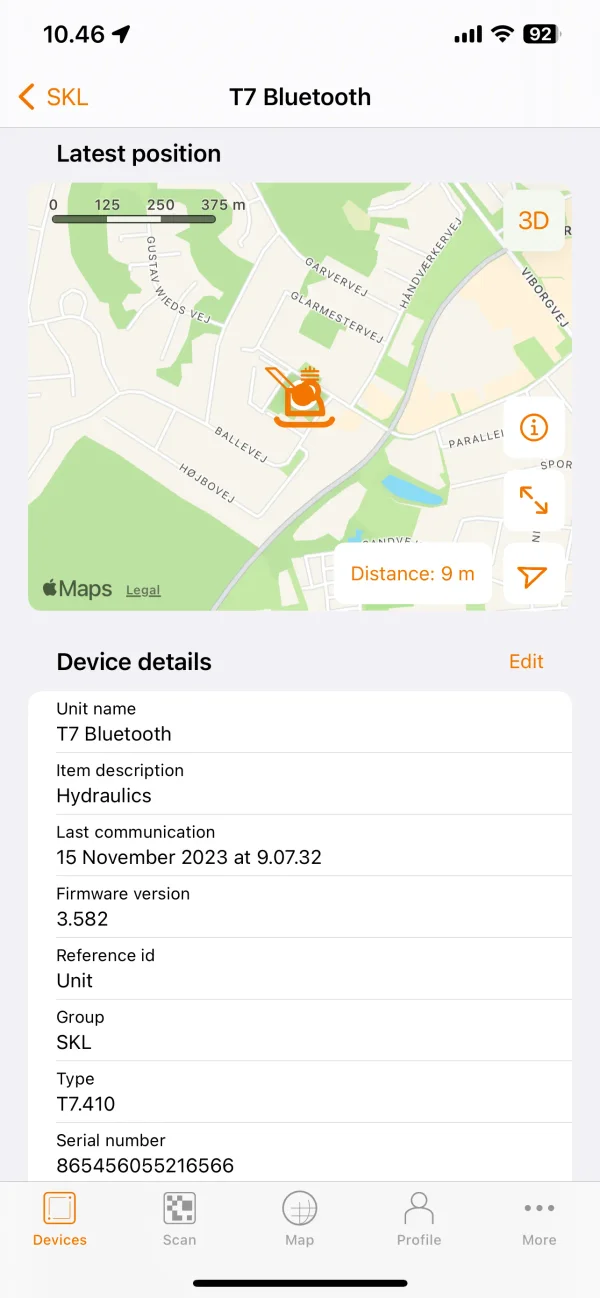
View devices on maps and see if your assets are home or away. Click to get directions to the latest position.
Unit view
Click Edit to set up basic details about your device. Personalize your view of the information to get the data you care about at a glimpse.
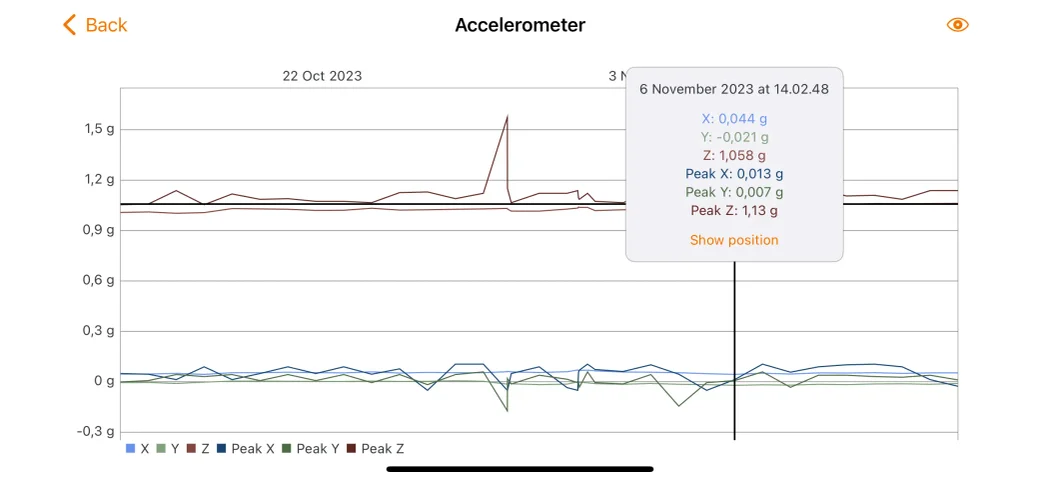
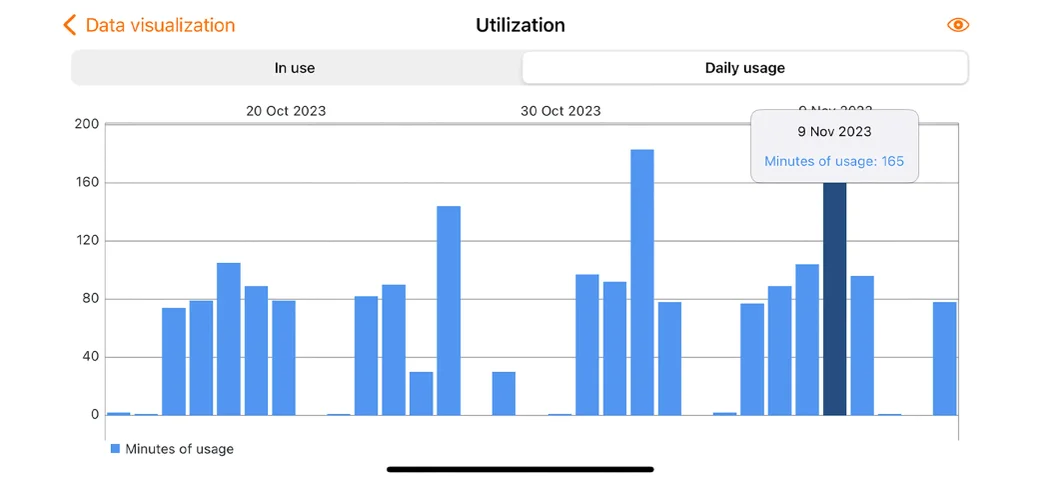
Data visualization
Browse data on zoomable graphs. Identify incidents on the go and see incident location. For Vision subscriptions, Utilization data is now also available on your app. Browse the running hours of your assets on a timeline or see daily usage in minutes. Also, view a full transmission list to see when and where your data was tracked – and what triggered it.
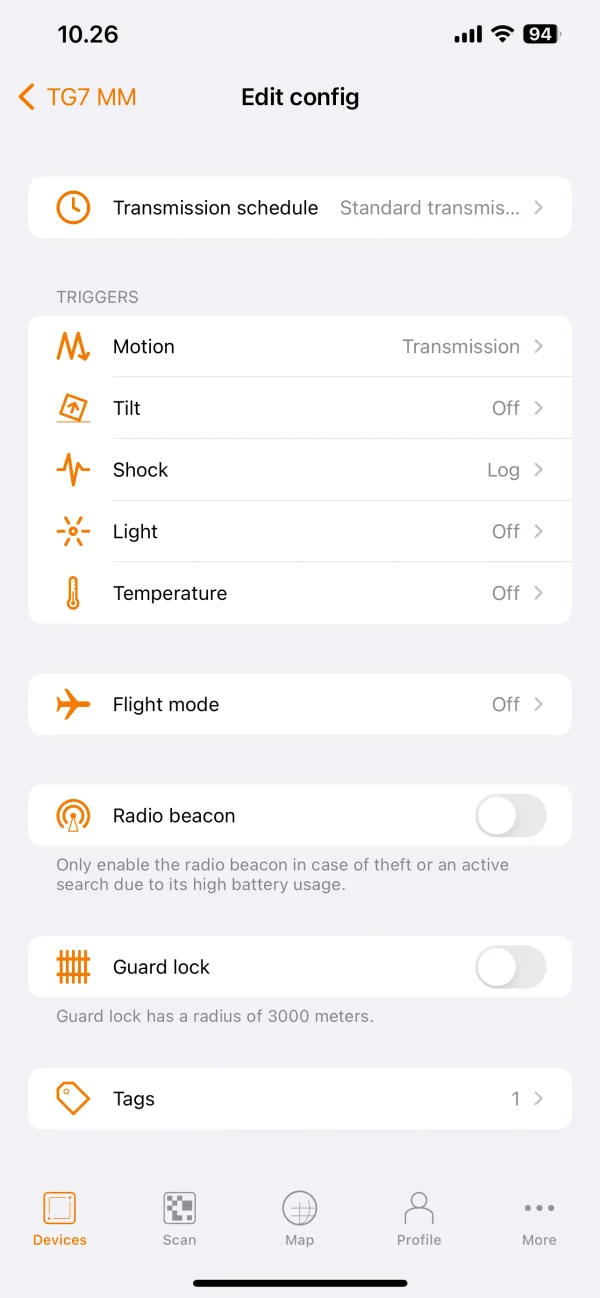
Edit configuration
Configure your devices with the selection of Triggers you are used to on Desktop. Set up flight mode or turn on Guard Lock.
Introducing Guard Lock – exclusively for app
By activating Guard Lock for your device, you will lock the unit virtually to a given position. Turn on and choose either Current unit position or Current location of your phone. You are now done. When this new configuration is downloaded to your device, you will receive an alarm by e-mail if your device transmits a position away from the location where it now has been virtually locked.
Scan devices
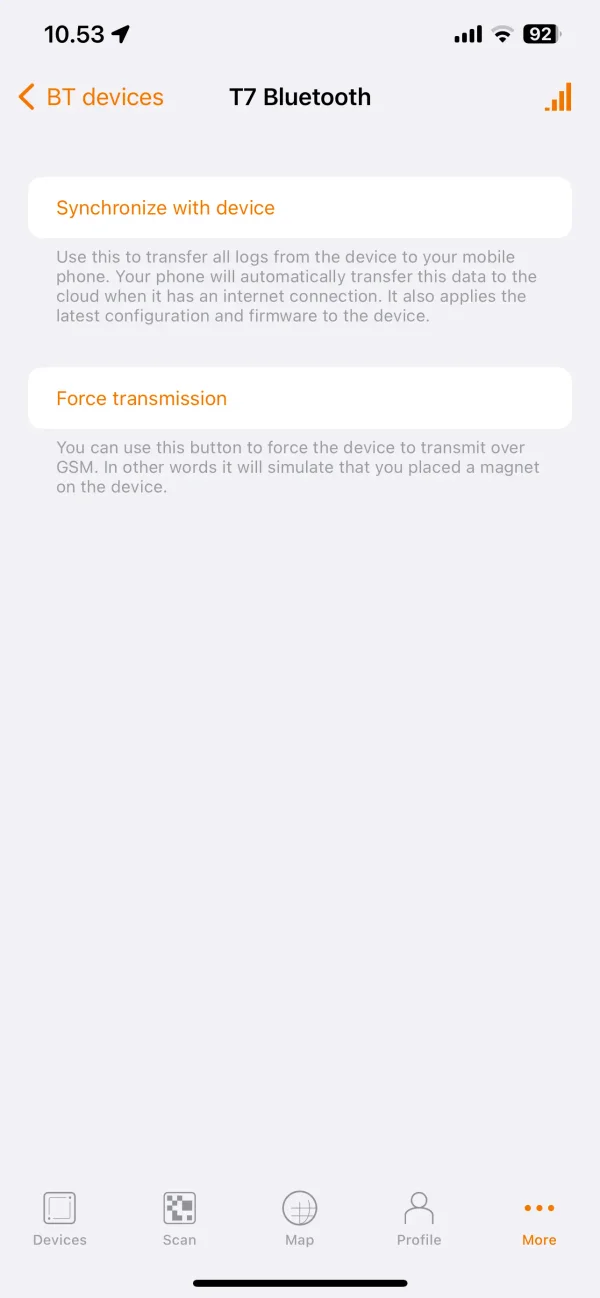
Use the Scan Device feature for an easy setup and installation of your devices: Scan the QR on the label to go to your unit and set up name, description, and a transmission schedule before mounting. Snap a picture after your installation for reference or replacement right in the app.
Support
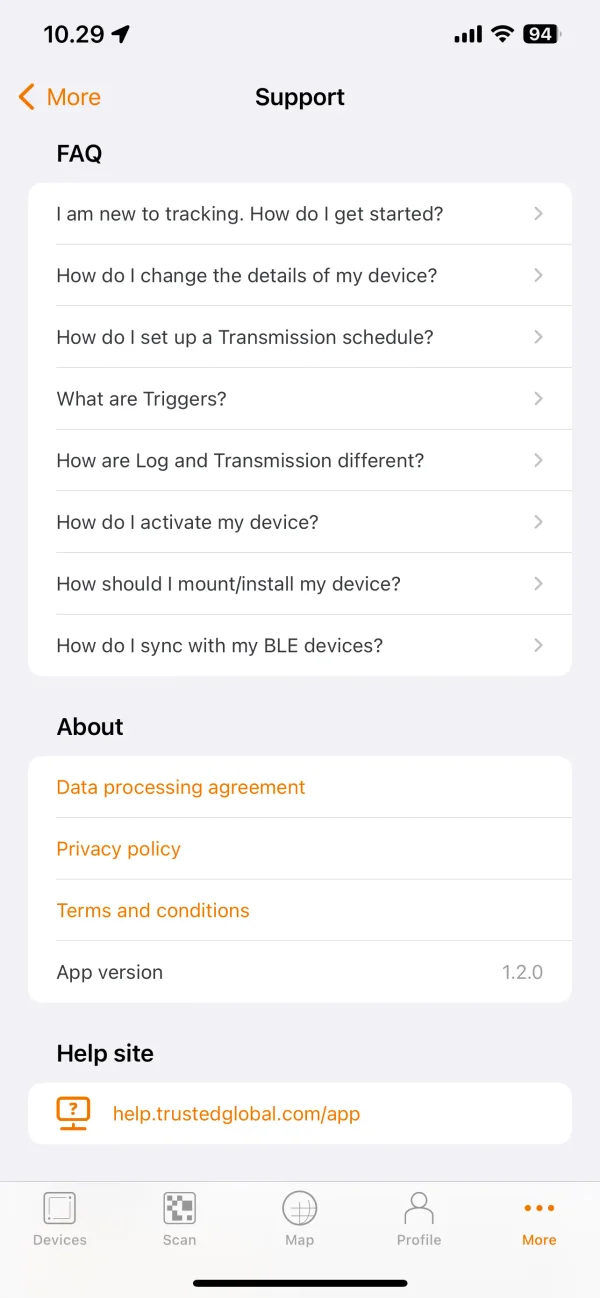
A redesigned support section helps you get started with your Trusted tracking solution. See FAQ to begin. For other inquiries, please contact: app.support@trustedglobal.com.
Designed with a native feel for your iPhone and free for all users of the Trusted Data Portal.
Có gì mới
Phiên bản 2.3.5 · 26/10/2026
The map with overview of all of your devices, has be redesigned.
Quyền riêng tư của ứng dụng
Những gì Trusted A/S khai báo trên App Store về cách ứng dụng này xử lý dữ liệu.
-
Dữ liệu liên kết với bạn
Có thể được thu thập và liên kết với danh tính của bạn.
- Vị trí
- Nội dung của người dùng
- Mã định danh
- Dữ liệu sử dụng
- Chẩn đoán
Phương thức đảm bảo quyền riêng tư có thể khác nhau, chẳng hạn như tuỳ theo các tính năng bạn sử dụng hoặc độ tuổi của bạn.
Thông tin
- Người bán
- Insero Horsens
- Danh mục
- Tiện Ích
- Phiên bản
- 2.3.5
- Cập nhật
- 26/10/2026
- Phát hành
- 25/04/2023
- Kích thước
- 54,7 MB
- Yêu cầu
- iOS 17.6 trở lên
- Độ tuổi
- 4+
- Giá
- Miễn phí
- Ngôn ngữ
- Tiếng Anh
- Bản quyền
- © 2023 Trusted A/S