
- Age rating4+
- CategoryMusic
- DeveloperDamond Choi
- LanguagesEnglish
- Size2.0 MB
Links to the official App Store page
Download.org hosts no file of TuneSlider. The button opens its official App Store page, published by Damond Choi. Listing last checked on Nov 16, 2026.
Screenshots



About
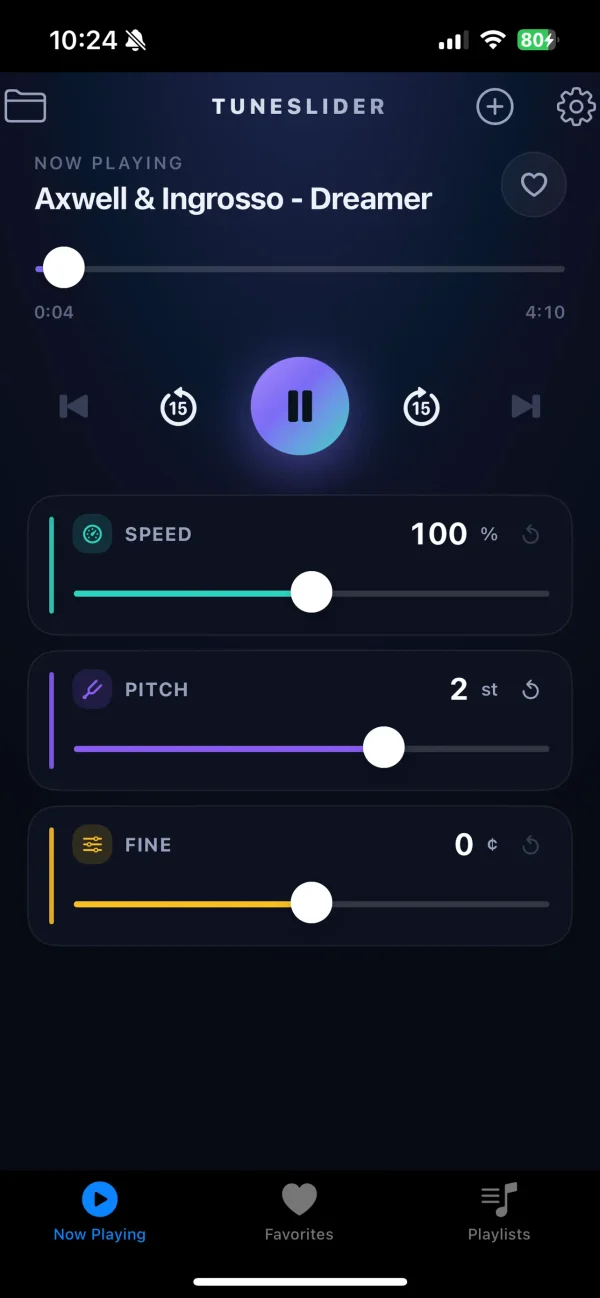
TuneSlider changes a song's speed without changing its pitch, and its pitch without changing its speed — down to the cent. Built for practicing, transcribing, and slowing down the hard parts. No subscription, no account, no ads.
THREE DIALS, ONE JOB EACH
Speed, pitch, and fine tune are always independent, and always color-coded the same way everywhere in the app, so you never lose track of which one you're touching.
• Speed — 25%–200% of the original tempo in 1% steps. Pure time-stretch: the pitch never drifts, even at half speed.
• Pitch — ±6 semitones, a full octave of transposition, in whole-step jumps, without ever touching the tempo.
• Fine tune — ±50 cents around whichever semitone you've picked, enough resolution to correct a recording that's just a hair off.
BUILT FOR REPEAT PRACTICE
Real library features, not just a single-file player.
• Per-song memory — speed, pitch, and fine-tune are saved per song and restored automatically the next time you open it, across app relaunches.
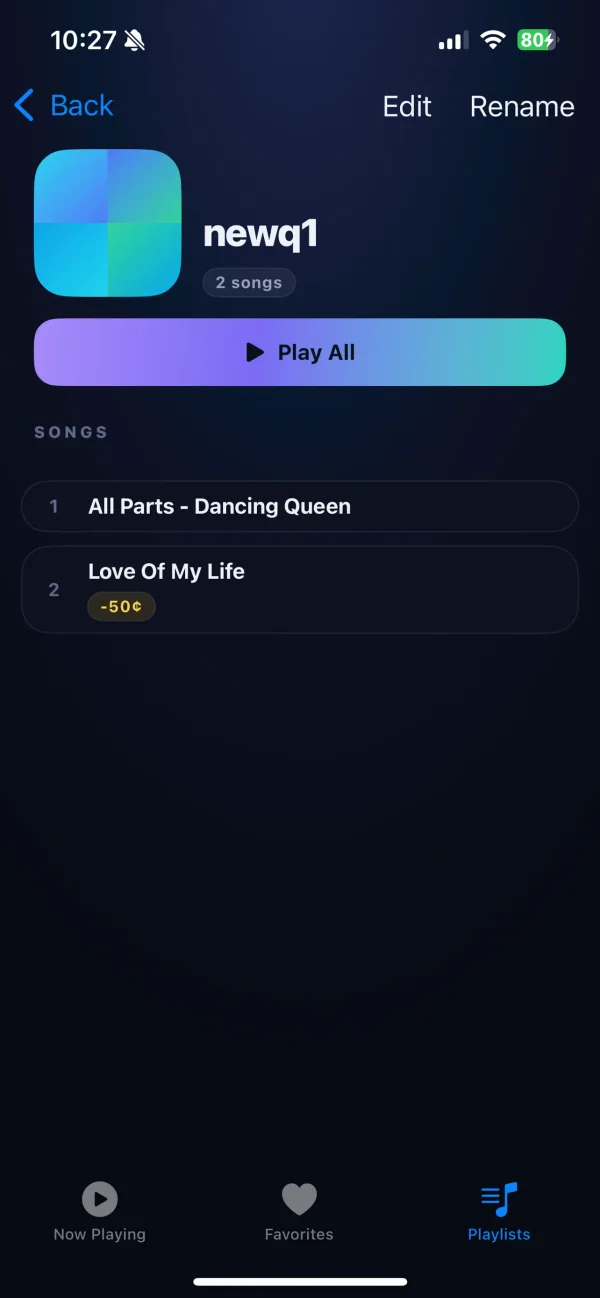
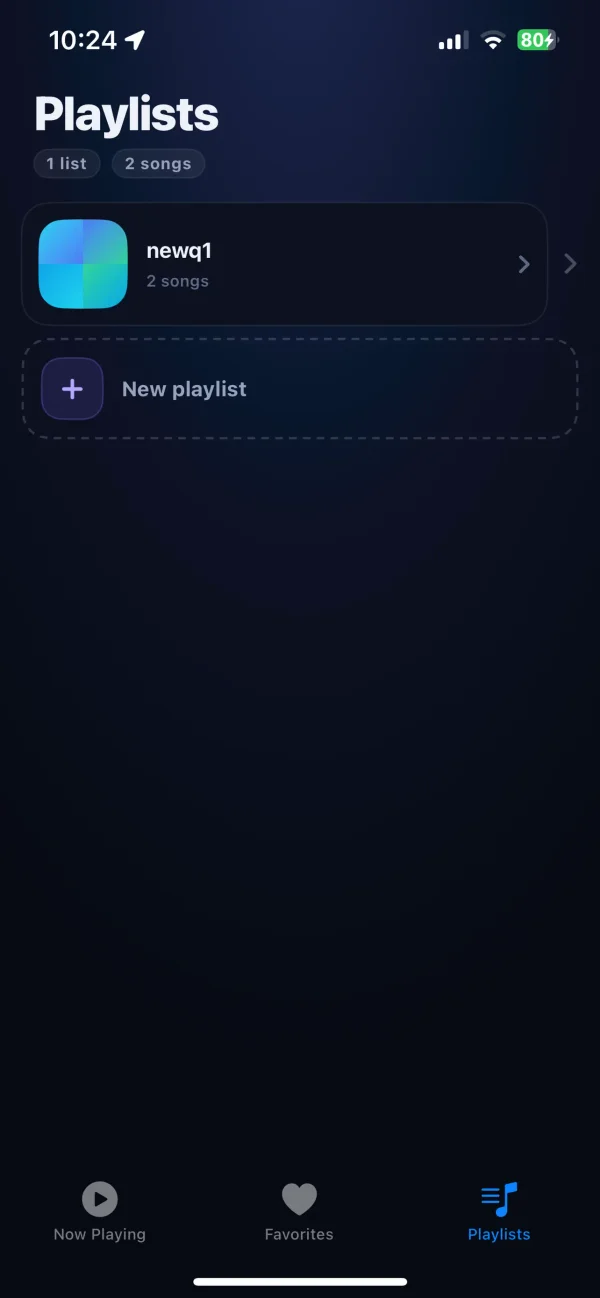
• Favorites & playlists — heart a song to favorite it, or build named playlists: reorder, rename, and organize the pieces you're actively working on.
• Play All & full transport — queue an entire playlist and auto-advance through it, with back / rewind 15s / play-pause / forward 15s / next, on-screen and from the lock screen.
• Keeps playing, locked or backgrounded — full lock-screen and Control Center transport controls, and playback survives the screen locking or another app opening.
SEE THE MUSIC, NOT JUST HEAR IT
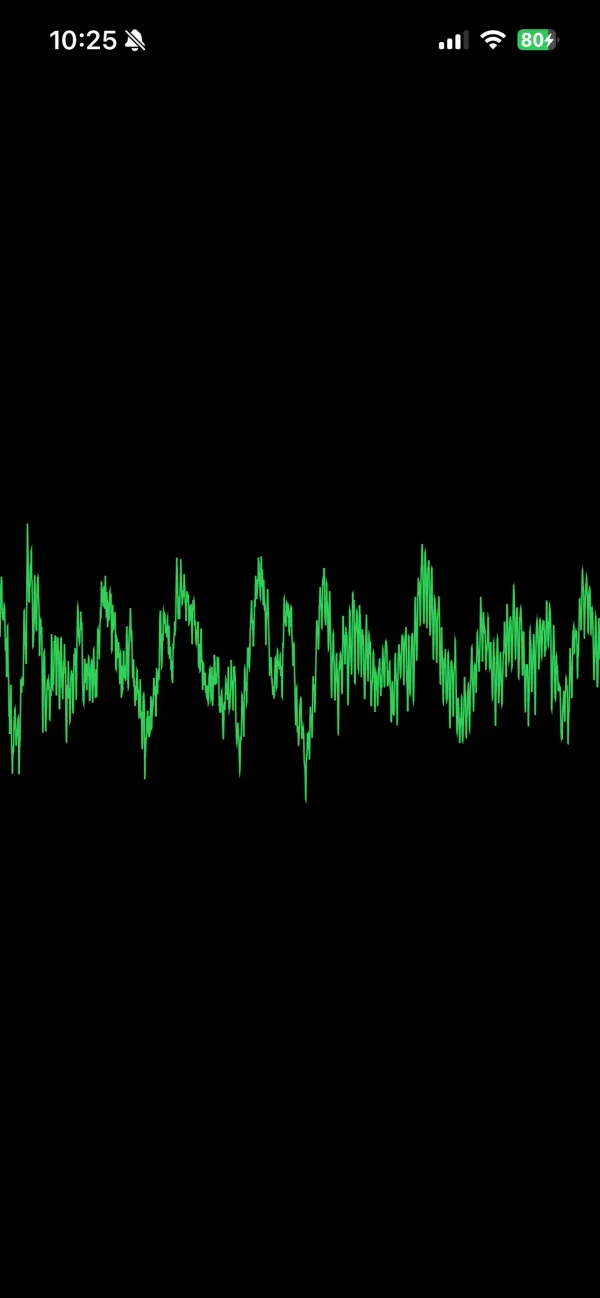
Three full-screen visualizers, each driven by the actual live, post-speed/pitch audio, not a canned animation:
• Waveform — raw time-domain trace
• Spectrum — FFT frequency bars
• Pulse — radial burst, by loudness
NOTHING TO SIGN IN TO. NOTHING TO SEND ANYWHERE.
TuneSlider has no account, no analytics, and no ads. Every song, setting, playlist, and favorite lives only in local storage on your device — the developer never sees any of it.
What’s new
Version 1.1.0 · Oct 31, 2026
Recent playlist. TuneSlider now keeps a "Recent" playlist of your last 10 songs, newest on top. Reopen a song and it jumps back to the top.
Siri voice control (iPhone with iOS 16 or later). Keep your hands on your instrument and ask Siri:
- "Play my recent songs in TuneSlider"
- "Play my favorites in TuneSlider"
- "Play [playlist name] in TuneSlider"
- "Slower in TuneSlider" or "Faster in TuneSlider"
- "Pitch up in TuneSlider" or "Pitch down in TuneSlider"
- "Set speed in TuneSlider", then say a number
- "Back 5 seconds in TuneSlider" to replay a lick
- "Reset everything in TuneSlider"
- "Favorite this song in TuneSlider"
- "What's playing in TuneSlider"
You can also say "Hey Siri, pause" or "next song" while TuneSlider is playing.
App privacy
What Damond Choi declares on the App Store about how this app handles data.
-
Data not collected
The developer does not collect any data from this app.
Privacy practices may vary, for example with the features you use or your age.
Information
- Seller
- Damond Choi
- Category
- Music
- Version
- 1.1.0
- Updated
- Oct 31, 2026
- Released
- Sep 4, 2026
- Size
- 2.0 MB
- Requires
- iOS 16.0 or later
- Age rating
- 4+
- Price
- Free
- Languages
- English
- Copyright
- © 2026 Damond Choi
You might also like
-
 Bounce: Music VisualizerRetro LED Spectrum Analyzer
-
 Drift: Visual Music PlayerYour music, set in motion
-
 Whiskey River Music Playera Music Companion Project
-
 FretBuilderInstrument visualization
-
 Lissa – Music VisualizerMusic
-
 AuranovaOffline Music Player & Radio
-
 KeyTempoMusic Pitch & Tempo Changer
-
 Music Pulse: Audio VisualizerVU Meters & Music Light Show
-
 Music Speed Changer AIAI Music Speed Changer
-
 Spite Music PlayerFor music you actually own.