- 対象年齢4+
- カテゴリミュージック
- 開発元Damond Choi
- 言語英語
- サイズ2.0 MB
App Storeの公式ページにリンクしています
Download.orgはTuneSliderのファイルを一切ホストしていません。ボタンを押すと、Damond Choiが公開しているApp Storeのアプリページが開きます。ページの最終確認:2026/11/16。
スクリーンショット



概要
開発元はこのテキストをお使いの言語で提供していません。
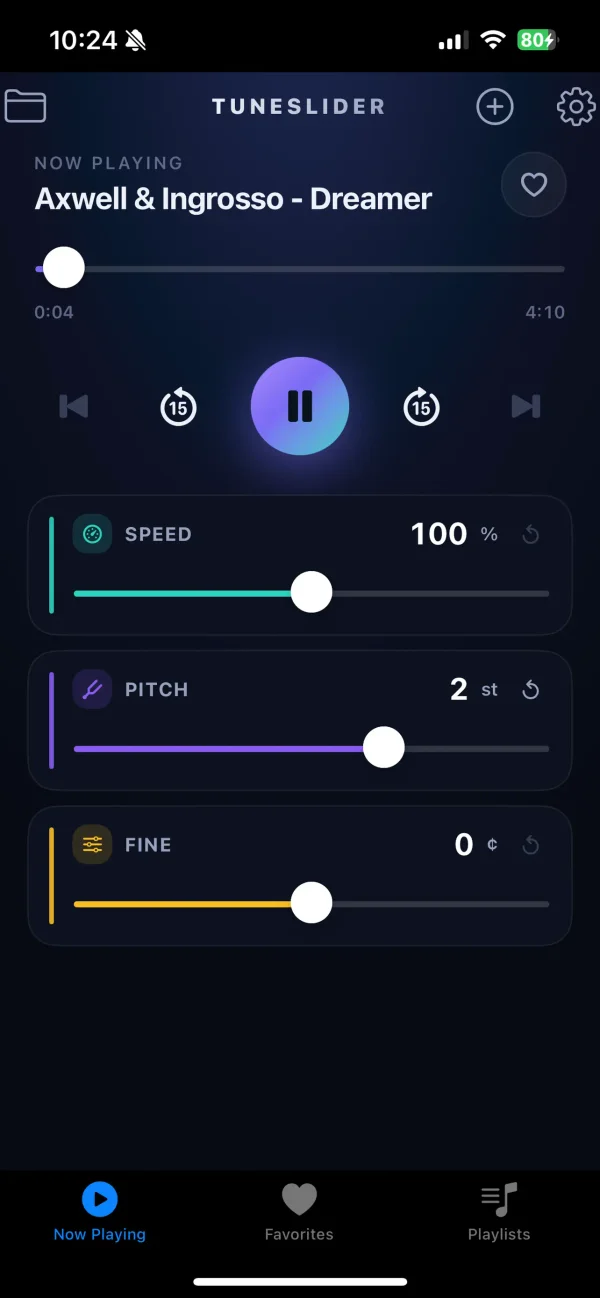
TuneSlider changes a song's speed without changing its pitch, and its pitch without changing its speed — down to the cent. Built for practicing, transcribing, and slowing down the hard parts. No subscription, no account, no ads.
THREE DIALS, ONE JOB EACH
Speed, pitch, and fine tune are always independent, and always color-coded the same way everywhere in the app, so you never lose track of which one you're touching.
• Speed — 25%–200% of the original tempo in 1% steps. Pure time-stretch: the pitch never drifts, even at half speed.
• Pitch — ±6 semitones, a full octave of transposition, in whole-step jumps, without ever touching the tempo.
• Fine tune — ±50 cents around whichever semitone you've picked, enough resolution to correct a recording that's just a hair off.
BUILT FOR REPEAT PRACTICE
Real library features, not just a single-file player.
• Per-song memory — speed, pitch, and fine-tune are saved per song and restored automatically the next time you open it, across app relaunches.
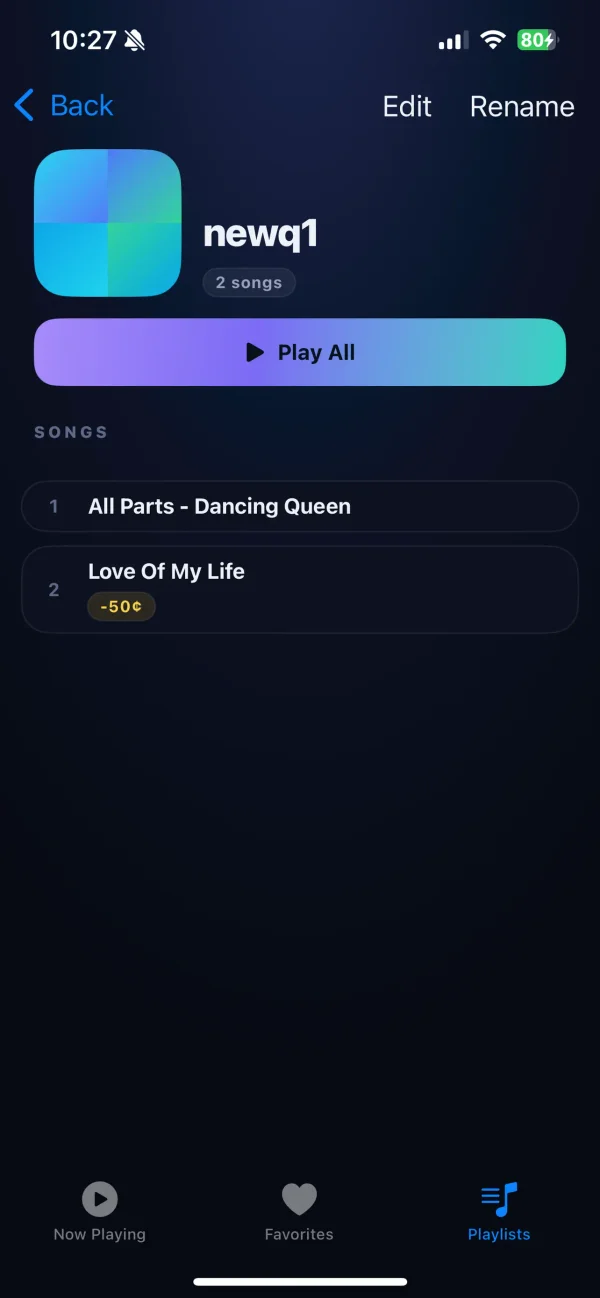
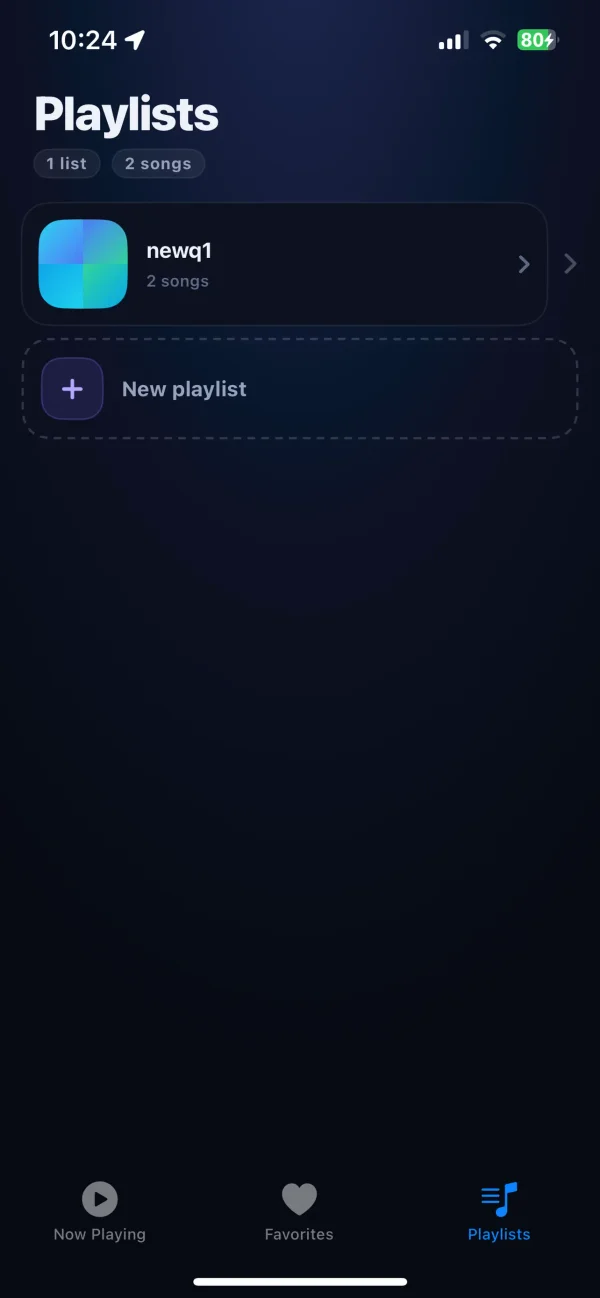
• Favorites & playlists — heart a song to favorite it, or build named playlists: reorder, rename, and organize the pieces you're actively working on.
• Play All & full transport — queue an entire playlist and auto-advance through it, with back / rewind 15s / play-pause / forward 15s / next, on-screen and from the lock screen.
• Keeps playing, locked or backgrounded — full lock-screen and Control Center transport controls, and playback survives the screen locking or another app opening.
SEE THE MUSIC, NOT JUST HEAR IT
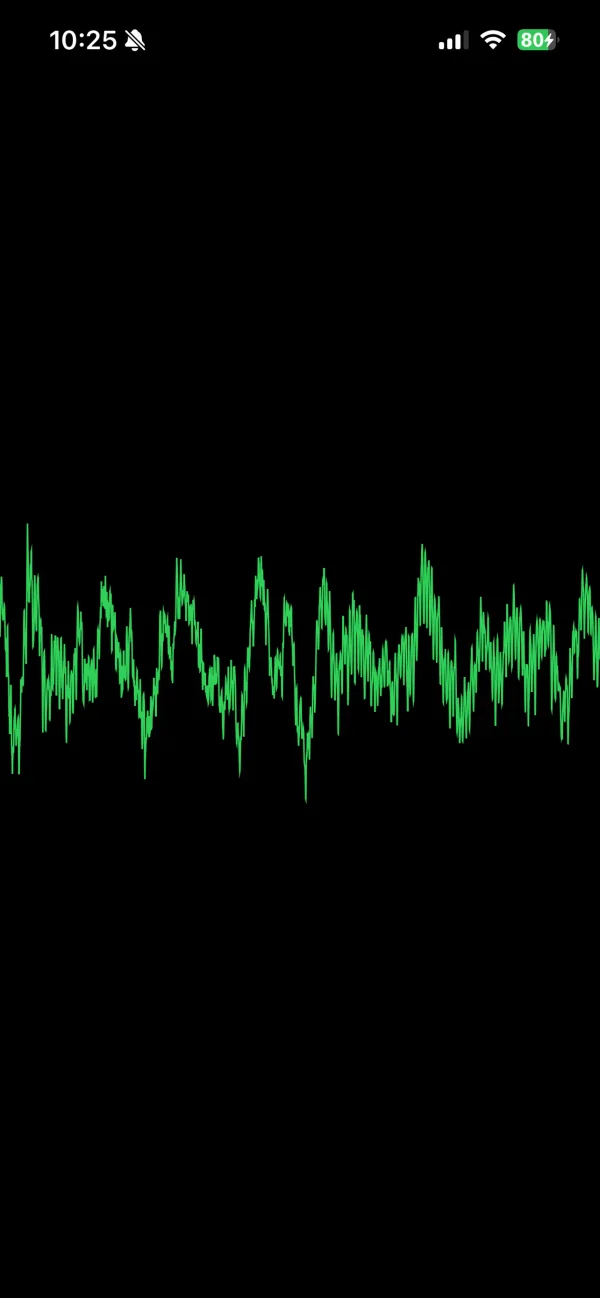
Three full-screen visualizers, each driven by the actual live, post-speed/pitch audio, not a canned animation:
• Waveform — raw time-domain trace
• Spectrum — FFT frequency bars
• Pulse — radial burst, by loudness
NOTHING TO SIGN IN TO. NOTHING TO SEND ANYWHERE.
TuneSlider has no account, no analytics, and no ads. Every song, setting, playlist, and favorite lives only in local storage on your device — the developer never sees any of it.
新機能
バージョン 1.1.0 · 2026/10/31
Recent playlist. TuneSlider now keeps a "Recent" playlist of your last 10 songs, newest on top. Reopen a song and it jumps back to the top.
Siri voice control (iPhone with iOS 16 or later). Keep your hands on your instrument and ask Siri:
- "Play my recent songs in TuneSlider"
- "Play my favorites in TuneSlider"
- "Play [playlist name] in TuneSlider"
- "Slower in TuneSlider" or "Faster in TuneSlider"
- "Pitch up in TuneSlider" or "Pitch down in TuneSlider"
- "Set speed in TuneSlider", then say a number
- "Back 5 seconds in TuneSlider" to replay a lick
- "Reset everything in TuneSlider"
- "Favorite this song in TuneSlider"
- "What's playing in TuneSlider"
You can also say "Hey Siri, pause" or "next song" while TuneSlider is playing.
アプリのプライバシー
このアプリのデータの取り扱いについて、Damond ChoiがApp Storeで申告している内容です。
-
データの収集なし
開発元はこのアプリからデータを収集しません。
プライバシーの取り扱いは、ご利用の機能やお客様の年齢などに応じて異なる場合があります。
情報
- 販売元
- Damond Choi
- カテゴリ
- ミュージック
- バージョン
- 1.1.0
- 更新日
- 2026/10/31
- リリース
- 2026/9/4
- サイズ
- 2.0 MB
- 必要条件
- iOS 16.0以降
- 対象年齢
- 4+
- 価格
- 無料
- 言語
- 英語
- 著作権
- © 2026 Damond Choi