TUTU: AI Object Remover
Erase People & Retouch Photos
Designed for iPhone, iPad, Mac
Free · In-app purchases
- Age rating4+
- CategoryPhoto & Video
- Developer辉 林
- LanguagesEnglish+ 8 more
- Size165.2 MB
Links to the official App Store page
Download.org hosts no file of TUTU: AI Object Remover. The button opens its official App Store page, published by 辉 林. Listing last checked on Nov 23, 2026.
Screenshots

About
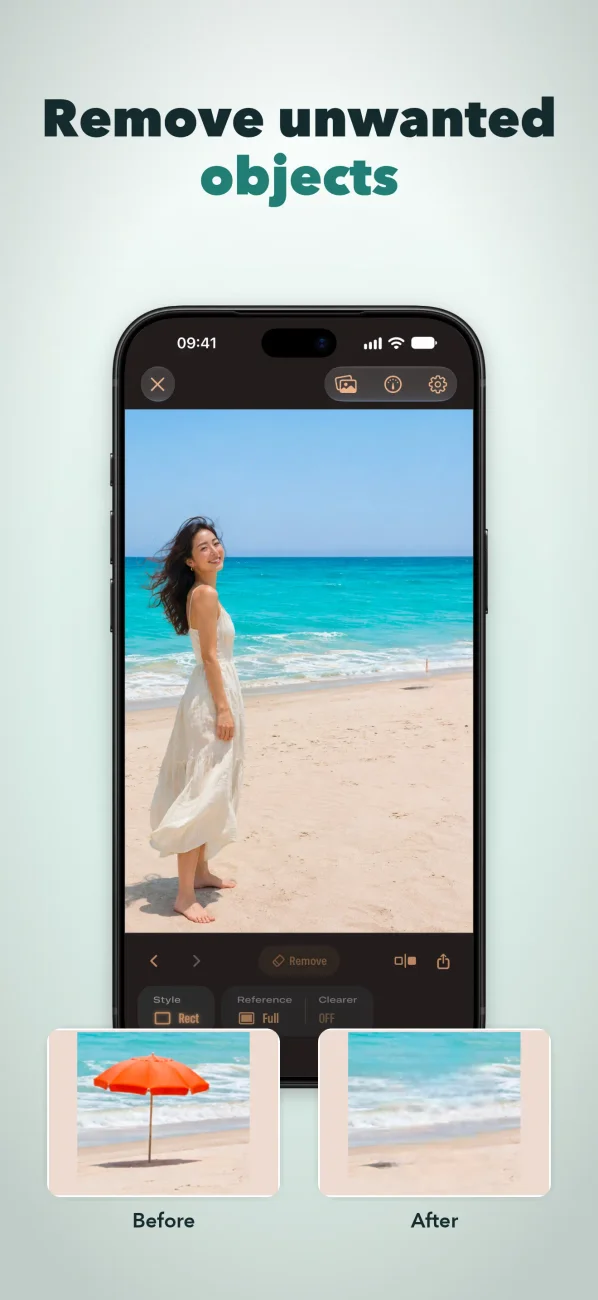
Erase unwanted objects from your photos with TUTU. Mark an object with a brush, freehand shape, or tap-to-select, then let AI fill the selected area.
• Open a photo from your library or drag in an image.
• Mark the area to remove with a brush, shape, or tap-to-select.
• Zoom, undo, and redo to refine your edit.
• Save the result to Photos.
Image editing runs on your device. No account is required. Try editing for free. TUTU Premium is required to save edited photos to your photo library.
TUTU Premium
• Monthly subscription: save edited photos to Photos while your monthly subscription is active.
• Annual subscription: the same photo-saving feature while your annual subscription is active.
• Lifetime purchase: permanently unlock the same photo-saving feature with one payment.
The purchase screen shows the current price, billing period, and any eligible free trial before purchase. Monthly and annual subscriptions renew automatically unless canceled at least 24 hours before the current period ends. Your Apple Account is charged for each renewal. Manage or cancel subscriptions in your Apple Account settings.
Terms of Use (Apple Standard EULA): https://www.apple.com/legal/internet-services/itunes/dev/stdeula/
Privacy Policy: https://huisang.notion.site/Privacy-Policy-3174c763eda14336852f7cd94efaa514?pvs=4
What’s new
Version 1.0.5 · Nov 17, 2026
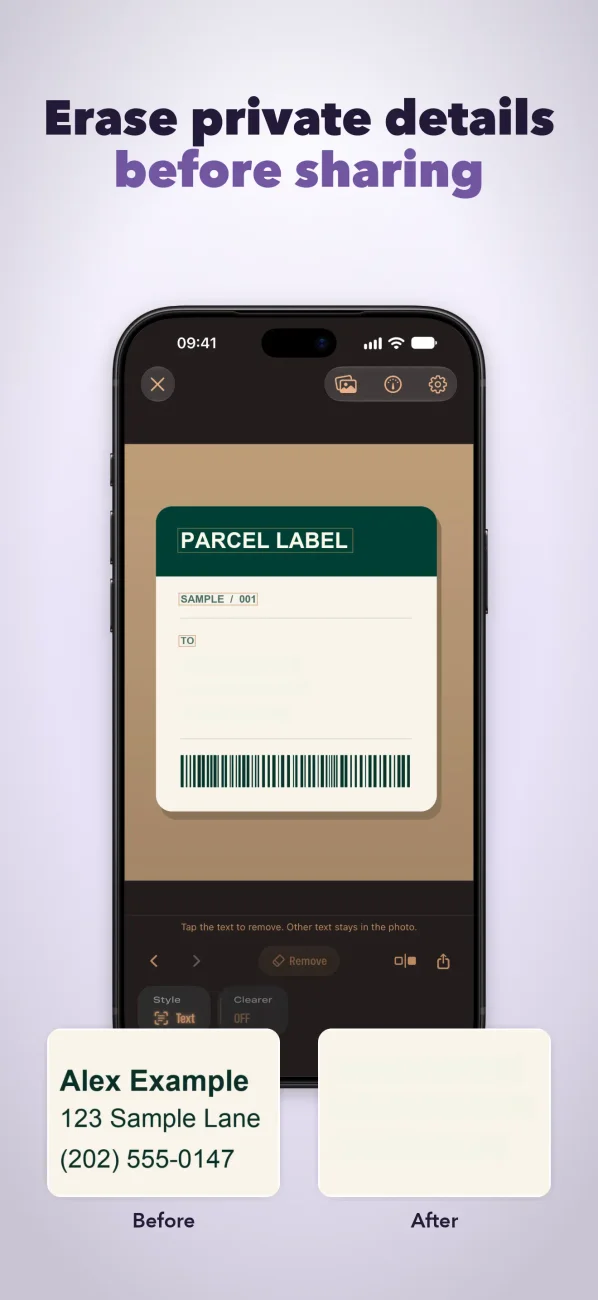
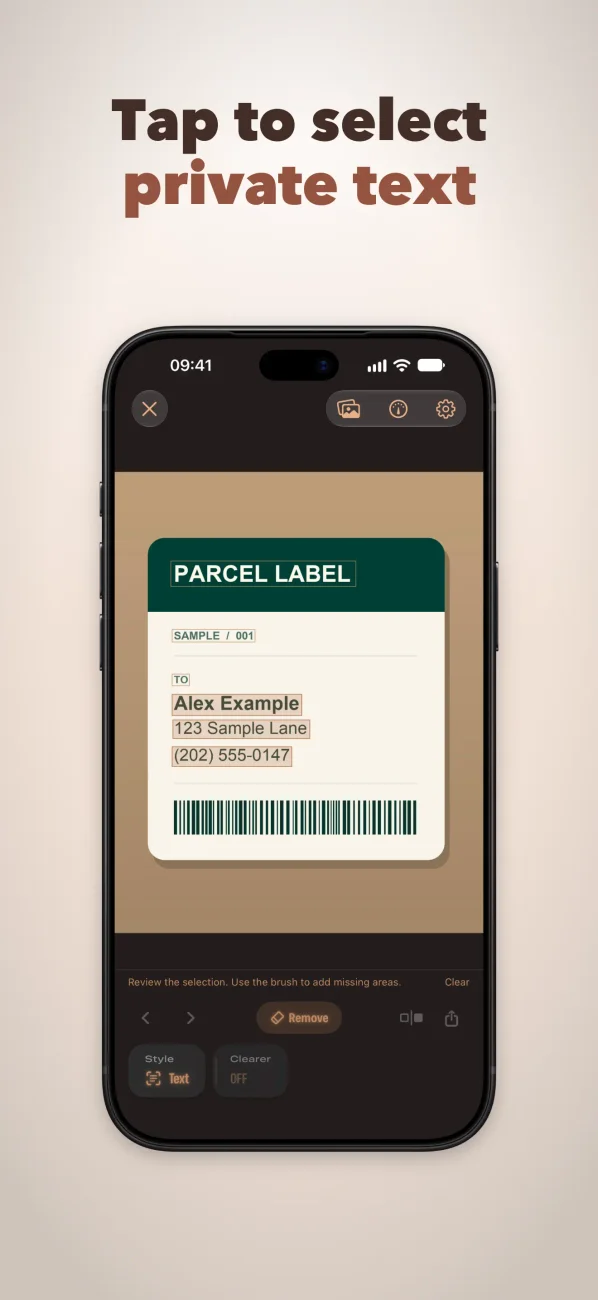
• Select individual words in a photo and remove them in batches. Text recognition results stay available between edits.
• Choose between removing the letter strokes and removing the whole text box.
• See the selected area shimmer while removal is in progress.
• Get to your first removal sooner with background preparation when the app opens.
• Keep the original pixel dimensions when saving an edited photo.
App privacy
What 辉 林 declares on the App Store about how this app handles data.
-
Data not linked to you
May be collected but is not linked to your identity.
- Purchases
Privacy practices may vary, for example with the features you use or your age.
Information
- Seller
- 辉 林
- Category
- Photo & Video
- Version
- 1.0.5
- Updated
- Nov 17, 2026
- Released
- Oct 28, 2026
- Size
- 165.2 MB
- Requires
- iOS 17.0 or later
- Age rating
- 4+
- Price
- Free
- In-app purchases
- Yes
- Languages
- English, French, German, Japanese, Korean, Portuguese, Simplified Chinese, Spanish, Traditional Chinese
- Copyright
- © 2026 灰桑
You might also like
-
 LibraryTracksSmartly discovers your trips
-
 KeyFramifyKeyframe Video Editor
-
 Remove Objects From Photo: RBQSmart Eraser & Object Removal
-
 Remove Objects - AI RetouchAI Photo Eraser & Enhancer
-
 Remove Object: Photo RetouchMagic Eraser: Cut Out Editor
-
 Remove Object - Photo RetouchQuickly erase object from pics
-
 Object Removal & Photo EraserRemove Objects from Photo
-
 Remove Objects from Photo |Erase People, Acne, Blemish
-
 Teleprompter for Video TelecapRead script & record video
-
 Remove Objects - Photo EditorPhoto Editor and Remove Object