TV Control – Universal Remote
TV Remote - Universal Control
Designed for iPhone, iPad, iPod touch
Free · In-app purchases
- Age rating4+
- CategoryUtilities
- DeveloperBTB Tech, Inc
- LanguagesEnglish+ 22 more
- Size90.4 MB
Links to the official App Store page
Download.org hosts no file of TV Control – Universal Remote. The button opens its official App Store page, published by BTB Tech, Inc. Listing last checked on Nov 22, 2026.
Screenshots

About
TV Remote – Smart Control for All TVs.
Turn your iPhone or iPad into a powerful universal TV remote!
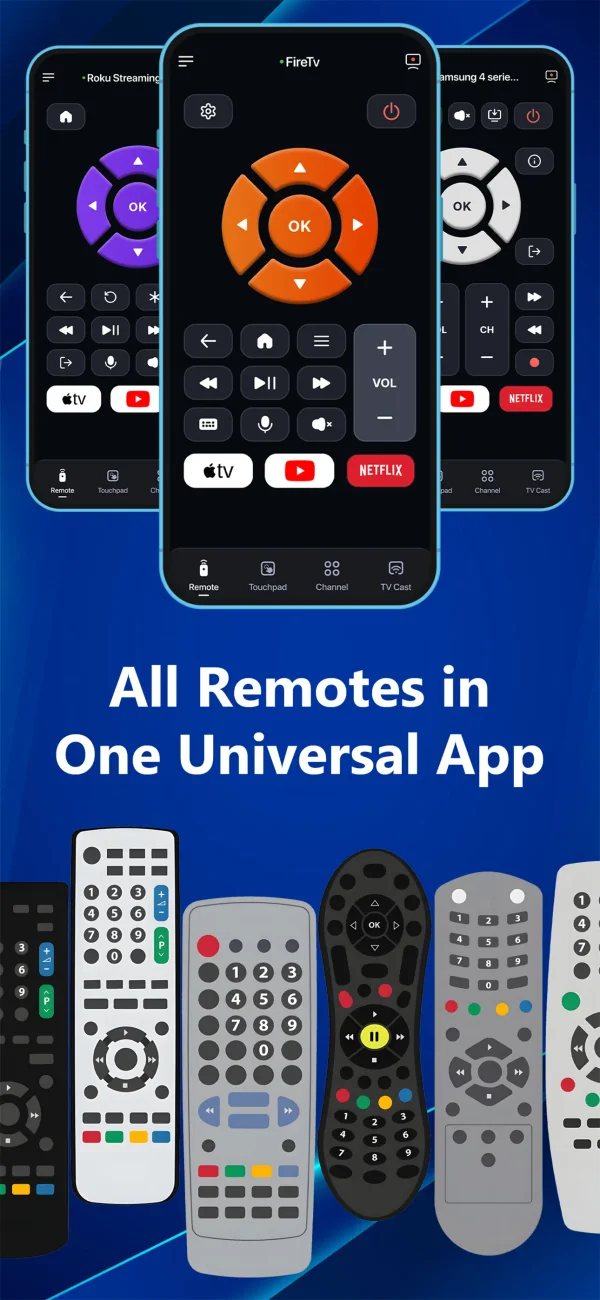
Control Samsung, LG, Roku, Fire TV, Android TV, Hisense, Sony, TCL & more — all from one smart app.
No more juggling remotes. Cast, control, and mirror – effortlessly.
Key Features
• Universal Remote for Smart TVs
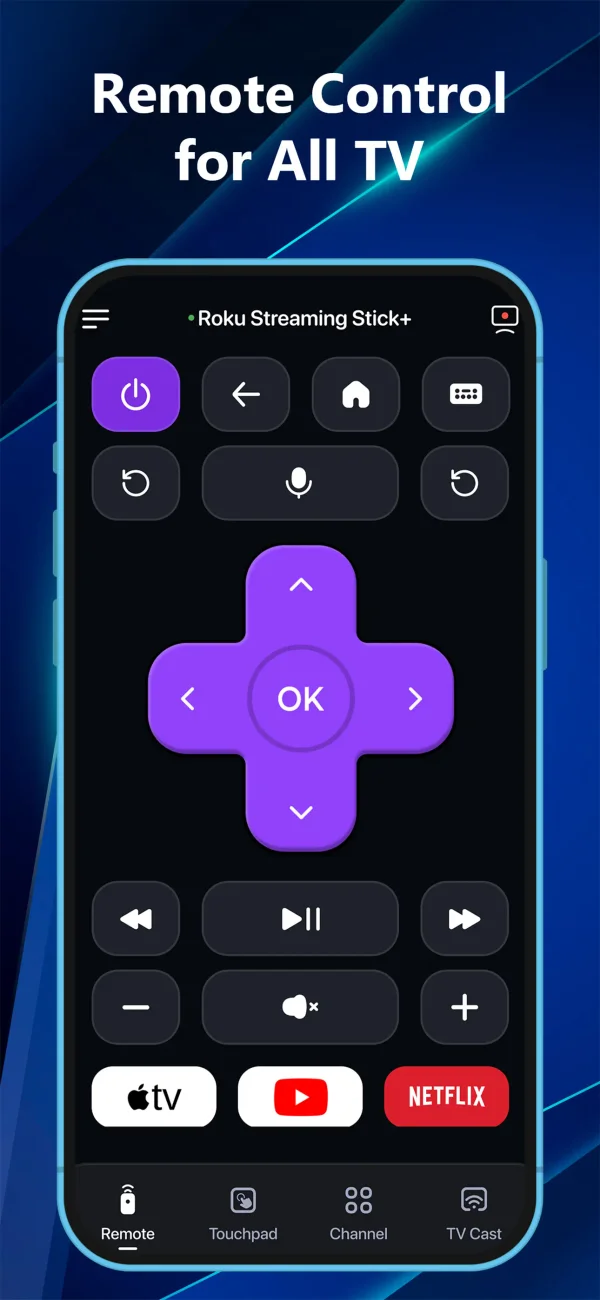
Control power, volume, channels, input, and settings on Samsung, LG, Roku, Fire TV, and Android TVs.
• Quick App Access
Launch Netflix, YouTube, Prime Video, Hulu, TED, and CNN instantly with one tap.
• Smart Touchpad Navigation
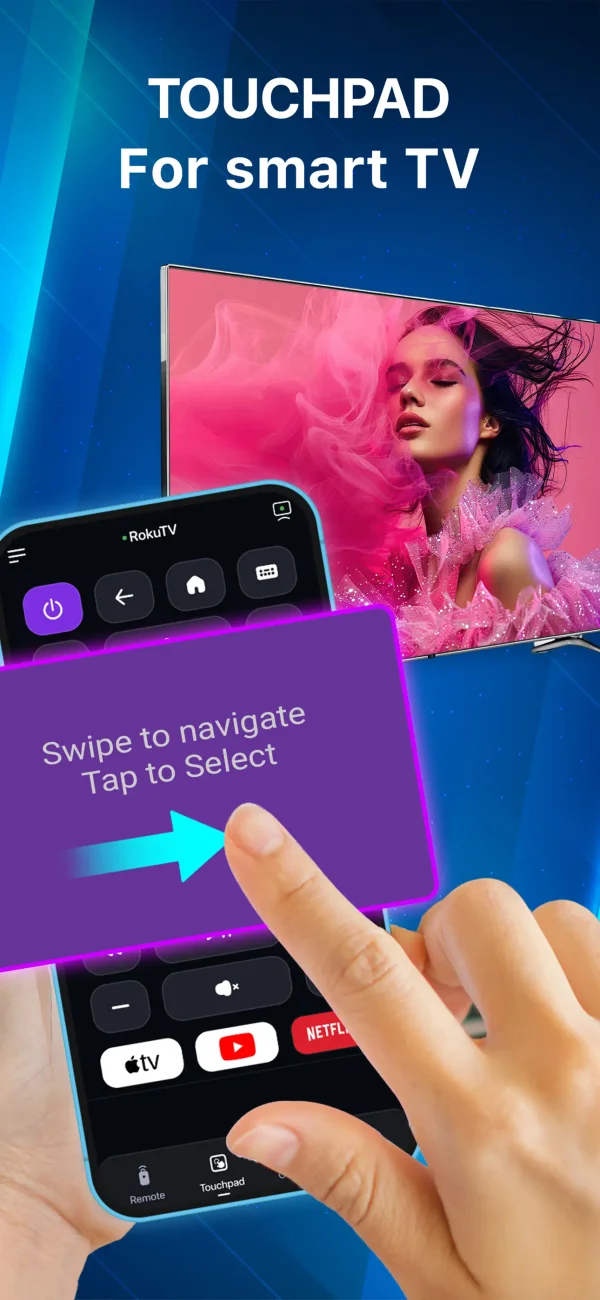
Swipe and tap like a laptop trackpad — intuitive and fast.
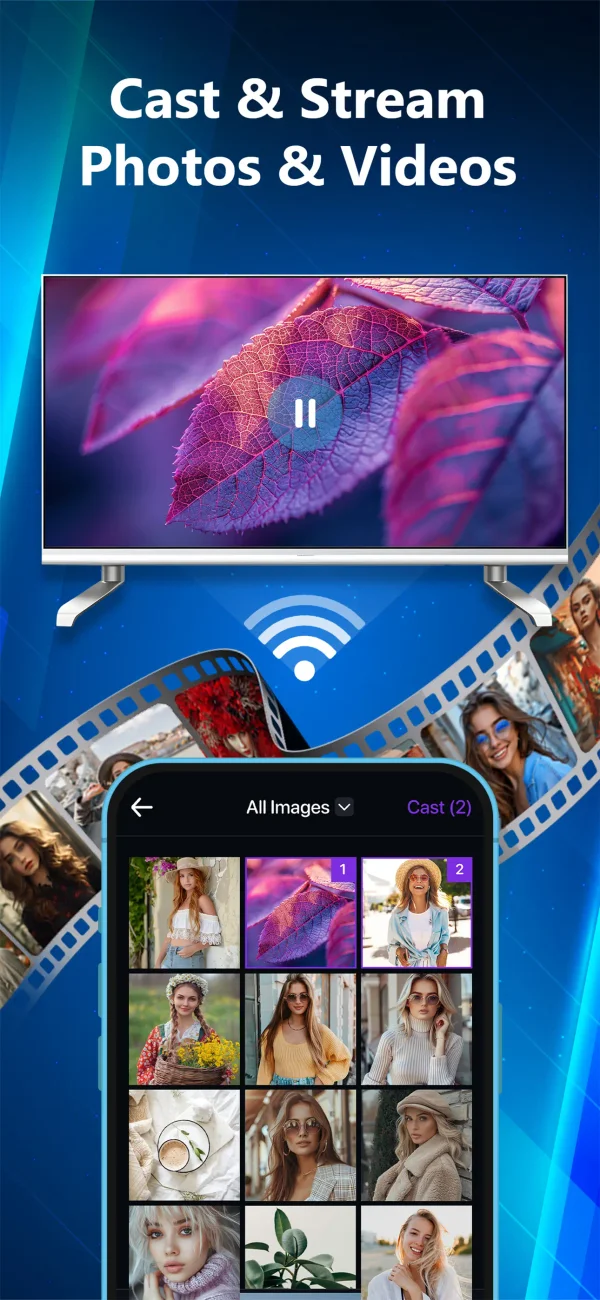
• Cast Photos & Videos
Stream photos and videos from your iPhone/iPad camera roll to your TV. No cables. No setup.
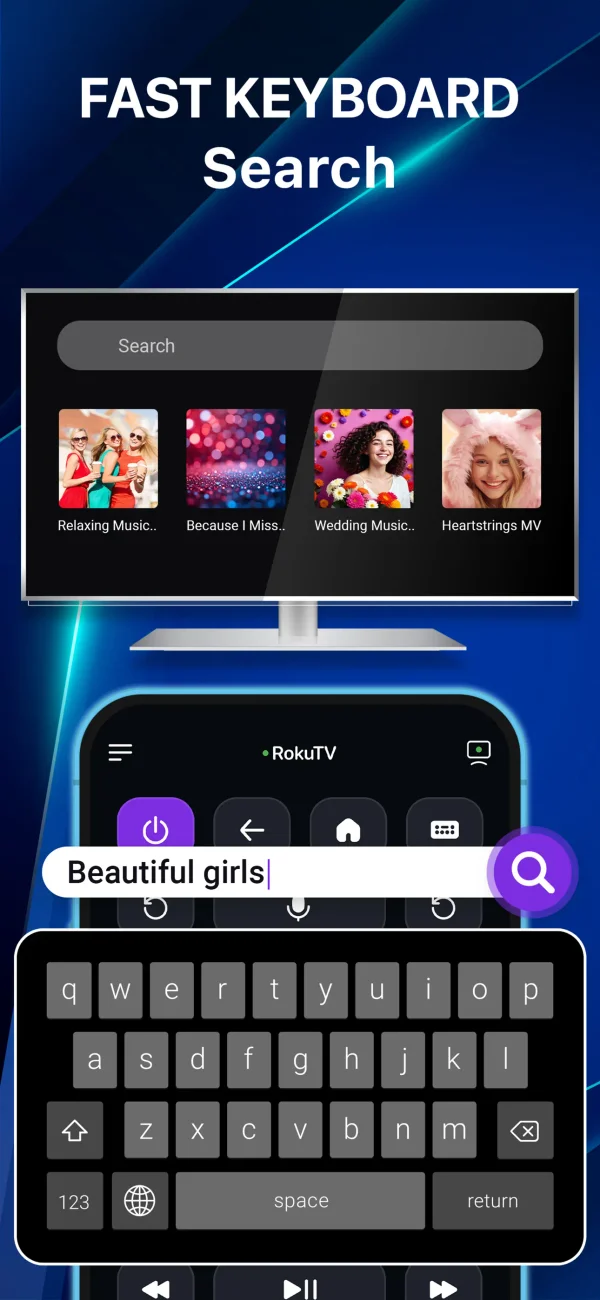
• Voice Control
Use voice commands to search, play, pause, adjust volume, and more — hands-free.
• Stable WiFi Remote
Control TVs via WiFi — no line-of-sight needed. Instant response & ultra-reliable connection.
• All-in-One Convenience
Consolidate all your remotes into one smart app available on both iPhone and iPad.
• Screen Mirroring (Coming Soon)
Mirror your iPhone/iPad screen to any compatible smart TV — great for presentations, videos, or mobile games.
* Works Great With:
Smart TVs, streaming devices, and more. Perfect for home entertainment, travel, and presentations.
* How to connect to TV Control – Universal Remote :
1. Make sure your Smart TV and your iPhone/iPad are connected to the same Wi-Fi network.
2. Open the TV Control – Universal Remote app.
3. Tap the “Tap to Connect” button at the top of the screen.
4. Choose your TV from the list of available devices.
5. Once connected, explore the available features: Remote, Touchpad, Cast, Channel, Setting
Why Choose TV Remote – Smart Control?
• Works with almost smart TVs & streaming devices
• Seamless connection setup in seconds
• All-in-one remote for your home, travel, or office
• Clean, simple interface that anyone can use
Download TV Control – Universal Remote now on your iPhone or iPad and take control of your viewing experience!
*This app is not affiliated with or endorsed by Samsung, Roku, or any of the mentioned brands.
Links to our Terms of Service and Privacy Policy can be found below:
Privacy Policy: https://sites.google.com/view/btb-ios-group/
Terms of Service: https://sites.google.com/view/btb-ios-group-tos/
What’s new
Version 1.5.1 · Oct 7, 2026
Bug fixes and performance improvements.
App privacy
What BTB Tech, Inc declares on the App Store about how this app handles data.
-
Data used to track you
May be used to track you across apps and websites owned by other companies.
- Usage data
-
Data not linked to you
May be collected but is not linked to your identity.
- Usage data
- Diagnostics
Privacy practices may vary, for example with the features you use or your age.
Information
- Seller
- BSOFT VIET NAM JOINT STOCK COMPANY
- Category
- Utilities
- Version
- 1.5.1
- Updated
- Oct 7, 2026
- Released
- Jul 10, 2025
- Size
- 90.4 MB
- Requires
- iOS 15 or later
- Age rating
- 4+
- Price
- Free
- In-app purchases
- Yes
- Languages
- English, Arabic, Dutch, Filipino, French, German, Hindi, Indonesian, Italian, Japanese, Korean, Malay + 11 more
- Copyright
- © BTB Tech, Inc
You might also like
-
 Remoto: Universal Remote TVRemote for All TV & Cast to TV
-
 Hey Remote - Smart TV ControlUniversal TV Remote & Cast
-
 All TV Remote Control APPTV Remote - Universal Control
-
 Smart TV Remote App for RKWiFi & IR Universal Remote
-
 Tivi – TV Remote ControlSamsung,LG,Sony,TCL & Google
-
 Universal All TV RemoteRemote Control & TV Cast
-
 Universal TV Remote · MandoControl Smart Televisions Easy
-
 Universal TV Remote Control Smart Controller for Your TV
-
 TV Remote & Universal Control+Smart TV & Universal Remote
-
 TV Remote:Universal ControlUniversal Remote, TV Control