TV Presets • Remote Control
For Samsung TVs
Designed for iPhone, iPad
Free · In-app purchases
- Age rating4+
- CategoryUtilities
- DeveloperSemore Software
- LanguagesEnglish
- Size8.0 MB
Links to the official App Store page
Download.org hosts no file of TV Presets • Remote Control. The button opens its official App Store page, published by Semore Software. Listing last checked on Nov 15, 2026.
Screenshots

About
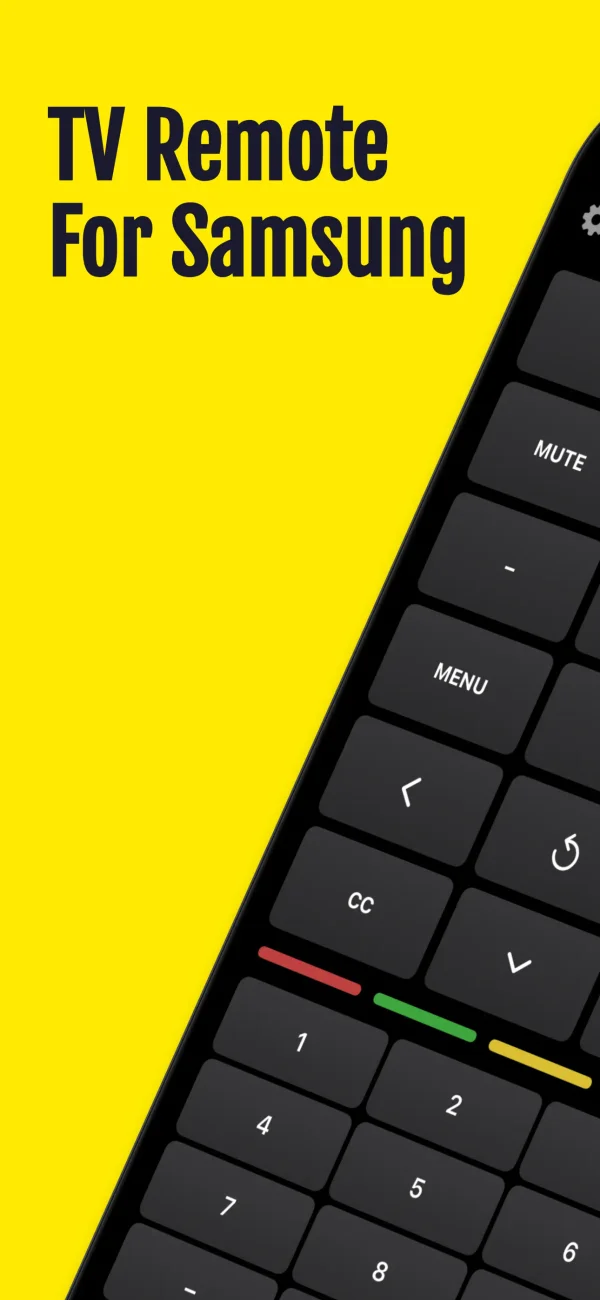
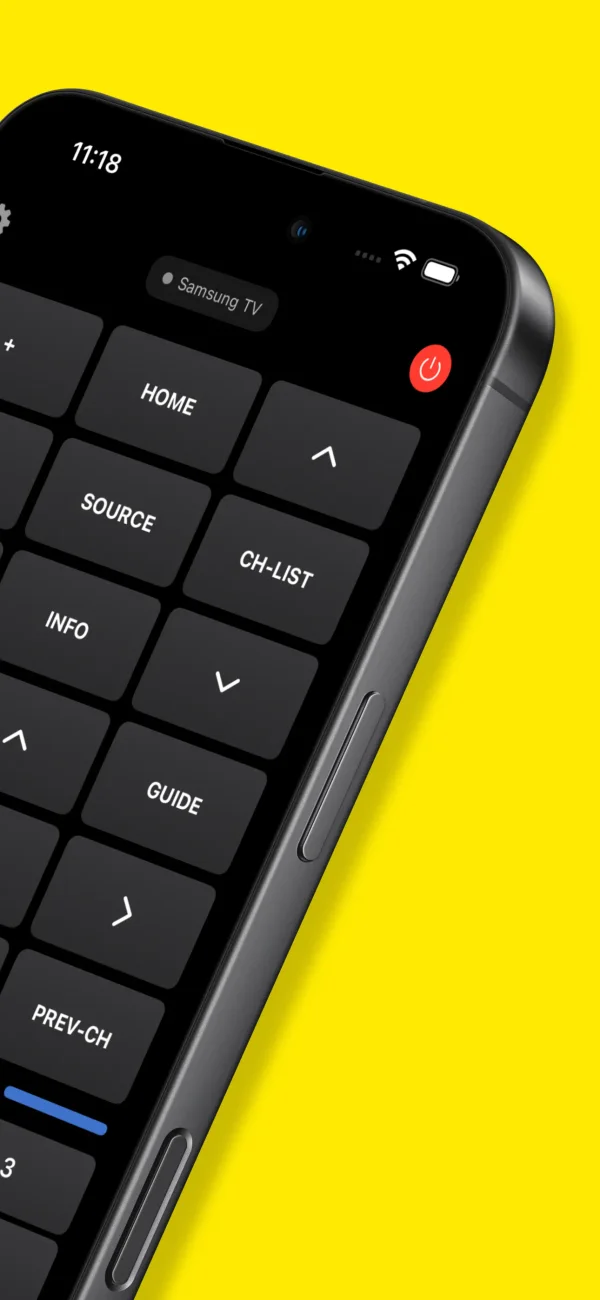
TV Presets is a professional remote control app for Samsung Smart TVs, featuring powerful channel presets for instant switching, and full iPad support with optimized layouts.
Perfect replacement for lost remotes or families who want simple, shared TV control with personalized channel collections.
---
WHAT'S INCLUDED
Base App
• Full remote control functionality
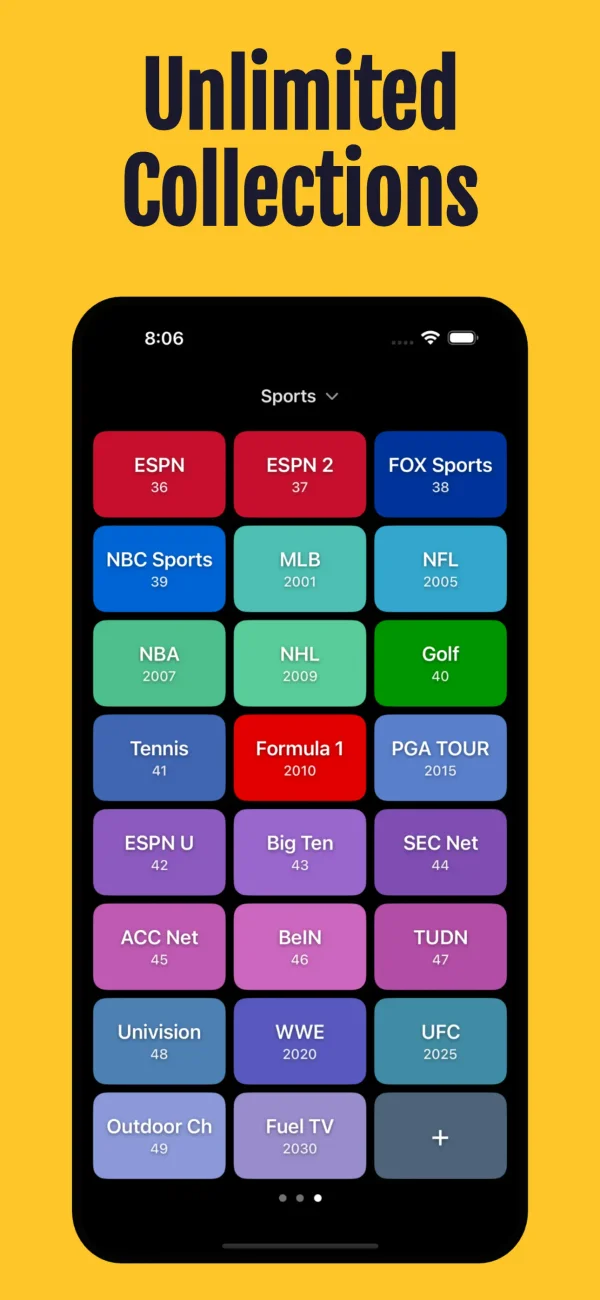
• 3 customizable channel presets
• Auto-connect on launch
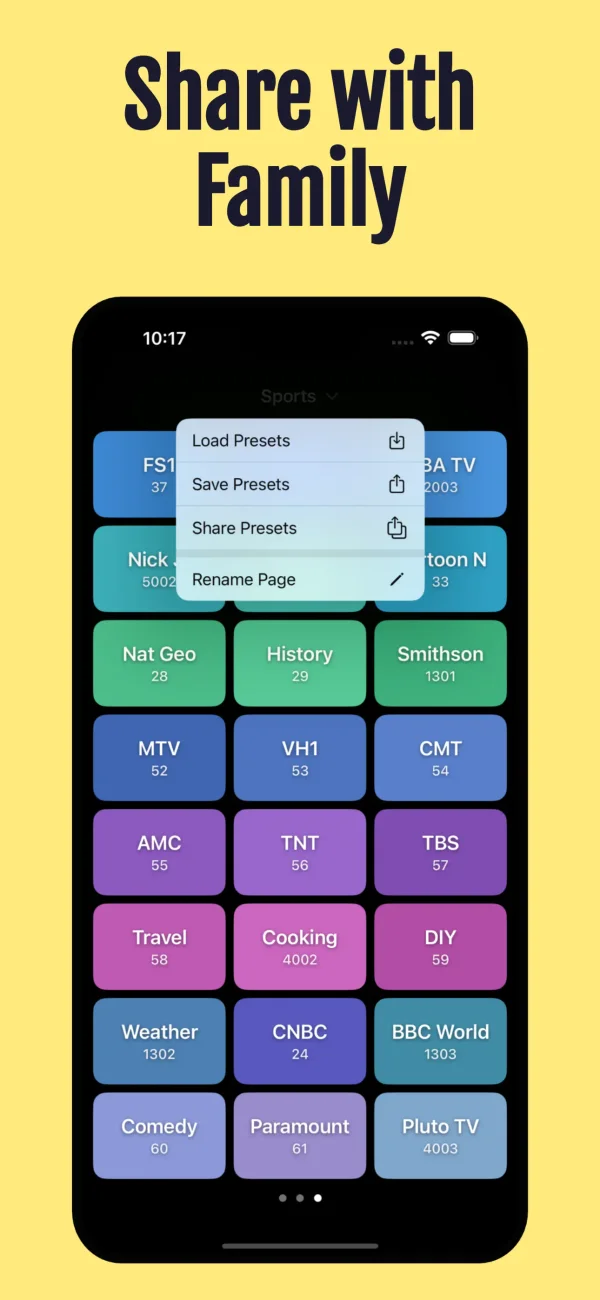
• Save, import & share preset collections
• Full iPad support with optimized layouts
• One-time purchase, no subscription, no ads
Premium Upgrade (optional in-app purchase)
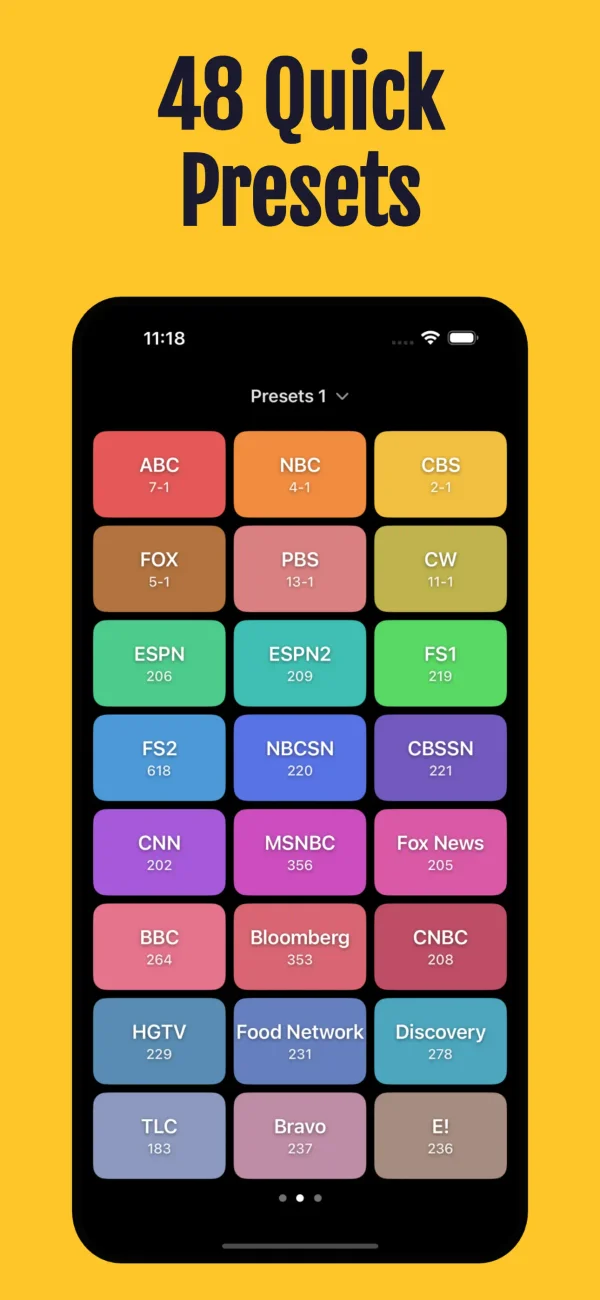
• Unlock all 48 preset slots
• 2 pages of 24 presets each
• Perfect for families who want more organization
• One-time purchase, yours forever
---
FEATURES
Full Samsung TV Remote Control
• Complete remote functionality for Samsung Smart TVs (2016+)
• Volume, channels, navigation, menu access
• Faster reconnect when you return to the app
• Automatic reconnect when a command needs the TV connection
• Wake-on-LAN support for turning TV on remotely
• Works well as a primary or replacement remote
Channel Presets (3 to 48)
• Save favorite channels for one-tap access
• No more scrolling through guides or memorizing numbers
• Name and color-code each preset for easy recognition
• Drag and drop to rearrange and group channels
• Copy presets between pages for quick setup
• Perfect for Samsung TV Plus, cable, satellite, and OTA channels
Unlimited Preset Collections
• Create separate collections for different scenarios
• Sports, News, Kids, Movies—organize however you want
• Export preset layouts to files
• Import presets on another device
• Share setups with family and friends via AirDrop, email, WhatsApp
• Perfect for backups or multi-TV homes
Full iPad Support
• Optimized layouts for portrait and landscape
• View presets and remote controls side-by-side
• Large buttons designed for iPad screens
• Split-screen layouts put everything within reach
• See all 48 presets at once in landscape mode
---
PERFECT FOR
• Samsung TV Plus and streaming channel fans
• Sports enthusiasts switching between games
• News watchers who flip channels frequently
• Cable, satellite, and over-the-air TV users
• Families who want simple shared remote control
• Multi-TV homes with different setups per room
• Anyone who lost their Samsung remote
---
COMPATIBILITY & PRIVACY
• Samsung Smart TVs (2016 or newer)
• Requires same WiFi network as TV
• iOS 17.6 or later (supports iOS 26)
• iPhone and iPad Universal app
• No account required
• No tracking or data collection
• All data stays on your device
---
SUPPORT
Questions or issues? Contact support@semore-software.com
*TV Presets is not affiliated with or endorsed by Samsung Electronics. Samsung and Samsung Smart TV are trademarks of Samsung Electronics Co., Ltd.
By using this app, you agree to Apple's standard End User License Agreement (EULA):
https://www.apple.com/legal/internet-services/itunes/dev/stdeula/
What’s new
Version 2.1.2 · Jul 20, 2026
Version 2.1.2
CONNECTION AND WAKE RELIABILITY
This update focuses on making TV Presets recover more smoothly when your Samsung TV is off, asleep, or slow to accept a connection.
- If you tap a preset or remote key while the app is still connecting, TV Presets can try to wake the TV and reconnect before sending the command
- Stalled Samsung connection attempts now time out instead of leaving the header stuck on Connecting
- Better recovery when a manual reconnect replaces an old connection attempt
- Improved handling for TVs that are off or waking from standby
- Fewer cases where tapping the connection header is needed to make the app connect
- Small stability and usability refinements
Thank you for using TV Presets. If this update makes the app feel smoother, a quick App Store review or rating helps support continued development.
Questions? Contact support@semore-software.com
App privacy
What Semore Software declares on the App Store about how this app handles data.
-
Data not collected
The developer does not collect any data from this app.
Privacy practices may vary, for example with the features you use or your age.
Information
- Seller
- Semore Software
- Category
- Utilities
- Version
- 2.1.2
- Updated
- Jul 20, 2026
- Released
- Dec 9, 2025
- Size
- 8.0 MB
- Requires
- iOS 17.6 or later
- Age rating
- 4+
- Price
- Free
- In-app purchases
- Yes
- Languages
- English
- Copyright
- © 2026 Semore Software
You might also like
-
 Compress-sanCompress video & create SRTs
-
 Remote Wake Up MobileControl Devices Remotely
-
 NetPulse - Pro Network ToolsPing, MTR, DNS & Traceroute
-
 SoundAid AI Voice AmplifierAI Volume Boost Denoise
-
 Optio: AI Decision Maker WheelSpin, pick & decide with AI
-
 CirTrackTrack Meals & Habits Daily
-
 Off LensOffline OCR
-
 PickerFull - Color ExtractorExtract a Color From Any Photo
-
 MocolammaUtilities