TV Remote: Universal Control ·
Remote Control for TV
Designed for iPhone
Free · In-app purchases
- Age rating4+
- CategoryUtilities
- DeveloperTech Nest
- LanguagesEnglish+ 10 more
- Size35.2 MB
Links to the official App Store page
Download.org hosts no file of TV Remote: Universal Control ·. The button opens its official App Store page, published by Tech Nest. Listing last checked on Nov 28, 2026.
Screenshots

About
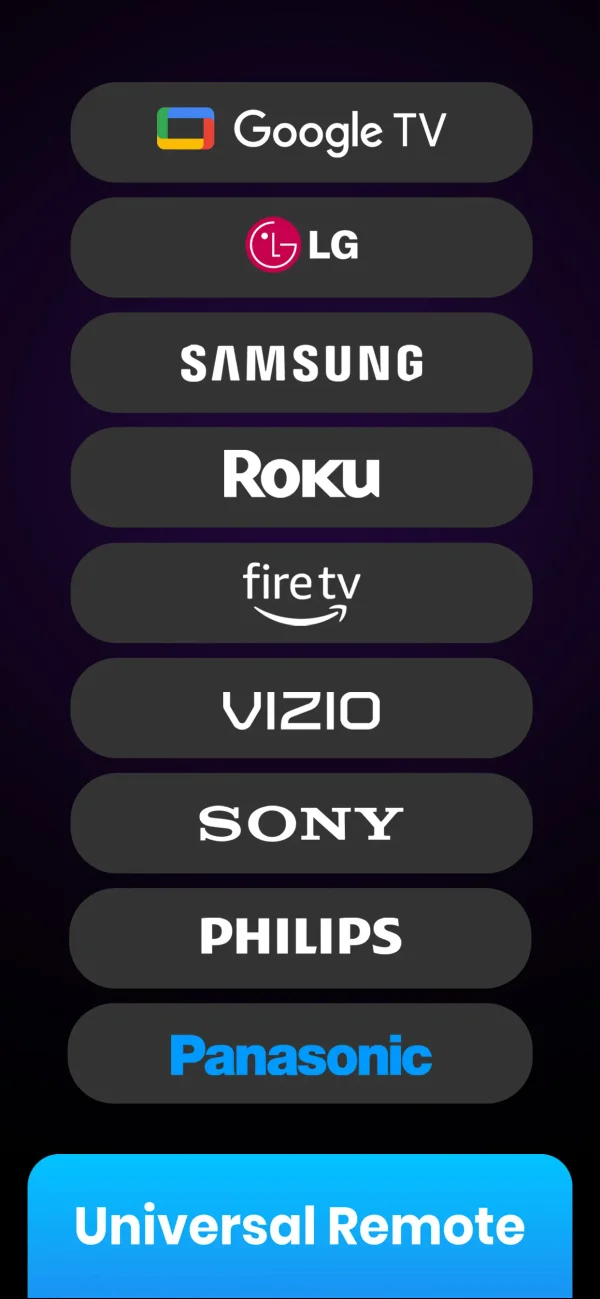
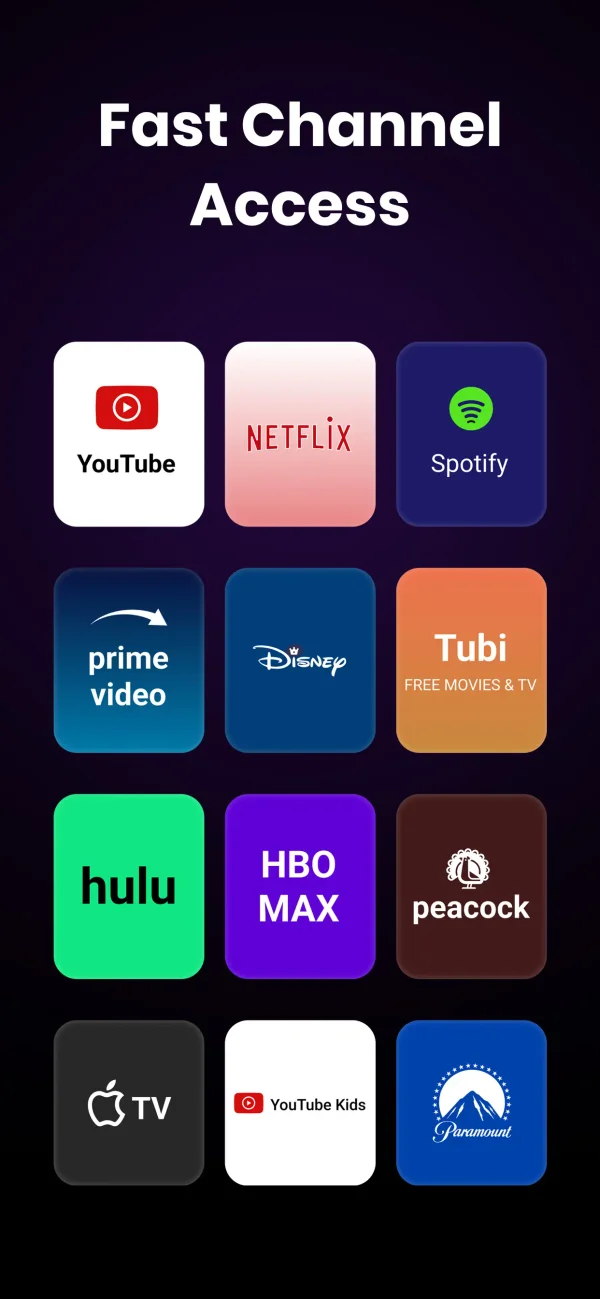
Control your Smart TV with ease using TV Remote: Universal Remote · , the ultimate universal TV remote for iPhone. Compatible with all major brands, it works as a Samsung, Roku, LG, Sony, and even a Fire remote. Connect instantly over Wi-Fi and enjoy seamless control, adjust volume, switch channels, change inputs, launch apps, or type with the built-in keyboard. Whether you need a reliable backup for a lost remote or want the convenience of managing everything from your phone, the Roku makes your entertainment smarter and easier.
Key Features:
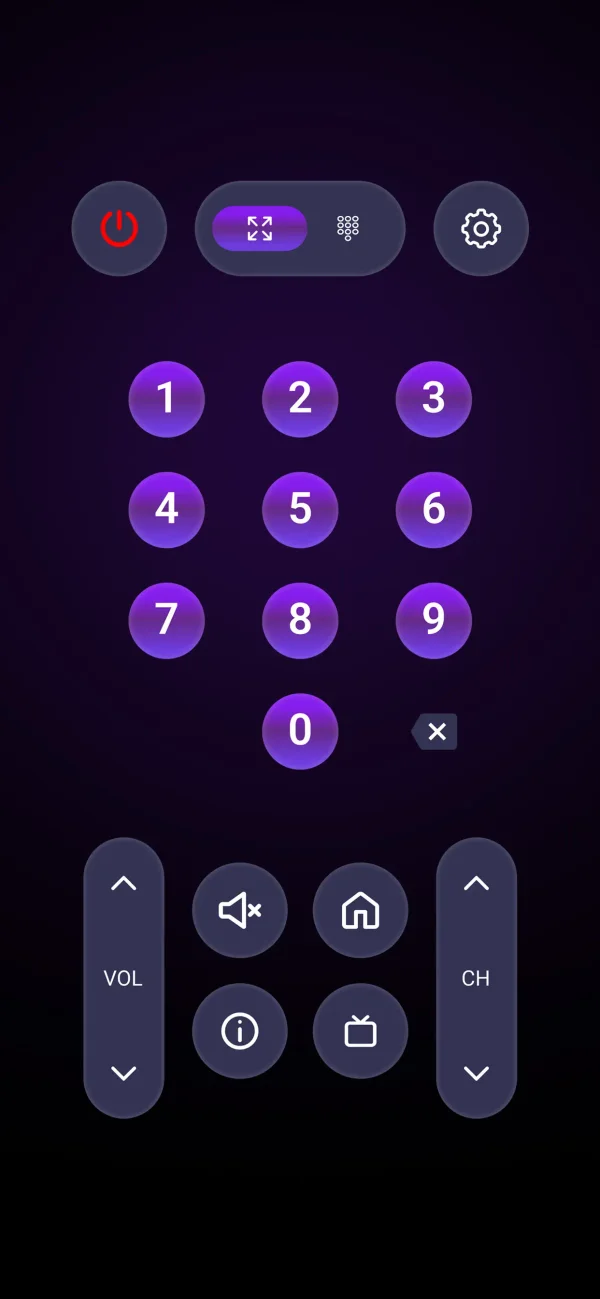
Power ON/OFF
- Volume adjustment
- Channel switching
- Touchpad & D-Pad controls
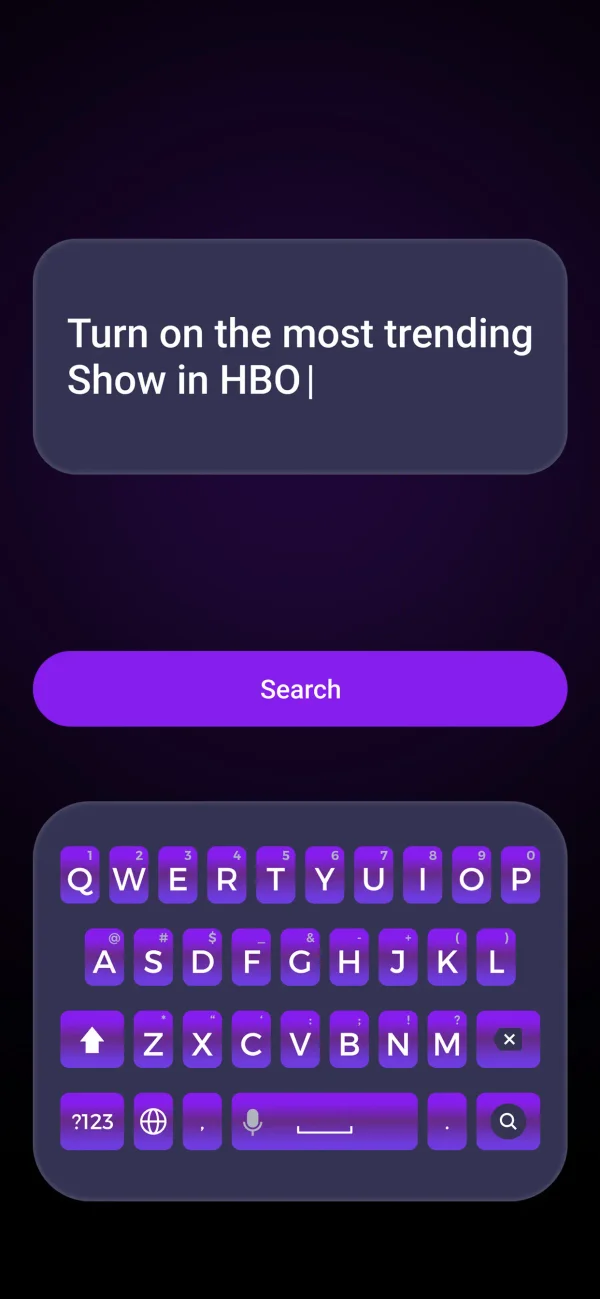
- Built-in keyboard
Key Features of TV Remote: Universal Remote ·
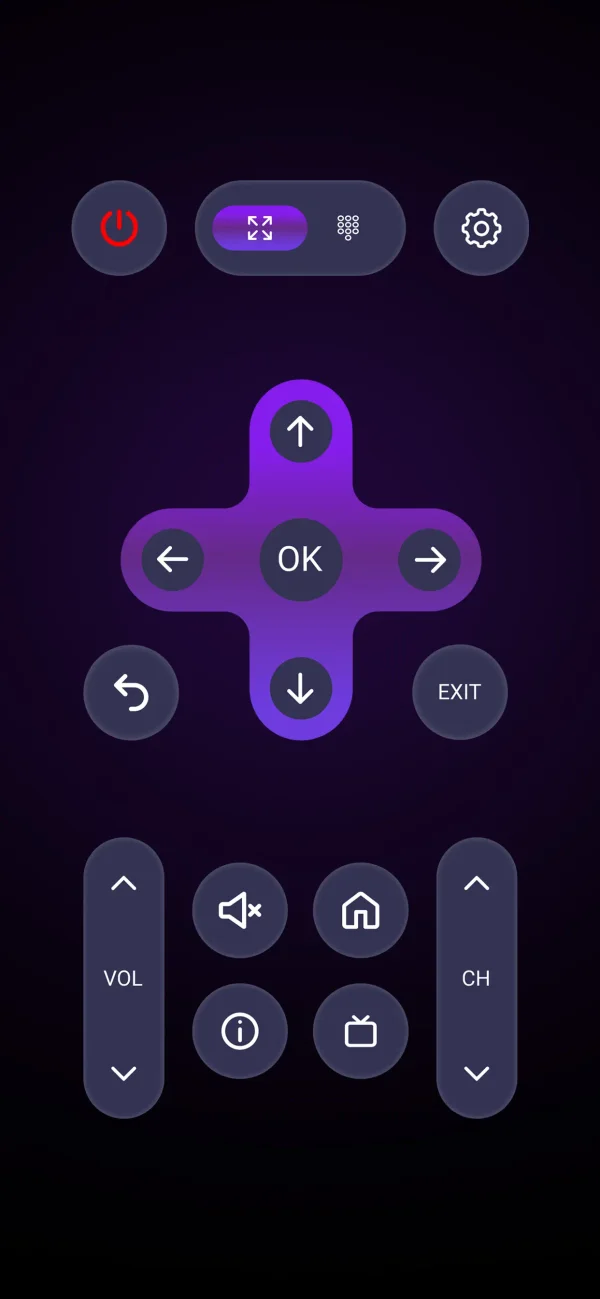
Power ON/OFF: Instantly turn your Smart TV on or off using your phone. TV Remote: Universal Remote · works as a complete remote control for TV.
Volume Adjustment: Manage sound effortlessly with precise volume control. Replace your physical TV remote with the universal remote app that functions perfectly as a Fire TV remote, giving you smoother, smarter control.
Channel Switching: Change channels quickly and smoothly. Whether you’re using it as a Roku remote, this feature ensures easy navigation for all your favorite shows, apps, and movies.
Touchpad& D-Pad Controls: Navigate menus, apps, and settings with intuitive touchpad and D-pad options. The universal remote serves as the ideal backup, replacing lost or broken remotes like the Vizio TV remote.
Built-in Keyboard: Type and search with speed using the integrated keyboard. Whether acting as a Roku remote or any other, you’ll enjoy faster browsing, better input, and smarter control.
How to Get Started:
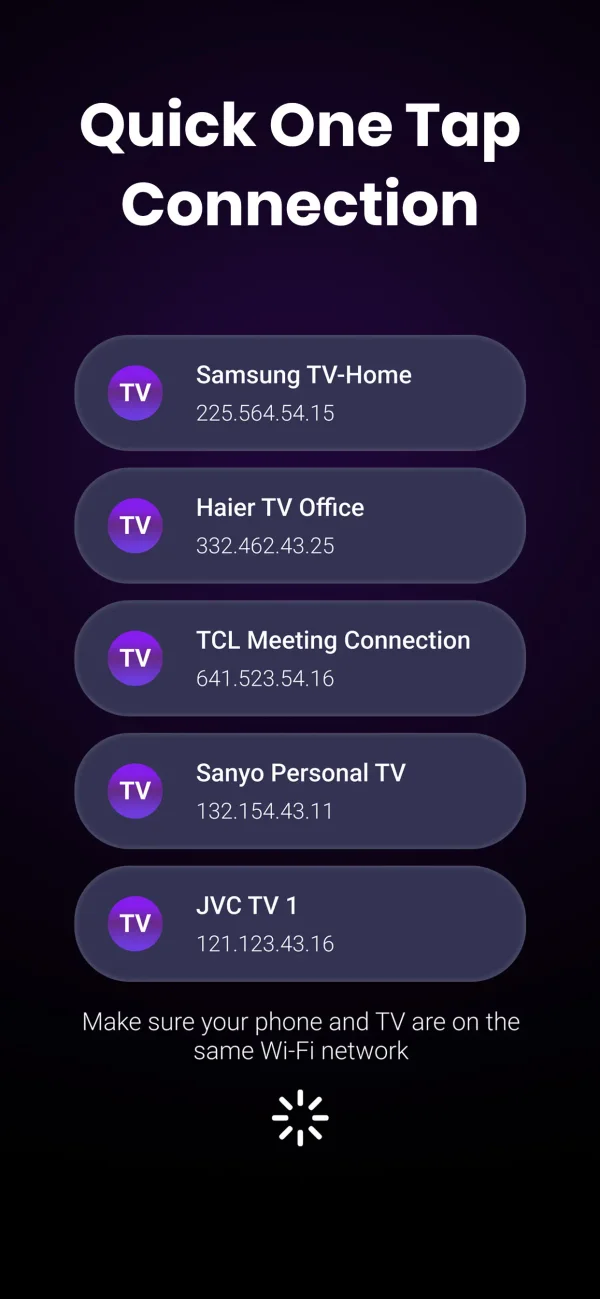
Make sure your phone and Smart TV are connected to the same Wi-Fi network. Tap the “Connect” icon in the top right.
Select your Smart TV from the list shown on your phone.
Start exploring and enjoy full control instantly!
With TV Remote: Universal Remote ·, managing your Smart TV has never been easier. Change channels, search for content, and enjoy an enhanced viewing experience all without leaving your couch.
Disclaimer:
TV Remote: Universal Remote · is an independent product and is not affiliated with, sponsored by, or endorsed by any of the mentioned TV brands or streaming platforms, including Samsung, LG, Sony, Roku, Fire TV, TCL, Panasonic, Toshiba, and others. All trademarks, product names, and logos belong to their respective owners and are used for descriptive purposes only.
By using our app, you accept our Privacy Policy and Terms of Use.
Privacy Policy: https://sites.google.com/view/technestitservices/iremote-control-for-tv/privacy-policy
Terms of Use: https://sites.google.com/view/technestitservices/iremote-control-for-tv/terms-of-use
What’s new
Version 1.1.6 · Nov 4, 2026
Bug Fixes & Improvements
App privacy
What Tech Nest declares on the App Store about how this app handles data.
-
Data used to track you
May be used to track you across apps and websites owned by other companies.
- Usage data
-
Data not linked to you
May be collected but is not linked to your identity.
- Usage data
- Diagnostics
Privacy practices may vary, for example with the features you use or your age.
Information
- Seller
- Tech Nest IT Services
- Category
- Utilities
- Version
- 1.1.6
- Updated
- Nov 4, 2026
- Released
- Mar 5, 2025
- Size
- 35.2 MB
- Requires
- iOS 16.6 or later
- Age rating
- 4+
- Price
- Free
- In-app purchases
- Yes
- Languages
- English, Arabic, Dutch, French, German, Hindi, Italian, Japanese, Korean, Portuguese, Spanish
- Copyright
- © 2024 Tech Nest IT Services
You might also like
-
 Universal TV Remote・TV ControlSmart Remote for All TVs
-
 Screen Mirroring + Cast To TVTV Cast for Chromecast-Webcast
-
 Remoto: Universal Remote TVRemote for All TV & Cast to TV
-
 Remote control all TVControl TV from your phone
-
 Screen Mirroring ' Cast to TVPhotos & Web Video Caster
-
 Universal TV Remote · ControlRemote Control for Smart TVs
-
 AI Universal TV Remote ControlSmart Assist, Handy Keyboard
-
 TV Remote Control: хТVUniversal TV Remote
-
 TV Remote: AI Remote ControlUniversal Remote & Screen Cast
-
 Fire Remote - Smart TV RemoteStick Remote for Fire TV