
TV Remote Universal Control
Smart Controller App for TV
Designed for iPhone
Free · In-app purchases
- Age rating4+
- CategoryUtilities
- DeveloperValery Sihai
- LanguagesEnglish+ 5 more
- Size69.3 MB
Links to the official App Store page
Download.org hosts no file of TV Remote Universal Control. The button opens its official App Store page, published by Valery Sihai. Listing last checked on Nov 23, 2026.
Screenshots


About
One remote for all your TVs - right on your iPhone.
Forget about juggling remotes, changing batteries, or using outdated controls.
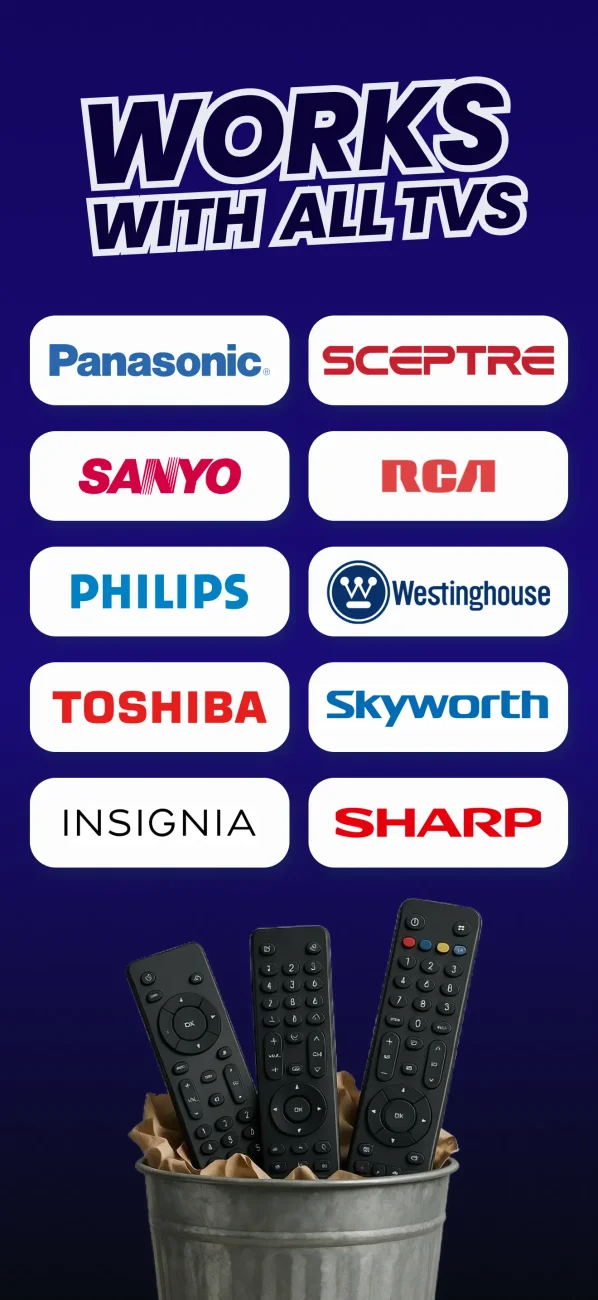
Compatible with a wide range of Smart TVs and devices, including:
• Samsung
• FireTV (Amazon)
• Android TV
• Google TV
• Vizio TV
• Roku TV & Devices
• TCL (Roku TV / Google TV)
• Hisense (VIDAA / Roku TV / Android TV)
• Sony (Android TV / Google TV)
• Xiaomi Mi TV (Android TV)
• Onn. (Walmart brand, Roku / Android)
• Panasonic
• Philips (Android TV)
• Toshiba (Fire TV / Android TV)
• Insignia (Fire TV)
• Sharp (Roku TV / Android TV)
• Skyworth
• Sceptre
• Westinghouse
• Sanyo
• RCA
• Any TV-connected Projector supporting network control
• Other major Smart TV brands supporting standard local network control
Effortlessly connect via Wi-Fi and enjoy seamless control of your Smart TV from anywhere in your home.
KEY FEATURES:
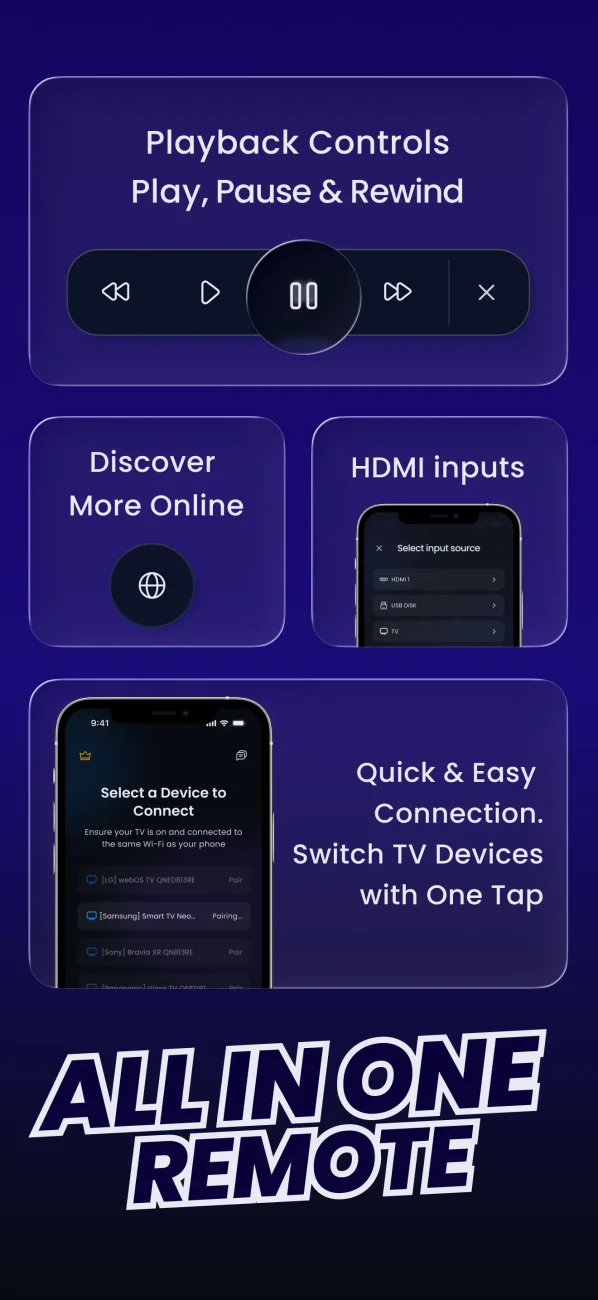
1. Quick & Easy Setup – Instantly connect to your Smart TV over Wi-Fi. No complicated pairing — just open the app, and you’re ready to go.
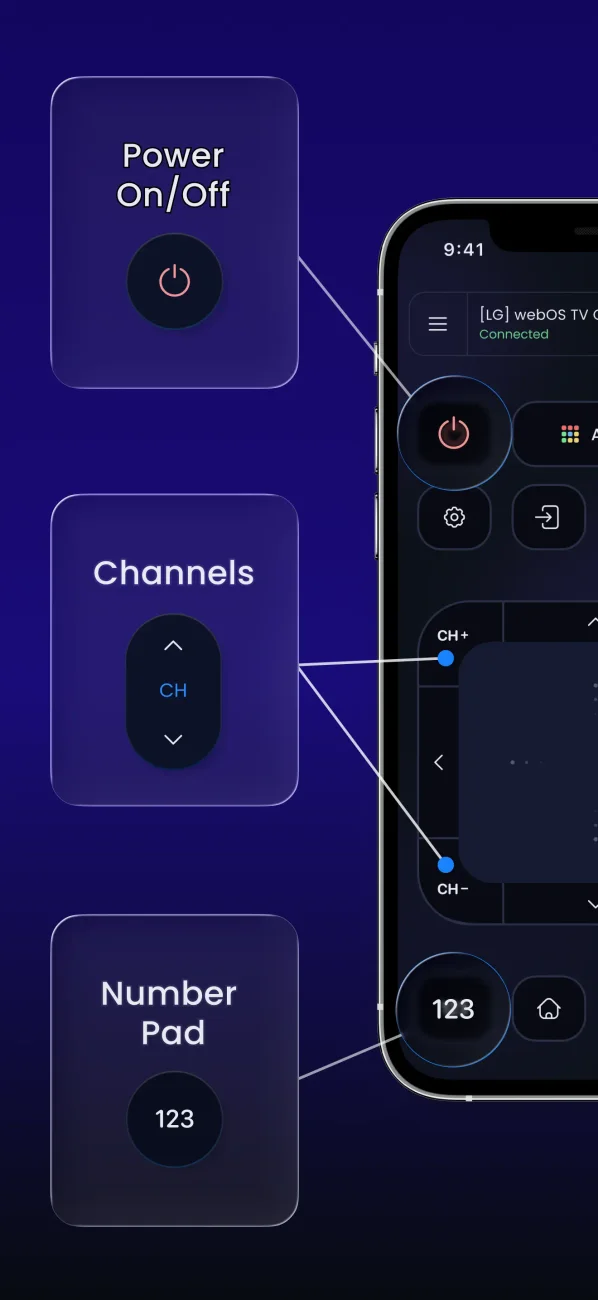
2. Full Control Access – Adjust volume, change channels, open apps, and more with intuitive controls designed to make your TV experience smoother and more enjoyable.
3. Universal Compatibility – Works with most popular Smart TV brands, including Samsung, LG, Sony, and others.
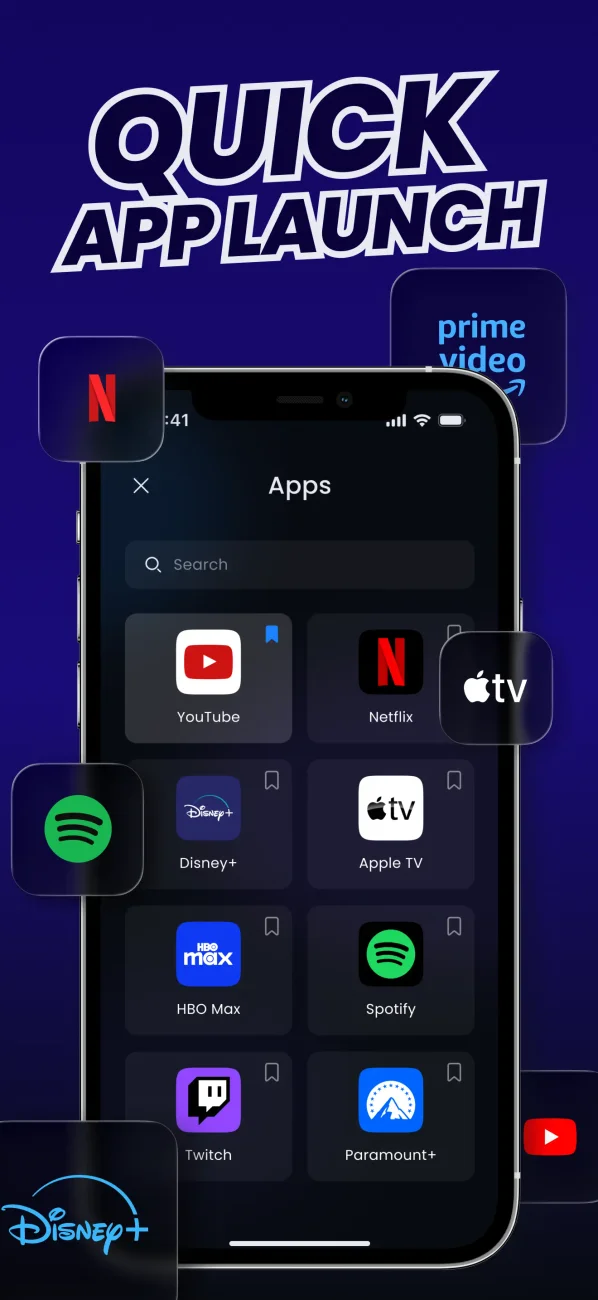
4. Streaming Apps Access – Quickly open any app installed on your TV, such as Netflix, YouTube, Apple TV, Spotify, and more — all from your iPhone.
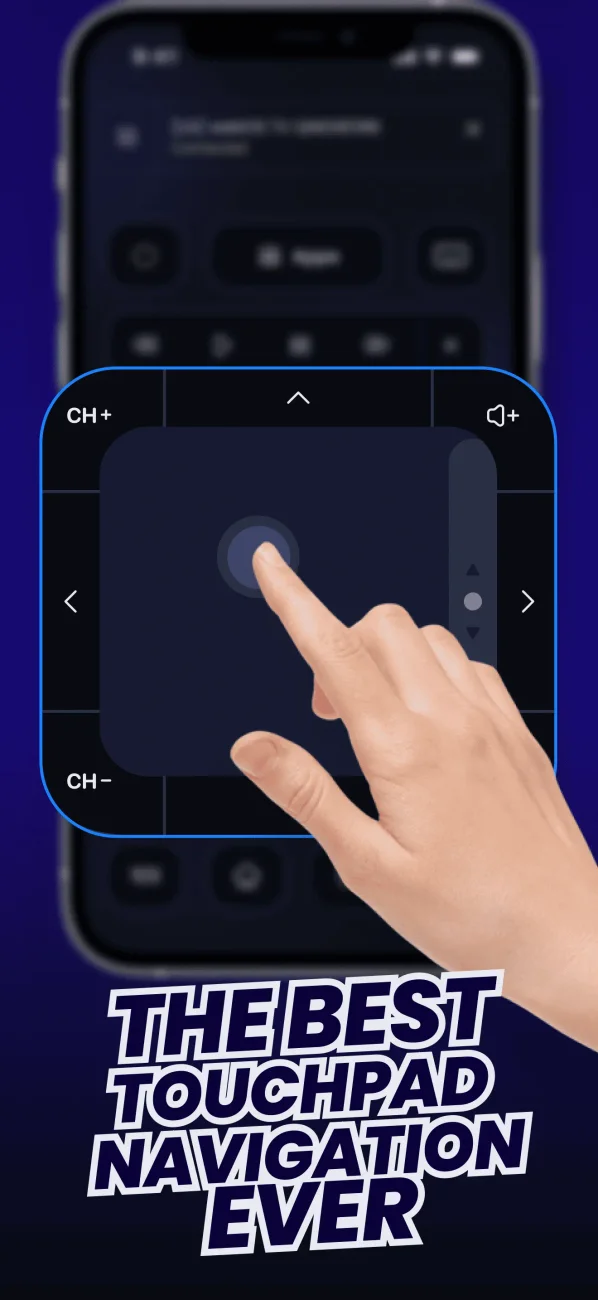
5. Touchpad Navigation – Control your TV smoothly with finger swipes, just like a laptop touchpad, for effortless navigation.
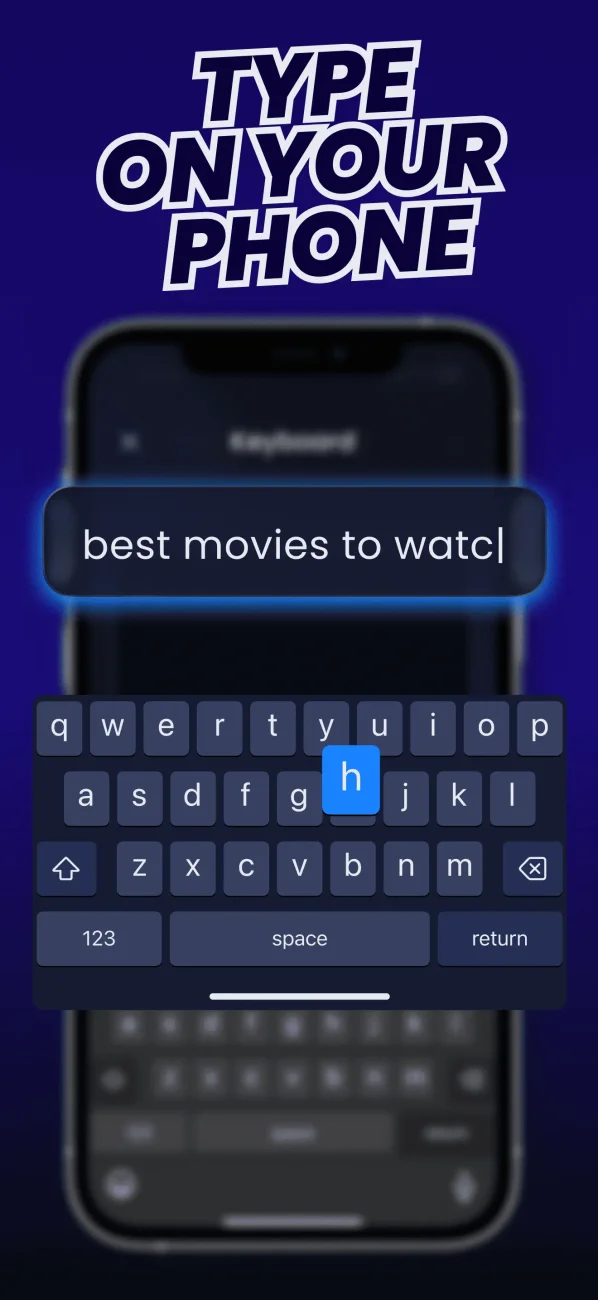
6. Mobile Keyboard – Type and search directly from your iPhone instead of struggling with your TV’s on-screen keyboard.
7. HDMI Inputs – Easily switch between connected devices without leaving the app.
8. Playback Controls – Pause, play, rewind, and fast-forward while watching movies or shows for ultimate convenience.
9. User-Friendly Interface – Navigate effortlessly with a clean, responsive interface designed for ease of use.
10. Stable & Reliable Connection – Enjoy a stable Wi-Fi connection that keeps your remote accessible and responsive whenever you need it.
11. Exclusive PRO Features – Unlock the full power of TV Remote Universal Control with PRO Access, offering all features and customization options to enhance your experience.
DISCLAIMER:
This application is not affiliated with nor endorsed by any aforementioned brand, and is not an official product of it or of its affiliates.
Some minor buttons or functions may not respond on certain TV models due to specific limitations of those devices or their operating systems. However, ongoing development is focused on customizing remote layouts for each major TV series to improve compatibility and ensure full functionality in future updates.
Available in-app purchases:
• 1-week subscription
• Free trial
• 1-year subscription
Payment will be charged to your Apple ID account at the time of purchase confirmation. Subscription renews automatically unless it is canceled at least 24 hours before the end of the current period. Your account will be charged for renewal within 24 hours prior to the end of the current period. You can manage and cancel your subscription by going to your account settings on the App Store after purchase.
Download TV Remote Universal Control now and transform your TV-watching experience!
What’s new
Version 2.10 · Nov 20, 2026
Hi there!
Great news! Remote Control now supports Hisense TVs running VIDAA OS, bringing even more devices into your remote control experience.
• Added support for Hisense TVs running VIDAA OS.
• Improved connectivity for a smoother and more reliable experience.
• Made additional app improvements for better everyday use.
Thanks for using Remote Control! We’re always working to bring you better ways to control your TV.
App privacy
What Valery Sihai declares on the App Store about how this app handles data.
-
Data used to track you
May be used to track you across apps and websites owned by other companies.
- Identifiers
- Usage data
-
Data linked to you
May be collected and linked to your identity.
- Purchases
- User content
-
Data not linked to you
May be collected but is not linked to your identity.
- Location
- Identifiers
- Usage data
- Diagnostics
Privacy practices may vary, for example with the features you use or your age.
Information
- Seller
- Valery Sihai
- Category
- Utilities
- Version
- 2.10
- Updated
- Nov 20, 2026
- Released
- Dec 12, 2024
- Size
- 69.3 MB
- Requires
- iOS 16.0 or later
- Age rating
- 4+
- Price
- Free
- In-app purchases
- Yes
- Languages
- English, French, Japanese, Korean, Portuguese, Spanish
- Copyright
- © Valery Sihai
You might also like
-
 SmartRemote: TV ControllerSmart TV, Soundbar & Projector
-
 Pano Smart TV Remote ControlUniversal All TV RemoteControl
-
 Universal TV Remote & StickControl for Roku, Samsung & LG
-
 TV Remote Control Smart HomeUniversal TV Remote Control
-
 TV Remote Universal PlusUse for All Popular TVs
-
 TV Remote Control PlusRemote Control for All TVs
-
 TV Remote: Smart WiFi ControlUniversal Controller App
-
 Universal tv remote control ▸Tv Remote for all tv
-
 TV Remote- Universal TV RemoteRemote Control for TV
-
 Universal - TV Remote ControlRoku, Samsung, LG & Touchpad