
TV Remote Universal Control ™
For LG Samsung Roku Remote ...
Designed for iPhone, iPad, iPod touch
Free · In-app purchases
- Age rating4+
- CategoryUtilities
- DeveloperApexFlow
- LanguagesEnglish
- Size21.9 MB
Links to the official App Store page
Download.org hosts no file of TV Remote Universal Control ™. The button opens its official App Store page, published by ApexFlow. Listing last checked on Nov 17, 2026.
Screenshots


About
Turn your iPhone or iPad into the ultimate smart TV remote! TV Remote - Universal Control works with LG, Samsung, Roku, and other TV — all from one beautiful, easy-to-use app.
WORKS WITH YOUR TV
• LG WebOS TVs (2016 and newer)
• Samsung Smart TVs (Tizen OS)
• Roku TVs & Streaming Devices
• Sony, TCL, Hisense, Philips & more
COMPLETE REMOTE REPLACEMENT
Lost your remote? No problem! This app gives you full control:
• Power on/off your TV
• Adjust volume and mute
• Navigate menus with D-Pad
• Change channels
• Control playback (play, pause, rewind, fast forward)
• Access TV settings
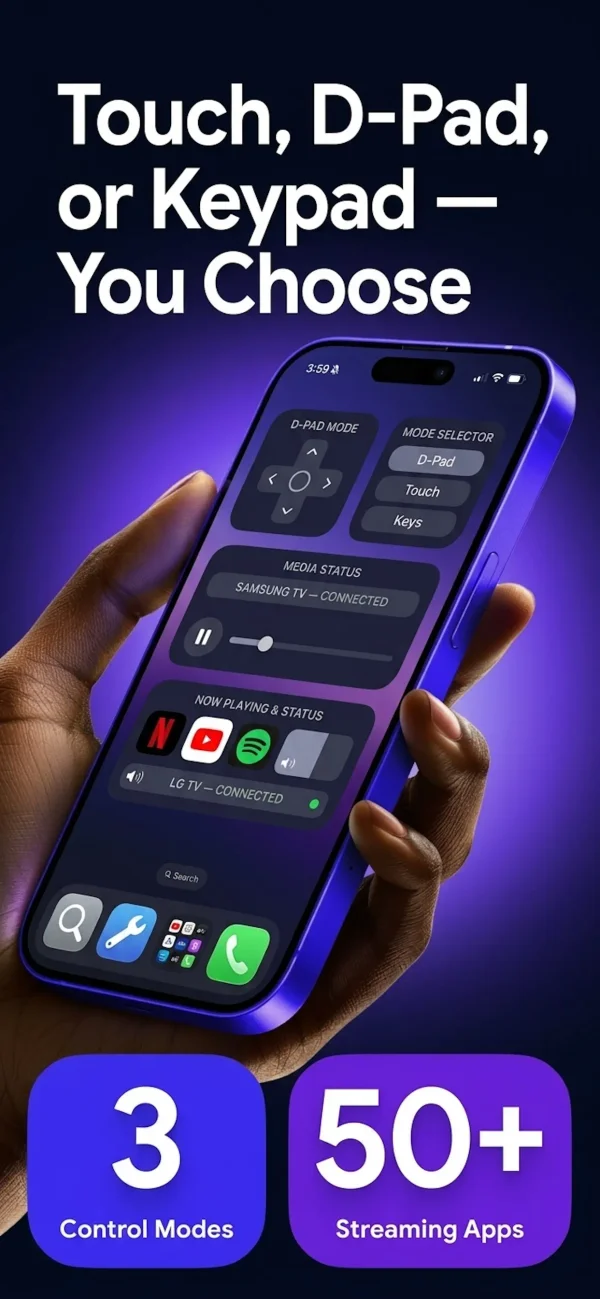
THREE CONTROL MODES
1. D-Pad Mode - Classic directional navigation
2. Touch Pad Mode - Swipe to move cursor
3. Keyboard Mode - Type to search Netflix, YouTube & more
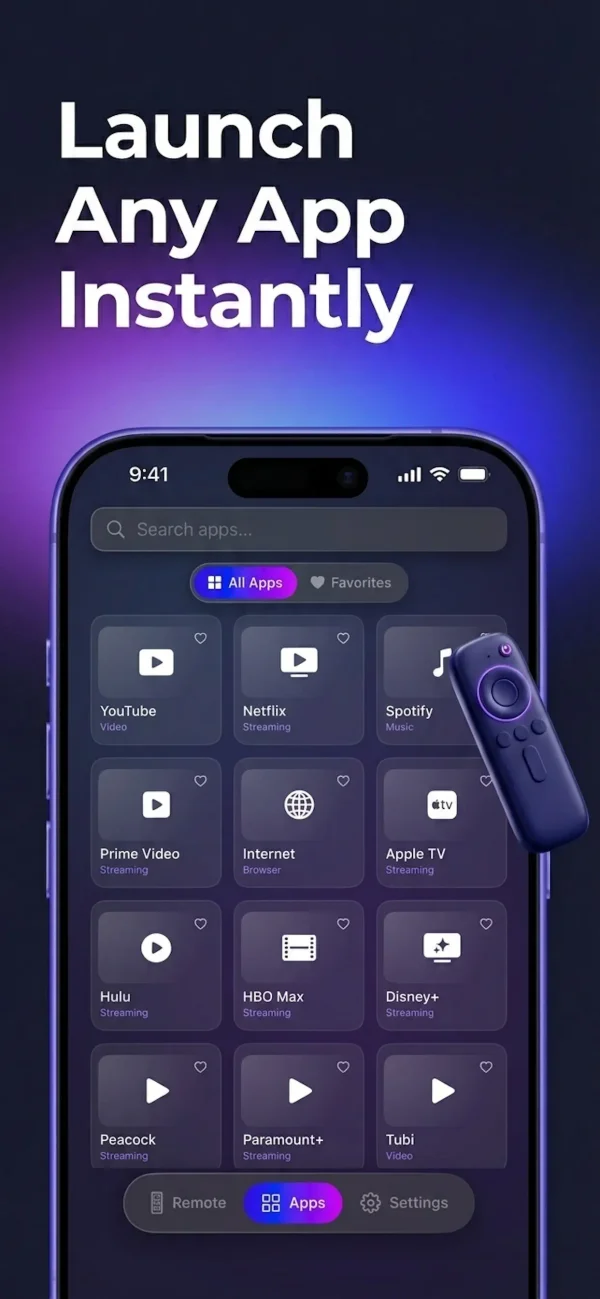
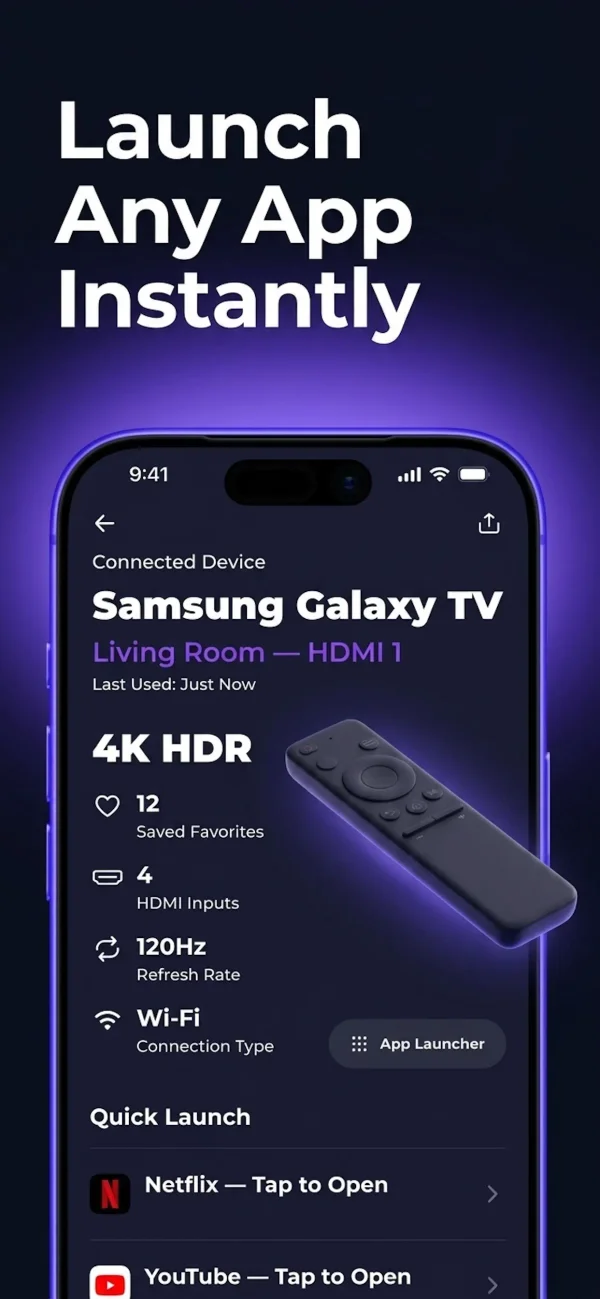
INSTANT APP LAUNCHER
Launch your favorite streaming apps with one tap:
• Netflix
• YouTube
• Amazon Prime Video
• Disney+
• HBO Max
• Hulu
• Spotify
• And many more!
EASY SETUP
1. Connect your phone to the same WiFi as your TV
2. Open the app and tap "Scan for TVs"
3. Select your TV from the list
4. Accept the pairing prompt on your TV
5. Start controlling!
WHY CHOOSE OUR APP?
• Universal Compatibility - One app for all major TV brands
• No Hardware Required - Uses your home WiFi network
• Beautiful Design - Modern, intuitive interface
• Fast & Responsive - Real-time control with no lag
• Free to Use - All essential features included
• Regular Updates - New features and TV support added
PRIVACY FIRST
• No account required
• No personal data collected
• Works entirely on your local network
• No ads in remote control view
PRO TIPS
• Keep your phone on the same WiFi network as your TV
• For best performance, use 5GHz WiFi when available
• Pin the app to your dock for quick access
• Works great on iPad too!
TROUBLESHOOTING
Can't find your TV? Try these steps:
1. Make sure your TV is turned on
2. Check that both devices are on the same WiFi
3. Restart the app and scan again
4. Try entering your TV's IP address manually
NEED HELP?
We're here for you! Contact us at contact@globalapexflow.com
Download now and say goodbye to hunting for the remote!
What’s new
Version 1.0.3 · May 11, 2026
- Minor urgent bug fix .
- Added Subscriptions plans for Pro Mode for for Roku , LG , Samsung and more tv Brands
- UI enhancement for better user experience.
App privacy
What ApexFlow declares on the App Store about how this app handles data.
-
Data used to track you
May be used to track you across apps and websites owned by other companies.
- Usage data
-
Data not linked to you
May be collected but is not linked to your identity.
- Usage data
Privacy practices may vary, for example with the features you use or your age.
Information
- Seller
- APEXFLOW
- Category
- Utilities
- Version
- 1.0.3
- Updated
- May 11, 2026
- Released
- Dec 22, 2025
- Size
- 21.9 MB
- Requires
- iOS 15 or later
- Age rating
- 4+
- Price
- Free
- In-app purchases
- Yes
- Languages
- English
- Copyright
- © ApexFlow
You might also like
-
 TV Remote : Smart ControlOne Remote for All TVs
-
 SuperMote: Smart TV RemoteUniversal Wi-Fi TV controller
-
 Tv remote : UniversaRemote Control for TV
-
 WiFi TV RemoteSmart TV Remote & Touchpad
-
 Smart Remote Control - SRemoteUniversal Samsung & Roku TV
-
 Universal tv remote control ▸Tv Remote for all tv
-
 Tivi – TV Remote ControlSamsung,LG,Sony,TCL & Google
-
 Universal TV Remote Control —Remote Control for TV
-
 TV Remote Universal ControlSmart Controller App for TV
-
 TV Remote – Smart ControlEasy Remote Control from Phone