- Age rating4+
- CategoryEducation
- DeveloperZeroEra Tech
- LanguagesEnglish
- Size378.8 MB
Links to the official App Store page
Download.org hosts no file of TypeLearn. The button opens its official App Store page, published by ZeroEra Tech. Listing last checked on Nov 18, 2026.
Screenshots
About
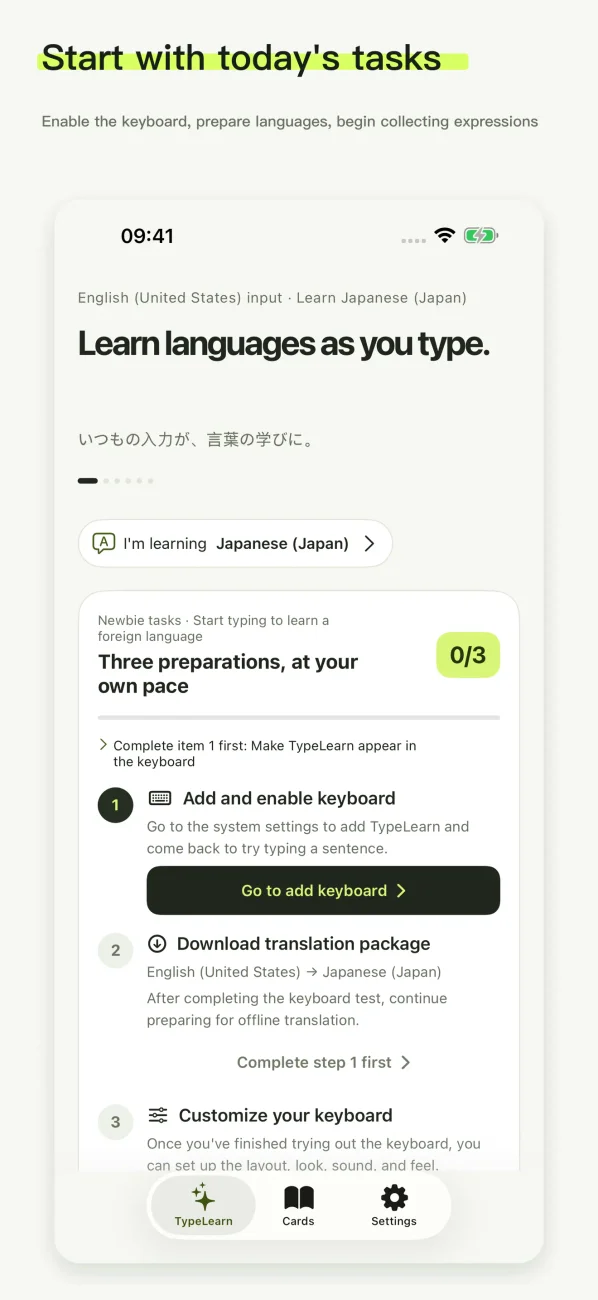
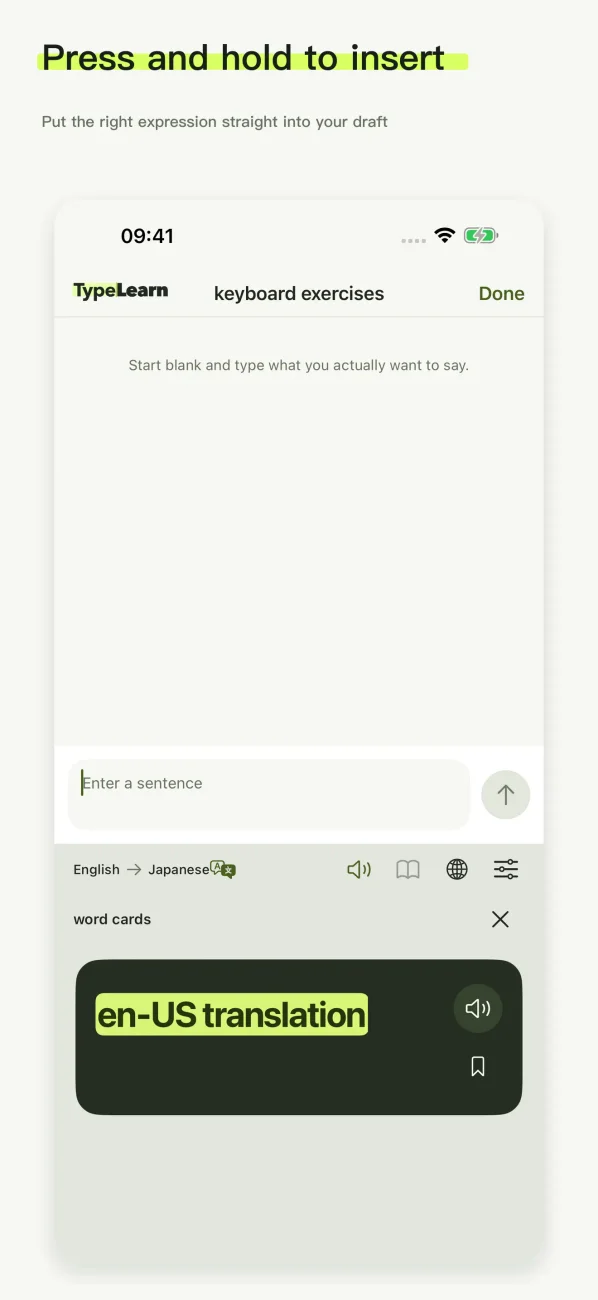
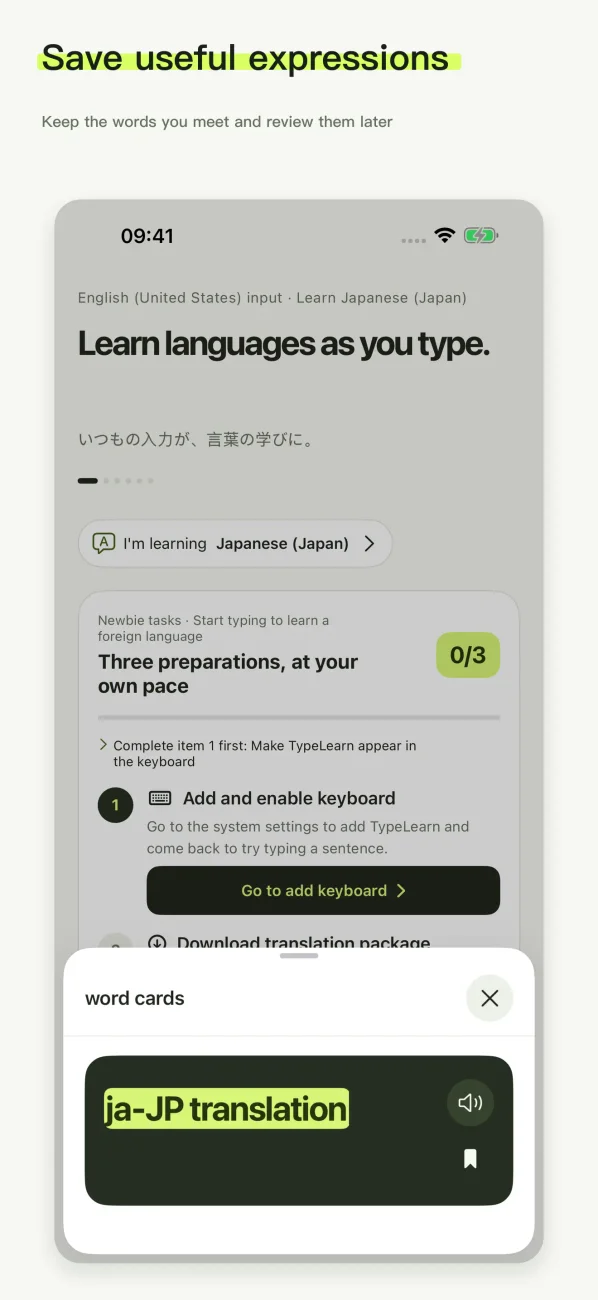
TypeLearn is a bilingual keyboard for learning from the words you actually write. Check candidate meanings while typing, request an Apple translation when you need one, and save the source text and translated expression as a flashcard to hear and review later.
Learn in everyday writing
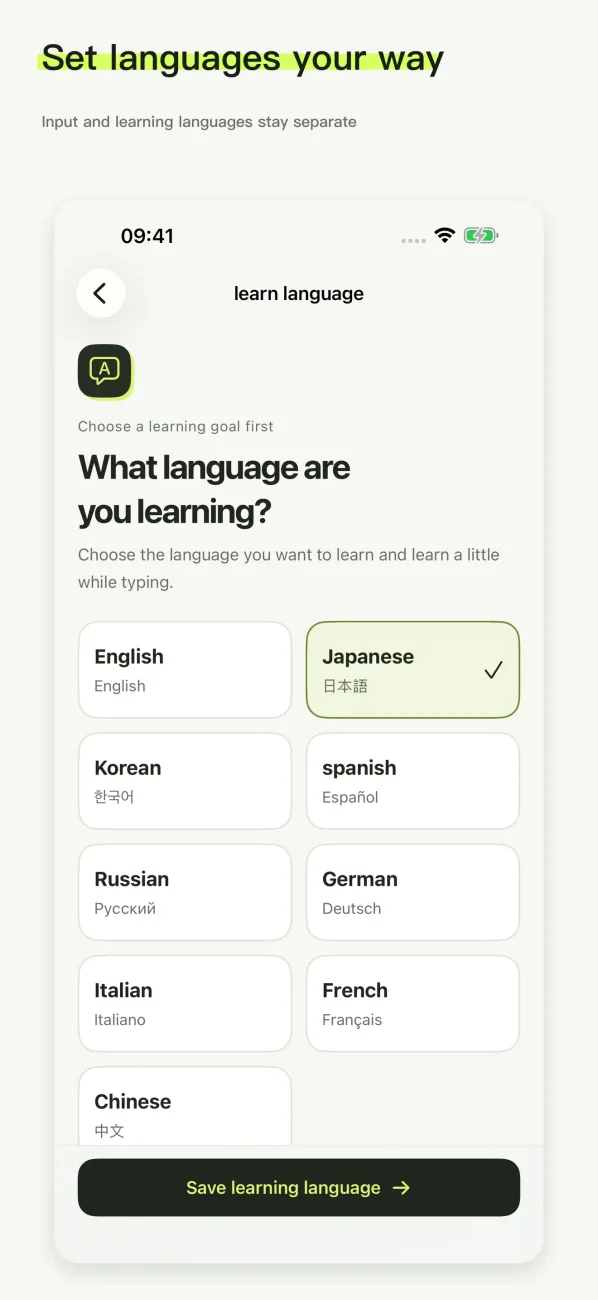
Chats, notes and email contain expressions worth remembering. Select the text that matters, view an available translation, and choose whether to insert it, hear it or save it. Your input language and learning target are separate settings; changing your target does not replace your draft.
Chinese and English typing tools
• Bilingual candidates show local dictionary meanings for supported directions, with horizontal scrolling for longer definitions.
• Chinese and English next-word predictions suggest what to type next. Manage available models in input settings.
• English spelling correction offers suggestions while leaving the choice to you.
• Offline Chinese and English speech transcription runs in the main app after you download the corresponding speech model. Save a transcript to the keyboard and confirm before inserting it. This is not direct voice dictation inside the third-party keyboard.
Build your own vocabulary collection
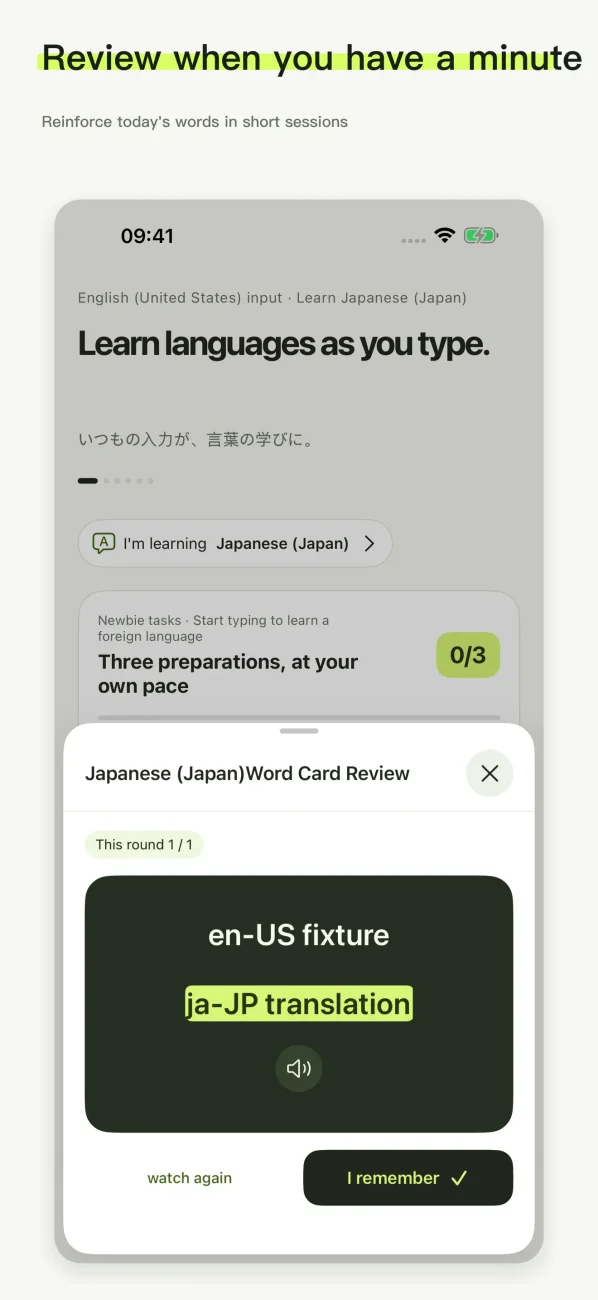
A successful translation creates a preview card with the source text and target expression. Only cards you explicitly save enter My Cards. Search your collection, listen to available pronunciation and use lightweight reviews to revisit expressions from conversations, study and work. Cards and progress stay separate by language direction.
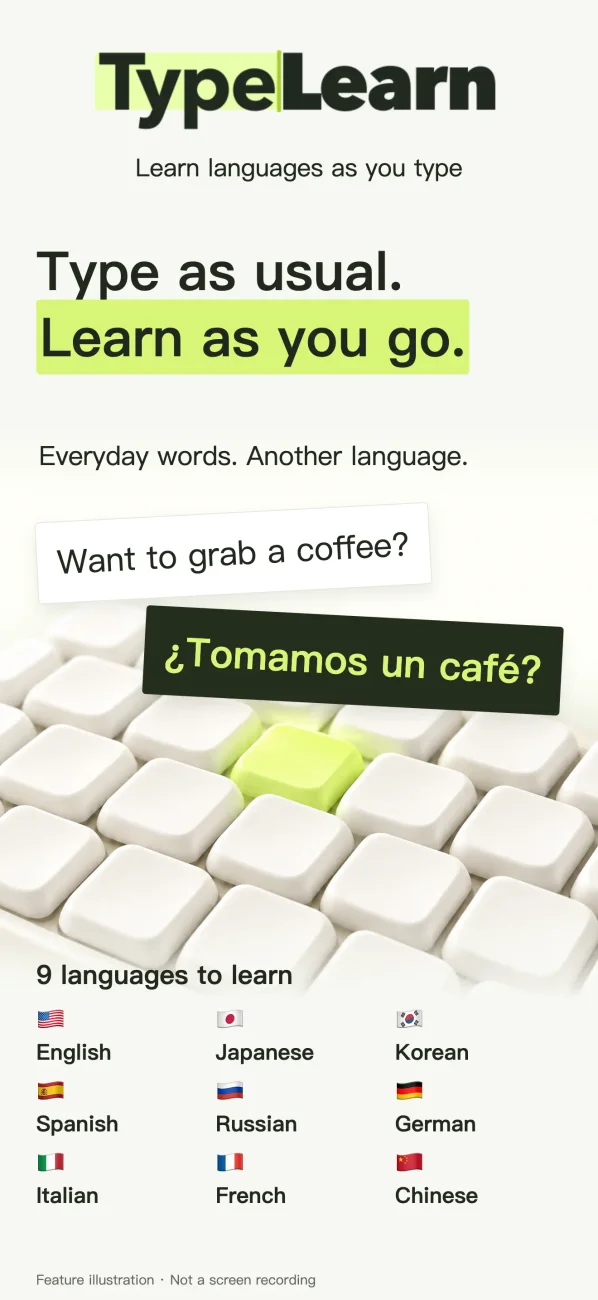
Choose English, Japanese, Korean, Spanish, Russian, German, Italian, French or Chinese as a learning target. A selectable target does not mean every translation pair is supported. Apple translation availability depends on your OS, device, region and prepared language models.
Compatibility and access
• Supports iPhone and iPad with iOS or iPadOS 17 or later. Apple system translation requires iOS or iPadOS 18 or later and a supported language pair.
• Local translation and target-language speech do not require Full Access. Sharing saved cards from the keyboard extension with the main app may require Full Access under iOS keyboard rules.
• Secure fields and apps that block third-party keyboards use the system keyboard.
• New cards come from your actual text and successful translations. Previewing a card does not save it.
Type as usual. Keep an expression when it is something you want to learn.
What’s new
Version 1.1.1 · Oct 23, 2026
Updated App Store descriptions and localized product information. App features remain the same as version 1.1.
App privacy
What ZeroEra Tech declares on the App Store about how this app handles data.
-
Data linked to you
May be collected and linked to your identity.
- Contact info
-
Data not linked to you
May be collected but is not linked to your identity.
- Identifiers
- Usage data
- Diagnostics
Privacy practices may vary, for example with the features you use or your age.
Information
- Seller
- Shanghai Zero Era Technology Co., Ltd.
- Category
- Education
- Version
- 1.1.1
- Updated
- Oct 23, 2026
- Released
- Oct 9, 2026
- Size
- 378.8 MB
- Requires
- iOS 17.0 or later
- Age rating
- 4+
- Price
- Free
- Languages
- English
- Copyright
- © 2026 Zero Era Technology Co., Ltd.
You might also like
-
 DDUP - Type & LearnChinese typing. English words.
-
 MOJiTest: 日语考级考研高考背词等级备考与词汇量测试Education
-
 MOJisho: Japanese DictionaryLearn Japanese more naturally.
-
 标准日本语(日语教材)Education
-
 CapWords: AI Language TutorReal-Life Speaking Coach
-
 欧路词典Reference
-
 Miraa - AI transcribe & shadowbilingual language learning
-
 扇贝单词英语版-四六级背单词、考研单词必备Education
-
 每日英语听力-每天更新的英语泛听资源库Education
-
 粉笔-大学生及在职考编考证神器Education