DDUP - Type & Learn
Chinese typing. English words.
Designed for iPhone, iPad
Free · In-app purchases
- Age rating4+
- CategoryEducation
- Developer承金 洪
- LanguagesEnglish+ 13 more
- Size458.5 MB
Links to the official App Store page
Download.org hosts no file of DDUP - Type & Learn. The button opens its official App Store page, published by 承金 洪. Listing last checked on Nov 23, 2026.
Screenshots

About
Learn new words as you type.
Share how you feel, plan your next trip, or talk about a great meal. The Chinese you type can be the starting point for learning another language.
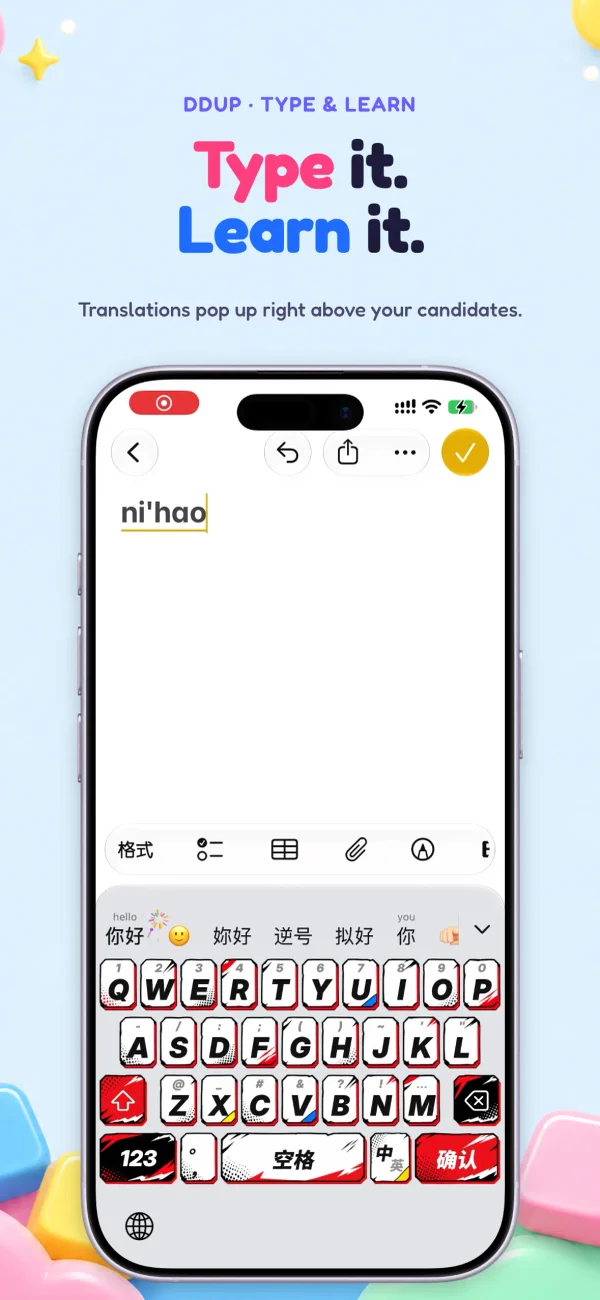
DDUP shows translations above Chinese word candidates, bringing new vocabulary into familiar conversations. Save words as you go and make them stick with regular practice.
【Learn from the words you use every day】
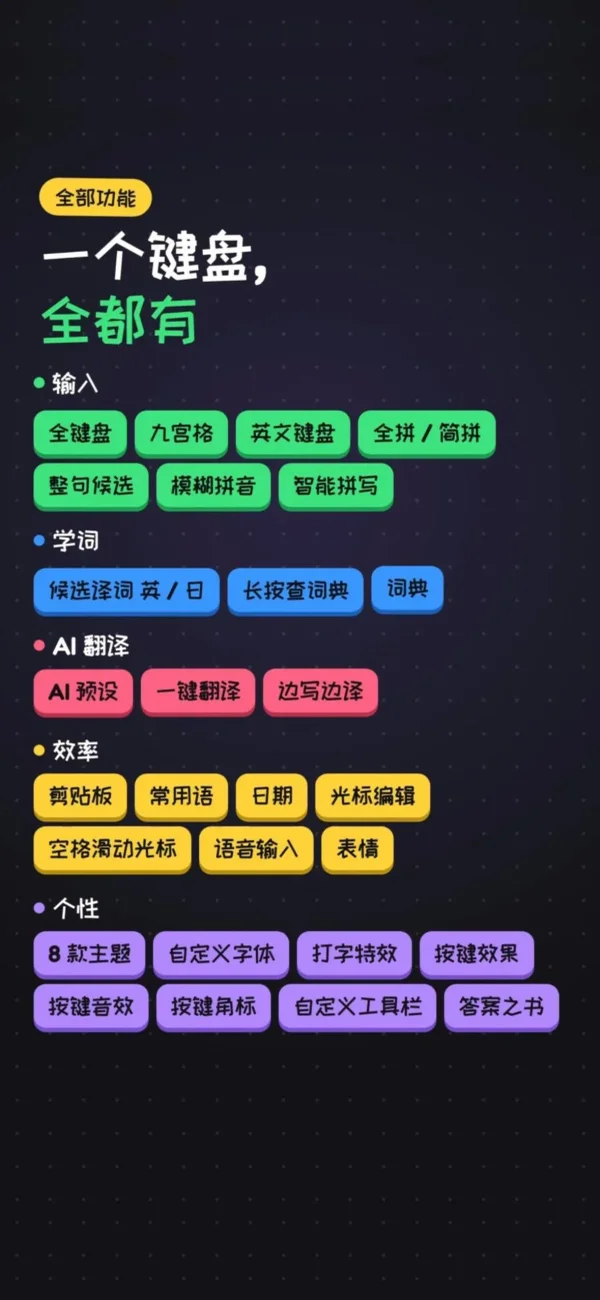
Choose from English, Japanese, Korean, French, German, Spanish, Italian, and Russian. See translations as you type and build your vocabulary around what you actually say.
【Find a word. Save it for later.】
Enable candidate gestures to swipe down to save a word or up to send its translation. Save words from dictionary results, explore and download word books, and organize your collection in folders.
【Turn new words into familiar ones】
Learn and review with multiple-choice questions and self-assessment. Practice new words and revisit those due for review at your own pace. Track your progress with learning trends, a calendar, and daily streaks.
【Listen on your commute or a walk】
Play words aloud and get familiar with their pronunciation. Make the most of spare moments and let repeated listening bring vocabulary to life.
【Type the way that feels right】
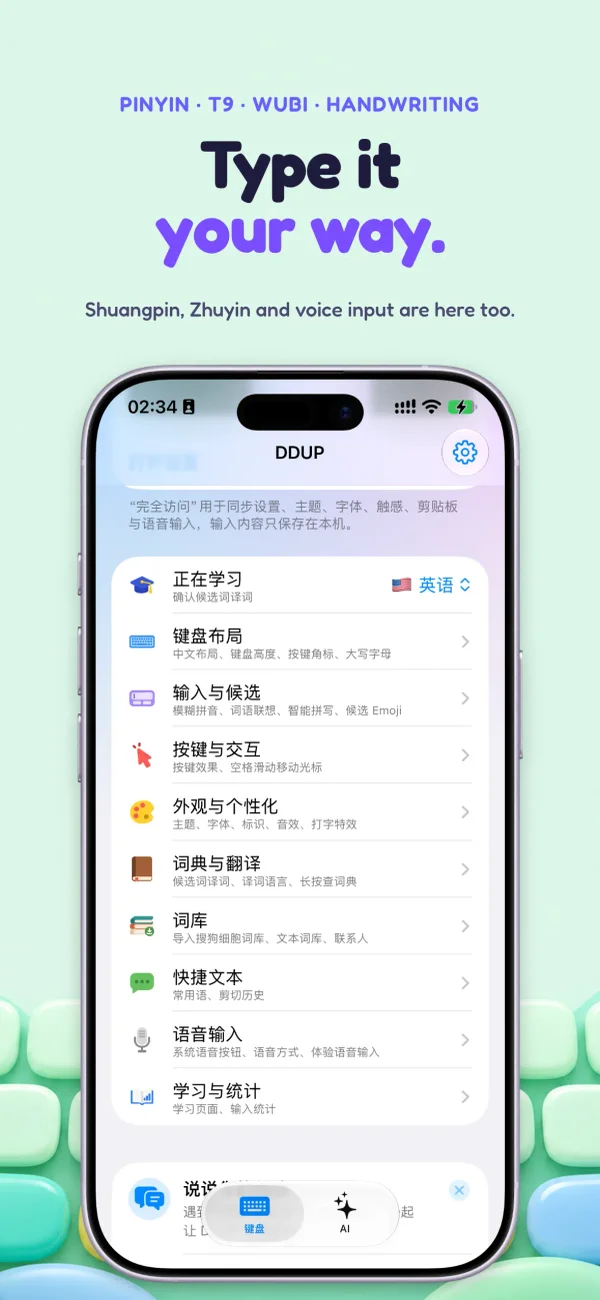
Choose full Pinyin, a 9-key layout, Double Pinyin, Wubi, stroke input, or an English keyboard, plus handwriting and Zhuyin input. Import Sogou dictionaries, text dictionaries, and contact names to make names and specialist terms easier to type.
【Your everyday phrases, a tap away】
Keep saved phrases and clipboard history together in Quick Text. Insert replies, addresses, and frequently used information, or use in-keyboard voice input to turn your thoughts into text.
【Make every keystroke your own】
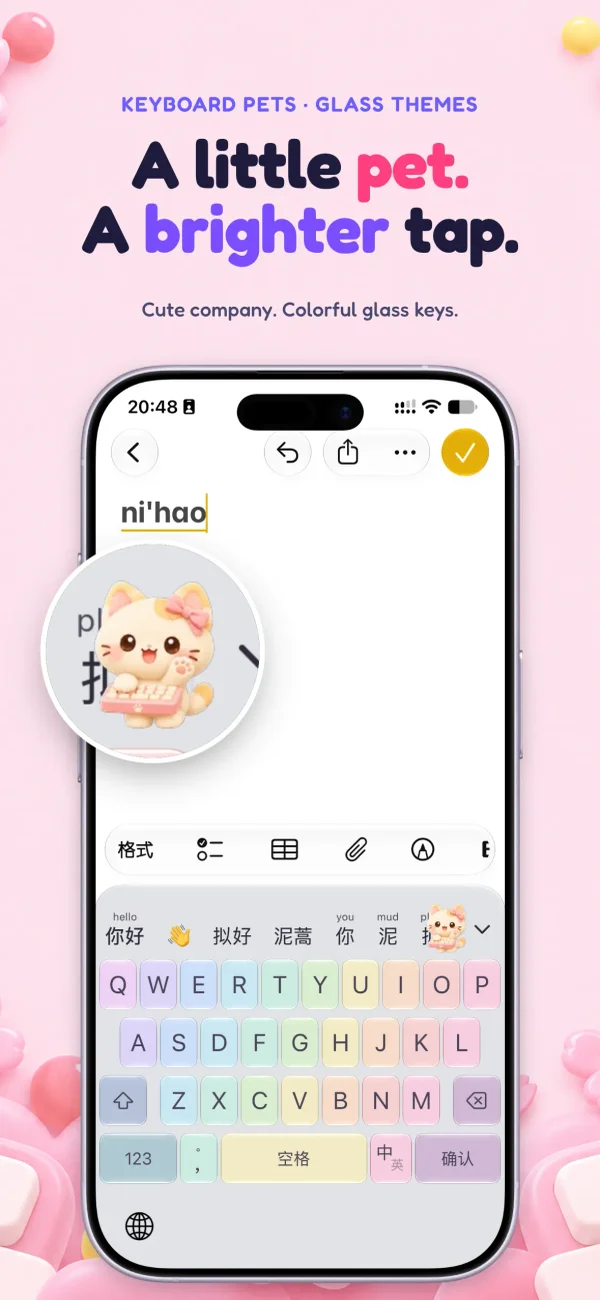
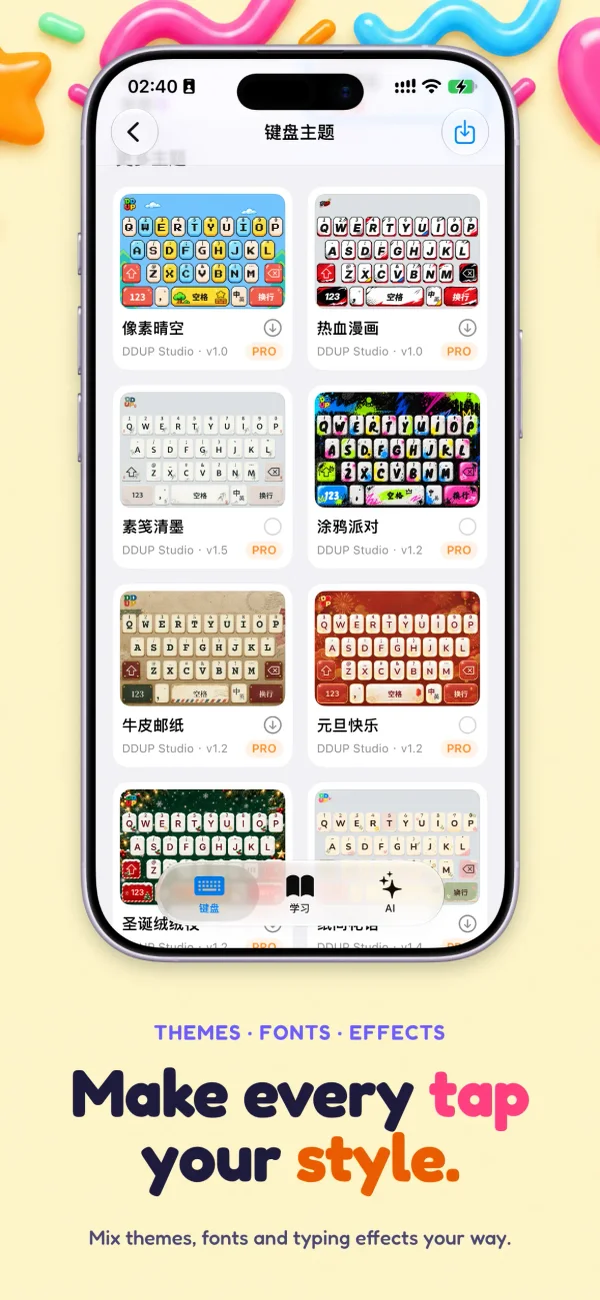
Choose themes, fonts, keyboard badges, and typing effects, or import your own fonts. Customize haptics, key sounds, character pop-ups, and cursor control with a slide of the spacebar.
Start with your first message today. Type familiar Chinese with DDUP and discover new words.
【Subscription Cancellation Info】
1. Subscriptions auto-renew; payment is charged to your iTunes account upon confirmation of purchase.
2. The system automatically charges your account and extends membership by one month within 24 hours prior to the current period's expiration.
3. To cancel, please manually disable auto-renewal at least 24 hours before the current subscription period ends. 4. Cancellation steps: Open iPhone "Settings" > Go to "iTunes Store & App Store" > Tap "Apple ID" > Select "View Apple ID" > Tap "Subscriptions" under "Account Settings" > Find and cancel the "continuous subscription."
"Privacy Policy & Terms of Service"
- Privacy Policy: https://logspot.hocgin.top/DDUP/?active=privacy-policy
- Terms of Service: https://logspot.hocgin.top/DDUP/?active=terms-of-service
What’s new
Version 1.8.0 · Nov 20, 2026
• Pick letters with a swipe on the 9-key Pinyin keyboard. Enable the cross-shaped popup in the 9-key settings, then touch and hold a key, slide toward the letter you want, and lift your finger to confirm.
• Type long sentences with full Pinyin or double Pinyin? Download the sentence model in Keyboard Layout to improve full-sentence suggestions.
• Wubi and Stroke layouts download when you select them. Keyboard resource downloads can resume after a brief connection loss.
App privacy
What 承金 洪 declares on the App Store about how this app handles data.
-
Data not linked to you
May be collected but is not linked to your identity.
- Diagnostics
Privacy practices may vary, for example with the features you use or your age.
Information
- Seller
- 承金 洪
- Category
- Education
- Version
- 1.8.0
- Updated
- Nov 20, 2026
- Released
- Oct 16, 2026
- Size
- 458.5 MB
- Requires
- iOS 18.0 or later
- Age rating
- 4+
- Price
- Free
- In-app purchases
- Yes
- Languages
- English, Dutch, French, German, Italian, Japanese, Korean, Portuguese, Romanian, Russian, Simplified Chinese, Spanish + 2 more
- Copyright
- © 2026 hocgin.top
You might also like
-
 TypeLearnLanguage Keyboard & Flashcards
-
 日途背单词-JLPT日语词汇学习与记忆Education
-
 句型口语Education
-
 根记日语-视觉画面记单词Education
-
 TypeToLearn: Language KeyboardLearn languages as you type
-
 Type Words: Spelling PracticeLearn English by Typing
-
 KikuMarkEducation
-
 Nazoru: Read JapaneseTap a word, keep the sentence
-
 LexiSprigLearn Words from Photos
-
 OneShado: AI Language TutorShadowing & Speaking Practice