- Age rating4+
- CategoryEducation
- DeveloperWilman Garcia
- LanguagesEnglish
- Size35.0 MB
Links to the official App Store page
Download.org hosts no file of Typing Falling Letters. The button opens its official App Store page, published by Wilman Garcia. Listing last checked on Nov 14, 2026.
Screenshots

About
Build typing confidence, one key at a time.
Typing Falling Letters turns keyboard practice into a game of falling letters. Press the correct key before the letter reaches the ground and build accuracy, coordination, and confidence as you learn at your own pace.
Designed for children ages 7 and up, and anyone who wants to improve their typing, the app brings together visual hand guides, a colorful keyboard, and a journey through 100 lessons in English and Spanish.
LEARN WHICH FINGER TO USE
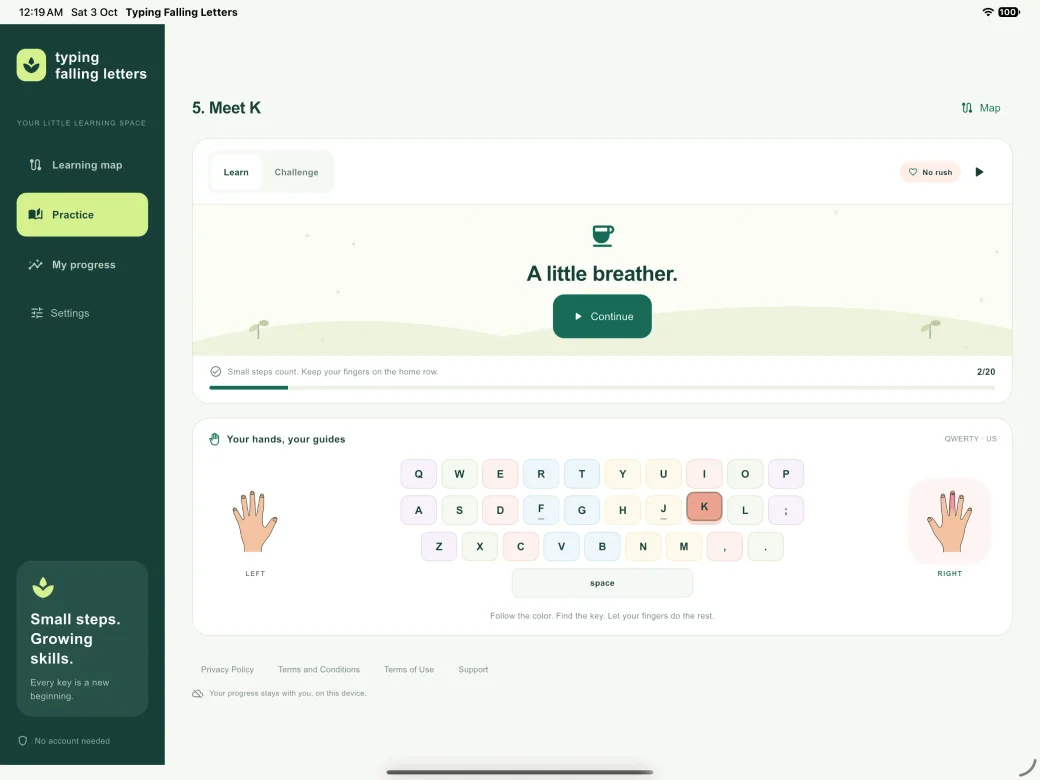
Highlighted hands and keys help you recognize each letter and the finger that should press it. These visual guides support your practice as you build good habits from the start. Connect a physical keyboard to your iPad to practice typing with all your fingers.
FOLLOW A PATH OF 100 LESSONS
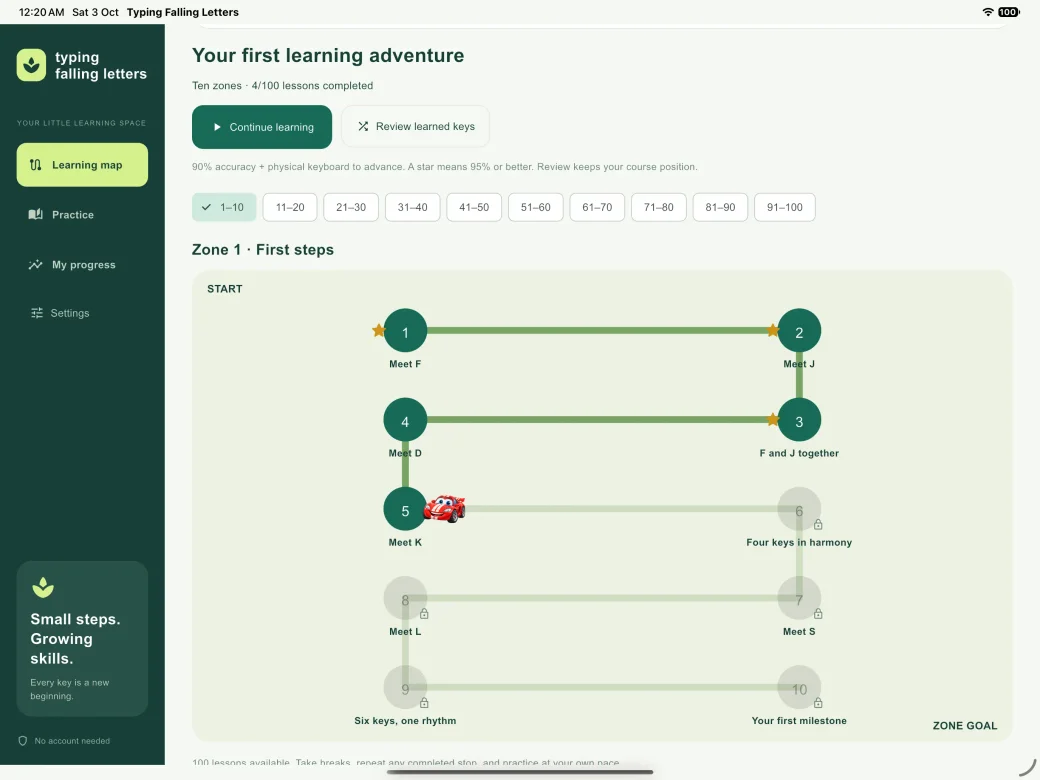
Start with small groups of keys and gradually expand your skills. The course introduces more letters, followed by uppercase letters and numbers. A progress map shows your journey and places your avatar along the path to the finish. Learn step by step, without having to master everything at once.
REVIEW AT YOUR LEVEL
Switch between lessons and review sessions based on your progress. Practice the keys you already know, work on mistakes, and build confidence before moving forward. Accuracy matters: learning to type also means learning to press the right keys with care.
KEEP GOING AFTER THE FINISH LINE
Completing all 100 lessons unlocks advanced practice. Continue with key exercises, phrases, longer texts, and timed sessions to develop your skills further. Practice as often as you like and compare your own results as you improve.
A PROFILE FOR EVERY LEARNER
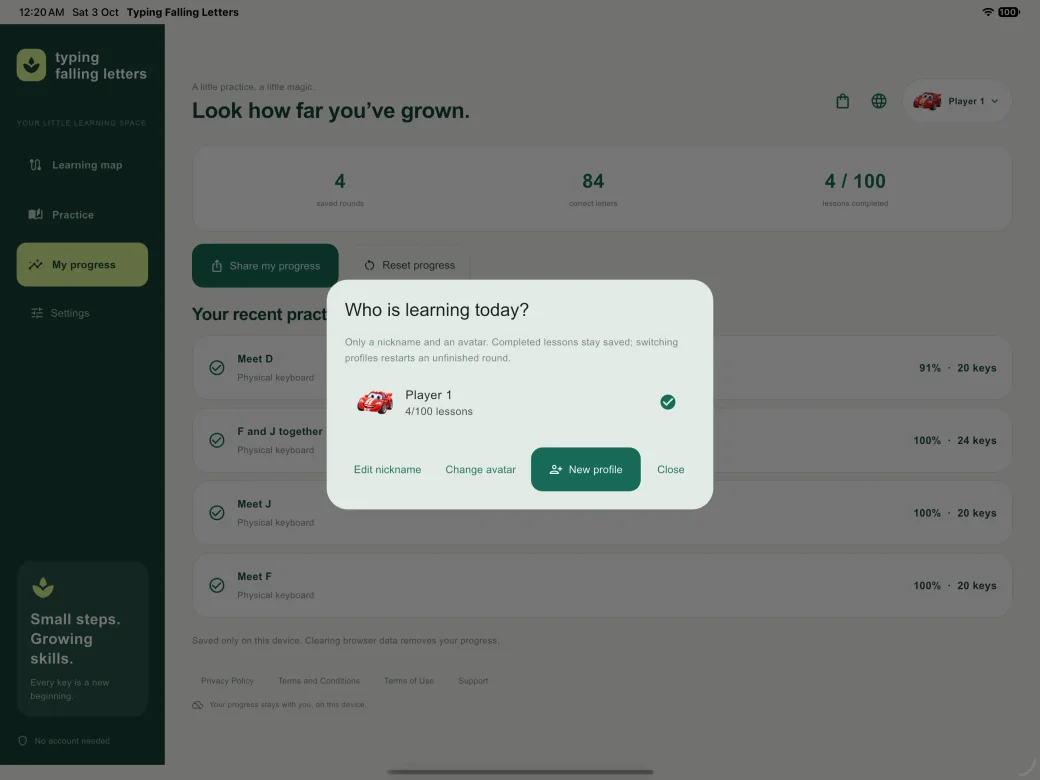
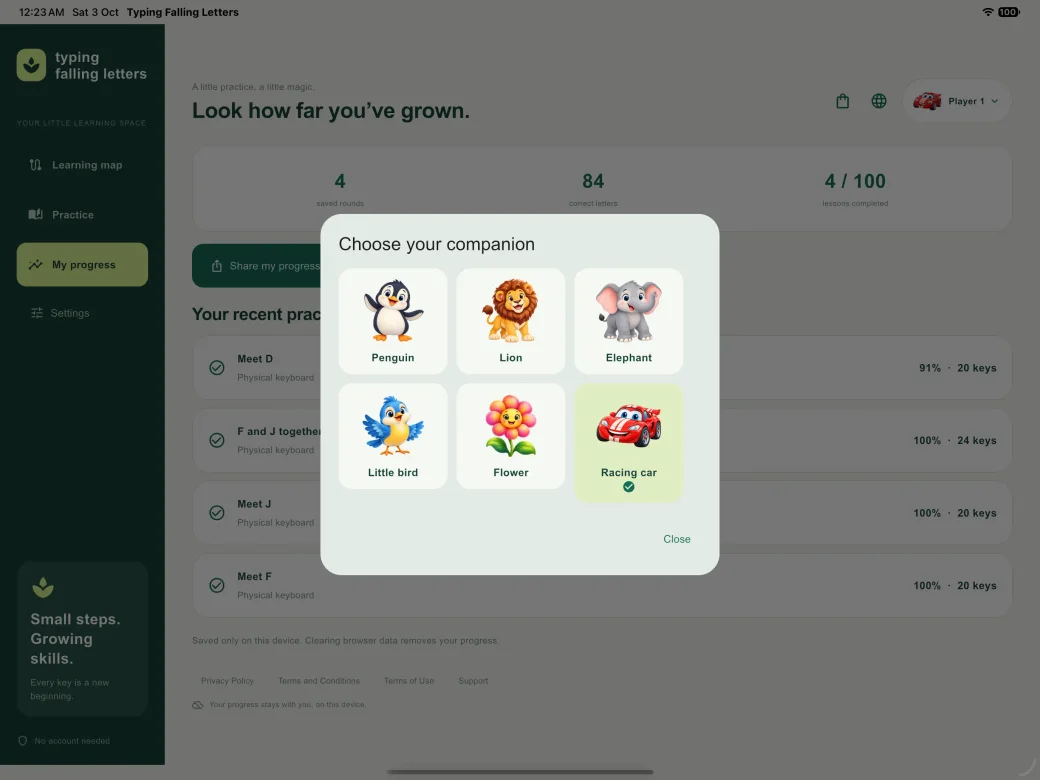
Create local profiles with a nickname and an avatar. Choose a penguin, lion, elephant, bird, flower, or race car. Switch between profiles easily so each learner can keep their own progress and results on a shared device.
YOUR PROGRESS STAYS ON YOUR DEVICE
Check your results, review your accuracy, and share a progress card featuring the app name. You can also reset a profile's progress when you want a fresh start. There is no need to create an account, provide an email address, or remember a password.
PRACTICE WITHOUT AN INTERNET CONNECTION
Lessons and progress are stored locally. Keep learning on a trip or whenever you are offline. Purchases and advertisements require an internet connection.
MAKE THE SOUND YOUR OWN
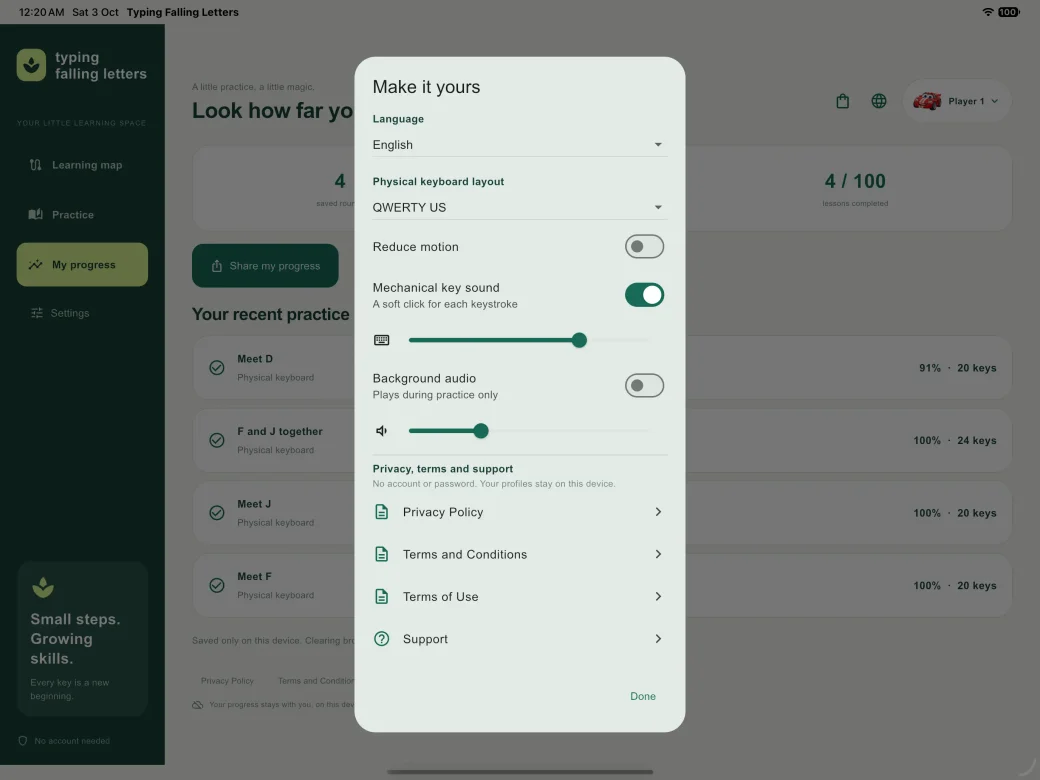
Enjoy background music and gentle keyboard sounds while you practice. Turn audio on or off to suit your preferences and your learning environment.
CHOOSE HOW YOU PLAY
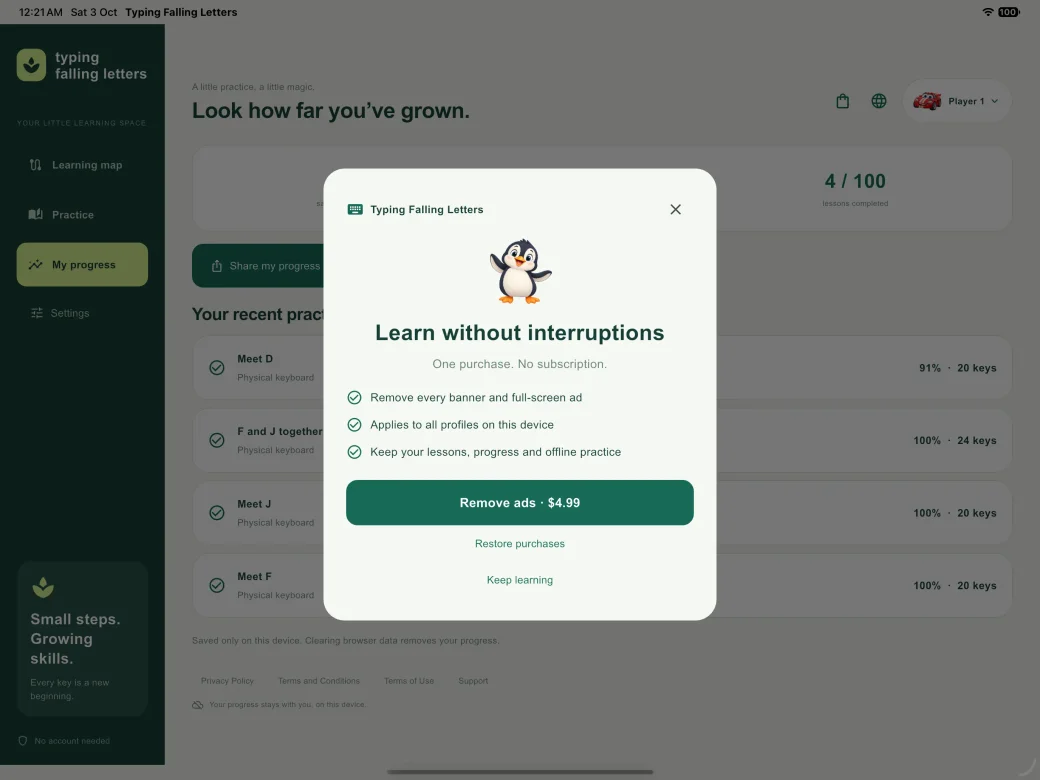
The free version includes advertisements. Prefer an ad-free experience? Remove all ads with a one-time in-app purchase. No subscriptions.
A few minutes of practice can become a rewarding learning routine. Pick your avatar, get to know your keys, and enjoy each step forward.
Whether you are learning your first keys or returning for extra practice, each session gives you another chance to focus on accuracy and become more comfortable.
Typing Falling Letters invites you to practice, make mistakes, improve, and enjoy the journey. Connect your keyboard and start your first lesson.
What’s new
Version 2.2 Typing Falling Lettres · Oct 7, 2026
A fresh new look and a new way to learn!
Typing Falling Letters has been redesigned to make typing practice more engaging, intuitive, and rewarding.
WHAT'S NEW
- 100 progressive lessons in English and Spanish, from basic keys to uppercase letters and numbers.
- Visual hand guides and a colorful keyboard to help you learn which finger to use.
- A learning map that follows your avatar as you advance through the course.
- Personalized review sessions based on your progress.
- Advanced practice unlocked after completing all 100 lessons, including phrases, texts, and timed sessions.
- Multiple local profiles, each with its own nickname, avatar, progress, and results.
- Six avatars to choose from: penguin, lion, elephant, bird, flower, and race car.
- Offline lessons and practice, so you can keep learning without an internet connection.
- Progress cards you can share to celebrate your achievements.
- Optional background music and gentle keyboard sounds.
- A one-time purchase to remove all advertisements. No subscriptions.
- A new app icon featuring colorful keys and typing hands.
No account or password required. Your learning progress stays on your device.
Connect a physical keyboard to your iPad and enjoy the new learning journey!
App privacy
What Wilman Garcia declares on the App Store about how this app handles data.
-
Data not collected
The developer does not collect any data from this app.
Privacy practices may vary, for example with the features you use or your age.
Information
- Seller
- Wilman Garcia
- Category
- Education
- Version
- 2.2 Typing Falling Lettres
- Updated
- Oct 7, 2026
- Released
- Sep 14, 2025
- Size
- 35.0 MB
- Requires
- iOS 15.0 or later
- Age rating
- 4+
- Price
- Free
- In-app purchases
- Yes
- Languages
- English
- Copyright
- © WilidgaSoft
You might also like
-
 Type Tap - Learn to TypeFun Typing Game for Kids
-
 Typing Fingers LTTouch Typing App for All
-
 Typesy - Touch TypingQuickly learn to touch type
-
 GreatTypinglearn to type
-
 Typing LandA fun and exciting typing game
-
 Type Flash - typing gamefast paced word racer game
-
 Best Typing Lessons and TestLearn how to touch type faster
-
 Animal Typing - LiteLearn to type faster !
-
 Typing Practice - Dino HuntingRun & learn to type ABC letter
-
 AdaptedMind Math: Learning AppMath Learning Games & Skills