
Busy B Planner: To-Do List
Brain Dump & Daily Reminders
Designed for iPhone, iPad, Mac
Free · In-app purchases
- Age rating4+
- CategoryProductivity
- DeveloperMakram Atiyah
- LanguagesEnglish+ 6 more
- Size24.3 MB
Links to the official App Store page
Download.org hosts no file of Busy B Planner: To-Do List. The button opens its official App Store page, published by Makram Atiyah. Listing last checked on Nov 26, 2026.
Screenshots

About
Busy B Planner is a warm, visual to-do app for people juggling everyday life.
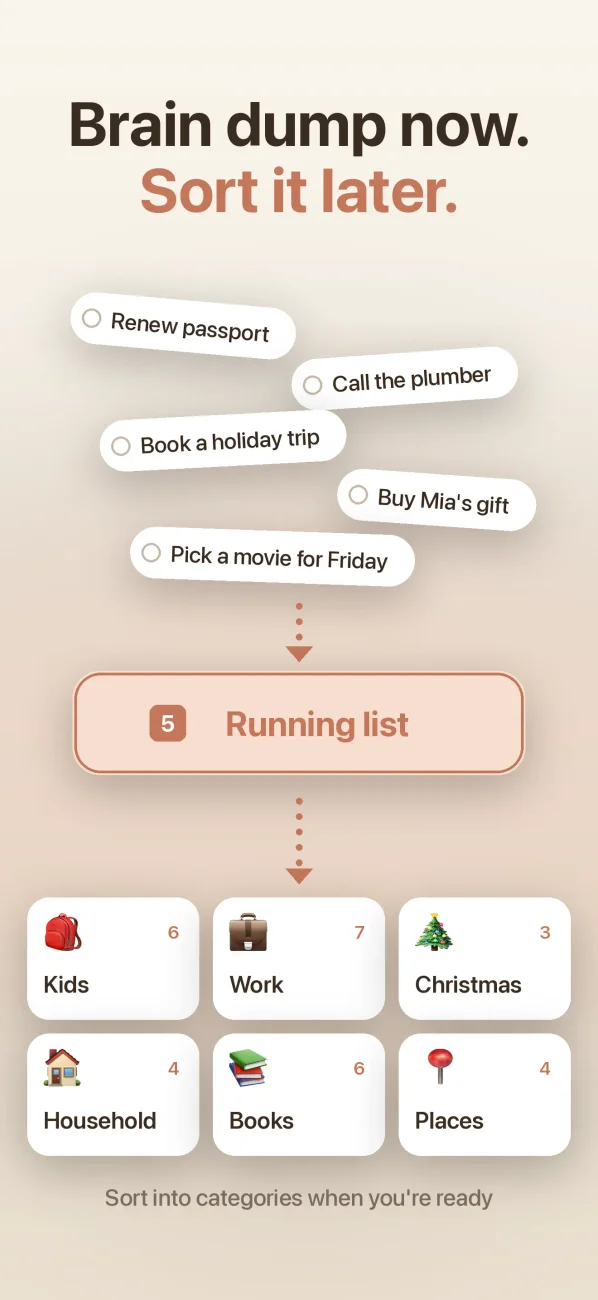
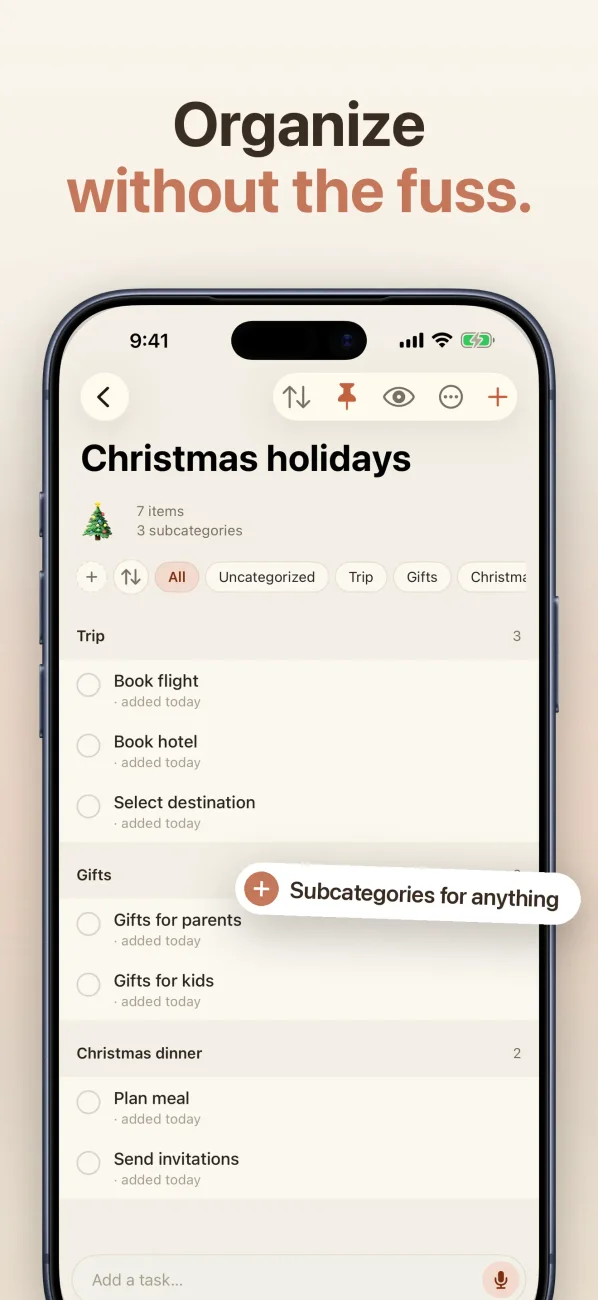
Brain-dump anything you need to remember into the Running list the moment it hits you, with no decisions required up front. Then file each task into a category, with optional subcategories, whenever you're ready, so capturing never gets in the way of doing.
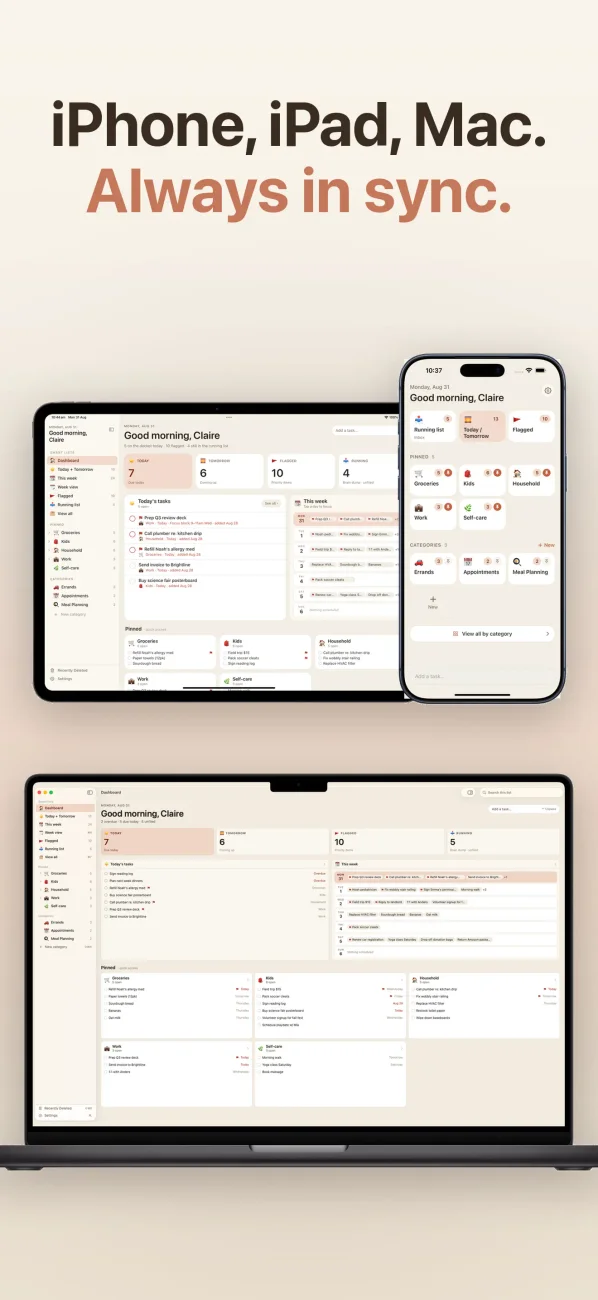
Everything syncs across your iPhone, iPad and Mac with iCloud. No account to create, no sign-up required.
WHY BUSY B
• Running list: capture anything, anytime, then sort it when you're ready
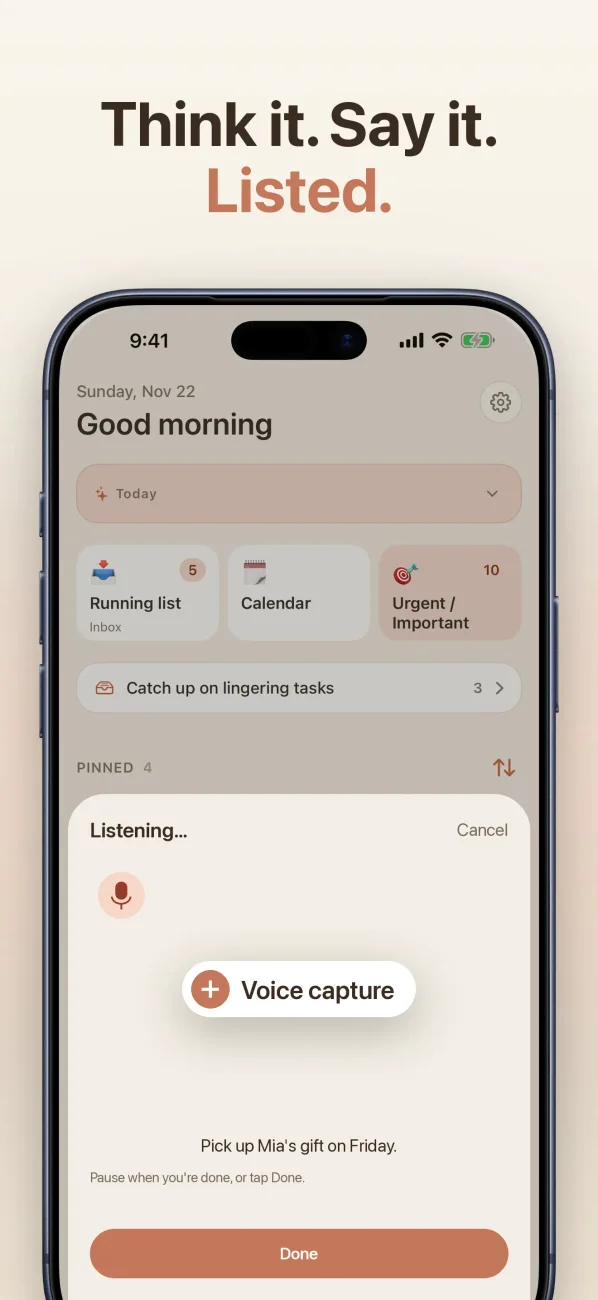
• Capture your way: type it, say it with voice capture, or ask Siri: "Add pick up dry cleaning tomorrow to Household in Busy B."
• Dates, times and reminders: add an end time, and get a heads-up before something is due
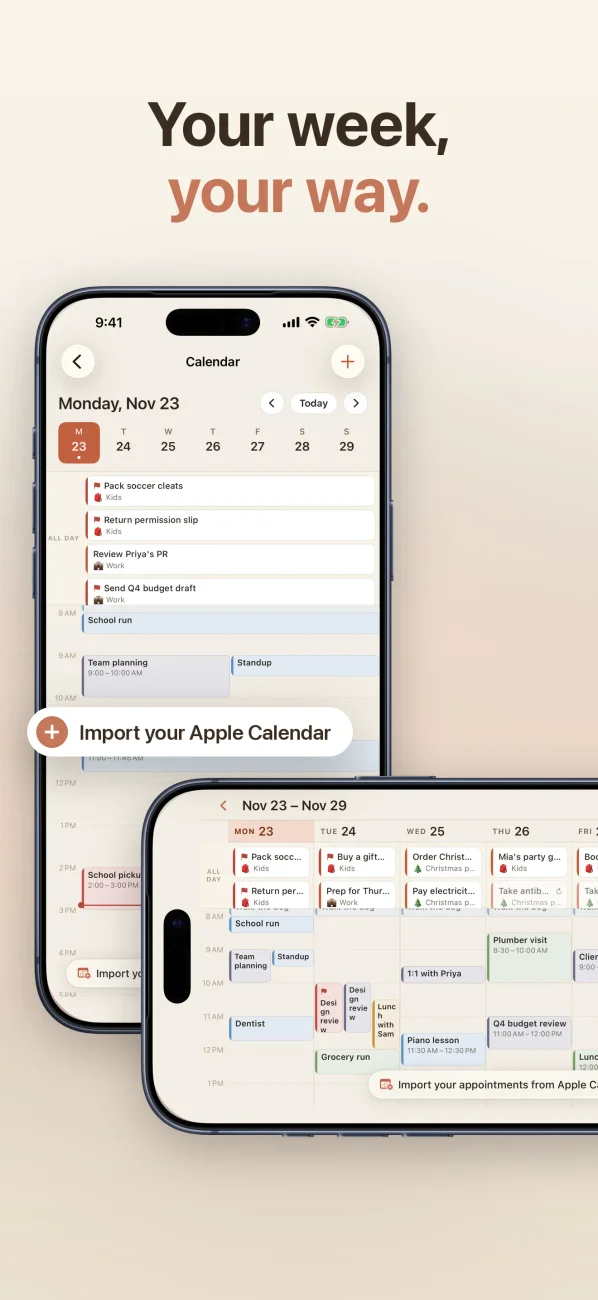
• Calendar: see your day hour by hour, or your whole week at a glance, and drag tasks to a new time
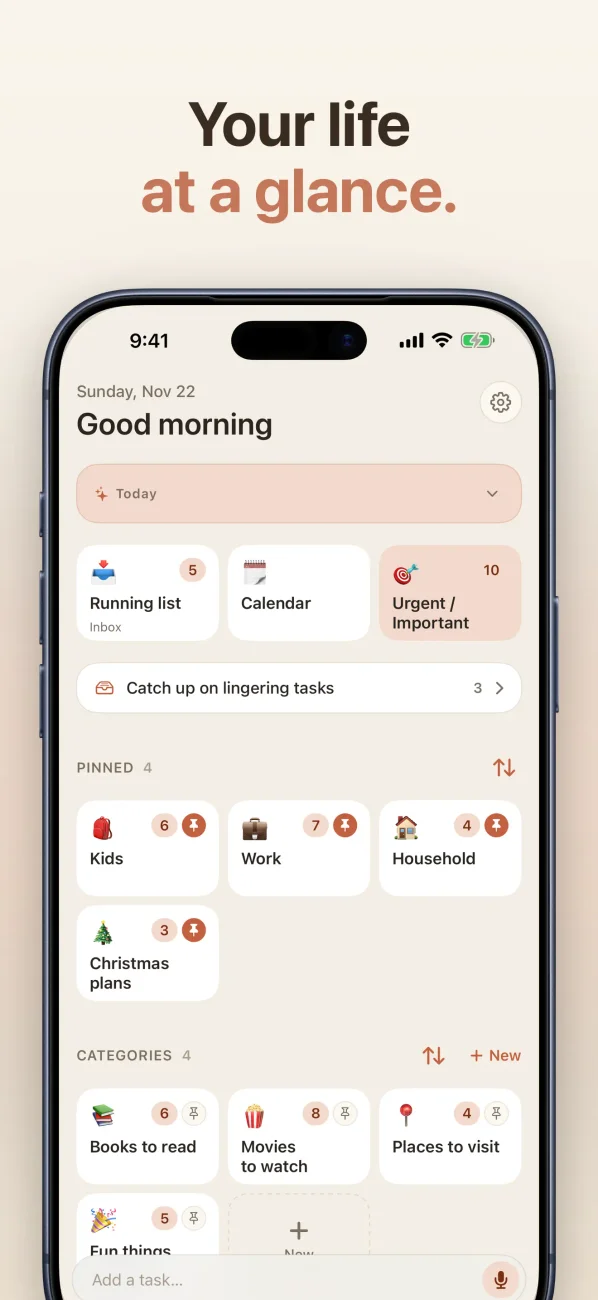
• Categories and subcategories: organize your way, drag and drop to arrange them, or sort alphabetically or by date added
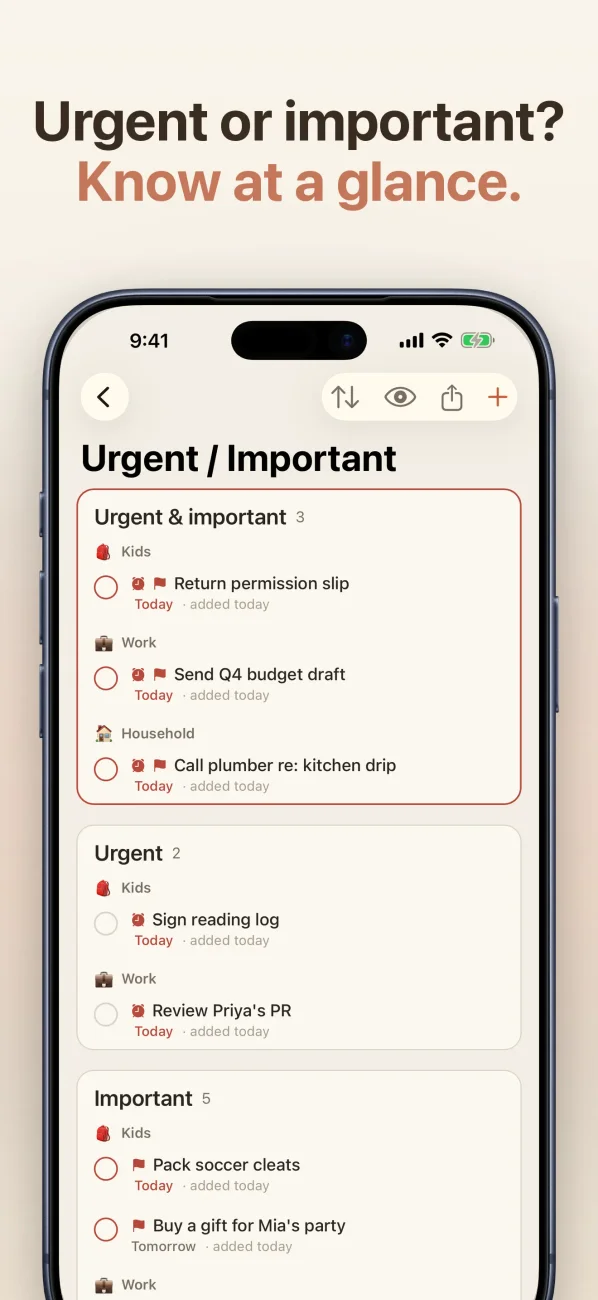
• Urgent / Important: mark tasks Urgent, Important or both, see them in three boxes, and file them into a category
• Repeating tasks: daily, weekly, monthly or a pattern of your own
• Import from Calendar: bring your appointments in as tasks, with their dates, times and repeats
• Photos: snap a handwritten note or a receipt into a task, or attach several photos to any task
• iPad Command Center: a full three-pane layout built for iPad, not a stretched iPhone app
• iCloud sync: your tasks, everywhere, automatically
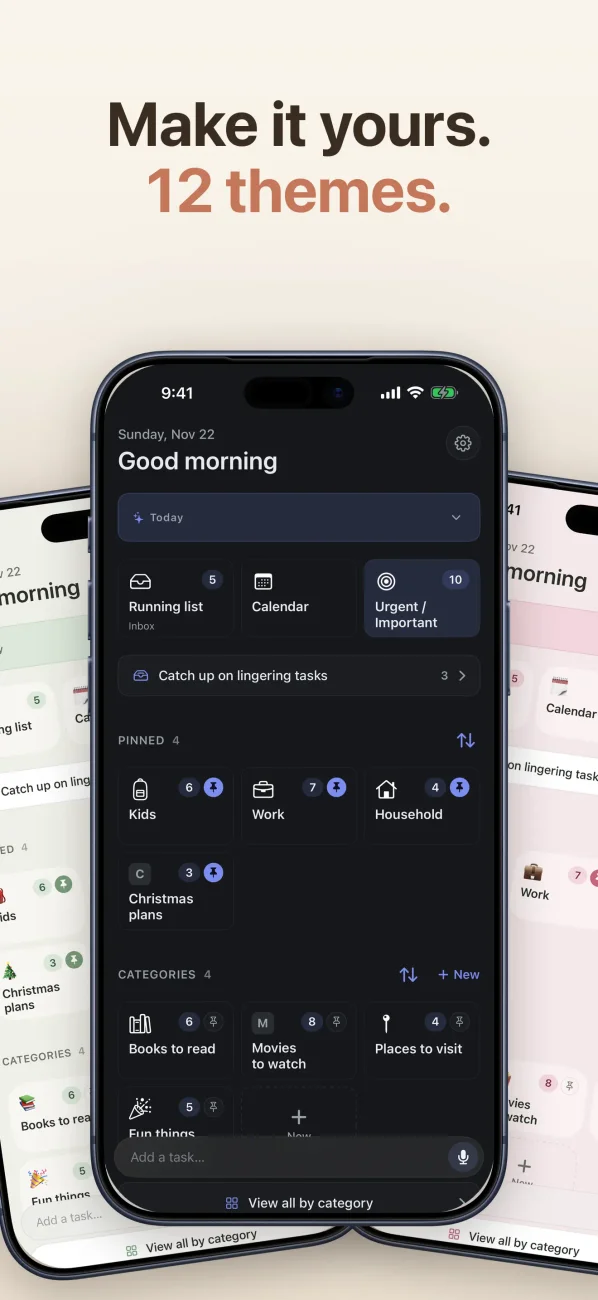
• Twelve hand-crafted themes, with Light, Dark or System appearance
• Easy to read: a text size that can follow your device, High contrast text in any theme, and a Color-blind friendly option
BUSY B INTELLIGENCE
• Daily briefing: open the app to a short, on-device read of what matters today, not just a count
• One-tap filing: on-device intelligence sorts your Running list into the right categories, and you review before anything moves
• Catch-up: a look at tasks you keep skipping, each with a suggested next step
• Voice capture: tap the mic and just talk. Busy B adds the task with the date filled in and takes its best guess at the category
Busy B Intelligence is built with Apple Intelligence. Every suggestion is generated on your device. Nothing is sent to us, and nothing trains a model. Voice capture needs iOS 26 or later, and its date and category suggestions, like the briefing, filing and catch-up, need an Apple Intelligence-capable device with Apple Intelligence turned on. The rest of Busy B works on every supported device.
BUSY B PRO
Try Busy B Pro free for 7 days with the yearly plan. After that, choose monthly, yearly or lifetime. Pro unlocks unlimited categories and subcategories, every theme, repeating tasks, voice capture and Busy B Intelligence.
Subscription details: Busy B Pro is available as a monthly or yearly auto-renewing subscription, or as a one-time lifetime purchase. The 7-day free trial applies to the yearly plan for new subscribers; after the trial it renews at the yearly price shown in the app. Payment is charged to your Apple Account at confirmation of purchase. Subscriptions renew automatically unless canceled at least 24 hours before the end of the current period. Manage or cancel in Settings > Apple Account > Subscriptions.
Terms of Use: https://www.apple.com/legal/internet-services/itunes/dev/stdeula/
Privacy Policy: https://busybplanner.com/privacy
What’s new
Version 1.1.13 · Nov 25, 2026
V1.1.13
• Your day, hour by hour: Tap Calendar to see your tasks at their times. Turn your iPhone sideways for the week, and drag a task to move it.
• Urgent and Important: Mark tasks Urgent, Important or both, and track them on their own home screen tile.
• Color-blind friendly: Swap red highlights for blue or gray, in Settings › General.
• Import from Calendar, now free: Bring your appointments in as tasks, with their dates, times and repeats.
Minor improvements
• On iPad and Mac, Calendar replaces Week view.
• Choose which smart lists show in the iPad and Mac sidebar.
• Start the week on Sunday or Monday, and pick the hour the calendar opens at.
App privacy
What Makram Atiyah declares on the App Store about how this app handles data.
-
Data linked to you
May be collected and linked to your identity.
- Purchases
- Identifiers
Privacy practices may vary, for example with the features you use or your age.
Information
- Seller
- Makram Atiyah
- Category
- Productivity
- Version
- 1.1.13
- Updated
- Nov 25, 2026
- Released
- Jul 27, 2026
- Size
- 24.3 MB
- Requires
- iOS 18.0 or later
- Age rating
- 4+
- Price
- Free
- In-app purchases
- Yes
- Languages
- English, Dutch, French, German, Italian, Portuguese, Spanish
- Copyright
- © Makram Atiyah
You might also like
-
 Monthly Planner - Month+Aesthetic Calendar App
-
 Dayfold: Planner & JournalYour whole day, one calm place
-
 PlanDaySimple & Elegant Daily Planner
-
 52 Week Planner: To-Do ListWeekly Calendar & Task Manager
-
 Ultimate Planner AppWhere Paper Meets Digital
-
 Weekly Calendar App - Week+Aesthetic Planner & To-Do list
-
 Daily Planner - Day OrganizerPlan your day in one drag
-
 Yearly Planner - Agenda Year +Annual Calendar 2026 and Tasks
-
 Digital Planner for iPad Day+Pencil Planning & Calendar
-
 Plander: Planner & CalendarMinimal planner·Widget support