
Ultimate Work Hours Tracker
Work Hours & Shift Tracker
Designed for iPhone, iPod touch
In-app purchases
- Age rating4+
- CategoryProductivity
- DeveloperBOHDAN ALIEKSIEIEV
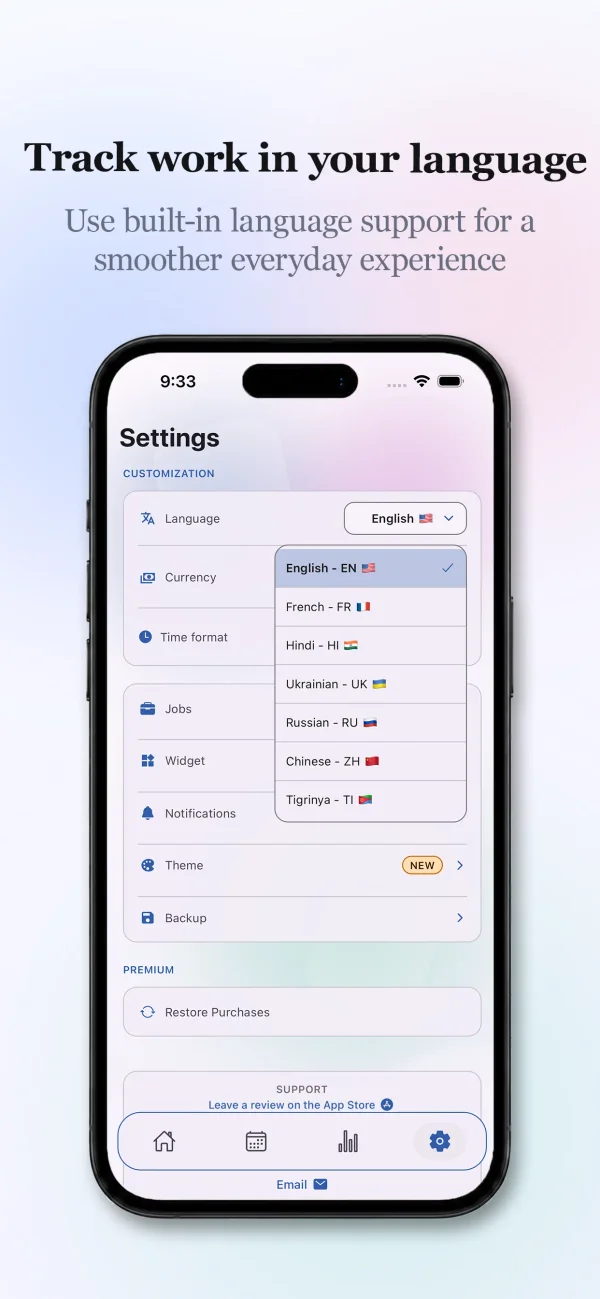
- LanguagesEnglish
- Size74.3 MB
Links to the official App Store page
Download.org hosts no file of Ultimate Work Hours Tracker. The button opens its official App Store page, published by BOHDAN ALIEKSIEIEV. Listing last checked on Nov 14, 2026.
Screenshots


About
Ultimate Work Hours Tracker is a simple and flexible work hours, shift, break, tip, and pay tracker for shift workers, hourly employees, freelancers, contractors, and anyone who wants to track work time clearly.
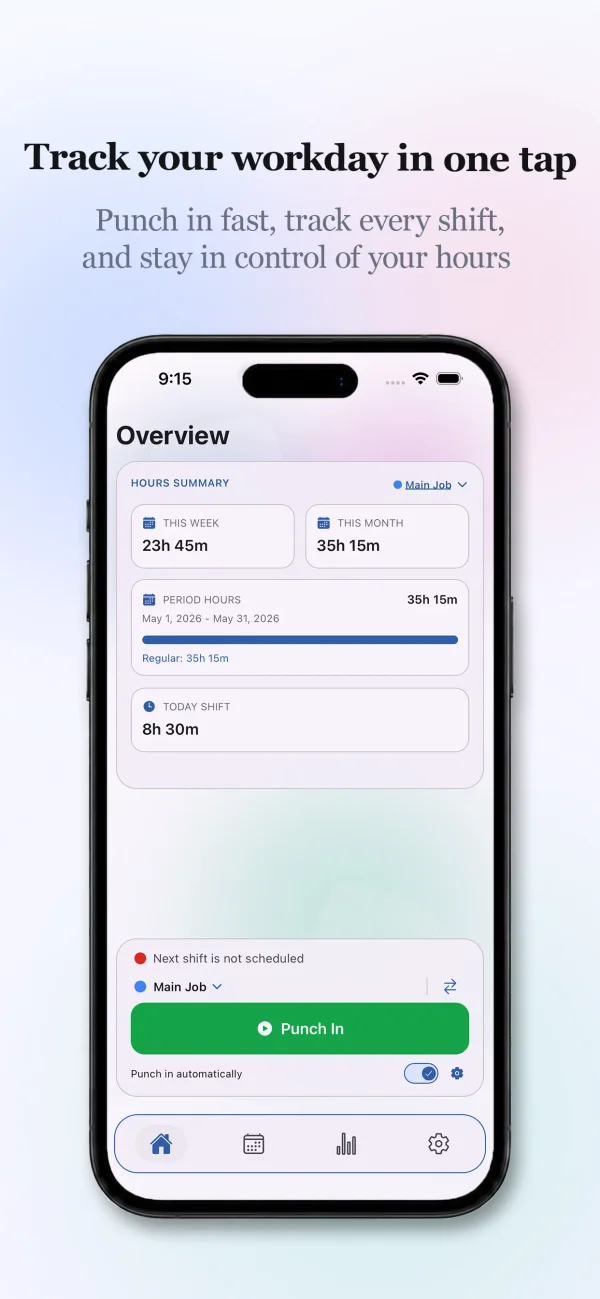
Use quick Punch In / Punch Out, editable timesheets, break tracking, tip tracking, overtime tracking, pay calculation settings, reminders, and local work history to keep your work records organized in one place.
Some advanced features require a separate Premium purchase. Premium features are clearly marked below.
Key Features
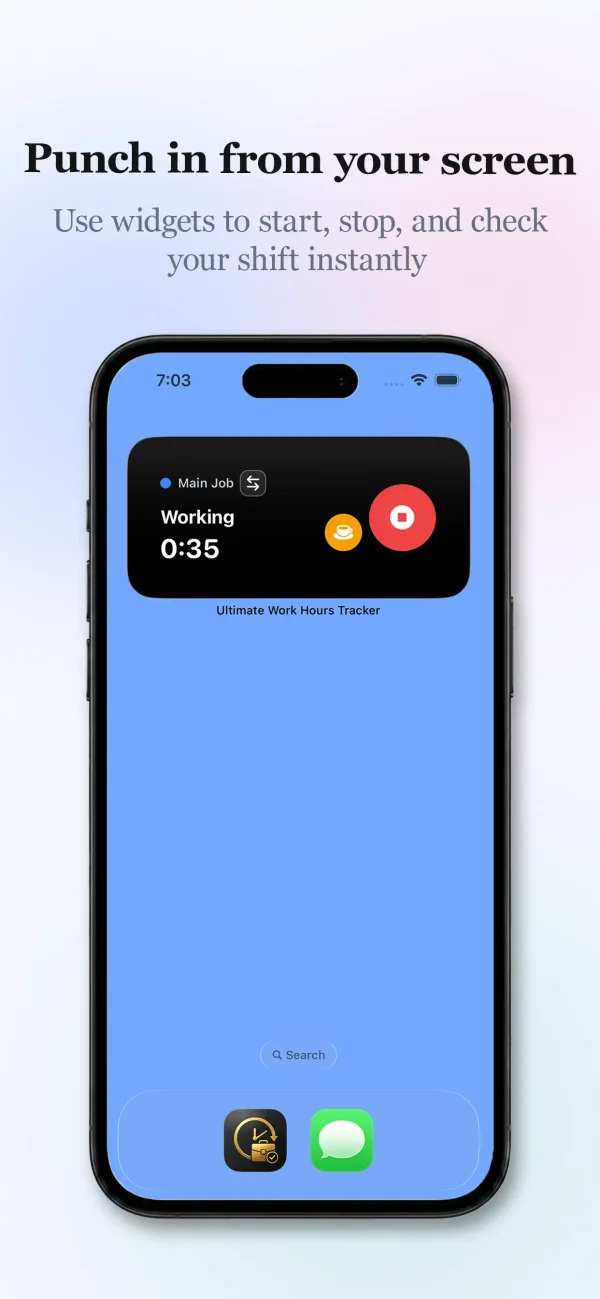
• Punch In / Punch Out
Start and end your shift with a simple workflow designed for daily use.
• Multiple Jobs
Track hours, shifts, breaks, tips, overtime, and estimated pay for different jobs, workplaces, roles, or clients. Additional job slots may require Premium.
• Tip Tracking
Track tips for jobs that receive tips. Add or edit tips from the punch panel or shift editor, and include them in your daily totals, reports, earnings, and exports.
• Break Tracking
Add breaks to your shifts and keep your timesheets, work log, and total hours more accurate.
• Work Hours and Shift Tracking
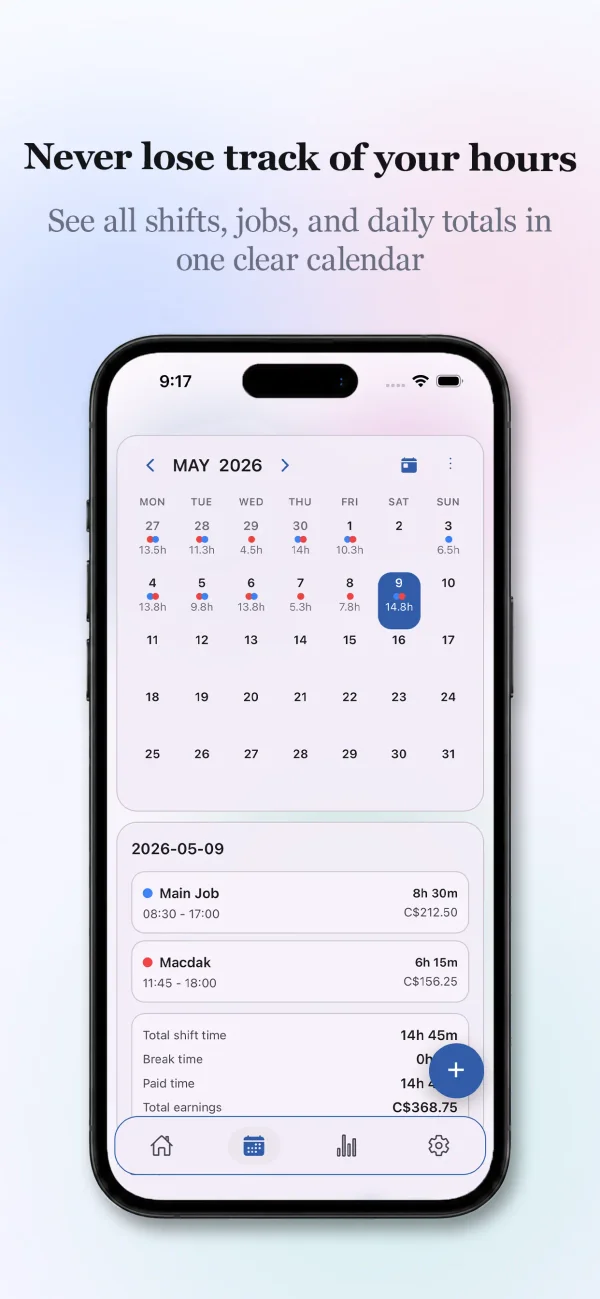
Track start time, end time, total hours, shift history, and daily work records.
• Overtime Tracking
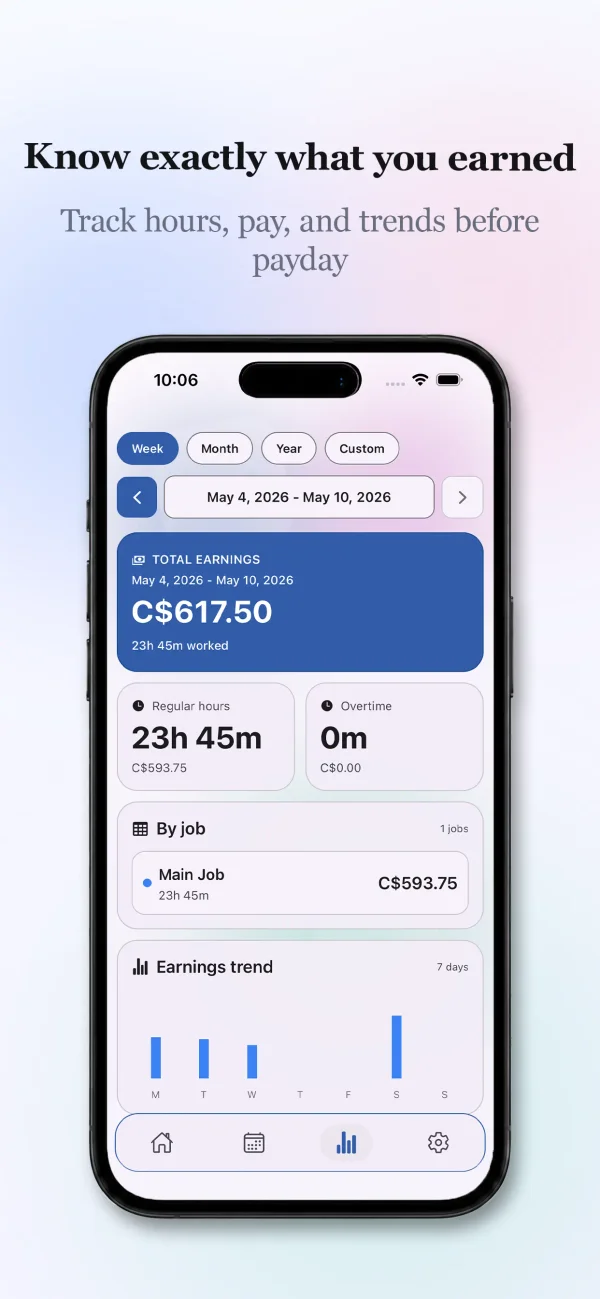
Track regular hours and overtime so you can better understand your workload and extra time worked.
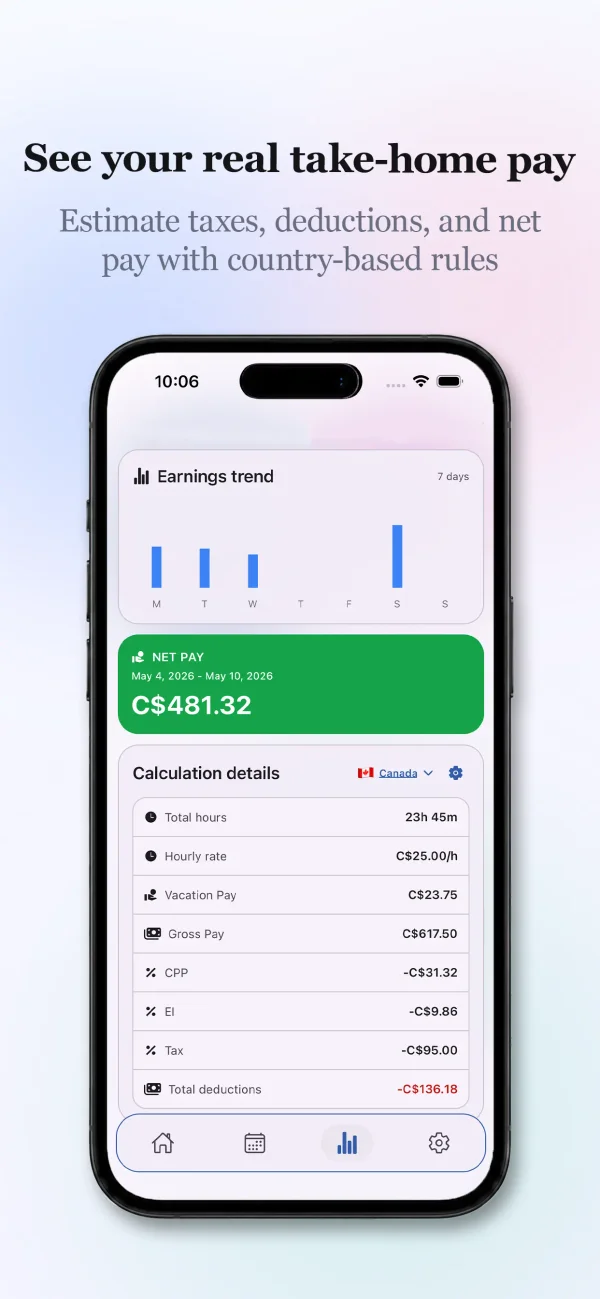
• Estimated Earnings
Estimate your pay using hourly wage, overtime settings, vacation pay, tips, deductions, and additional income entries.
• Pay Calculation Settings
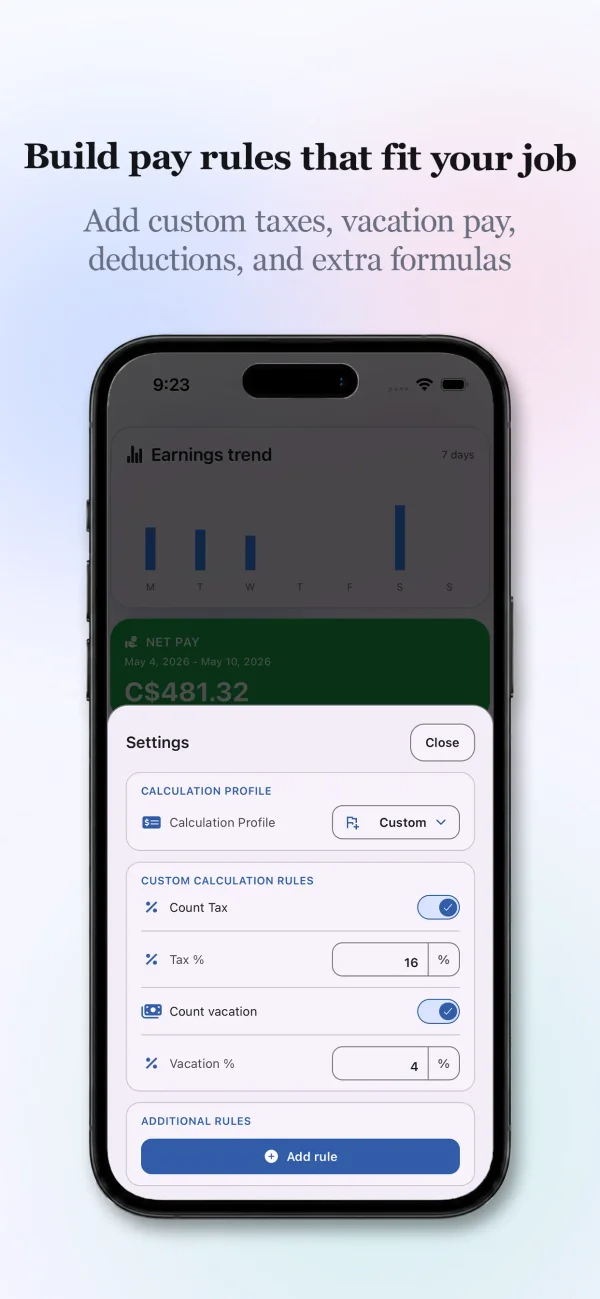
Use country-based settings and custom options to estimate deductions and take-home pay more easily. Includes payroll templates such as Canada, United Kingdom, and Scotland. Some advanced pay calculation options may require Premium.
• Custom Deductions and Income
Add taxes, benefits, bonuses, tips, reimbursements, or other income and deduction items for a clearer pay summary. Some advanced custom income and deduction options may require Premium.
• Taxable Tips Support
Include taxable tips in your income estimates and pay summaries where applicable.
• Overnight Shift Support
Handle shifts that pass midnight with accurate time calculations for late shifts and overnight work.
• Editable Timesheets
Review your weekly work log, adjust shift times, add missing shifts, edit breaks, edit tips, and keep your records organized.
• Smart Reminders
Set punch-out reminders and shift alerts to help avoid missing hours or forgetting to clock out.
• Export to XLSX or PDF — Premium Feature
Export your work hours, timesheets, shift history, tips, and pay summaries whenever you need to review, save, or share your records.
• Local Backup and Recovery — Premium Feature
Back up and restore your work data on your device.
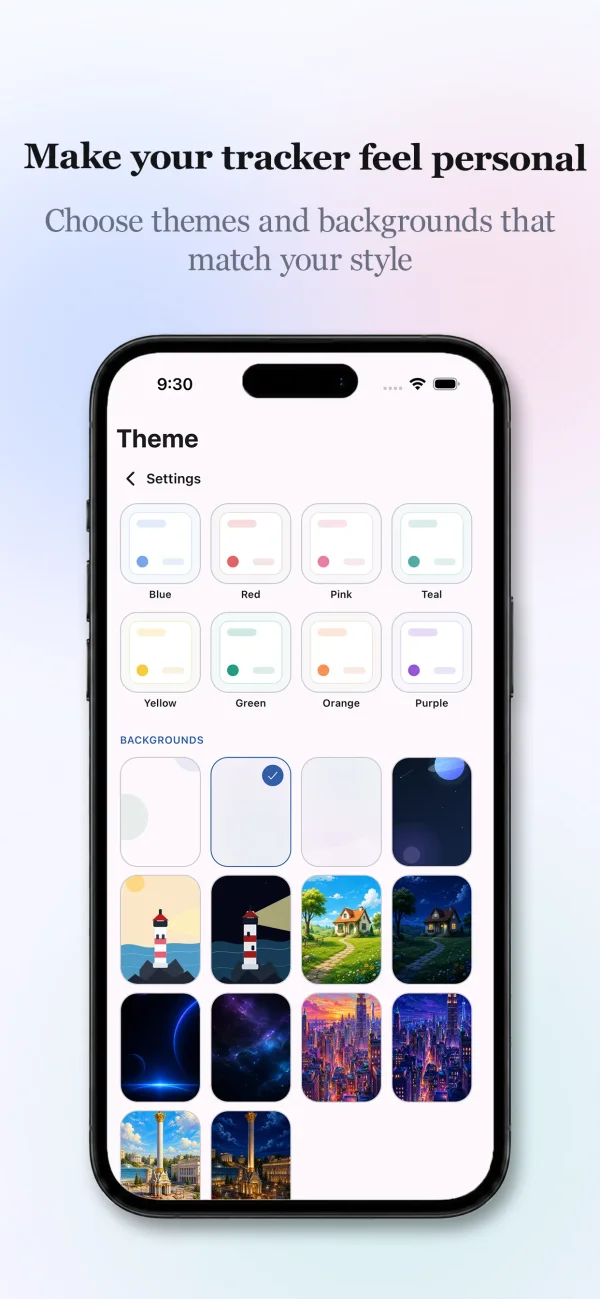
• Premium Themes — Premium Feature
Unlock additional app themes and customization options.
• Privacy-First Design
No account is required for the core experience. Your work data stays stored locally on your device.
Premium Features
Some features require a separate Premium purchase, including export to XLSX or PDF, local backup and recovery, premium themes, additional job slots, and some advanced customization options.
Available Premium plans and prices are shown in the app before purchase. Premium may be available as a monthly subscription, yearly subscription, or one-time lifetime purchase.
Ultimate Work Hours Tracker can be used as a work hours tracker, shift tracker, break tracker, tip tracker, overtime tracker, timesheet app, payroll estimator, income tracker, work log, or simple time clock for everyday work.
Payroll, deduction, tip, and tax-related calculations are estimates and may vary depending on your employer, region, and personal situation.
Privacy Policy:
https://dtsd.netlify.app/privacy-policy/
Terms of Use:
https://dtsd.netlify.app/terms-of-use/
What’s new
Version 1.9.5 · Oct 5, 2026
Major update — a fresh new look and more ways to manage your work data.
• New glass-style interface and floating navigation
• Smoother animations, transitions, shift editing, and time entry
• Clearer summaries for work hours, earnings, and deductions
• PDF and Excel exports for custom date ranges
• New Doodles background
• New privacy controls for analytics and advertising preferences
• Improved stability and performance
App privacy
What BOHDAN ALIEKSIEIEV declares on the App Store about how this app handles data.
-
Data linked to you
May be collected and linked to your identity.
- Purchases
-
Data not linked to you
May be collected but is not linked to your identity.
- Identifiers
- Usage data
- Diagnostics
Privacy practices may vary, for example with the features you use or your age.
Information
- Seller
- BOHDAN ALIEKSIEIEV
- Category
- Productivity
- Version
- 1.9.5
- Updated
- Oct 5, 2026
- Released
- May 20, 2026
- Size
- 74.3 MB
- Requires
- iOS 15.1 or later
- Age rating
- 4+
- In-app purchases
- Yes
- Languages
- English
- Copyright
- © 2026 Bohdan Alieksieiev
You might also like
-
 Workkio - Work HoursClock in - Extra Hours
-
 MTracker MaintenanceProductivity
-
 Work Timer - Time TrackerWork Hours & Overtime Tracker
-
 Hours Tracker - Time TrackerTrack Time for Any Activity
-
 PLM - Personal leave managerTrack Your Leave
-
 Shift Box - Shift CalendarSimple Shift Work Schedule
-
 Hours Tracker: Pay and ShiftsTrack hours, tips, and pay
-
 Work Hour Tracker - WorkLogTrack hours & log work time
-
 Dayly: Own Your HabitsPersonal Habit Tracker/Journal
-
 Hours Tracker: Shift ScheduleWork Calendar & Overtime Log