
Unbubble: Export Text Messages
Save Texts & SMS as PDF or CSV
Designed for iPhone, iPad
Free
- Age rating4+
- CategoryUtilities
- DeveloperTerri Weant
- LanguagesEnglish
- Size1.1 MB
Links to the official App Store page
Download.org hosts no file of Unbubble: Export Text Messages. The button opens its official App Store page, published by Terri Weant. Listing last checked on Nov 28, 2026.
Screenshots
About
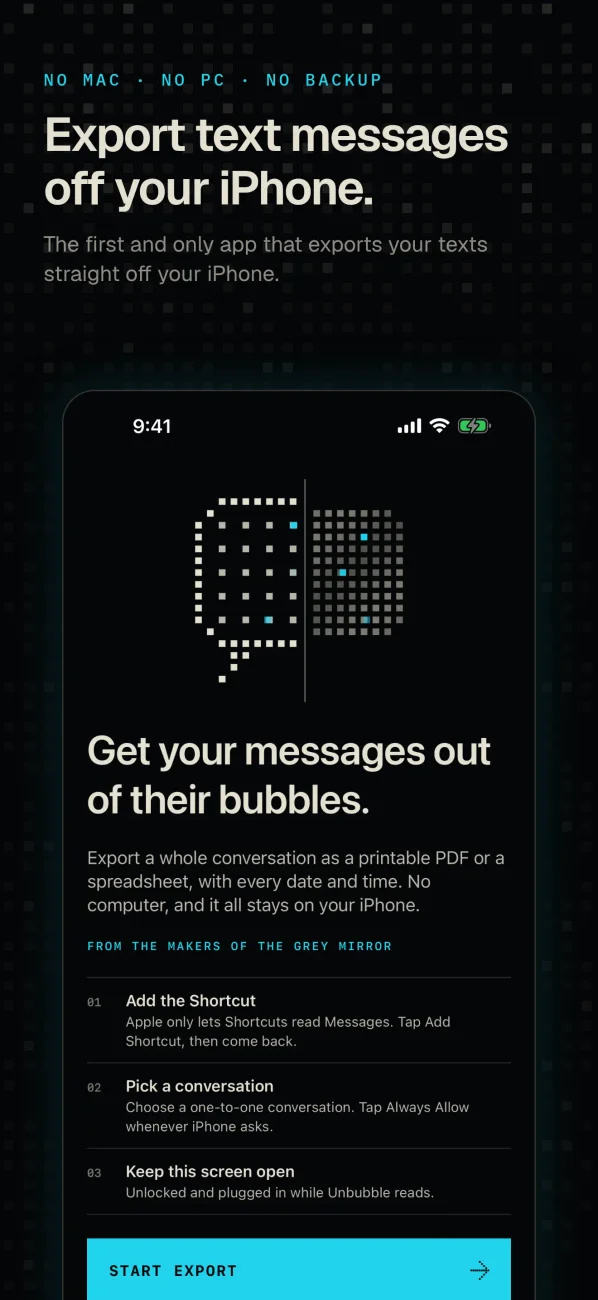
Unbubble is the first and only app that exports your text messages straight off your iPhone. No Mac, no PC, no computer, no cable and no backup. Pick a conversation in Messages and save its whole history as a PDF or a CSV, right on your phone, in minutes.
EXPORT TEXT MESSAGES WITHOUT A COMPUTER
Every other way to export iPhone messages starts on a Mac or a PC. Unbubble starts and finishes on your iPhone. Choose the conversation, let Unbubble read back through it, and your export is ready to save, print or share.
EVERY MESSAGE, EVERY DETAIL
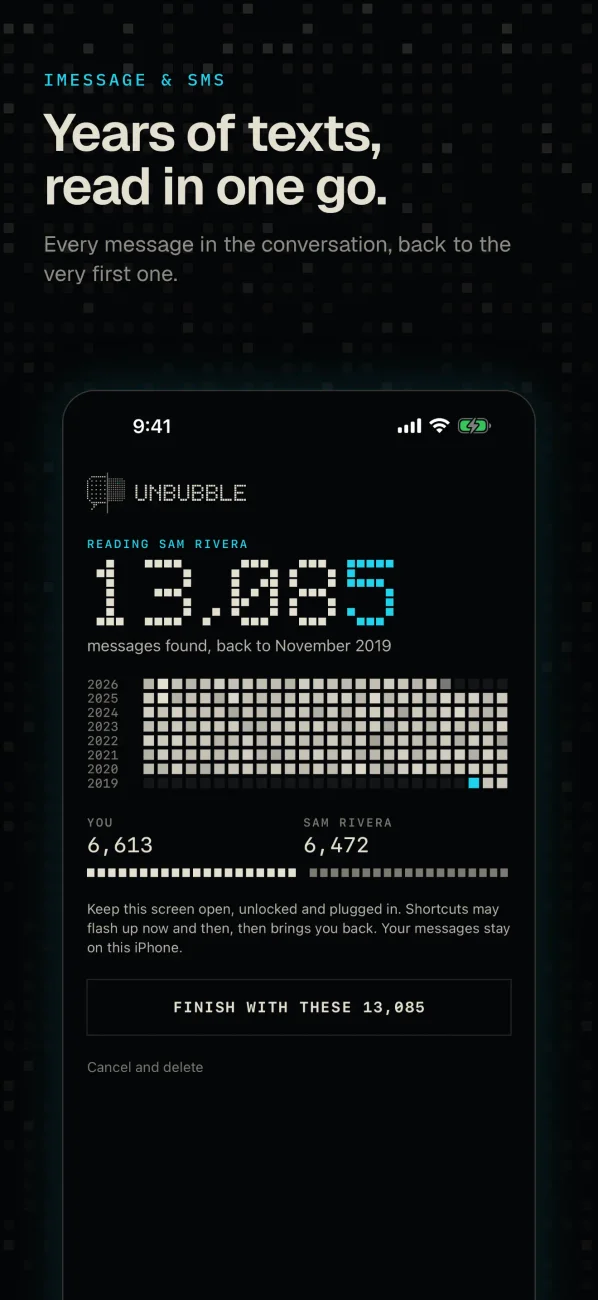
• iMessage and SMS text messages, from the first message to the last
• The date, time and sender of every message, sent and received
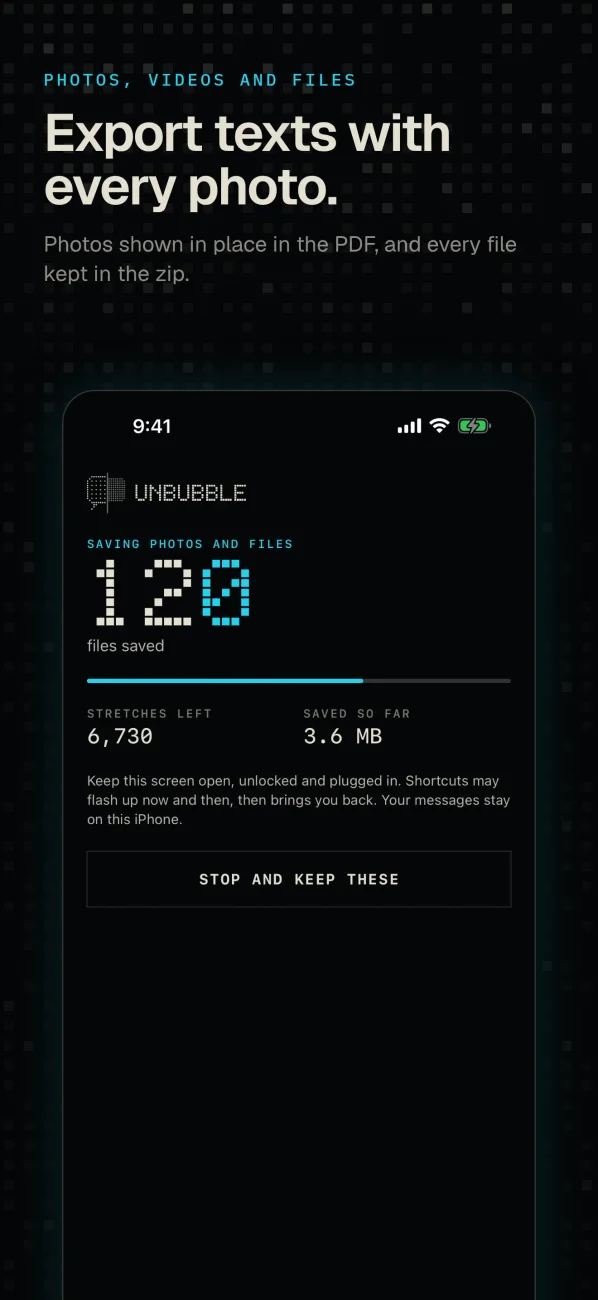
• Reactions, photos, videos and files, kept with the conversation
• Years of history in one export
PDF: READ, PRINT AND KEEP
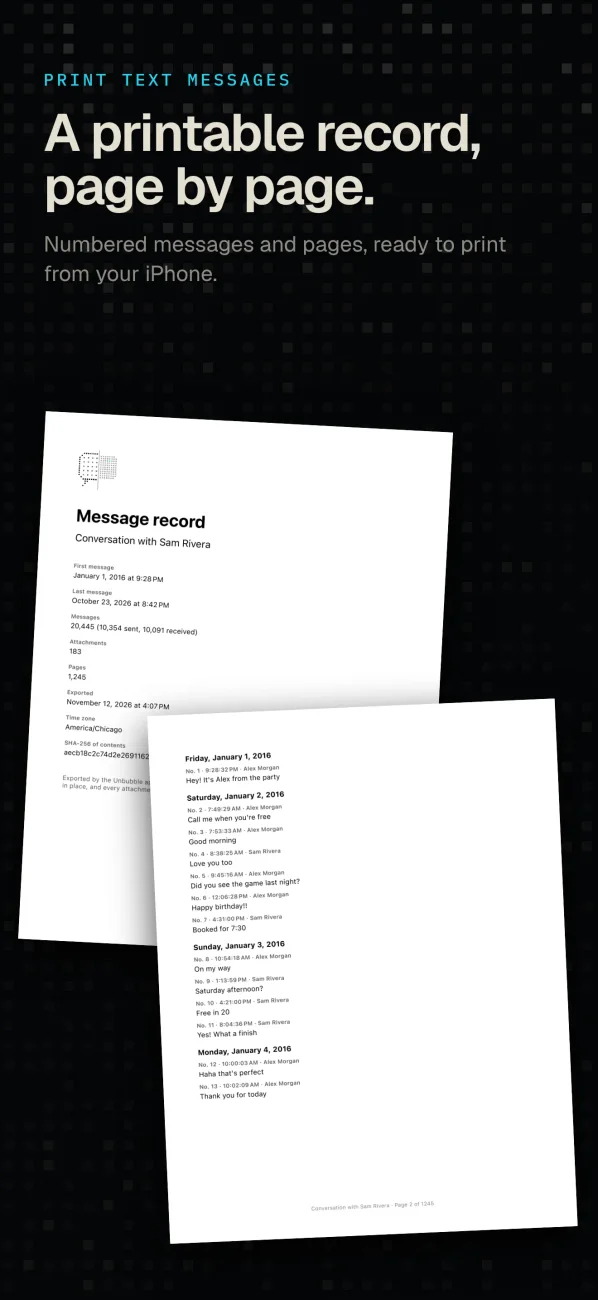
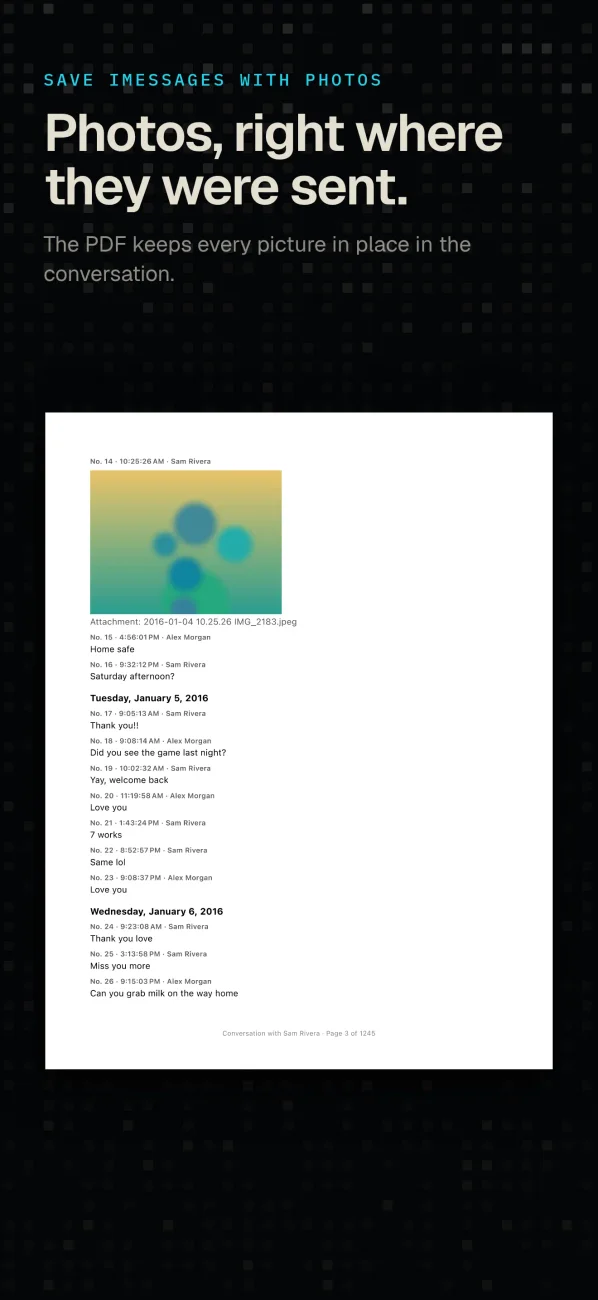
• A clean, printable message record with dates, times and senders
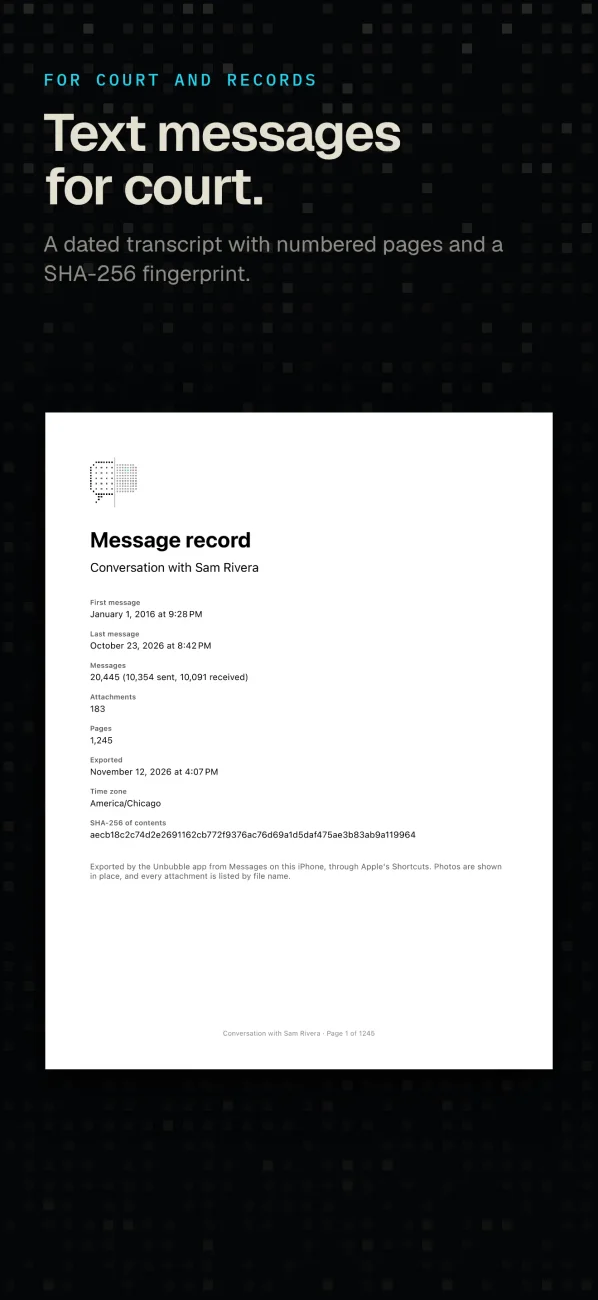
• Numbered messages and numbered pages, so any page can be cited
• A cover page with the first and last message, how many messages were sent and received, the time zone and a SHA-256 fingerprint of the contents
• Photos shown in place, and every attachment listed by file name
• Print it, save it to Files, AirDrop it or send it by email
CSV: OPEN IT IN A SPREADSHEET
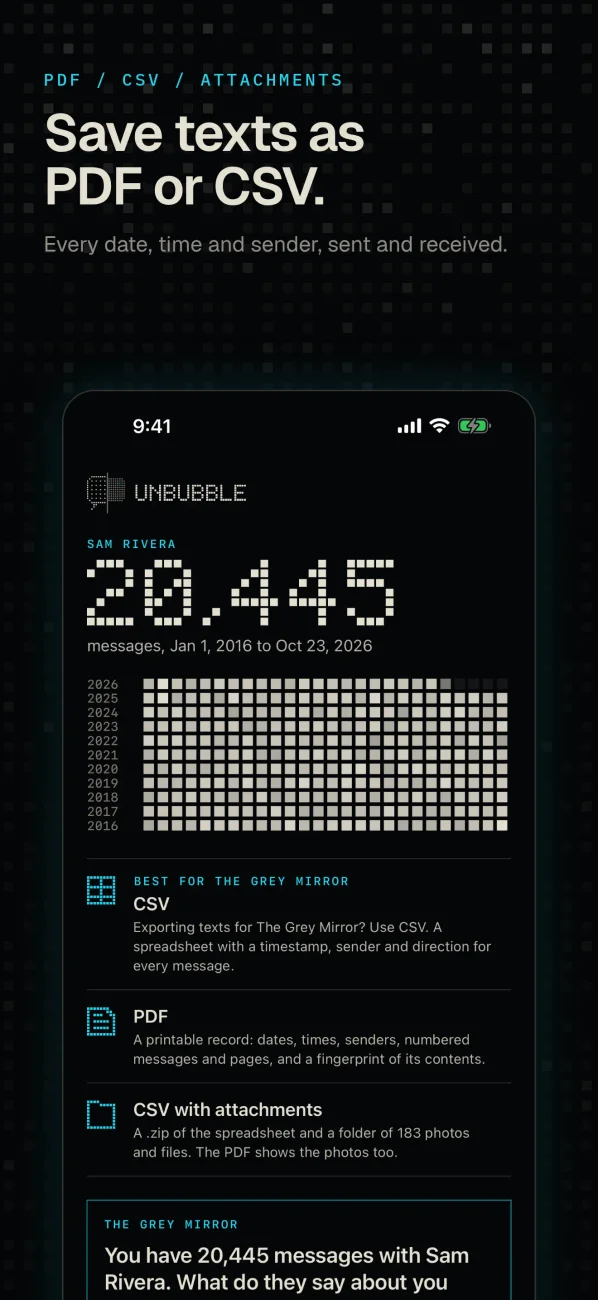
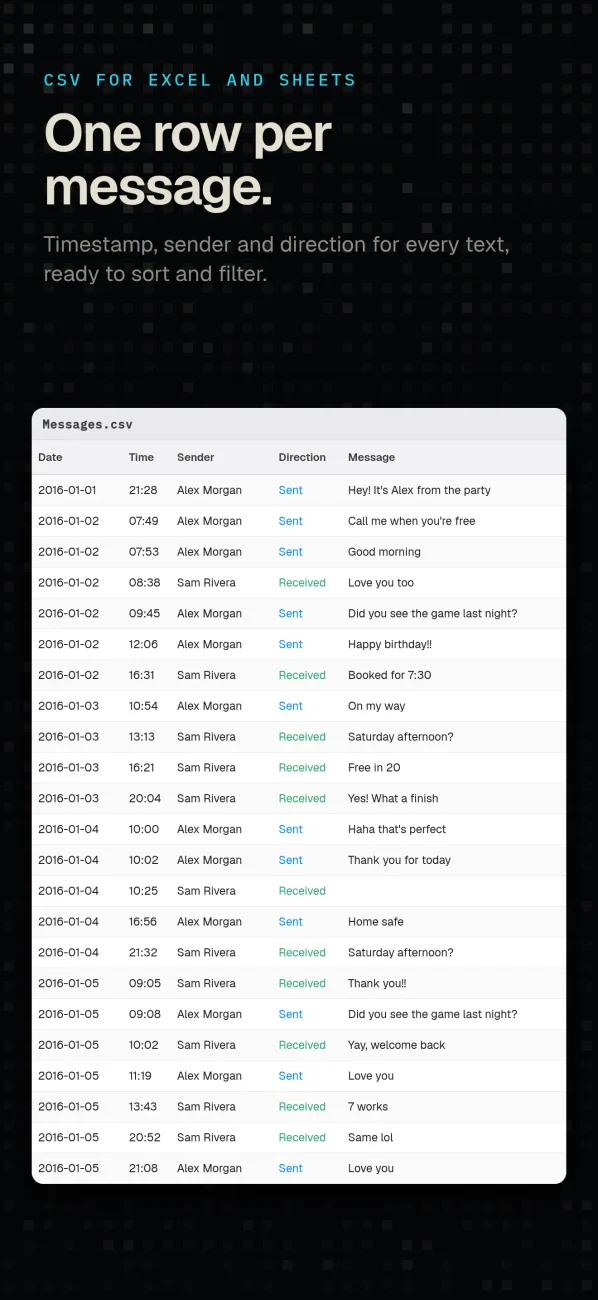
• One row per message: timestamp, date, time, sender, sent or received, message or reaction, the text and its attachments
• Opens in Excel, Numbers and Google Sheets, ready to sort, search and filter
• CSV with attachments: a zip of the spreadsheet and a folder of every photo, video and file
• Exporting texts for The Grey Mirror? Use CSV.
MADE FOR
• Court, lawyers and legal records: a dated, page-numbered transcript of a conversation
• Divorce, custody and co-parenting messages
• Harassment and threats you need on record
• Business, landlord, insurance and customer conversations
• The messages of someone you love, kept safe and printed
• Switching phones, clearing storage or archiving an old thread
• Understanding a relationship with The Grey Mirror, from the same people
QUESTIONS PEOPLE ASK
Can I export text messages from my iPhone without a computer? Yes. Unbubble exports them right on your iPhone.
Can I save iMessages as a PDF? Yes, with dates, times, senders and numbered pages.
Can I print text messages from my iPhone? Yes. Export a PDF and print it straight from your phone.
Can I export texts with the photos? Yes. The PDF shows photos in place, and CSV with attachments includes every file.
Does it export SMS too? Yes. iMessage and SMS conversations export the same way.
PRIVATE BY DESIGN
Unbubble has no account and no server, and nothing leaves your iPhone unless you share it yourself. It keeps only the conversation you pick. The export stays in the app, out of your backups, until you delete it.
OPEN SOURCE
The app's code is public, along with the Shortcut it uses: https://github.com/justlayme/unbubble
HOW IT WORKS
1. Open Unbubble and add its Shortcut. Apple lets Shortcuts read Messages, so Unbubble uses one, and the first time it opens the Shortcut for you.
2. Pick the conversation and tap Always Allow when iPhone asks.
3. Keep Unbubble open, unlocked and plugged in while it reads.
4. Choose PDF, CSV or CSV with attachments, and save or share your export.
Unbubble is free, with no subscription, no account and no ads.
What’s new
Version 1.2.7 · Nov 26, 2026
• Export only the dates you need: turn on "Only export some dates" and pick the first and last day. Your PDF or CSV then holds just those messages, with their photos.
• Reliability improvements.
App privacy
What Terri Weant declares on the App Store about how this app handles data.
-
Data not collected
The developer does not collect any data from this app.
Privacy practices may vary, for example with the features you use or your age.
Information
- Seller
- Terri Weant
- Category
- Utilities
- Version
- 1.2.7
- Updated
- Nov 26, 2026
- Released
- Nov 2, 2026
- Size
- 1.1 MB
- Requires
- iOS 26.0 or later
- Age rating
- 4+
- Price
- Free
- Languages
- English
- Copyright
- © 2026 Wentropy Labs
You might also like
-
 Text Records: Export MessagesPrint Texts for Court as PDF
-
 Exportly: Export Text MessagesSave Chats as PDF, Excel, Word
-
 Sunglasses at NightDark mode for bright websites
-
 Text Message Export - SmsPdfPrint iMessage & SMS to PDF
-
 Notchet: Clipboard ManagerClipboard history & snippets
-
 CloneVoice — copy your voicethe words change your voice.
-
 Text Message Export - ChatSavePrint & Download Text Messages
-
 Pixel Pet AlarmCustom Sounds & Daily Hatching
-
 Readmory - Book NotesSave Quotes, Scan & Revisit