Uniboard: Unicode Keyboard
Symbols, emoji & code points
Designed for iPhone, iPad
Free
- Age rating12+
- CategoryUtilities
- DeveloperKitta Co.
- LanguagesEnglish
- Size50.3 MB
Links to the official App Store page
Download.org hosts no file of Uniboard: Unicode Keyboard. The button opens its official App Store page, published by Kitta Co. Listing last checked on Nov 26, 2026.
Screenshots

About
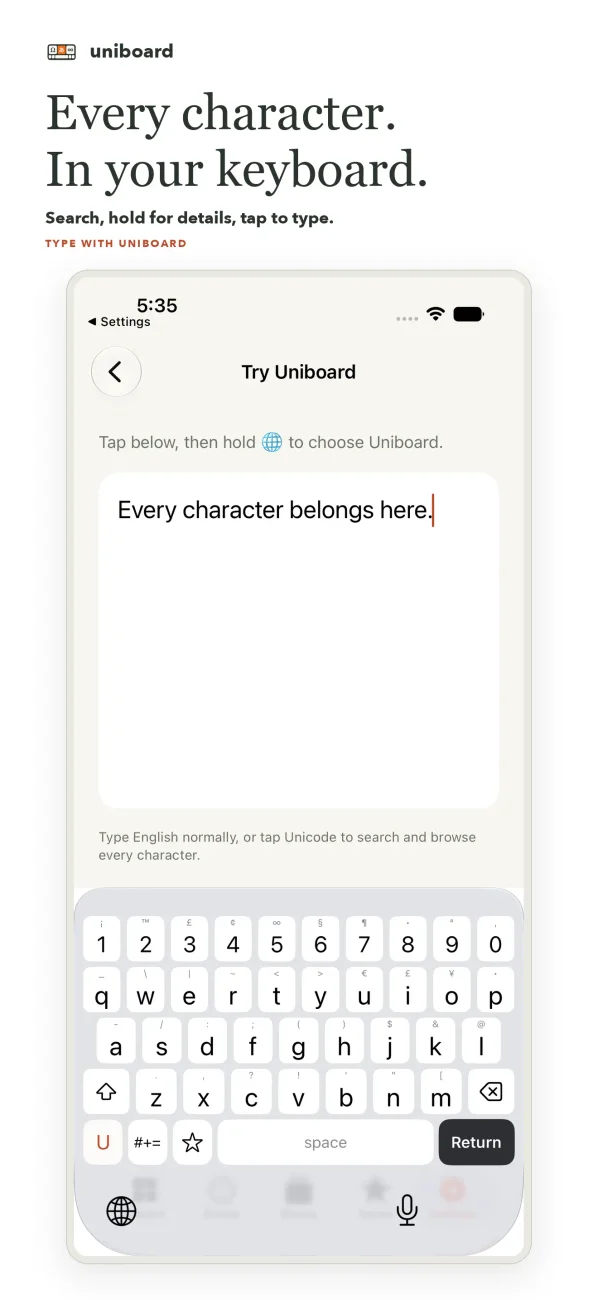
Find Unicode characters, make the keyboard your own, and write Japanese or Mandarin Chinese using familiar letter keys. Uniboard combines exact character entry, personal symbol pages, font previews and downloadable language resources for iPhone and iPad.
YOUR KEYS, YOUR ROWS
Edit letter, number and symbol key actions, arrange keys in rows, and align rows left, center, right or with space between keys. Existing configurations keep their saved appearance until edited. The extra number row belongs to the letter section. When all ten digits are available there and the layout fits, the symbol sections combine into one page without discarding saved key choices.
LANGUAGE CONVERSION
Japanese romaji and Mandarin pinyin dictionaries are optional downloads, not bundled with the keyboard. In Languages, download only what you want, then enable each mode separately. Nothing downloads automatically. Conversion runs on your device. Choose converted text or tap your original spelling to insert it unchanged. While composing, Space confirms without adding a space, and Return confirms without submitting; press again for the normal action.
Downloaded languages require Full Access so the keyboard can read language files shared by the app. This is local file access, not online typing. Direct Typing remains available without Full Access. Downloads require an internet connection.
YOUR WORDS
Add readings and preferred outputs in My Words, or preview and import a dictionary in Uniboard’s documented tab-separated text format. Imported dictionaries stay separate and can be enabled, disabled, exported or removed. Undo the last import without replacing your other dictionaries. Custom output preserves exact Unicode sequences, including emoji and combining accents.
BROWSE AND INSPECT
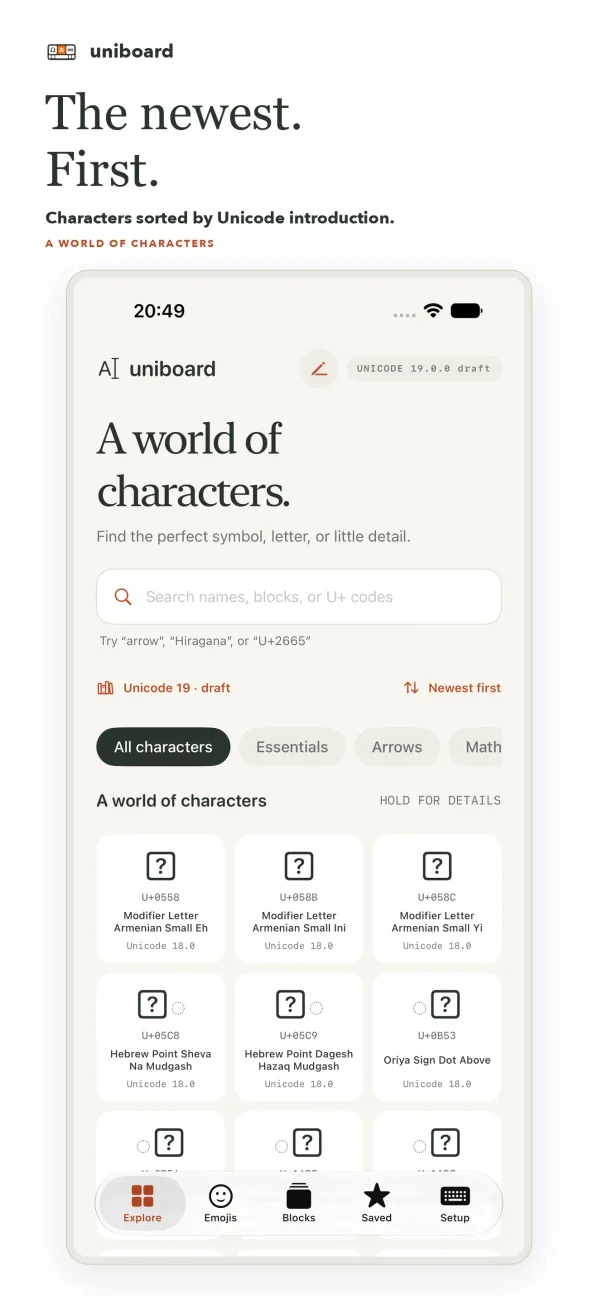
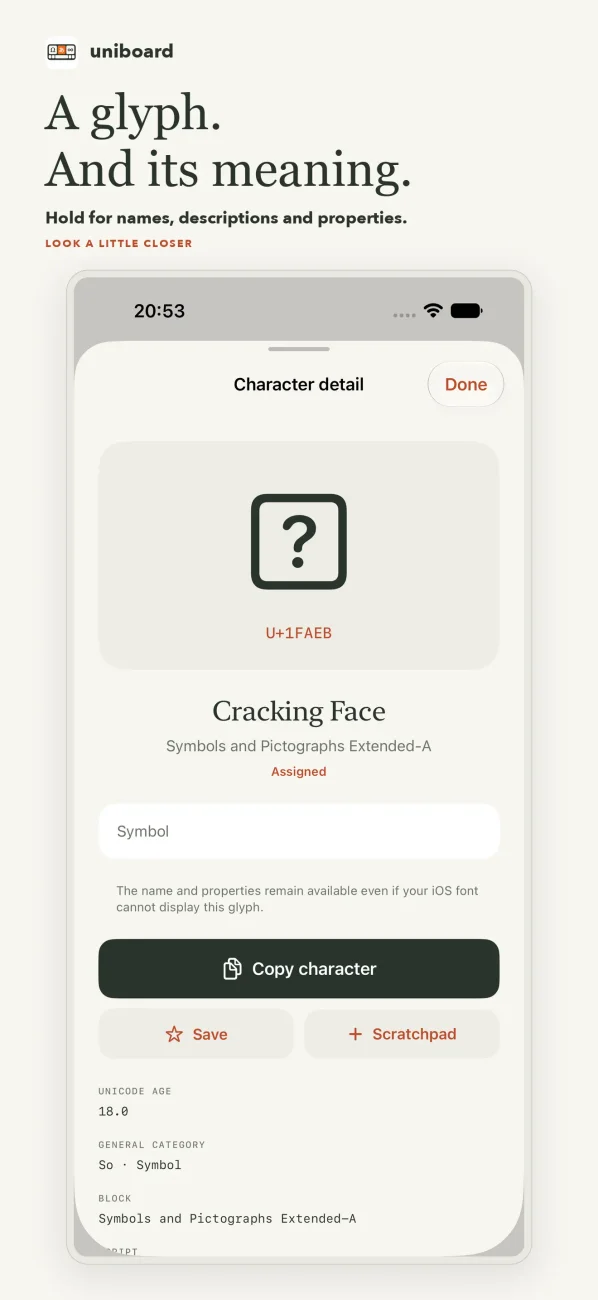
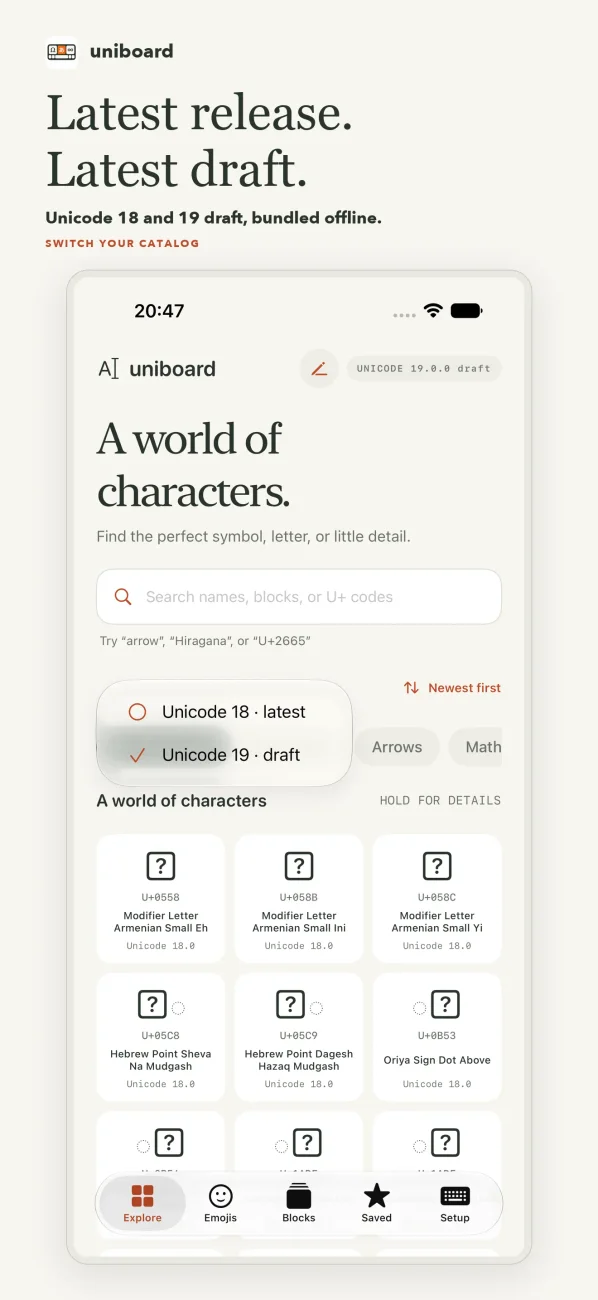
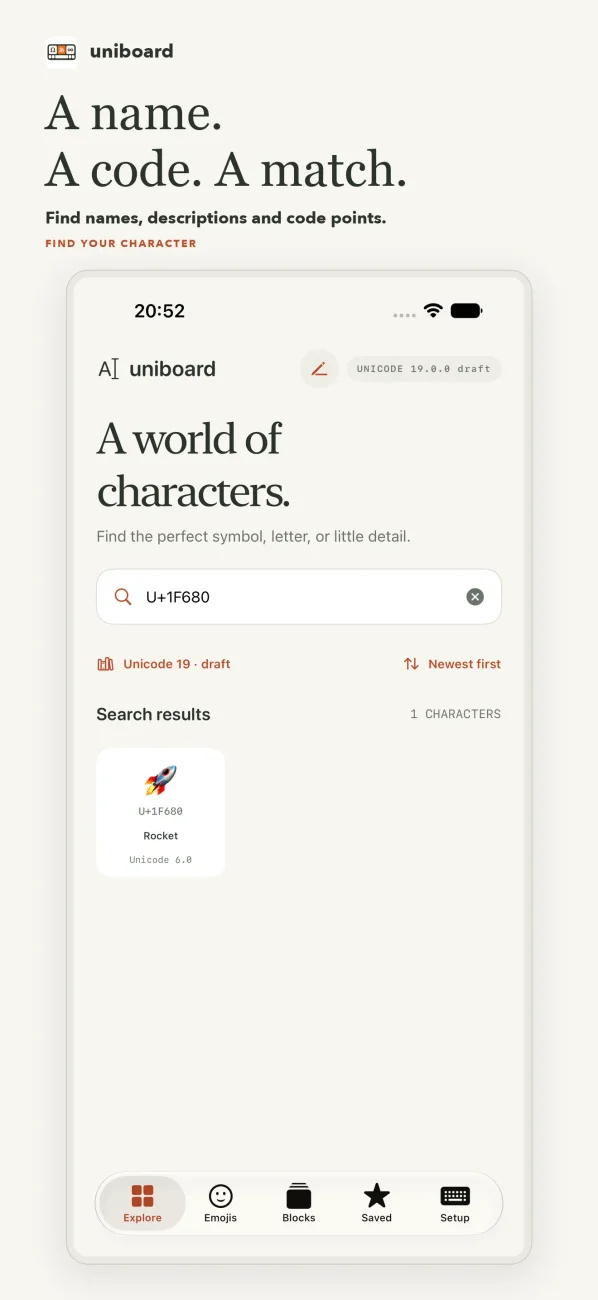
Search Unicode names, aliases, blocks or code points. Choose which emoji categories appear in the app and keyboard, including emoji search. Resize emoji in the app, and browse blocks from low to high or high to low code points. Hidden categories don’t remove saved favorites.
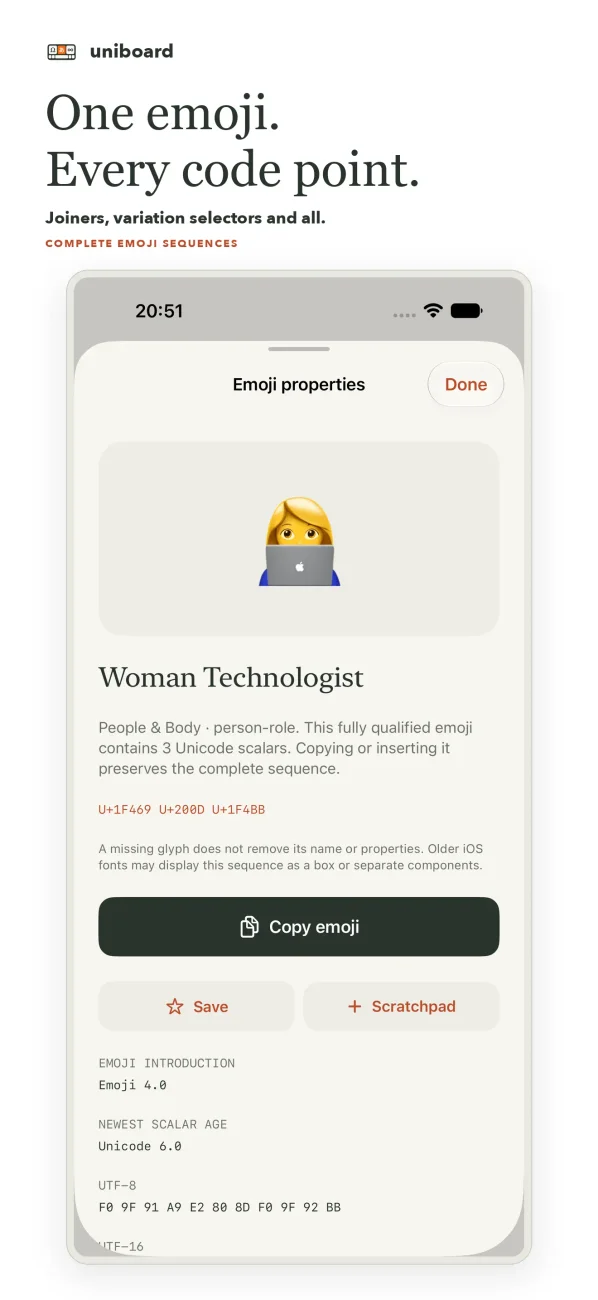
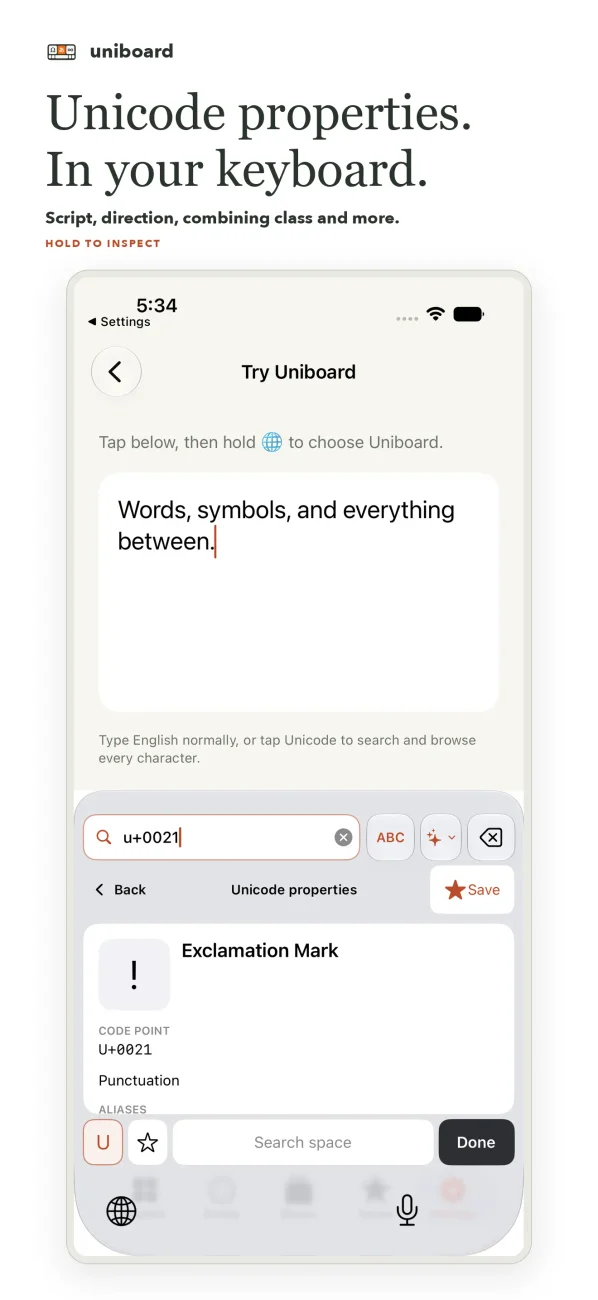
Inspect the text visible in the keyboard preview: code points, names, normalization forms and UTF-8/UTF-16 values. Move the cursor within the text the typing app exposes. Inspection does not read the whole document, and available context depends on the app.
FONTS AND IMAGES
Compare font styles by weight and width. Download a single style where available, or a clearly labeled shared file containing several styles. Set preferred fonts for code points, ranges or blocks. These choices affect Uniboard’s rendering, not another app’s fonts.
Copy visible preview text as an image with custom colors, transparency and resolution. Images paste as pictures where supported, not editable text.
KEEP YOUR SETUP
Export and import your configuration, or edit it in the app and validate before applying. Review replacements and resets, and undo the last configuration change. Language preferences and download references can be included, but dictionary and font files aren’t; missing downloads aren’t fetched automatically. Export custom dictionaries separately. Favorites and custom key text may be personal.
No account, ads or analytics. Uniboard’s keyboard does not send your typing or custom words to a server. Enable Uniboard in iOS Settings under General > Keyboard > Keyboards. Some fields don’t allow custom keyboards. The interface and Unicode names are English. Font coverage, language resources and host-app behavior vary.
What’s new
Version 1.6 · Nov 25, 2026
• New Open Source section in Settings: see Uniboard's code on GitHub, send feedback there, or join the beta in TestFlight.
• English Suggestions shows English words you can tap while you type. Nothing changes unless you tap one.
• English Autocorrection fixes misspelled English words when you finish a word. To get your spelling back, tap Undo or press Backspace right away.
• Japanese and Mandarin conversion now runs separately from key presses, and keys you type while it works stay in order.
Both English options start Off, work only in Direct Typing, and don't change Japanese, Chinese or Korean typing. They use your device's English (US) dictionary, so results can differ between devices.
App privacy
What Kitta Co. declares on the App Store about how this app handles data.
-
Data not collected
The developer does not collect any data from this app.
Privacy practices may vary, for example with the features you use or your age.
Information
- Seller
- Kitta Ltd
- Category
- Utilities
- Version
- 1.6
- Updated
- Nov 25, 2026
- Released
- Oct 13, 2026
- Size
- 50.3 MB
- Requires
- iOS 17.0 or later
- Age rating
- 12+
- Price
- Free
- Languages
- English
- Copyright
- © 2026 Kitta Ltd
You might also like
-
 DSDirNAS, SMB, WebDAV & SFTP files
-
 Plainpage: Safari Ad BlockerOn-Device AI, No Data Leaves
-
 TipSightTip Calculator & Bill Splitter
-
 Symbol AtlasDraw & Type Any Unicode Symbol
-
 My Network Scanner (MyNeS)See every device on Wi-Fi
-
 TimessPomodoro,Achieve 10,000 hours
-
 Melon PickerPick the Perfect Watermelon
-
 Enso ShiftAutomatic Work Schedule
-
 Date Calculator: Day CounterWorkdays, add & subtract dates
-
 IPA Typing KeyboardUtilities