
UniPilot: AI Study Planner
Calendario y sílabo con IA
Designed for iPhone, iPad
In-app purchases
- Age rating12+
- CategoryEducation
- DeveloperCarlo Montesinos
- LanguagesSpanish+ 2 more
- Size23.2 MB
Links to the official App Store page
Download.org hosts no file of UniPilot: AI Study Planner. The button opens its official App Store page, published by Carlo Montesinos. Listing last checked on Nov 8, 2026.
Screenshots
About
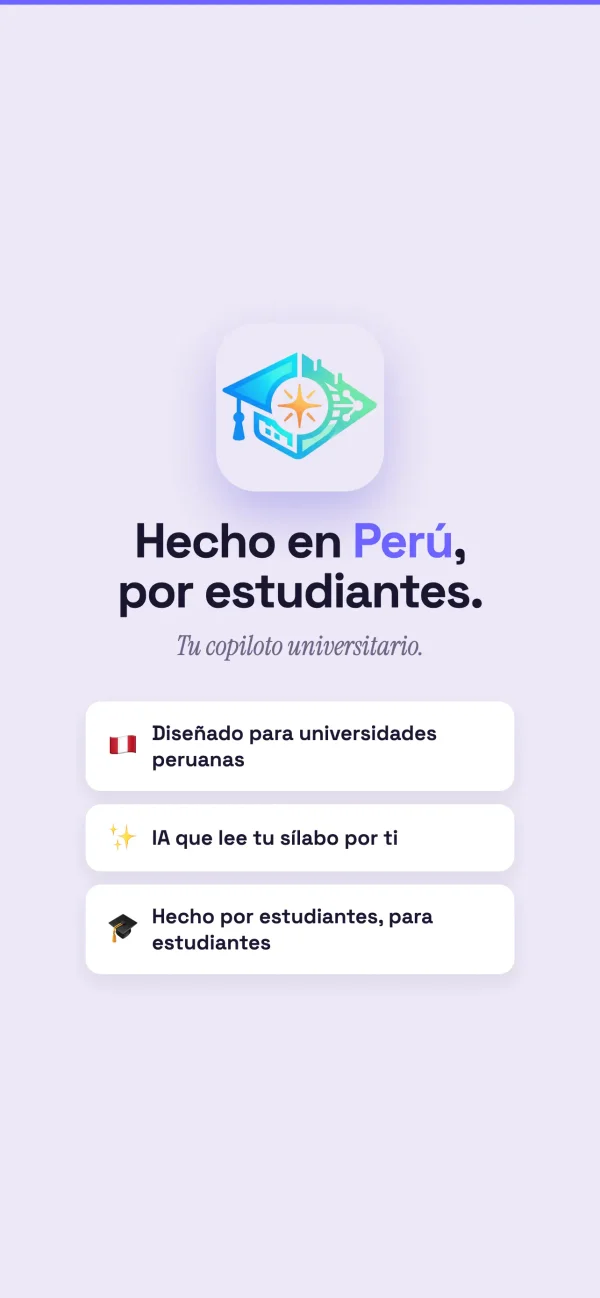
UniPilot is your college copilot: it turns your syllabus into an organized calendar, reminds you about your classes, and helps you study to pass. Built by students, for students.
SCAN YOUR SYLLABUS
Snap a photo or upload your syllabus PDF and AI detects your midterms, finals, quizzes and assignments, then adds them to your calendar. In seconds, with no manual copying.
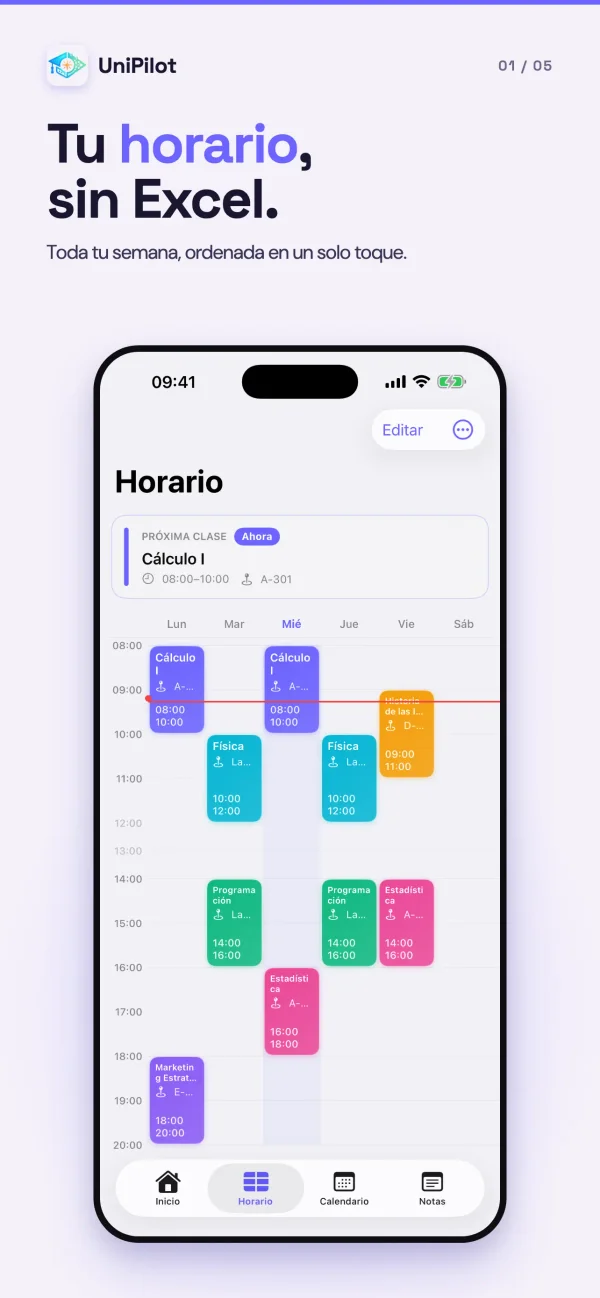
YOUR SCHEDULE, NO SPREADSHEETS
Your whole week in a clear, colorful grid. See your next class at a glance and get reminders before each one.
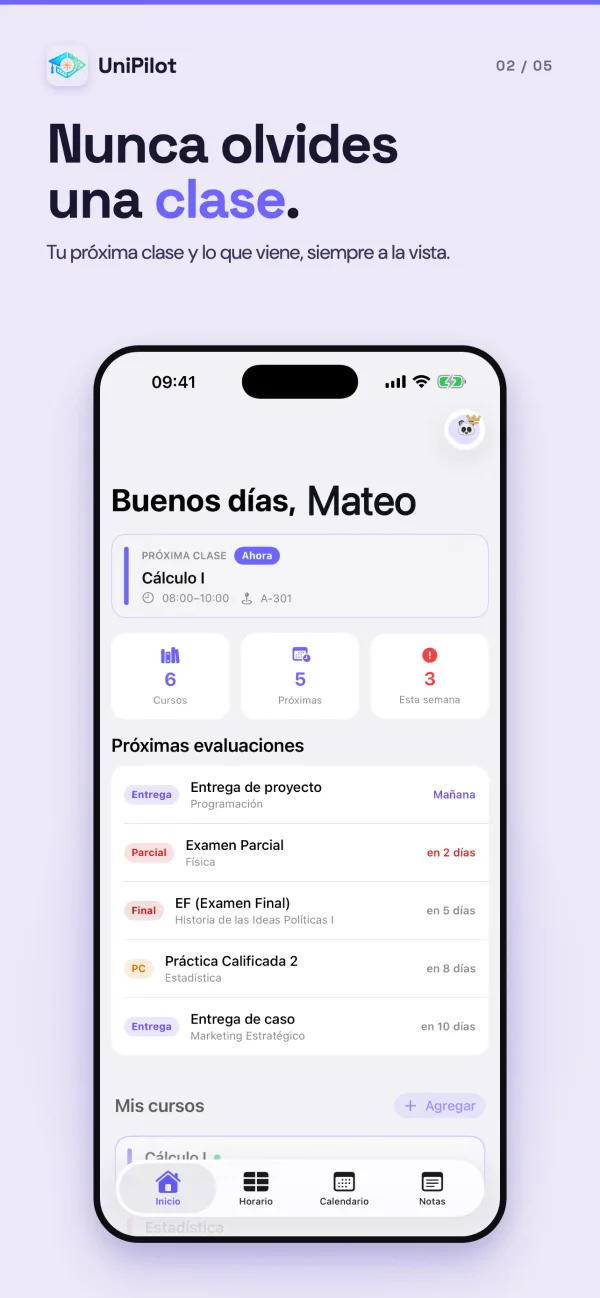
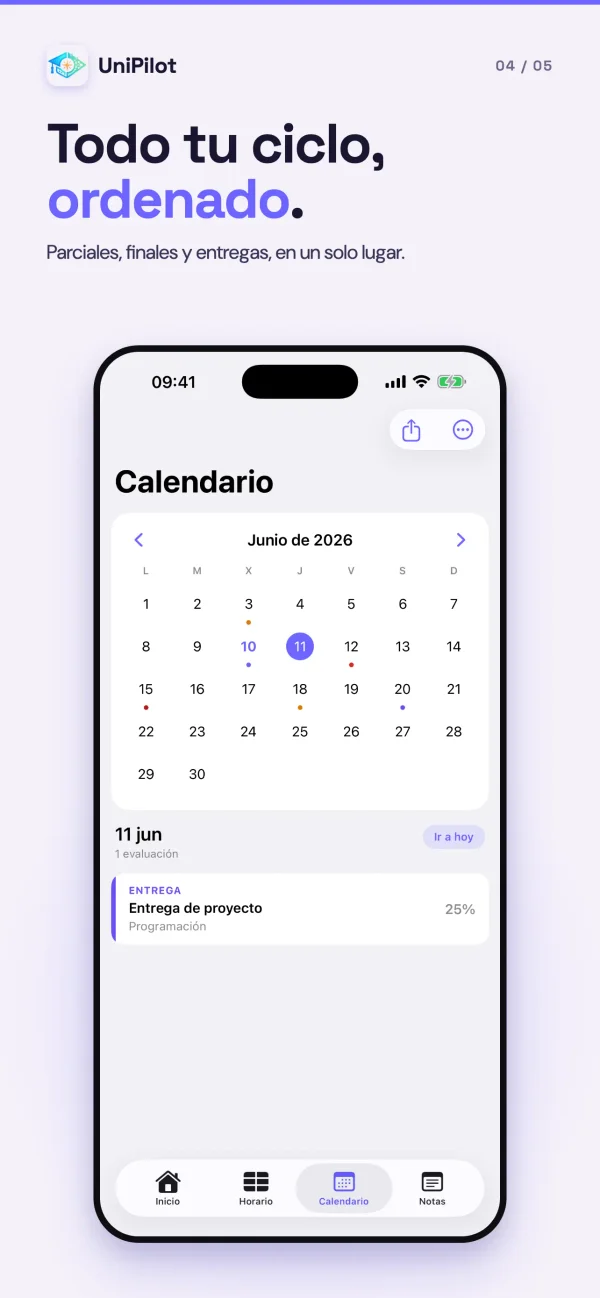
NEVER MISS AN EXAM
Your entire term organized: exams, quizzes and assignments with smart reminders you can tune your way.
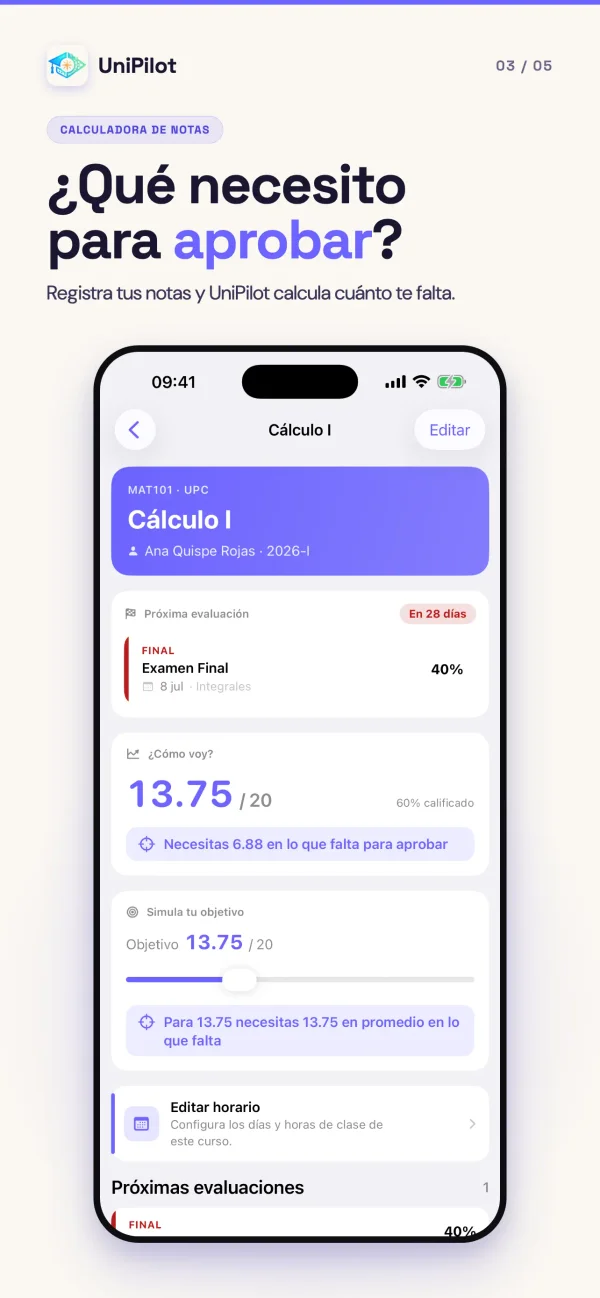
WHAT DO I NEED TO PASS?
Log your grades per assessment and UniPilot instantly calculates what you need on what's left to pass. Simulate your goal and track your term average.
NOTES & AI FLASHCARDS
Take notes per course, write and draw by hand with Apple Pencil, and generate study flashcards with AI to review before exams.
ALL IN SYNC
Your courses live in the cloud and sync across iPhone and iPad. Export events to your favorite calendar.
UNIPILOT PREMIUM
Unlock the most: more AI syllabus scans, flashcards, camera scanning, advanced reminders and a term summary. Cancel anytime.
Download UniPilot and start your term in control.
Términos de Uso:
https://unipilot.site/legal/terms-of-use.html
Política de Privacidad:
https://unipilot.site/legal/privacy.html
What’s new
Version 2.3.1 · Sep 29, 2026
Your class, live until the very end
The countdown on the Lock Screen and in the Dynamic Island no longer freezes at 00:00 saying "In progress": when class ends it shows it right away and dismisses itself.
Faster schedule editing
In the schedule editor, tap an active day to remove it. If that day has more than one session, we ask before deleting anything.
The next class is the real one
When a course's term has ended, Home, Schedule and the widget stop announcing its classes as your next one. The course still shows in your schedule, but it no longer says "Now" for a class you don't have anymore.
Easier to read
Warnings, errors, confirmations and premium labels have more contrast, especially in light mode — including the Premium buttons and the warning shown before removing a course's schedule.
Fixes
• The mascot widget no longer says you're in class while its card shows a different one.
• Stability improvements.
Thanks for using UniPilot! Reach us from Settings → Support.
App privacy
What Carlo Montesinos declares on the App Store about how this app handles data.
-
Data linked to you
May be collected and linked to your identity.
- Purchases
- Contact info
- User content
- Identifiers
- Usage data
- Other data
-
Data not linked to you
May be collected but is not linked to your identity.
- Identifiers
Privacy practices may vary, for example with the features you use or your age.
Information
- Seller
- Carlo Montesinos
- Category
- Education
- Version
- 2.3.1
- Updated
- Sep 29, 2026
- Released
- Mar 28, 2026
- Size
- 23.2 MB
- Requires
- iOS 17.0 or later
- Age rating
- 12+
- In-app purchases
- Yes
- Languages
- Spanish, English, Portuguese
- Copyright
- © 2026 Carlo Montesinos
You might also like
-
 UniPilotStudy planner for students
-
 Onvello: College PlannerApplications & deadlines
-
 Synaptic StudyAI-Powered Study Assistant
-
 Studywise: AI Student PlannerHomework + your Study Buddy
-
 ExamiusExamius turns exams into plan
-
 StudyFlow - Study PlannerEducation
-
 StudyCoachAI: AI Study PlanHomework Solver & Exam Timer
-
 CompassHubUniversity application tracker
-
 NowOne: Student PlannerFlashcards, Tasks, Focus Timer
-
 UniPilot: Journey TrackerInternational Student Planner