- Age rating4+
- CategoryProductivity
- DeveloperHimhuu Co., Ltd.
- LanguagesEnglish+ 1 more
- Size3.5 MB
Links to the official App Store page
Download.org hosts no file of Universal Scanner - PDF Scans. The button opens its official App Store page, published by Himhuu Co., Ltd. Listing last checked on Nov 17, 2026.
Screenshots

About
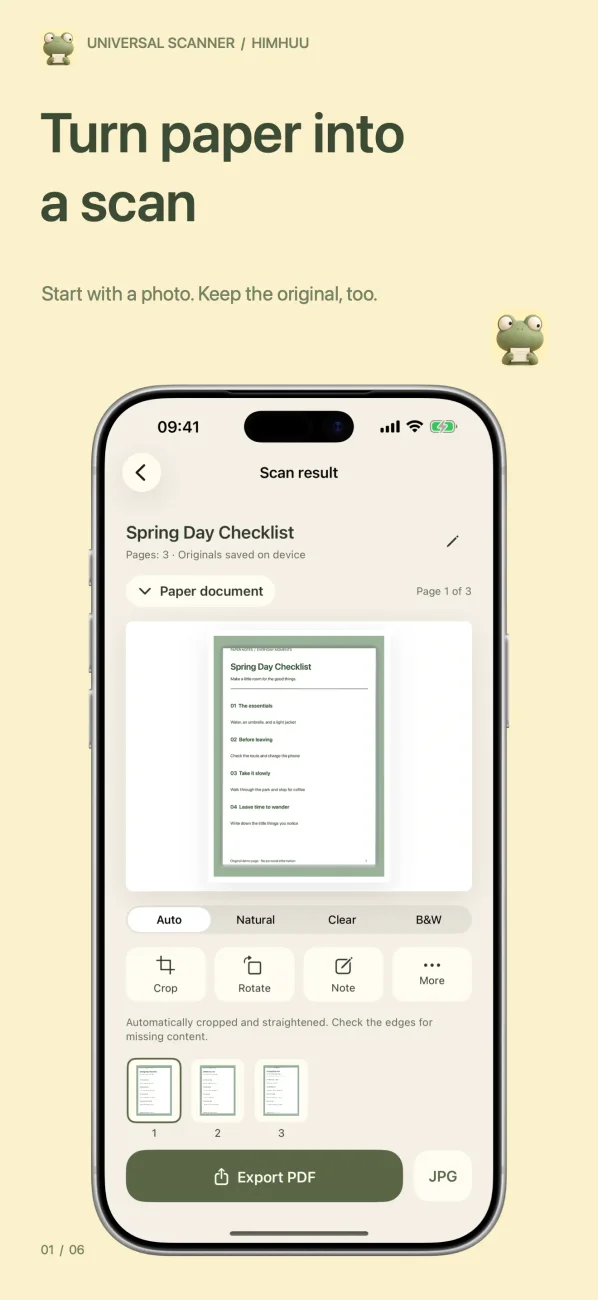
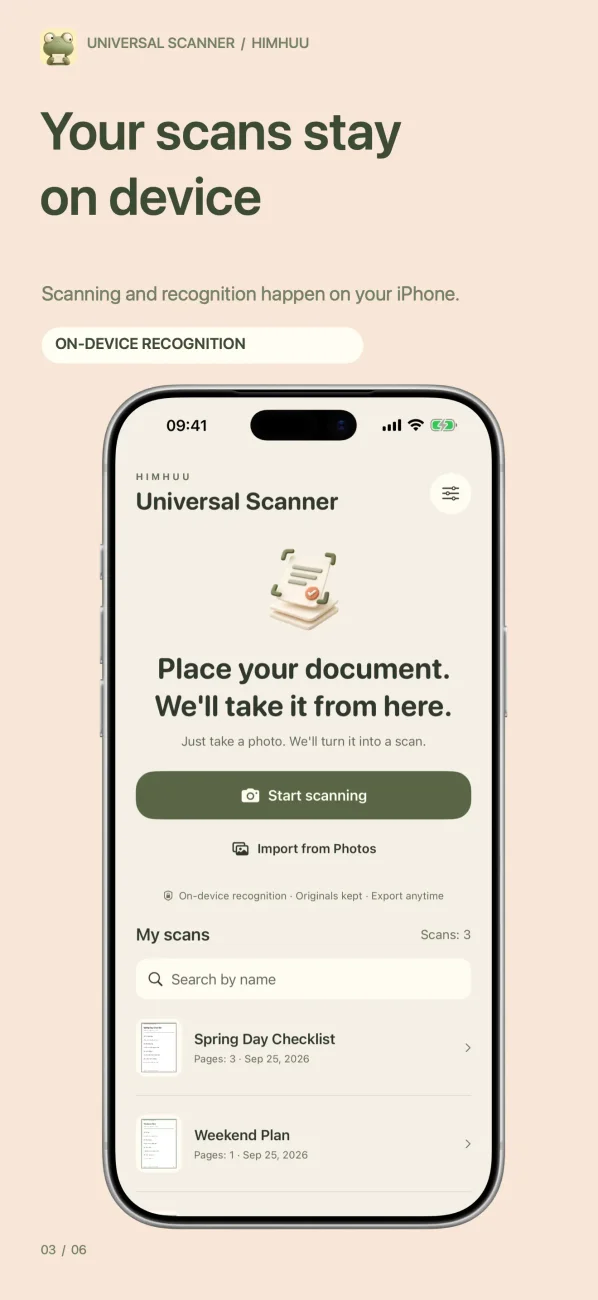
Turn paper documents, IDs and cards into scans you can review, organize and export. Universal Scanner lets you start with the camera—no document type to choose first. Capture, text recognition and image processing happen on your iPhone.
CAPTURE WITH MORE CONFIDENCE
Get live hints about lighting, edges and movement. When a document is centered, steady and small in the frame, automatic zoom can gently move in up to about 2× while leaving space around the document. A green check appears when framing is steady; the camera continues to focus. You can turn it off or adjust zoom yourself. Digital zoom does not add detail, so move closer when the document is too far away. The edge guide waits for consistent observations to reduce jumping.
CROP AND STRAIGHTEN
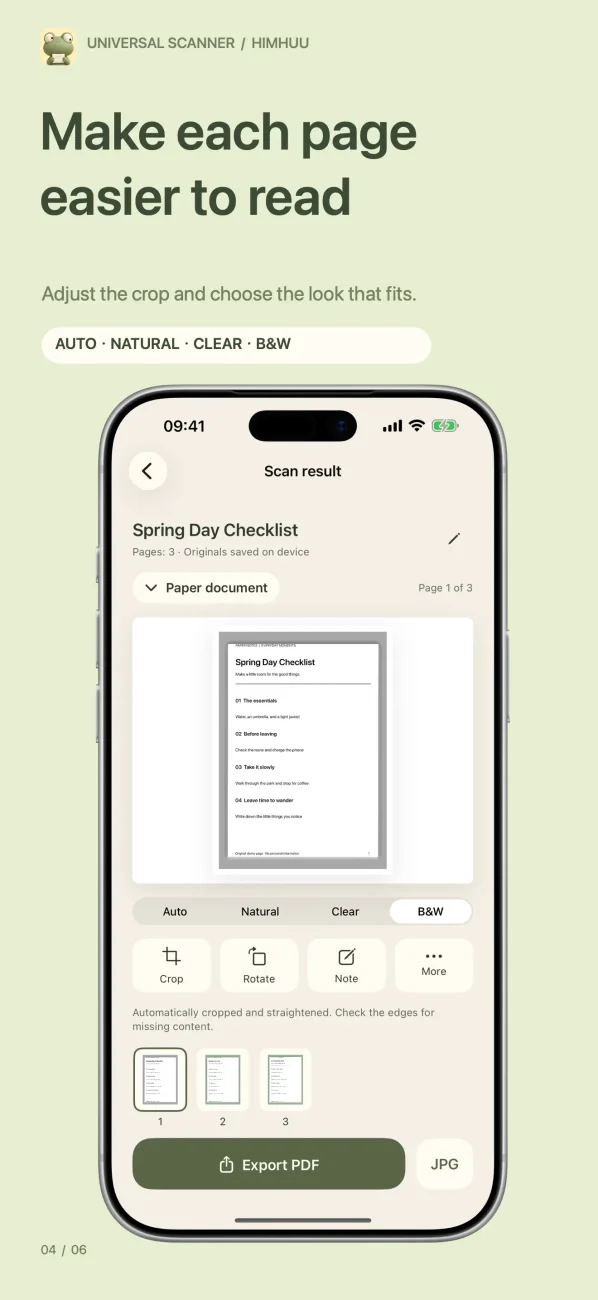
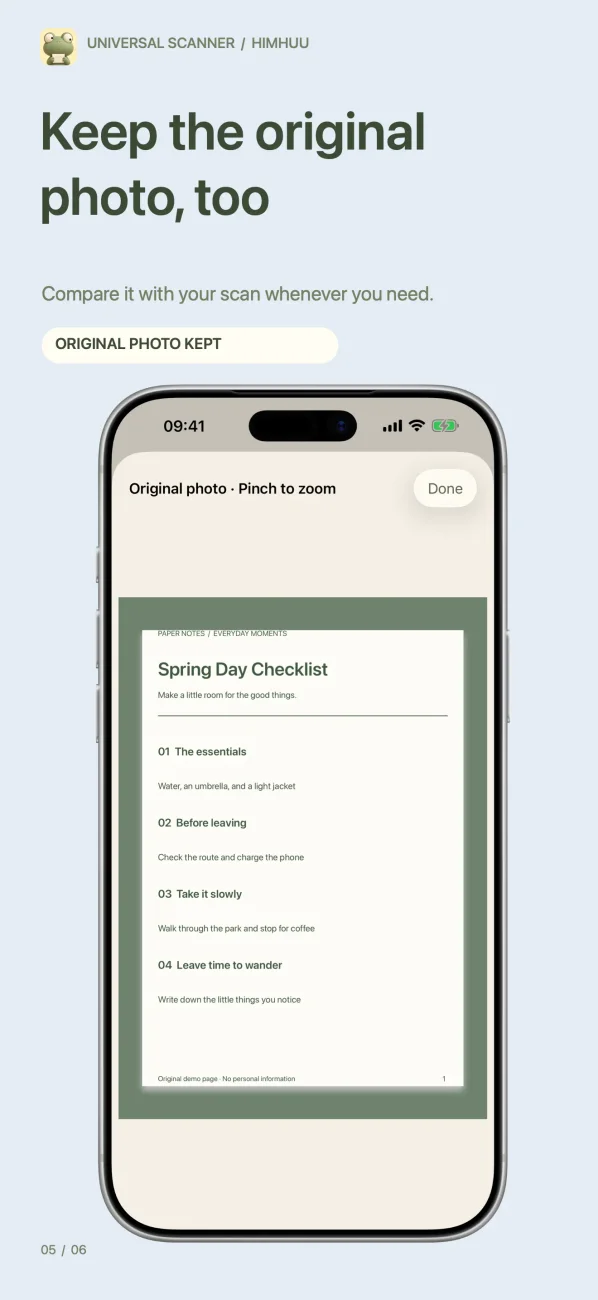
After capture, the app tries to find the document edges, leave a safety margin and correct flat-page perspective, adding a slim white border around the scan. Drag the four corners to refine the crop, inspect the straightened preview, or keep the full image. If a reliable edge is not found, the full photo stays intact. Your original photo is kept, and a failed edit does not replace a usable scan.
ORGANIZE AND EXPORT
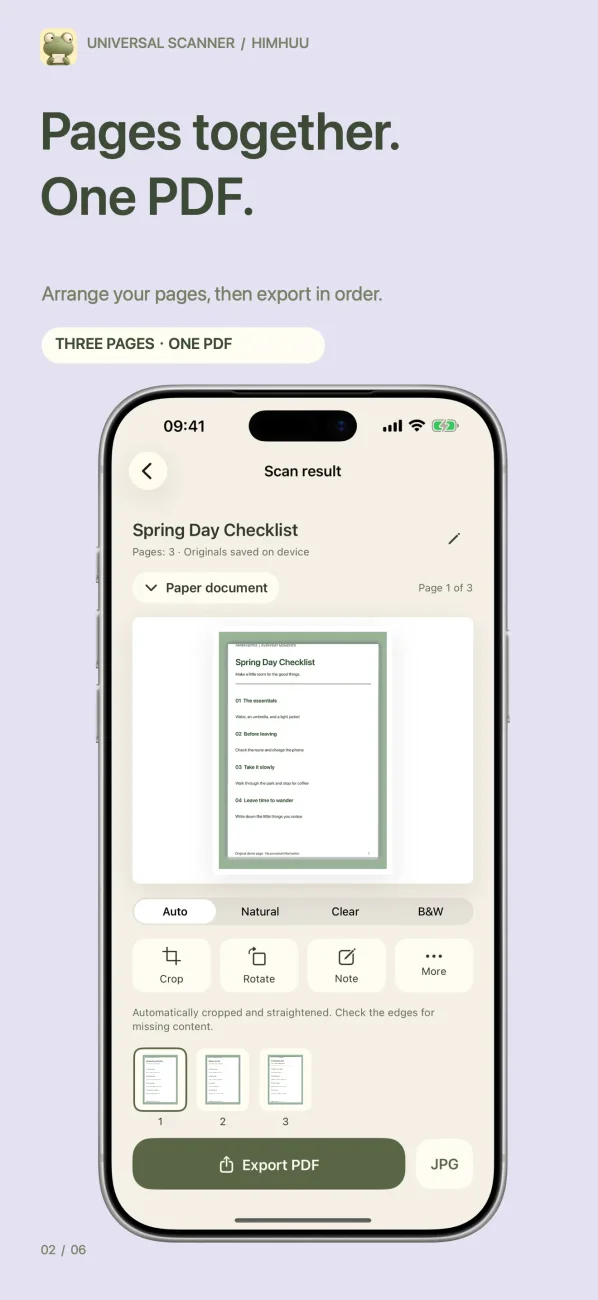
On-device text recognition and rules help distinguish paper documents, ID cards, household registers and other cards. You can correct the document type. Add photos or more pages, reorder and rotate them, then choose Auto, Natural, Clear or Black & White. Search scans by name and export JPEG images or image-based, multipage PDFs. Unfinished pages are never silently omitted.
SAVE AND ADD A NOTE
Save directly to Photos from the image viewer, or save every page at once. Add a custom note to a page as a repeating diagonal watermark to state its intended use. Notes are included in saved images and exported PDFs, can be edited or removed, and leave the original intact. A note does not guarantee tamper protection or legal enforceability.
YOUR CONTENT, YOUR CHOICE
Scanning and text recognition do not require uploading content to Himhuu. There is no account, advertising, subscription or in-app purchase. Originals and scans are stored in the app. Saving to Photos and any iCloud Photos sync, downloads from system photo services, device backups, and sharing or feedback that you initiate are handled by the services you choose.
Detection, cropping and quality checks are not always accurate. Review every page before use. Editable text, Word/DOCX export, cloud sync and curved-book-page flattening are not supported. PDFs fit pages onto A4 paper; ID cards are not printed at guaranteed actual size.
Support: support@himhuu.com
Privacy: https://himhuu.com/apps/universal-scanner/privacy
Terms: https://himhuu.com/apps/universal-scanner/terms
What’s new
Version 1.3 · Nov 9, 2026
A green check appears when framing is steady, with fewer distracting changes during minor movement or brief edge-detection gaps.
Continuous focus keeps adjusting for close-up captures.
Improved document type detection reduces cases where paper is mistaken for a card; you can correct the type when needed.
Reduced crop margins and preview borders while retaining a small safety margin.
App privacy
What Himhuu Co., Ltd. declares on the App Store about how this app handles data.
-
Data not collected
The developer does not collect any data from this app.
Privacy practices may vary, for example with the features you use or your age.
Information
- Seller
- Himhuu Co., Ltd.
- Category
- Productivity
- Version
- 1.3
- Updated
- Nov 9, 2026
- Released
- Sep 23, 2026
- Size
- 3.5 MB
- Requires
- iOS 17.0 or later
- Age rating
- 4+
- Price
- Free
- Languages
- English, Simplified Chinese
- Copyright
- © 2026 Himhuu
You might also like
-
 PDFSwiftAI PDF tools & CV Maker
-
 FixLogYour Personal Fix Journal
-
 Zebra: Markdown Knowledge BaseWrite, sketch, connect
-
 Burn List: To-Do & RemindersUp to 5 tasks. Repeated alerts
-
 Orange Cat: Markdown EditorNotes with Revision History
-
 HabitSet: Habit TrackerDaily Streaks, Habits & Goals
-
 Stilo - Typewriter NotesOffline Journal & Writing
-
 Dotly - Activity TrackerBest offline activity tracker
-
 To Do List & Planner · HandfulDaily Tasks, Reminders & Focus
-
 Synca: Notes & File TransferQuick capture, sync everywhere