Zebra: Markdown Knowledge Base
Write, sketch, connect
Designed for iPhone, iPad, Mac
Free · In-app purchases
- Age rating4+
- CategoryProductivity
- Developer飞 翟
- LanguagesEnglish+ 10 more
- Size61.8 MB
Links to the official App Store page
Download.org hosts no file of Zebra: Markdown Knowledge Base. The button opens its official App Store page, published by 飞 翟. Listing last checked on Nov 23, 2026.
Screenshots


About
Your personal knowledge base, stored locally.
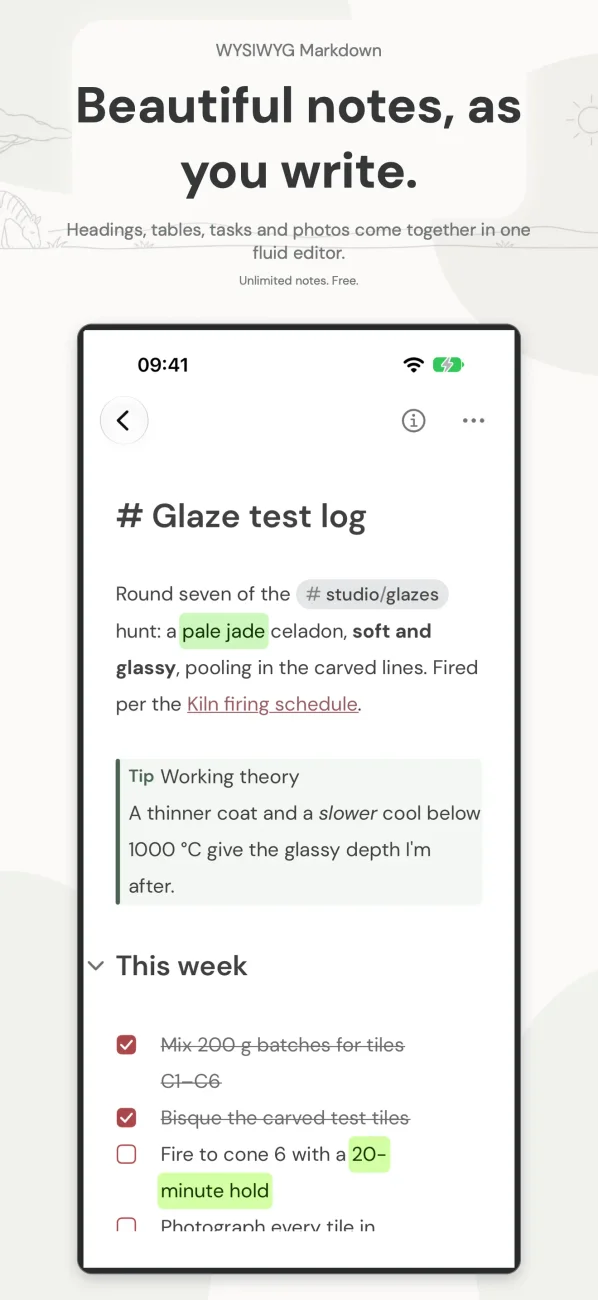
Write in Markdown and see your ideas take shape on iPhone and iPad. Headings, tables, tasks, photos and code appear right where you work. Keep a studio journal, plan a trip or build a collection of things worth remembering. Unlimited notes are free.
Give your ideas some structure
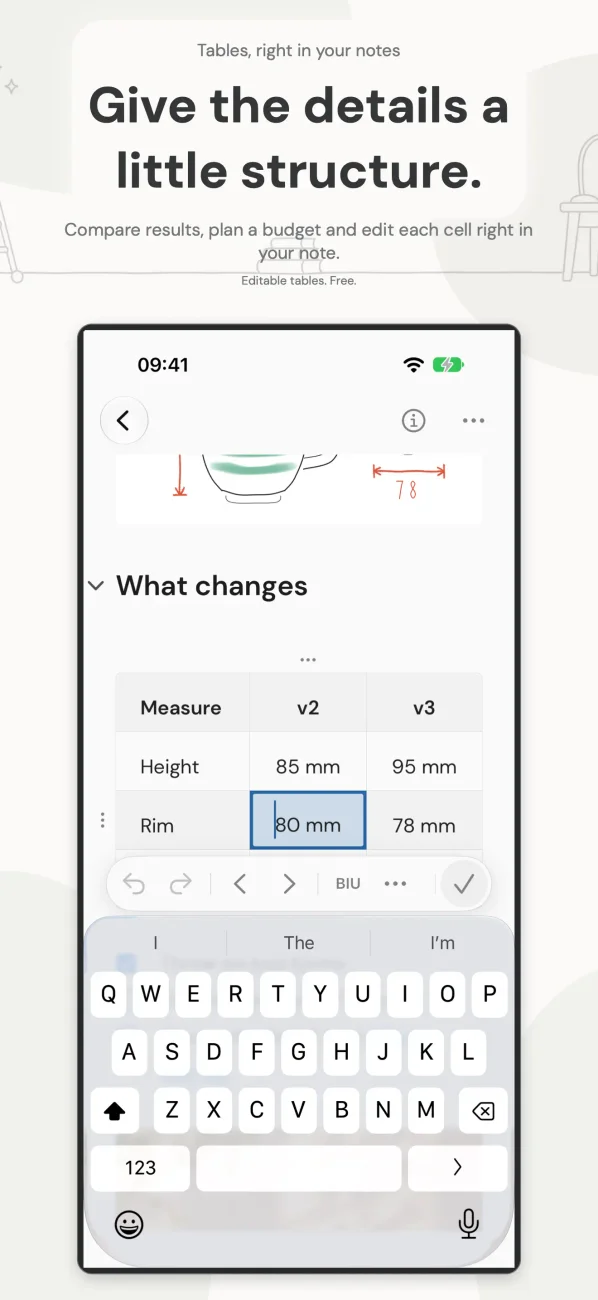
Compare test results, track a budget or plan the week in an editable table. Keep the details beside the explanation, and check off tasks as you go.
Make room for a sketch
Draw an idea right inside your note. Reopen the same sketch to keep working later, change its background or adjust the canvas height. Sketching is part of Zebra Pro.
Find the words you remember
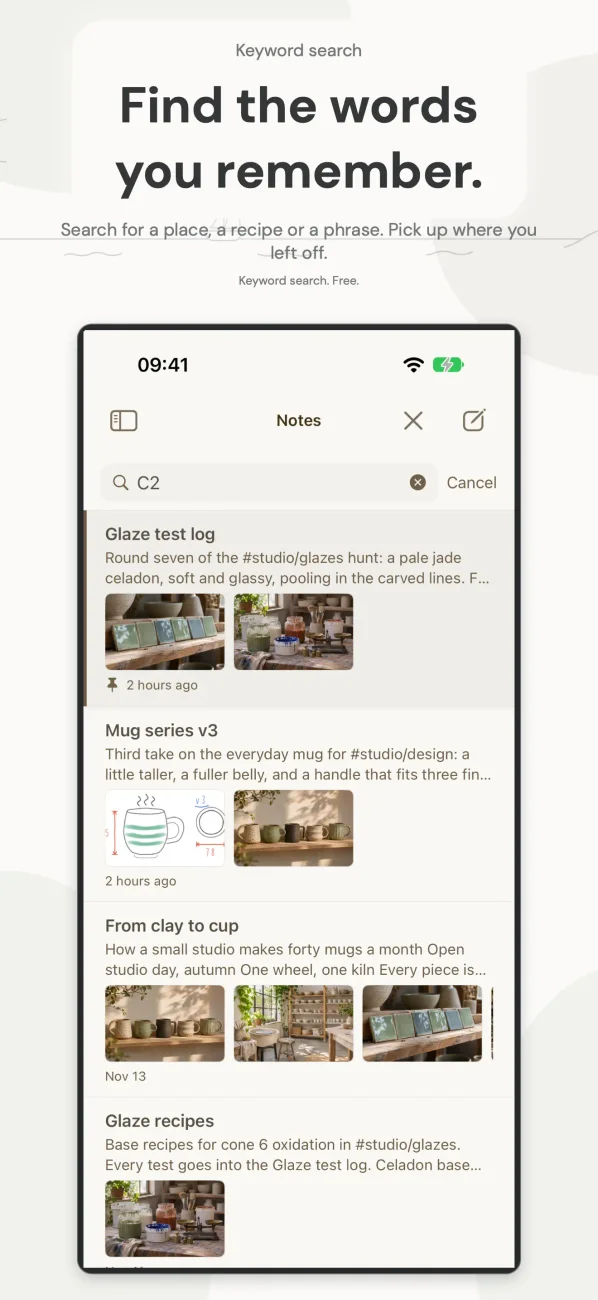
Search your library by keyword. Look up a place, a recipe or a phrase from your notes and pick up where you left off. Keyword search is free.
Let one idea lead to another
Use wiki links to move between related notes. Connect a glaze recipe to its test results, or a trip plan to a favorite walk. Each note can become part of a bigger idea.
Give everything a place
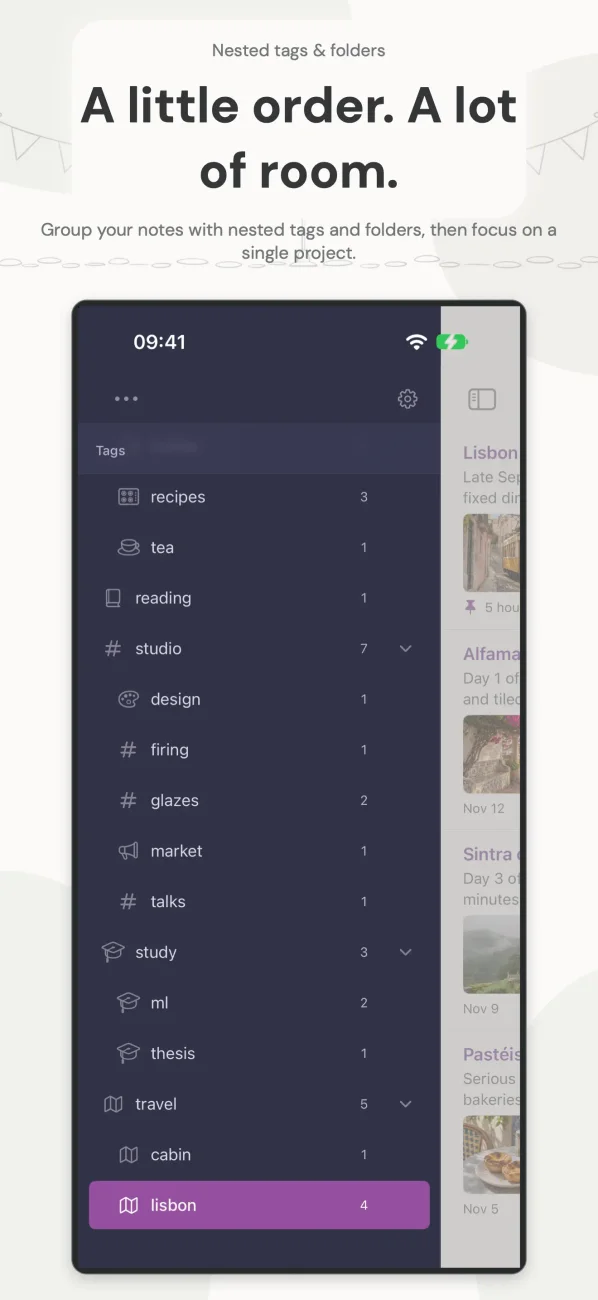
Organize with folders and nested tags. Pin the notes you reach for and keep projects, reading and everyday lists close at hand.
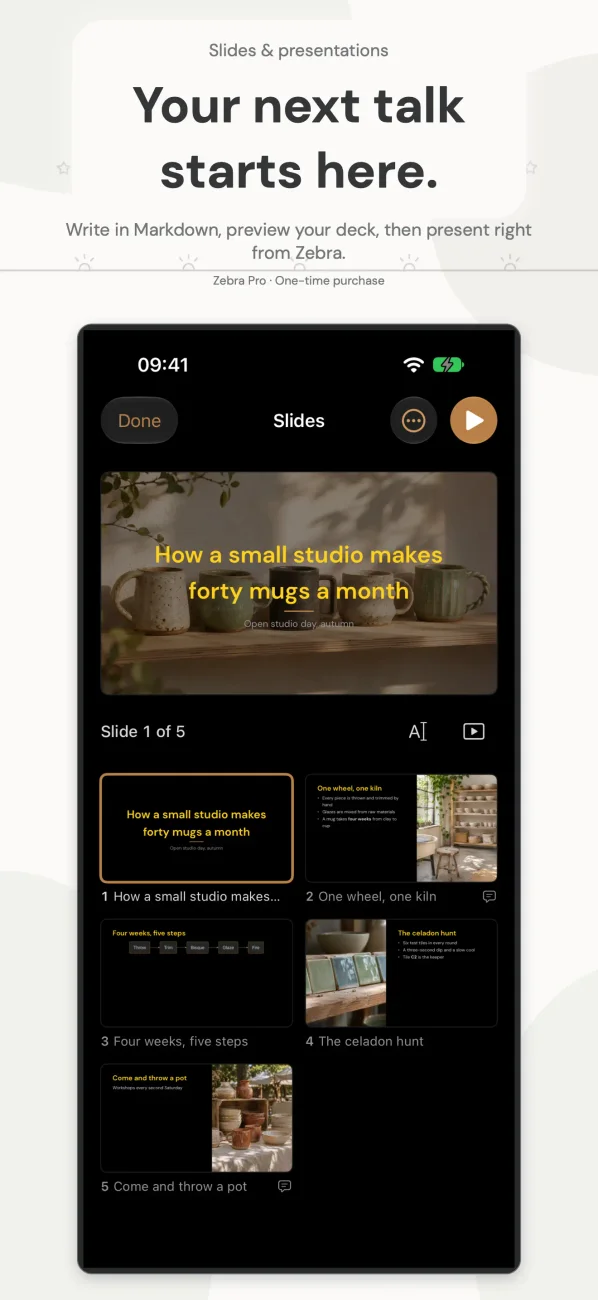
Turn notes into presentations
With Zebra Pro, create and present slides on iPhone and iPad. Write in Markdown, preview your deck and present from Zebra. Export slides as PDF, PPTX or PPT; each PPTX/PPT slide is a single image, with no separately editable text or graphics.
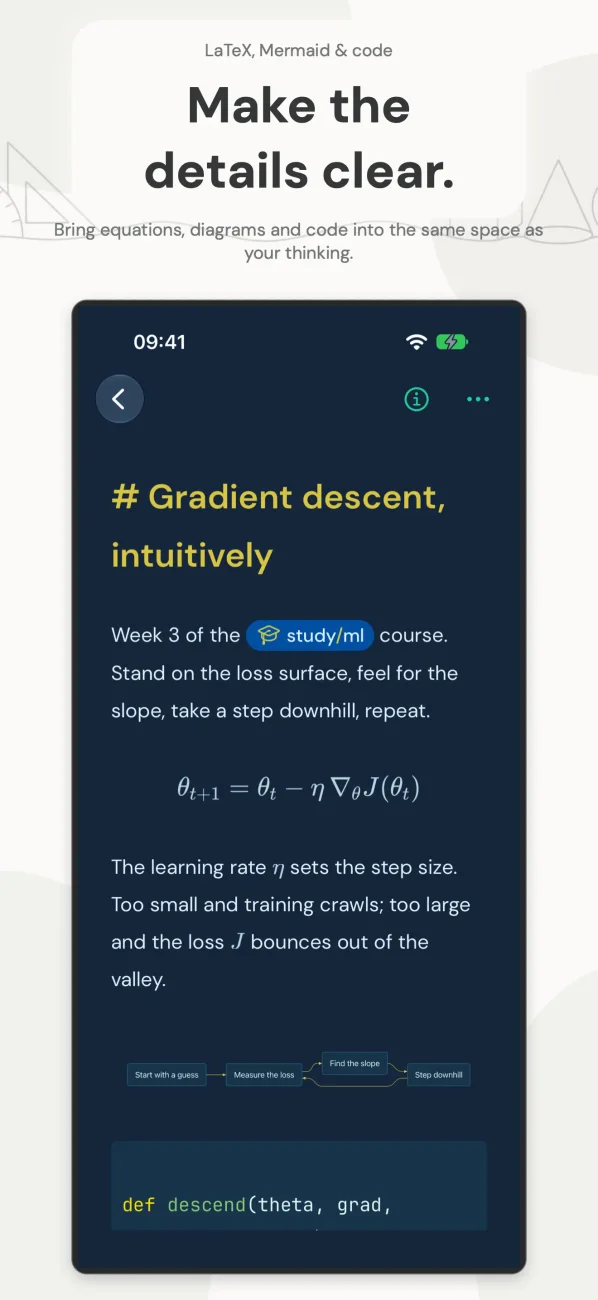
Make the details clear
Typeset LaTeX equations and create Mermaid diagrams from editable source. Keep the explanation, tables and code alongside them.
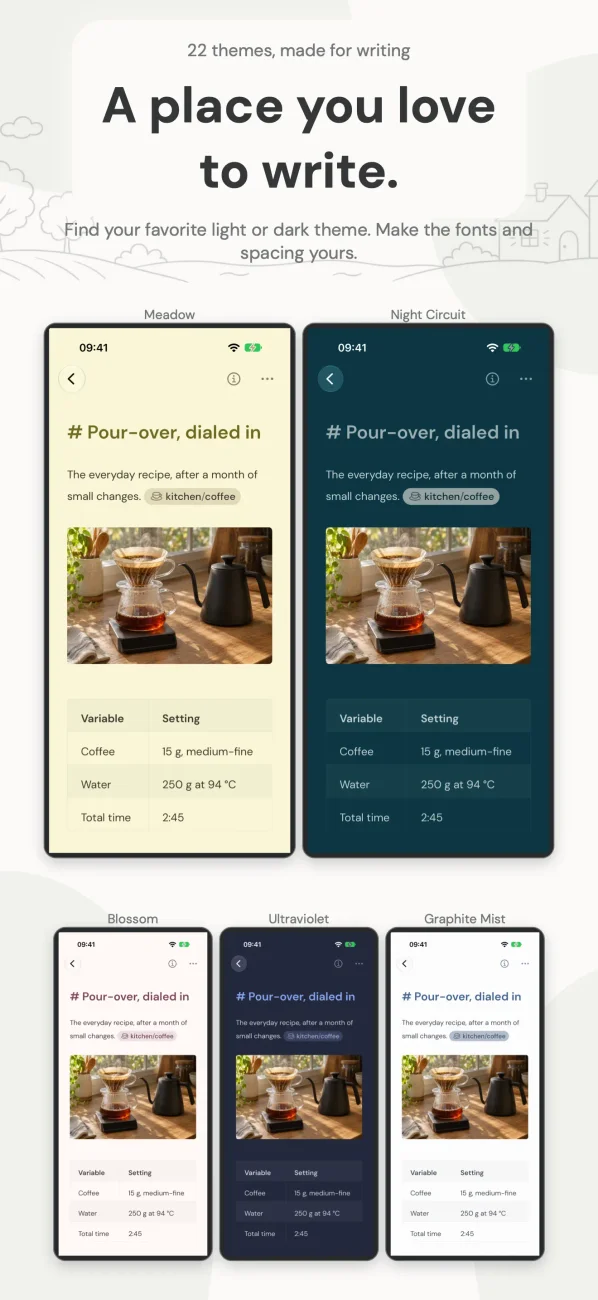
A place you love to write
Choose from 22 light and dark themes. Adjust fonts, text size, line height and line width to make room for your words.
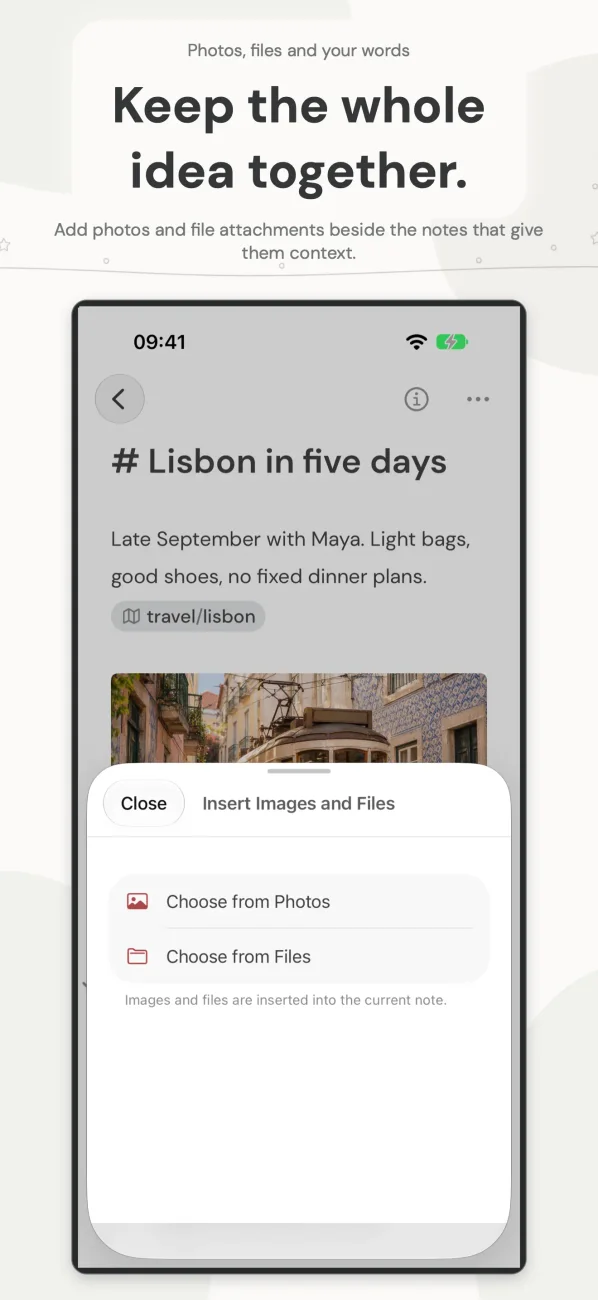
Keep the whole idea together
Add photos and file attachments to your notes. Use the outline to jump between headings and view word count and reading time in note information.
Free to write. One purchase to go further.
Unlimited notes, editing, organization, keyword search and optional iCloud sync are free. Zebra Pro is an optional one-time purchase for sketches and slides on Mac, iPhone and iPad. There is no subscription or automatic renewal. Saved sketches remain visible as images without Pro.
Your library is stored locally, with optional private iCloud sync through the same Apple Account. Note passwords limit viewing inside Zebra; they do not encrypt content or attachments.
What’s new
Version 1.5 · Nov 20, 2026
Faster and steadier.
• The sidebar responds faster in libraries with many folders and tags.
• The cursor and selection appear in the right place, including at the end of a note.
App privacy
What 飞 翟 declares on the App Store about how this app handles data.
-
Data not collected
The developer does not collect any data from this app.
Privacy practices may vary, for example with the features you use or your age.
Information
- Seller
- 飞 翟
- Category
- Productivity
- Version
- 1.5
- Updated
- Nov 20, 2026
- Released
- Oct 30, 2026
- Size
- 61.8 MB
- Requires
- iOS 17.0 or later
- Age rating
- 4+
- Price
- Free
- In-app purchases
- Yes
- Languages
- English, French, German, Italian, Japanese, Korean, Portuguese, Russian, Simplified Chinese, Spanish, Traditional Chinese
- Copyright
- © 2026 EntropySniper
You might also like
-
 Stilo - Typewriter NotesOffline Journal & Writing
-
 Synca · Sync Your Aha MomentCapture Ideas, Synced Anywhere
-
 Universal Scanner - PDF ScansScan, crop and export PDFs
-
 iWrote: Markdown Writer AppDrafts, Outline & Style Check
-
 Lifeward-Less Screen,More LifeOne Limit. One Clear Boundary.
-
 Titanova: Life PlannerGoals, Habits, Tasks & Focus
-
 HabitSet: Habit TrackerDaily Streaks, Habits & Goals
-
 Orange Cat: Markdown EditorNotes with Revision History
-
 StashletSave once, paste anywhere
-
 Orbit TasksOrbit your day. Finish tasks.