
Universal TV Remote Control +
Voice, Smart & Auto-Connect
Designed for iPhone, iPad, iPod touch
Free · In-app purchases
- Age rating4+
- CategoryUtilities
- DeveloperAppAgency
- LanguagesEnglish+ 32 more
- Size72.2 MB
Links to the official App Store page
Download.org hosts no file of Universal TV Remote Control +. The button opens its official App Store page, published by AppAgency. Listing last checked on Nov 27, 2026.
Screenshots

About
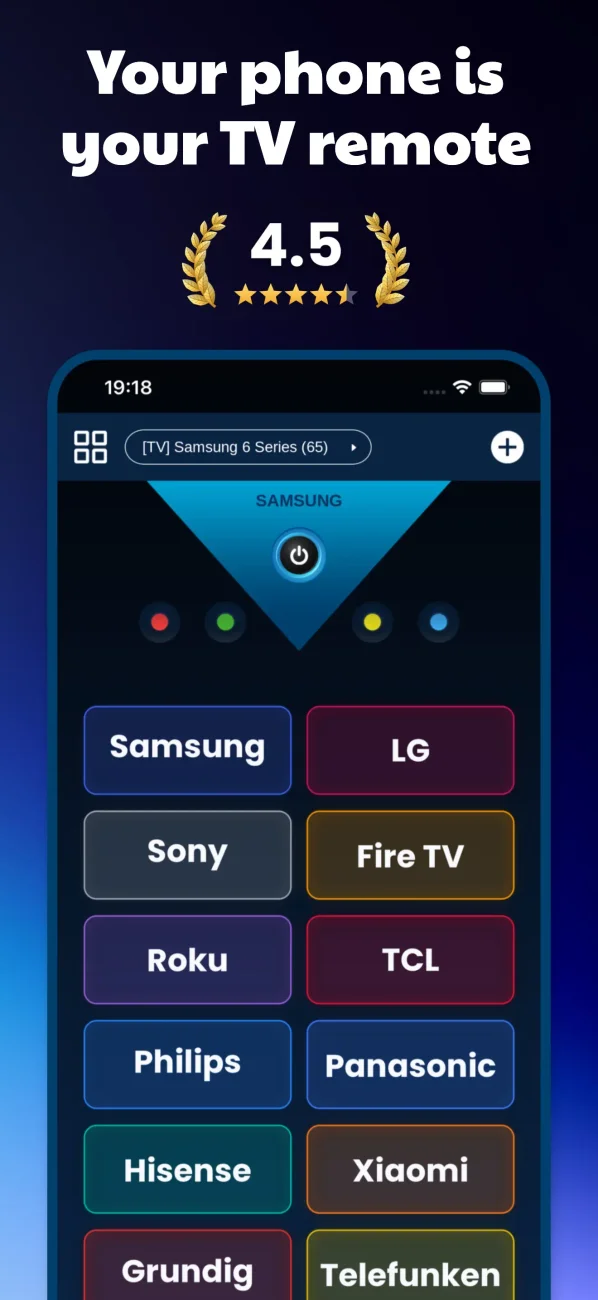
Lost your TV remote again? Take control in seconds — 100% free, no weekly subscription, no trial trap.
Turn your iPhone into a universal remote for your Smart TV. Power on, adjust volume, switch channels, navigate menus, launch your favorite streaming apps and search by voice. No more dead batteries, no more hunting behind the couch — just tap and control.
WHY CHOOSE THIS REMOTE
- Truly free — no weekly charge, no forced trial, no surprise fees
- Auto-Connect — reconnects to your last TV automatically, every time
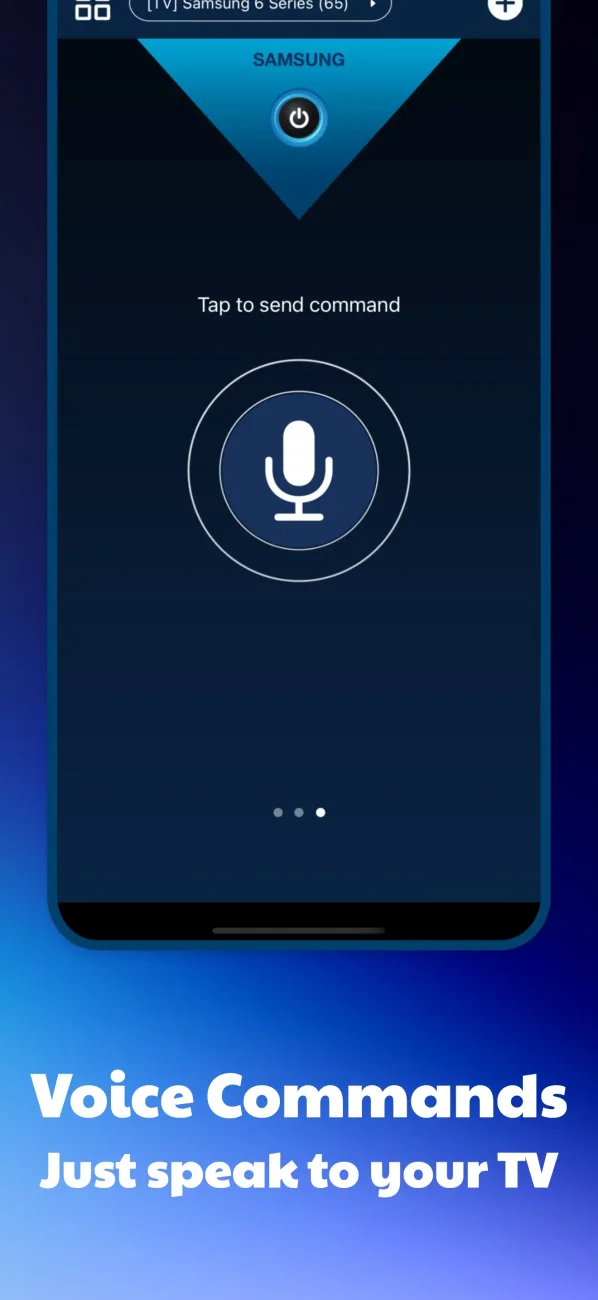
- Voice Search — find shows without typing on a clumsy on-screen keyboard
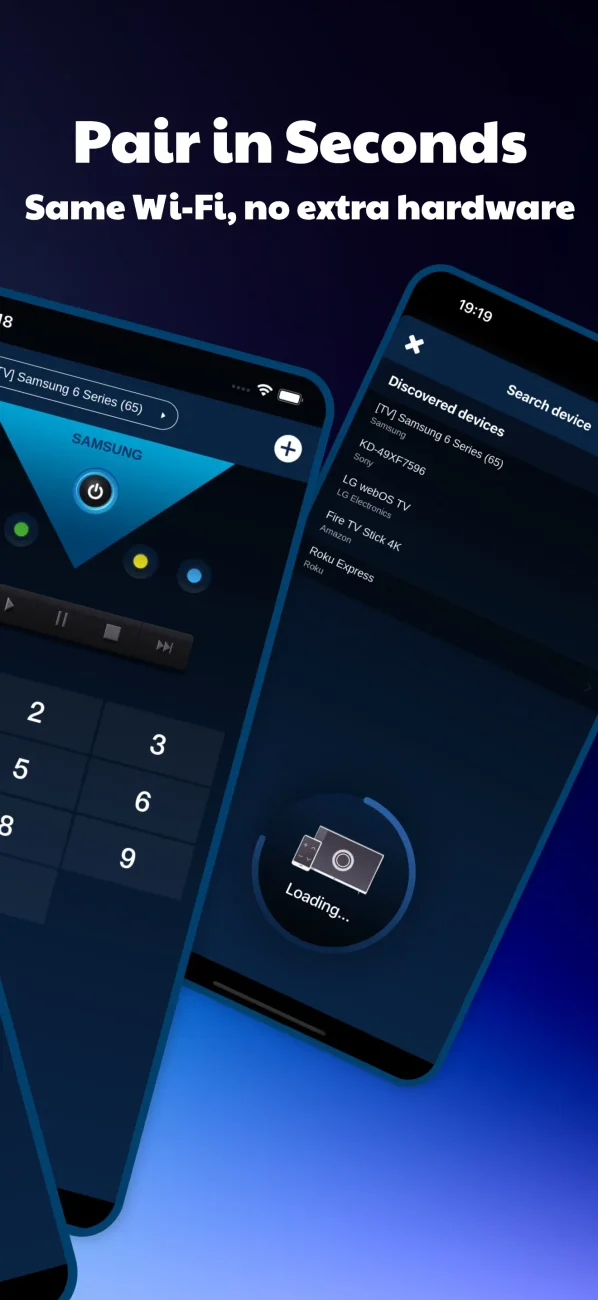
- Fast setup — connects over your home WiFi, no extra hardware needed
- Clean, simple design made for everyday use
EVERYTHING YOU NEED
- Power, volume, channels and input switching
- D-Pad and touchpad navigation
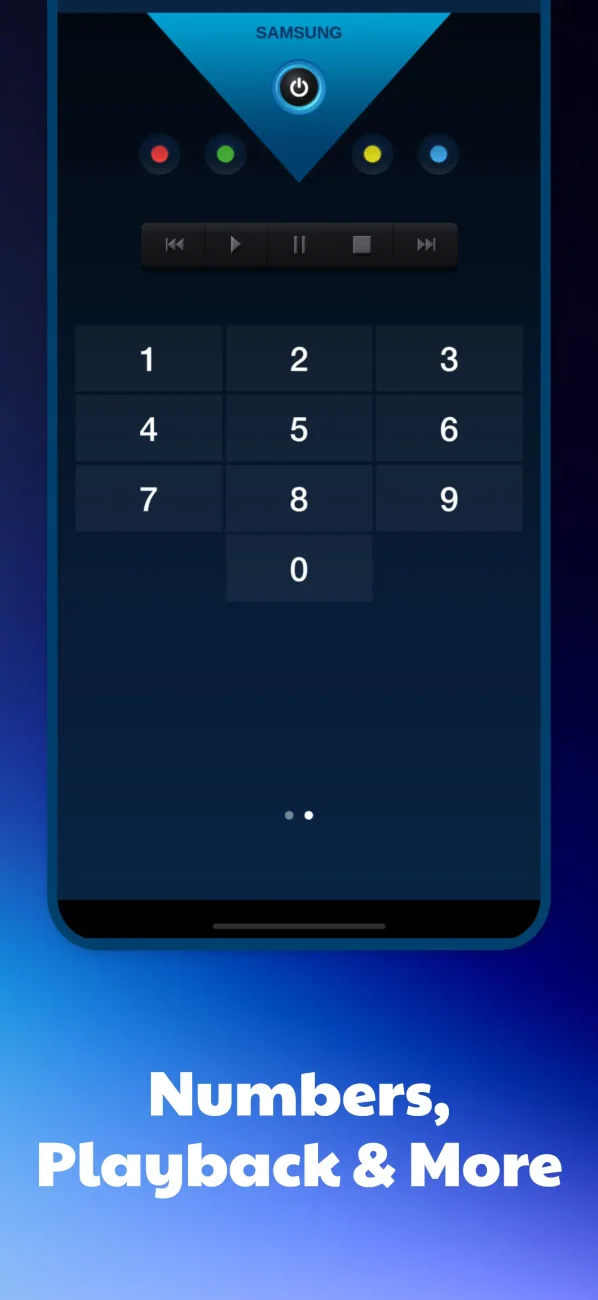
- Number pad for direct channel access
- Full keyboard for fast typing
- Media playback: play, pause, rewind, fast-forward, stop
WORKS WITH MOST SMART TVs & STREAMING DEVICES
- Samsung Smart TV
- LG (WebOS / Netcast)
- Sony Bravia
- Roku TV
- Amazon Fire TV & Fire Stick
- Android TV & Google TV — including Philips, TCL, Xiaomi, Sharp, Hisense, Hitachi, Telefunken, Grundig and other Android TV models
HOW TO START
1. Connect your phone and TV to the same WiFi network.
2. Open the app — your device is detected automatically.
3. Follow the on-screen pairing step if your TV asks for it, then control instantly.
FAQ
- Is it really free? Yes — control your TV for free, no subscription.
- Do I need WiFi? Yes, phone and TV on the same network.
- Will it work with my TV? Most modern WiFi Smart TVs and streaming devices are supported.
Download Now – It's 100% Free
Say goodbye to remote chaos and enjoy full TV control in your pocket.
Universal TV Remote Control – built for convenience, designed for everyone.
This app is not affiliated with or endorsed by Samsung, LG, Sony, Roku, Amazon, Google or any supported brand. It is a third-party tool designed to work with their platforms.
Privacy Policy: http://www.universal-tv-remote.com/privacy-universal-remote.html
Terms of Use: https://www.apple.com/legal/internet-services/itunes/dev/stdeula/
What’s new
Version 1.4.9 · Oct 16, 2026
- Easier setup: if your TV isn't found, the app now tells you what to check and takes you to Settings in one tap.
- A smoother experience on iPad.
- Other improvements and fixes.
App privacy
What AppAgency declares on the App Store about how this app handles data.
-
Data used to track you
May be used to track you across apps and websites owned by other companies.
- Location
- Identifiers
- Usage data
- Diagnostics
-
Data linked to you
May be collected and linked to your identity.
- Location
- Identifiers
- Usage data
- Diagnostics
-
Data not linked to you
May be collected but is not linked to your identity.
- Diagnostics
Privacy practices may vary, for example with the features you use or your age.
Information
- Seller
- AppAgency
- Category
- Utilities
- Version
- 1.4.9
- Updated
- Oct 16, 2026
- Released
- Mar 6, 2025
- Size
- 72.2 MB
- Requires
- iOS 15.6 or later
- Age rating
- 4+
- Price
- Free
- In-app purchases
- Yes
- Languages
- English, Arabic, Catalan, Croatian, Czech, Danish, Dutch, Finnish, French, German, Greek, Hebrew + 21 more
- Copyright
- © 2026 AppAgency
You might also like
-
 TV Remote – TVeeUniversal Control for Smart TV
-
 Myra: Universal TV RemoteTouchpad, Keyboard, Android TV
-
 TV Remote: Smart WiFi ControlUniversal Controller App
-
 TV Remote — Universal ControlRemote for Smart TVs & TV Box
-
 Universal - TV Remote ControlRoku, Samsung, LG & Touchpad
-
 Zapp Remote for Android TVFor Google TV™ & Chromecast™
-
 Universal: TV Remote ControlSmart Cast, Keyboard & Wi-Fi
-
 Zap: Universal TV RemoteSamsung, LG, Roku, Google TV
-
 SmartRemote: TV ControllerSmart TV, Soundbar & Projector
-
 Smart Remote Control for TV・Universal Channel Controller