Universal TV Remote Control #
Smart Remote for Any TV
Designed for iPhone, iPad, Mac
Free · In-app purchases
- Age rating4+
- CategoryUtilities
- DeveloperRemote Sunrise LTD
- LanguagesEnglish+ 32 more
- Size108.2 MB
Links to the official App Store page
Download.org hosts no file of Universal TV Remote Control #. The button opens its official App Store page, published by Remote Sunrise LTD. Listing last checked on Nov 25, 2026.
Screenshots

About
Can't find the remote? Use your iPhone or iPad to control a compatible TV over WiFi. Start with free basic remote buttons, with companion controls on Apple Watch and Mac.
CHECK COMPATIBILITY
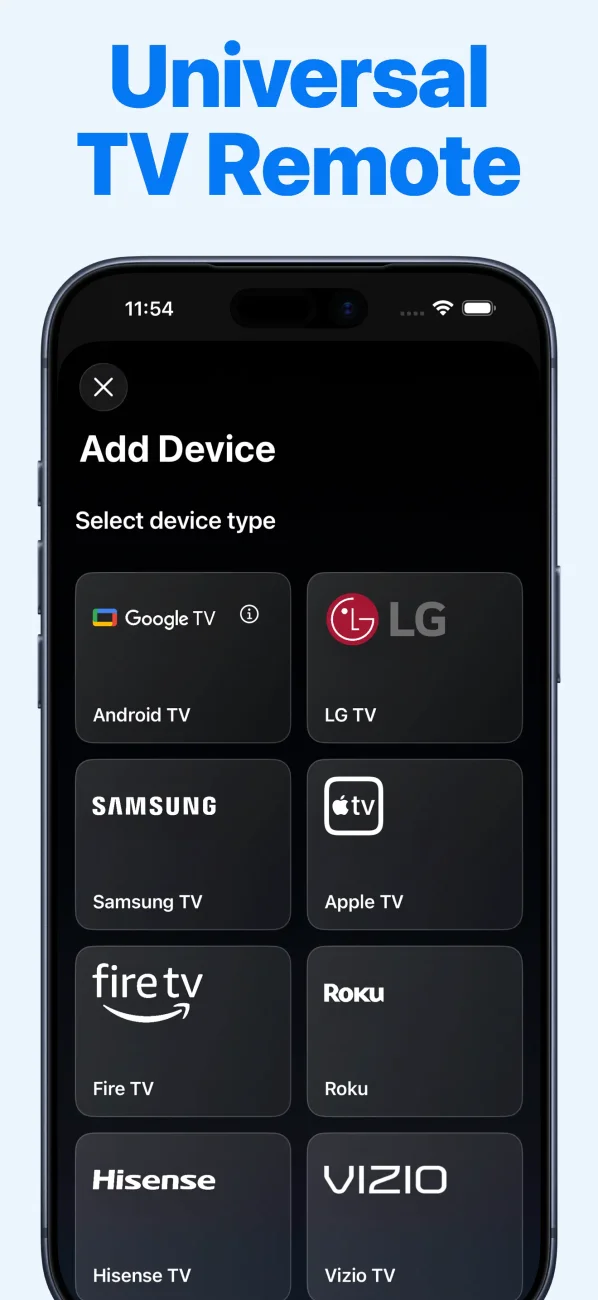
Supports compatible Apple TV, Samsung, LG, Android TV, Google TV, Fire TV, Roku, Hisense and Vizio devices.
Experimental support is also available for compatible Philips, Sony and Panasonic TVs, depending on model and firmware.
Your phone and TV must be on the same local network. Pairing or enabling network control on your TV may be required. Available buttons and features vary by model.
FREE EVERYDAY CONTROL
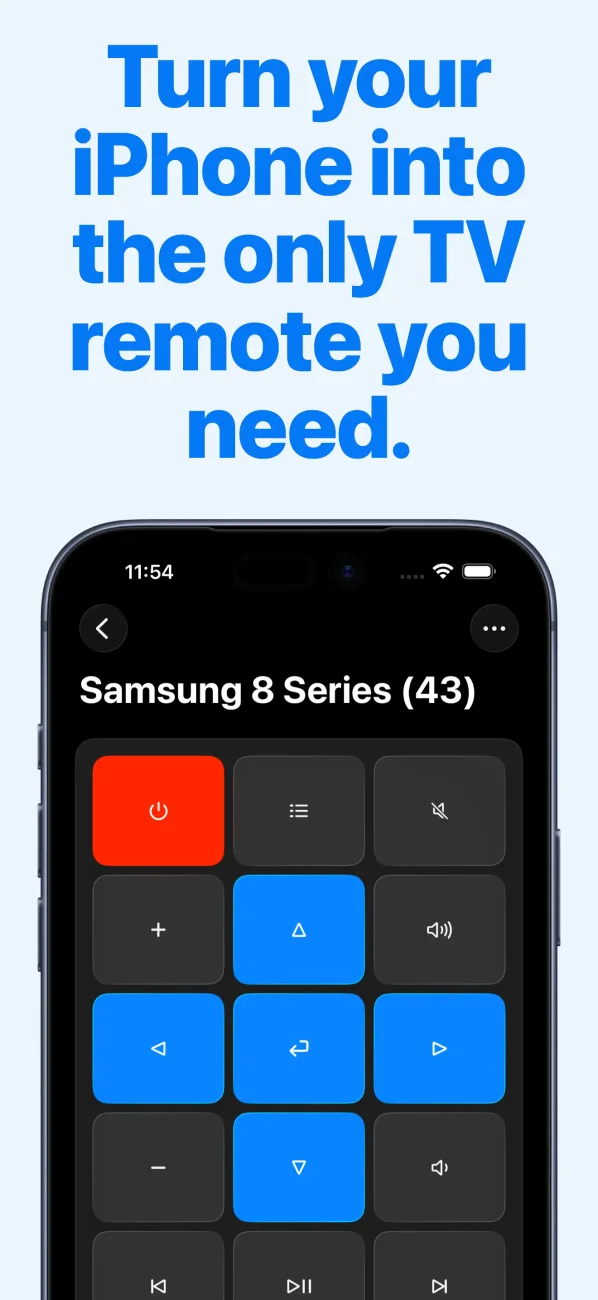
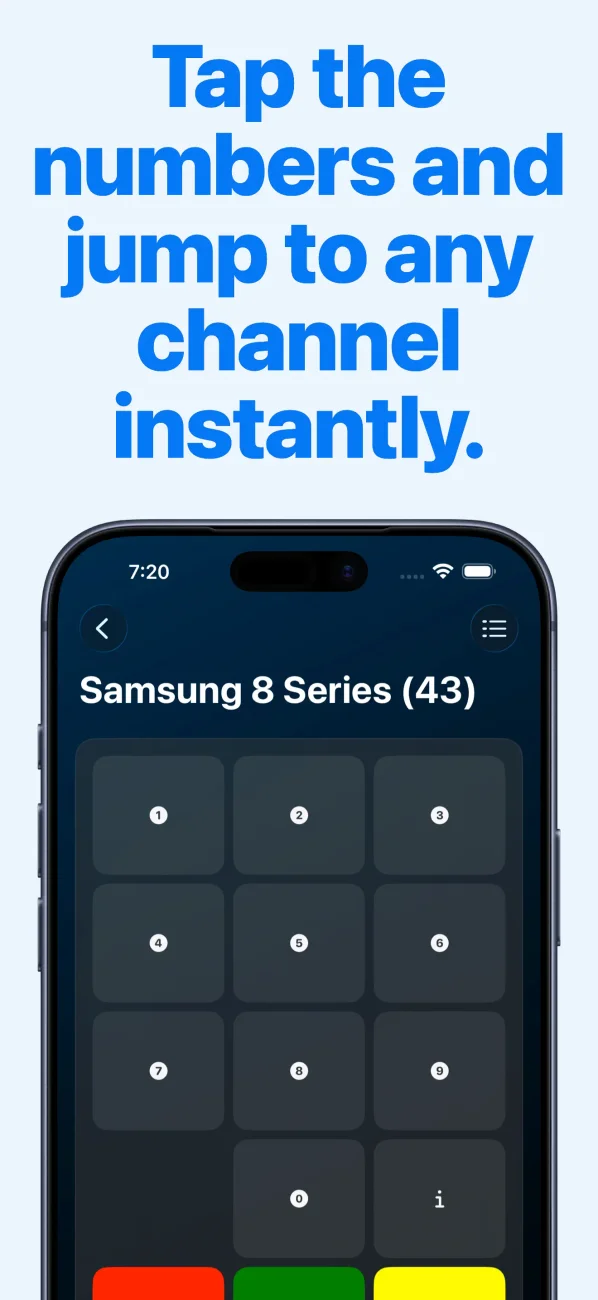
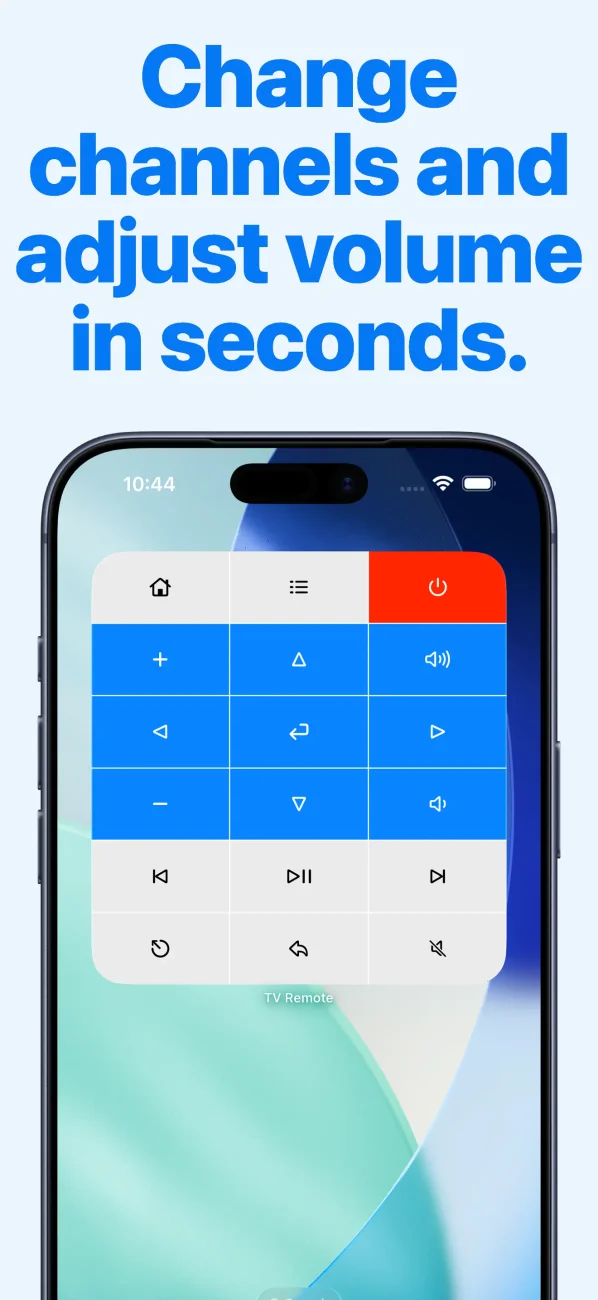
Use the basic keypad for volume, channels, navigation and playback where supported. Basic Apple Watch and widget buttons are also free. Save multiple TVs and organize them by room.
TYPE, TAP AND WATCH
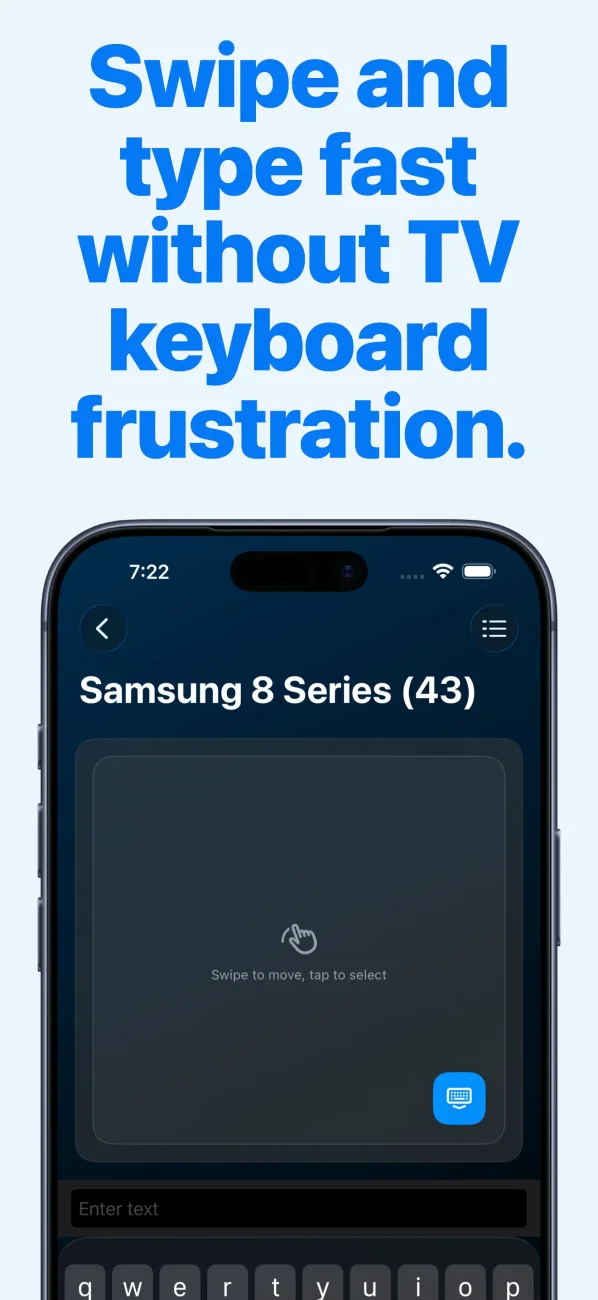
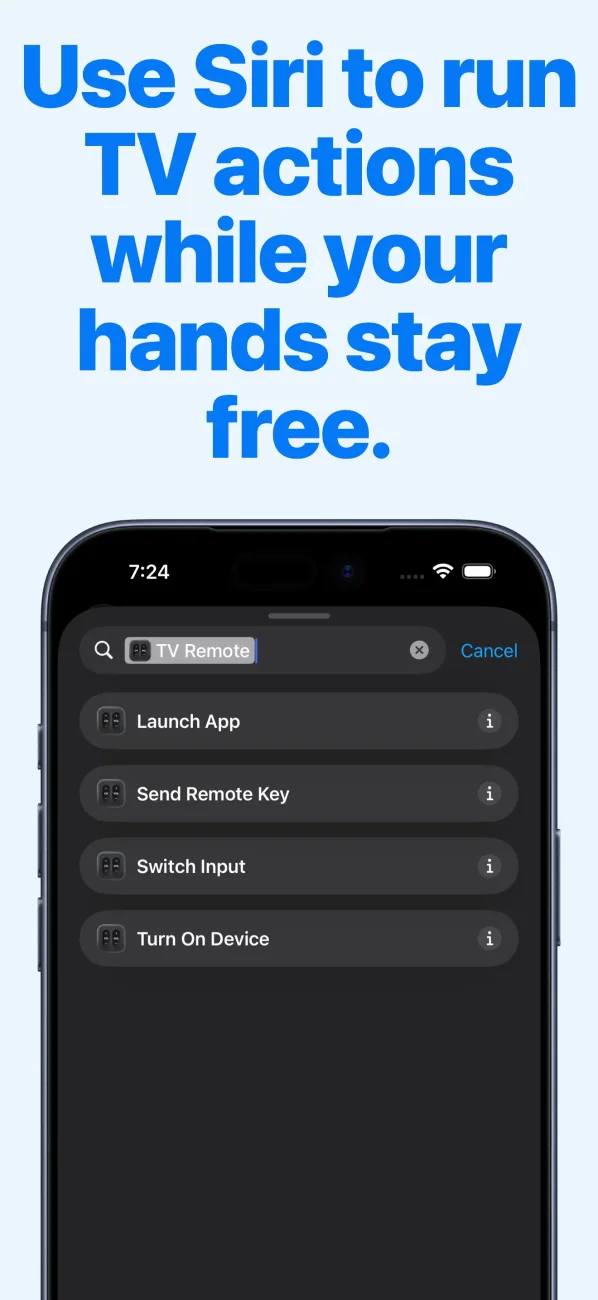
Premium unlocks keyboard input, app launching, input switching, keypad customization, extended Apple Watch controls and additional Siri Shortcuts on supported devices.
Touchpad navigation is available on supported Apple TV, Samsung and LG devices.
DIRECT CONNECTION
Remote commands are sent over your local network. No TV account is required.
IN-APP PURCHASES
Choose a lifetime purchase or an auto-renewing subscription where offered.
Payment is charged to your Apple ID account when you confirm the purchase.
Subscriptions renew automatically unless canceled at least 24 hours before the current period ends.
Your account is charged for renewal within 24 hours before the current period ends.
Manage or cancel subscriptions in your App Store account settings.
DISCLAIMER
This is an independent app. It is not affiliated with, endorsed by or sponsored by Apple Inc., Samsung, LG, Google, Amazon, Roku, Hisense, Vizio or any other TV or device manufacturer.
Product names, logos and brands belong to their owners and are used only to indicate compatibility.
Privacy Policy: https://www.rs.ltd/privacy
Terms of Use: https://www.rs.ltd/terms
What’s new
Version 2611.4 · Nov 24, 2026
What’s New
• Added keypad button settings for long press, disabled buttons, and confirmation prompts in the app and on Apple Watch (Premium). Widgets and Live Activities use normal taps without confirmation and respect disabled buttons.
• Added “Try Connecting” for saved TVs marked offline, so you can retry using their saved address.
• Manual TV setup now shows connection progress and handles pairing PINs before saving the TV. Failed or cancelled connections stay unsaved.
• TV setup now lets you switch directly to another detected TV type when none match your selection.
• Added optional feedback forms for TV setup and the Premium screen. Setup support requests can include your TV model and details about the problem.
Improvements
• Added Restart Pairing for Sony and Android TVs, including TVs controlled through linked keypad buttons.
• Prevented automatic upgrade prompts from interrupting TV pairing.
• Local Network checks now retry temporary network failures and cancel pending checks when the app goes into the background.
• Fixed TV setup using a timeout from an earlier search after devices appear or network access changes.
• Improved tour tips for TV app menus and the Favorites filter.
• Button presses made while a TV is connecting now wait until authentication finishes instead of being discarded.
• Fixed unnecessary reconnections when a saved TV is rediscovered at the same address.
• Fixed Android TV getting stuck in repeated connection attempts after pairing is rejected.
• Fixed Sony pairing errors incorrectly reporting a wrong PIN when the connection failed.
• Fixed repeated pairing requests on some Hisense TVs.
• Apple TV app icons now retry after temporary download failures.
• Improved Restore Purchases by refreshing App Store purchase information and showing the cause of failures with recovery steps.
• Premium yearly plans now show savings compared with paying weekly when both plans are available.
App privacy
What Remote Sunrise LTD declares on the App Store about how this app handles data.
-
Data not linked to you
May be collected but is not linked to your identity.
- Purchases
- Identifiers
- Usage data
Privacy practices may vary, for example with the features you use or your age.
Information
- Seller
- Remote Sunrise LTD
- Category
- Utilities
- Version
- 2611.4
- Updated
- Nov 24, 2026
- Released
- Oct 27, 2020
- Size
- 108.2 MB
- Requires
- iOS 17.0 or later
- Age rating
- 4+
- Price
- Free
- In-app purchases
- Yes
- Languages
- English, Arabic, Catalan, Croatian, Czech, Danish, Dutch, Finnish, French, German, Greek, Hebrew + 21 more
- Copyright
- © 2026 Remote Sunrise LTD
You might also like
-
 Universal Smart Remote for TVRemote control your Smart TV
-
 TV Remote UniversalSmart Control: Voice, Keyboard
-
 Remote MouseHandy Computer Remote
-
 Mobile Mouse Remote - CloudComputer Trackpad & Keyboard
-
 Smart TV Remote UniversalVoice, Keyboard & Trackpad
-
 TV Remote: Universal Control +Smart Controller Chromecast
-
 Universal TV Remote Control+Smart Television Controller
-
 Sam : tv remote for Samsungremote control for smart tv
-
 Zank Remote for Smart TVs, BoxUniversal remote for your TVs
-
 Unimote : smart TV remoteremote control for tv