Universal TV Remotes App
All Smart TVs Remote Control
Designed for iPhone, iPad, iPod touch
Free · In-app purchases
- Age rating4+
- CategoryUtilities
- DeveloperShams Alam
- LanguagesEnglish
- Size24.5 MB
Links to the official App Store page
Download.org hosts no file of Universal TV Remotes App. The button opens its official App Store page, published by Shams Alam. Listing last checked on Nov 12, 2026.
Screenshots

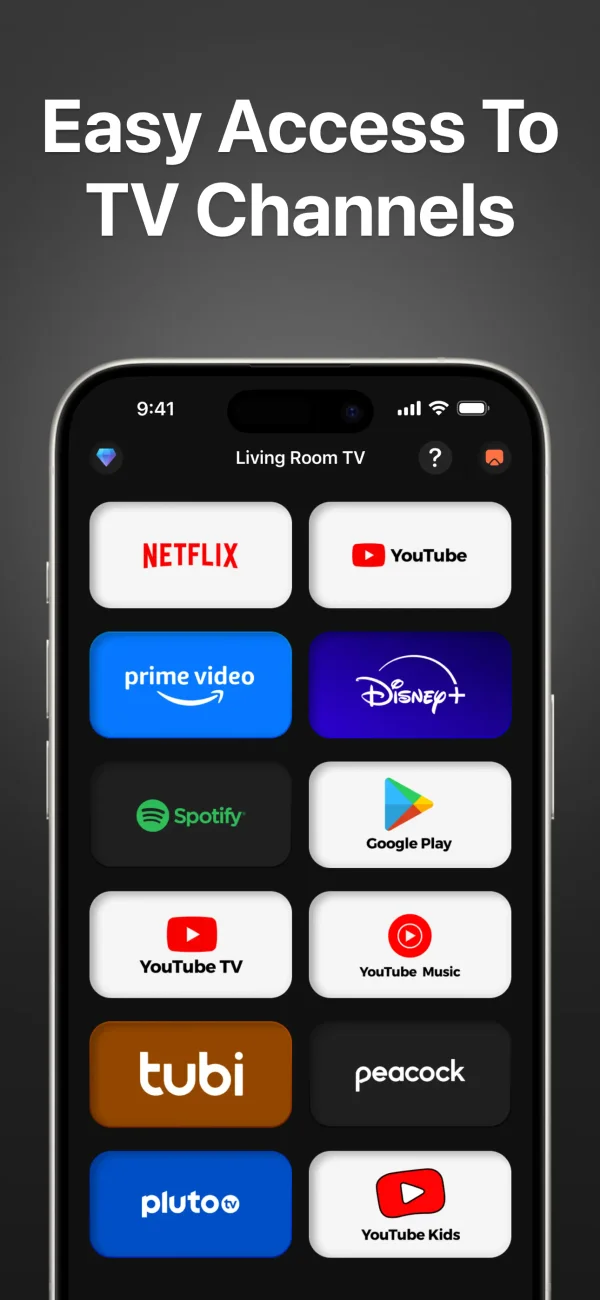
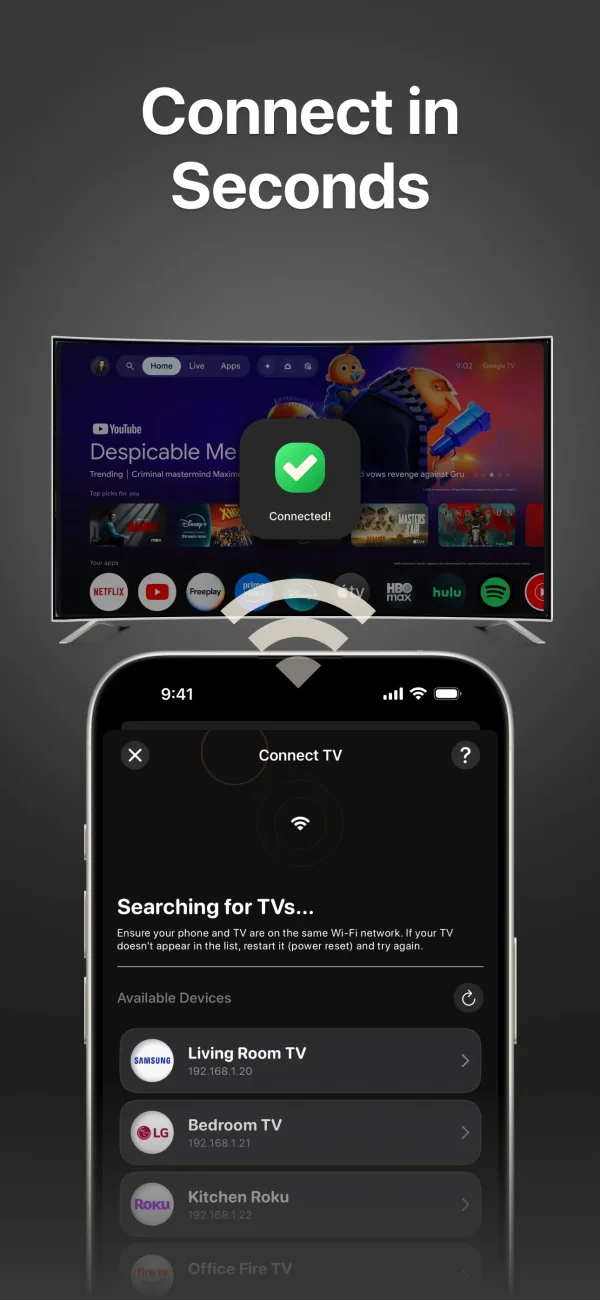
About
Lost the remote again? Batteries dead? Turn your phone into a universal TV remote control in seconds.
This app works with almost every smart TV and streaming stick in your home. Connect your phone and TV to the same Wi-Fi network, open the app, and it finds your TV automatically. No pairing codes, no extra hardware and no batteries needed.
ONE REMOTE FOR ALL YOUR TVS
Works with the most popular smart TV platforms and streaming sticks.
Fully tested on a wide range of TV models.
Save multiple TVs and switch between rooms with one tap.
Your TV is detected automatically as soon as you open the app.
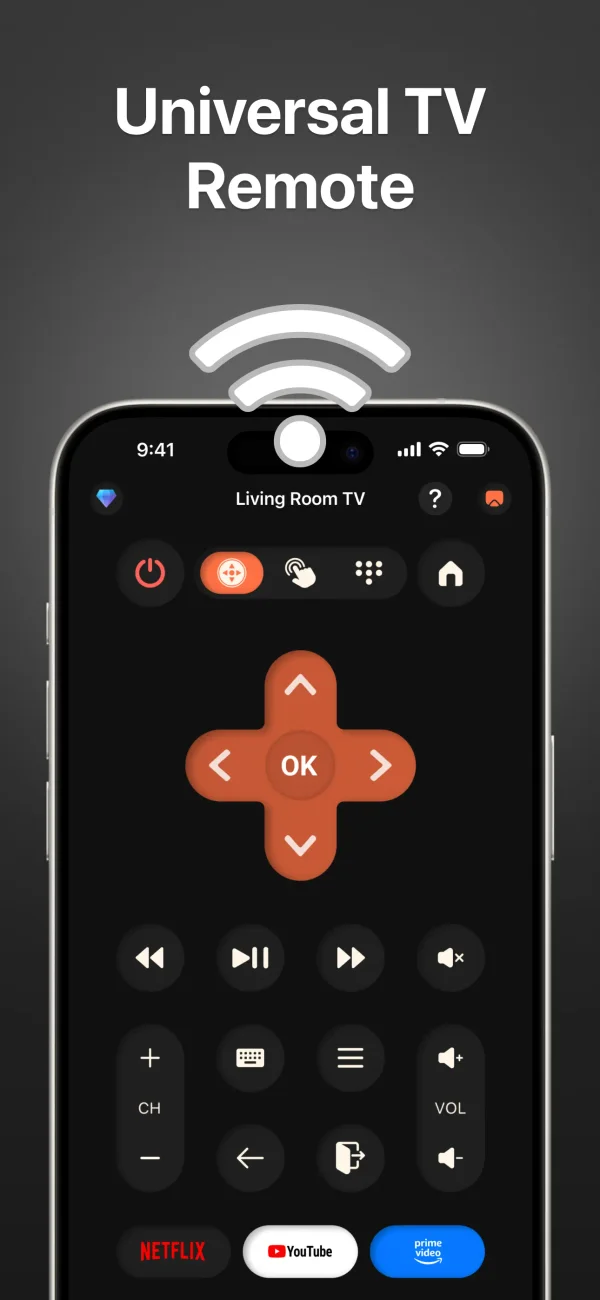
FULL REMOTE CONTROL
Power on and off.
Volume up, volume down and mute.
Channel up, channel down and number pad.
Arrow navigation with OK, Back and Home buttons.
Input and source switching.
Play, pause, rewind and fast forward.
TOUCHPAD AND KEYBOARD
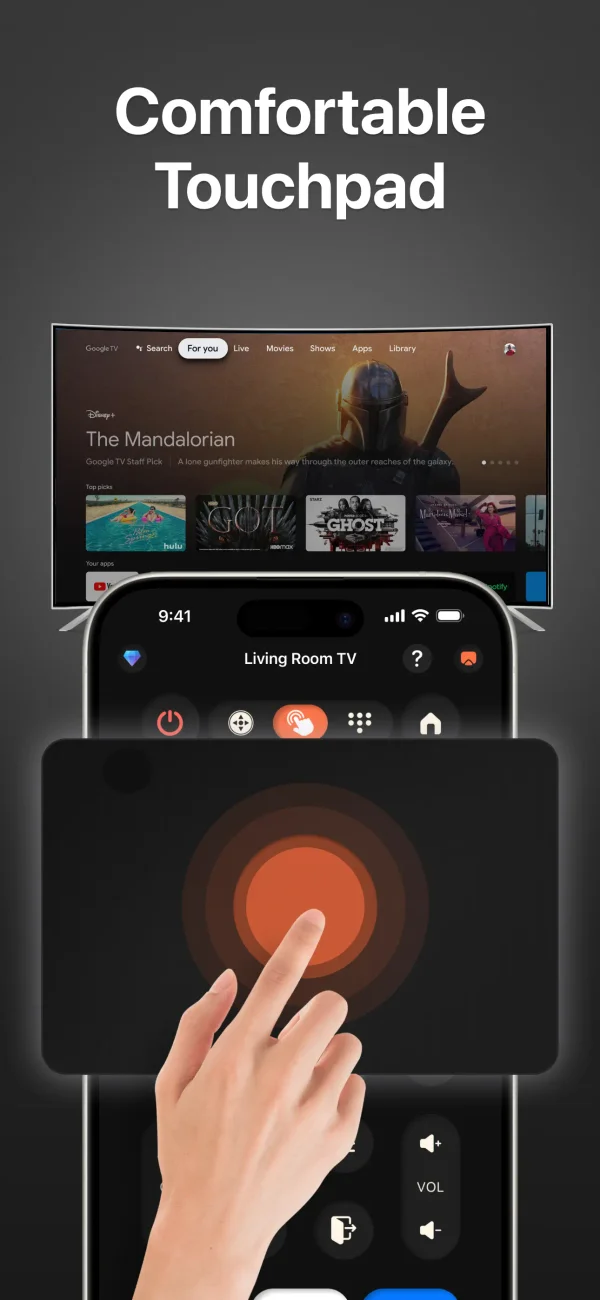
Smooth touchpad: swipe and tap just like a laptop trackpad.
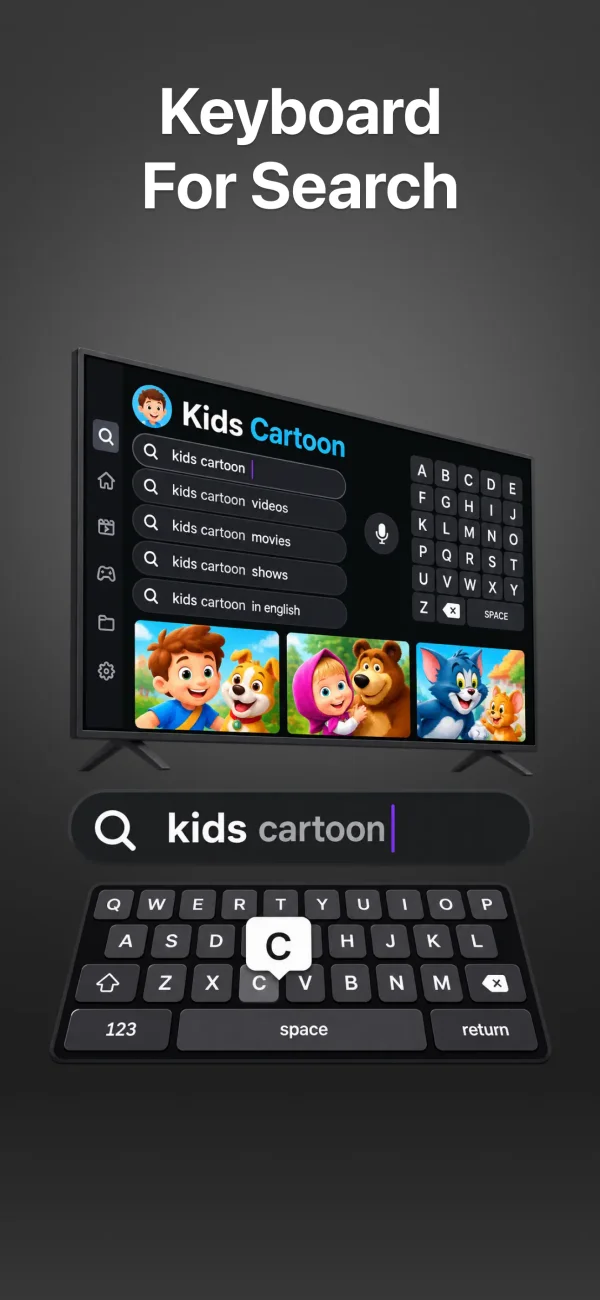
Type with your phone keyboard to search movies, shows and apps in seconds instead of selecting letters one by one with arrow keys.
QUICK ACCESS
Open your favorite streaming apps directly from your phone.
Clean and simple layout with big buttons that the whole family can use.
Fast and stable Wi-Fi connection with low lag.
PERFECT FOR
Replacing a lost or broken TV remote.
A backup TV controller when the batteries run out.
Controlling the TV in your bedroom, kitchen, office or guest room.
Typing long passwords and search terms on your TV quickly.
HOW TO CONNECT
Step 1: Connect your phone and TV to the same Wi-Fi network.
Step 2: Turn on your TV.
Step 3: Open the app and select your TV from the list.
Step 4: Accept the connection request on your TV (first time only).
That's it. Start controlling your TV from your phone.
Note: Your phone and TV must be on the same Wi-Fi network. Some features may vary by TV model.
Disclaimer: This app is an independent product and is not affiliated with, endorsed by or sponsored by any TV manufacturer. All product names and trademarks belong to their respective owners.
Download Universal TV Remotes App now and never search for the remote again.
Privacy Policy : https://askshams.com/privacy-policy/
Term & Conditions : https://askshams.com/terms-conditions/
App privacy
What Shams Alam declares on the App Store about how this app handles data.
-
Data not linked to you
May be collected but is not linked to your identity.
- Identifiers
- Diagnostics
Privacy practices may vary, for example with the features you use or your age.
Information
- Seller
- Shams Alam
- Category
- Utilities
- Version
- 1.0
- Updated
- Oct 31, 2026
- Released
- Oct 30, 2026
- Size
- 24.5 MB
- Requires
- iOS 15.0 or later
- Age rating
- 4+
- Price
- Free
- In-app purchases
- Yes
- Languages
- English
- Copyright
- © Ask Shams 2019
You might also like
-
 TV Remote+ Smart TV ControllerUniversal Smart TV Remote
-
 Couch: Universal TV RemoteSmart TV Control App, No Ads
-
 ChannelHop: Smart TV RemoteThe Wi-Fi remote for your TV
-
 Armrest: TV RemoteUniversal Smart TV Control
-
 Universal TV Remote – RelayoWi-Fi Smart TV Control App
-
 Remote Control - for Smart TVUniversal TV Controller & Pad
-
 CV360Utilities
-
 Universal Remote - TV CastSmart Remote & Screen Mirror
-
 AIRemote - Universal TV RemoteSmart TV Control with AI
-
 Universal Remote for TV - RemoSmart Controller & Keyboard