
Unpage: PDF Reader
Read any PDF, reflowed
Designed for iPhone, iPad, Mac
Free · In-app purchases
- Age rating4+
- CategoryProductivity
- DeveloperTSUNG-HENG WU
- LanguagesEnglish+ 8 more
- Size765.8 MB
Links to the official App Store page
Download.org hosts no file of Unpage: PDF Reader. The button opens its official App Store page, published by TSUNG-HENG WU. Listing last checked on Nov 25, 2026.
Screenshots
About
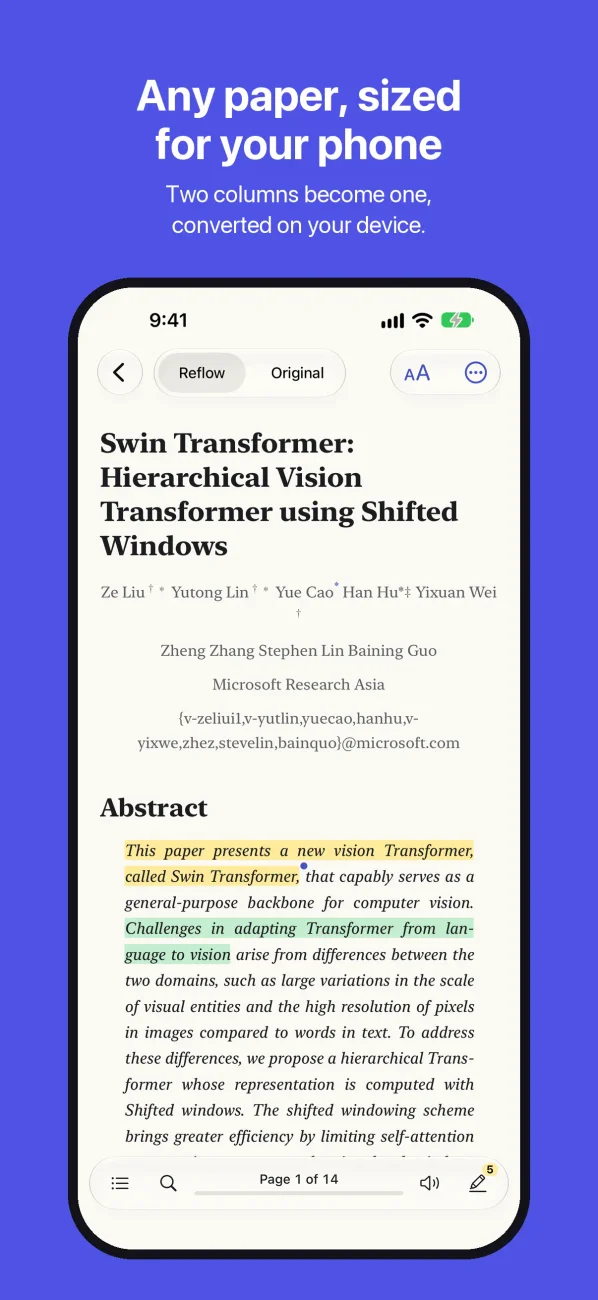
PDFs are made for paper. Unpage makes them readable on the screen in your hand.
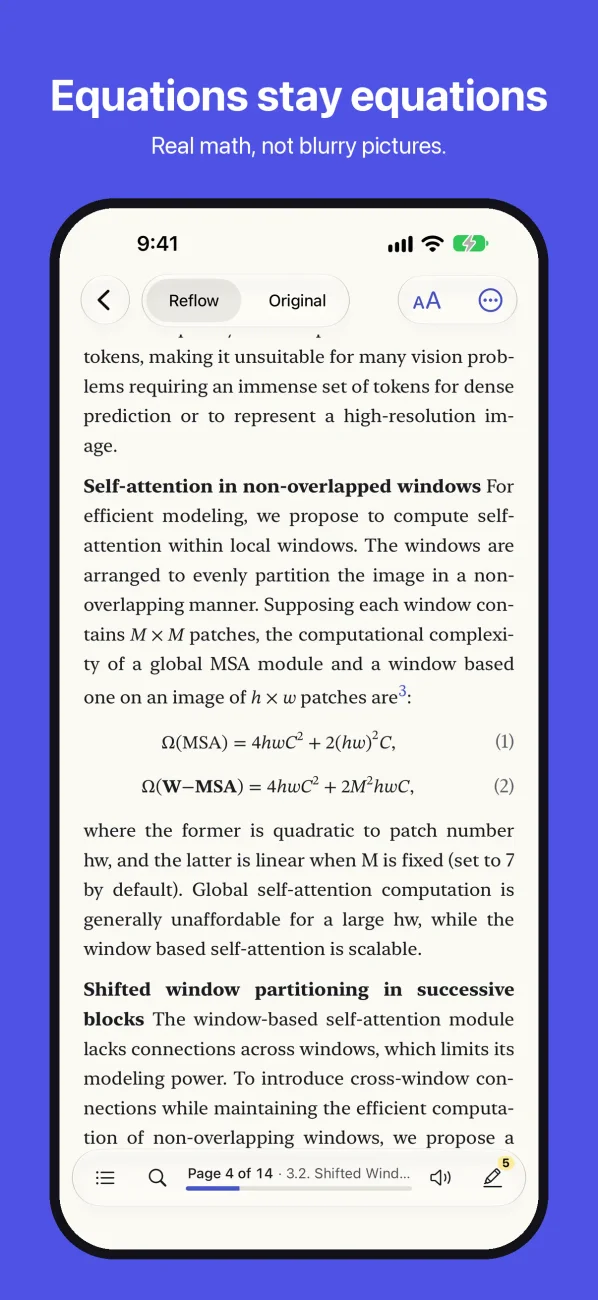
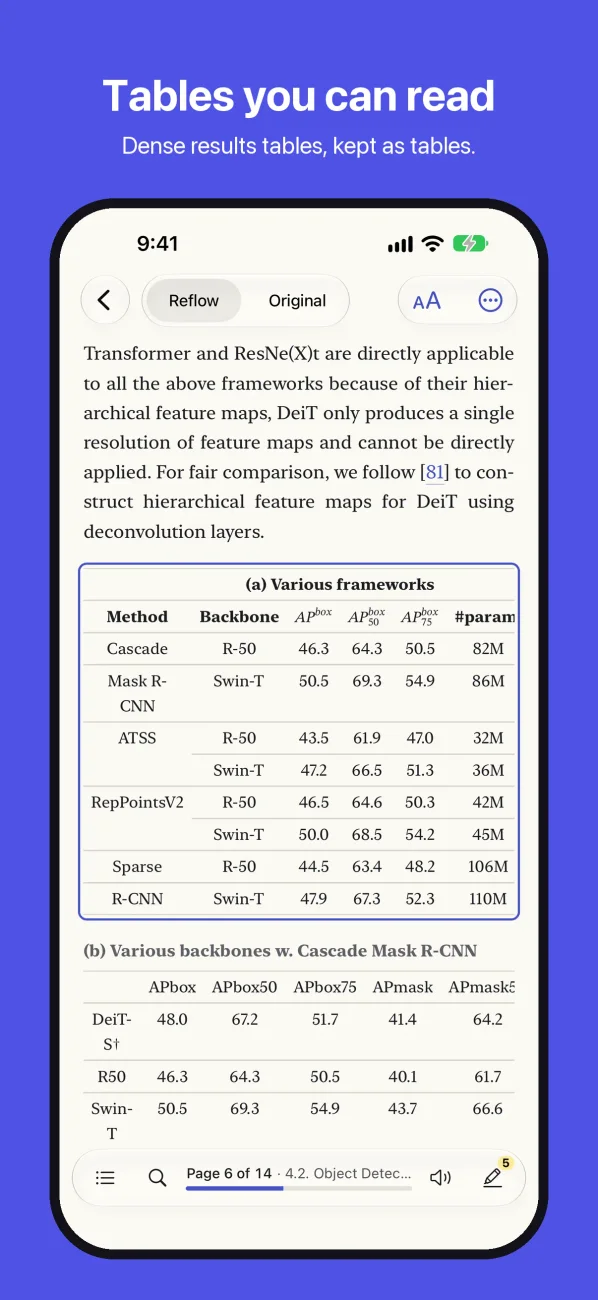
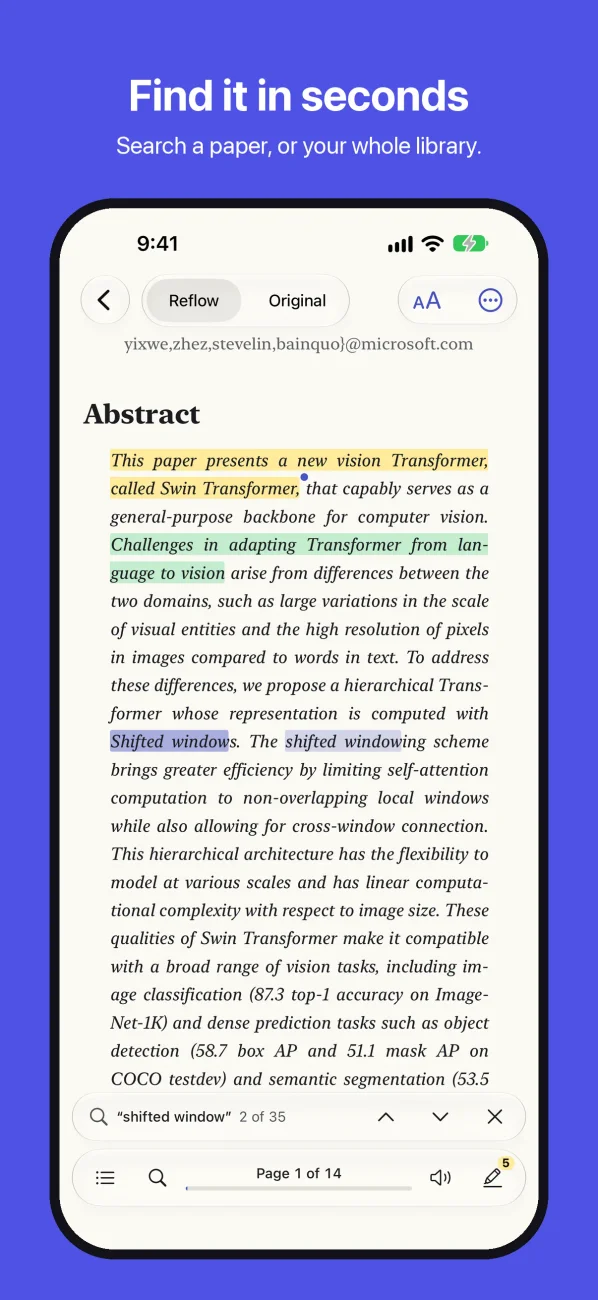
Add a PDF and Unpage converts it on your device into text that reflows to fit your iPhone, iPad or Mac: two columns become one, tables stay tables, equations stay equations, and figures keep their captions. Start reading right away while the careful conversion fills in page by page.
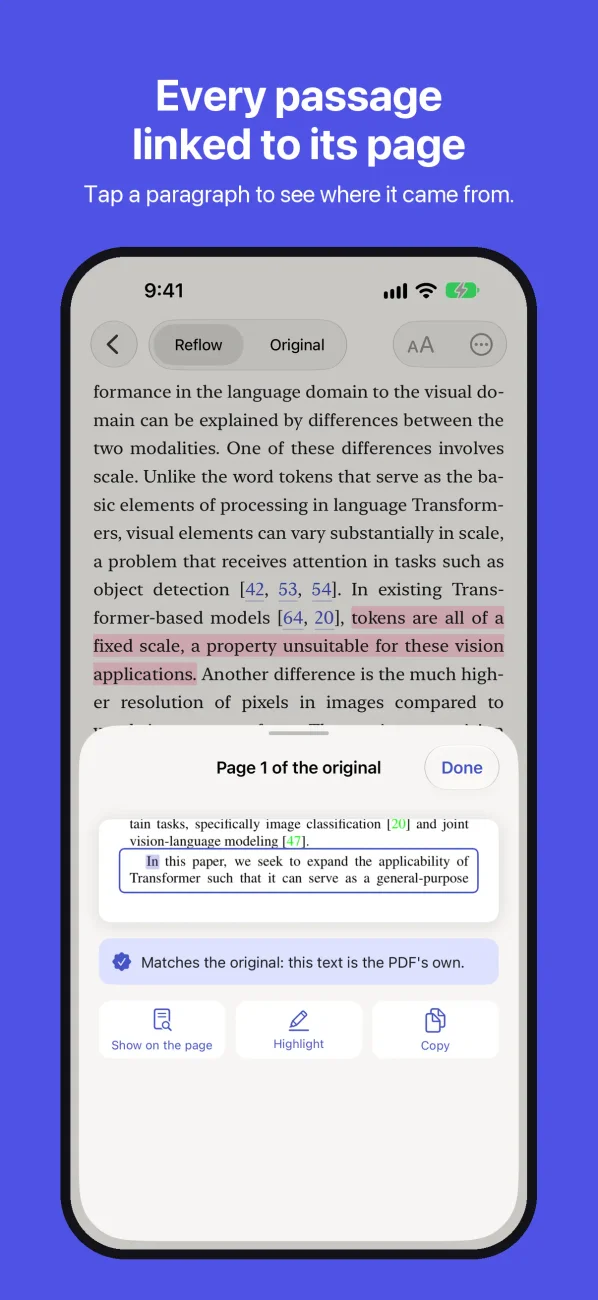
EVERY PASSAGE LINKED TO THE ORIGINAL
Tap a paragraph to see it outlined on the original page. Unpage checks its text against the PDF and marks the few passages worth checking. Switch between the reflowed text and the original, or read them side by side on iPad, Mac and iPhone Duo.
ASK AI ABOUT YOUR DOCUMENT
Hold a passage and choose Explain to have it put in plain words, or tap Ask and ask the document anything: "What did they find?", "When is the deadline?" Answers come from Apple Intelligence on Apple's Private Cloud Compute, in short sentences that each name the page they come from; tap one to see the quoted words outlined on the page. Unpage checks every sentence against the passages it cites, and a follow-up question knows what you asked before. Only your question and the passages it needs leave your device, and Apple doesn't keep them.
Explain and Ask need Apple Intelligence and iOS, iPadOS or macOS 27: iPhone 15 Pro or later, iPhone Air or iPhone Duo; iPad mini with A17 Pro or later, or any iPad with M1 or later; any Mac with M1 or later, or MacBook Neo. Apple allows a number of requests a day.
SCAN, READ AND LISTEN
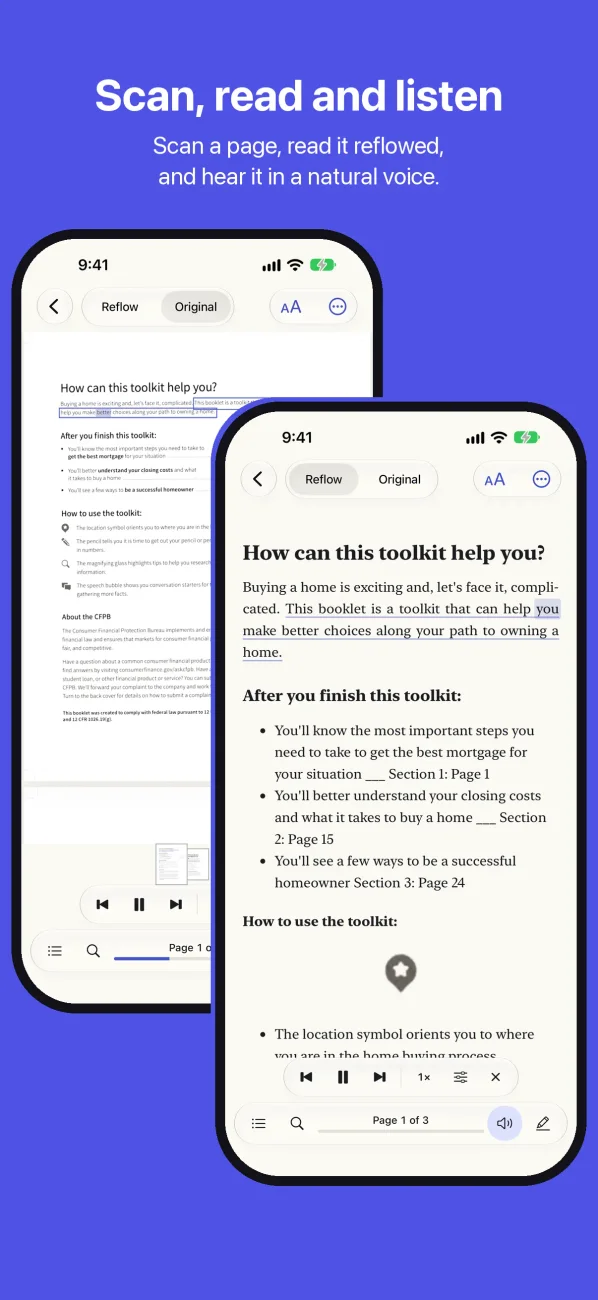
Scan pages with the camera or choose photos: Unpage makes them a searchable PDF and reflows them like any other. Tap Listen to hear a document: English in a natural voice made on your device, other languages in your device's own voices, free and offline, with the sentence underlined as it's read, even with the screen locked. Months later, search your library for a word on a scanned receipt and go straight to it.
EXPORT EPUB, MARKDOWN AND PDF
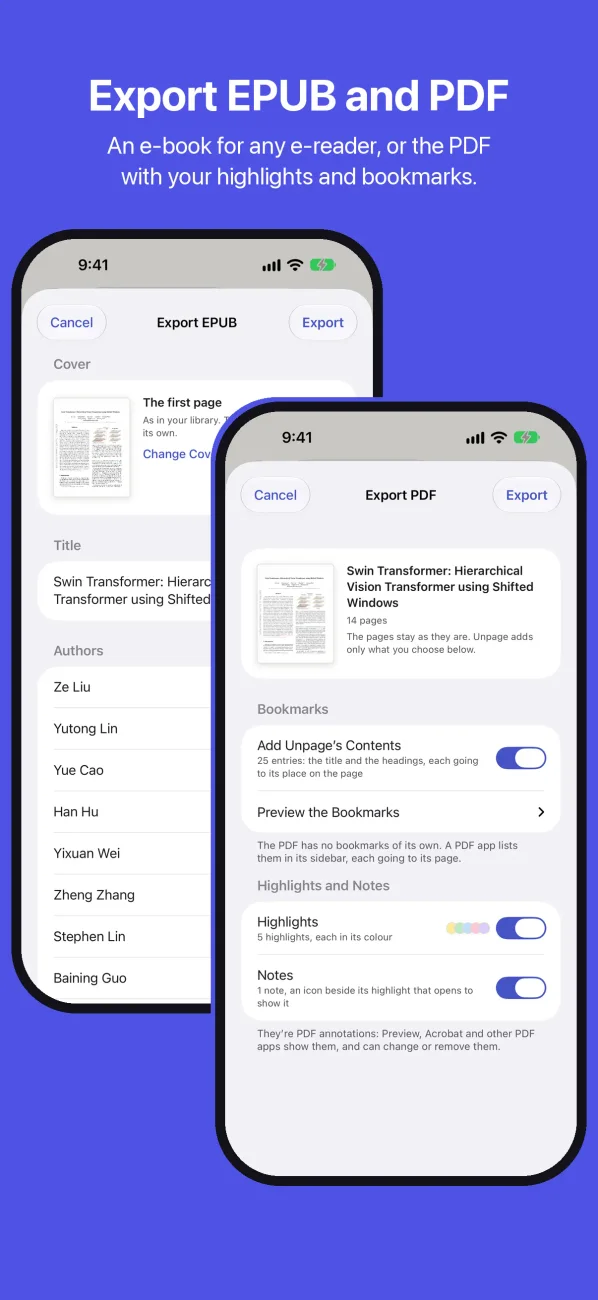
Export an EPUB for any e-reader, with its cover, title and authors filled in. Export Markdown for your notes app, with the pictures, your highlights and notes. Or export the PDF itself with your highlights and notes, which other PDF apps show, and Unpage's Contents as its bookmarks.
CONTENTS AND BOOKMARKS, YOUR WAY
Edit a document's Contents: rename an entry, leave one out, or turn headings set in capitals into Title Case or Sentence case. Add your own bookmarks where you're reading; an exported PDF keeps them in a group of their own.
MADE FOR PAPERS, GOOD FOR EVERYTHING
- Multi-column layouts, footnotes, references and running headers handled for you
- Tables you can read, and math as real equations
- Tips and sidebars set apart in a box, as on the page
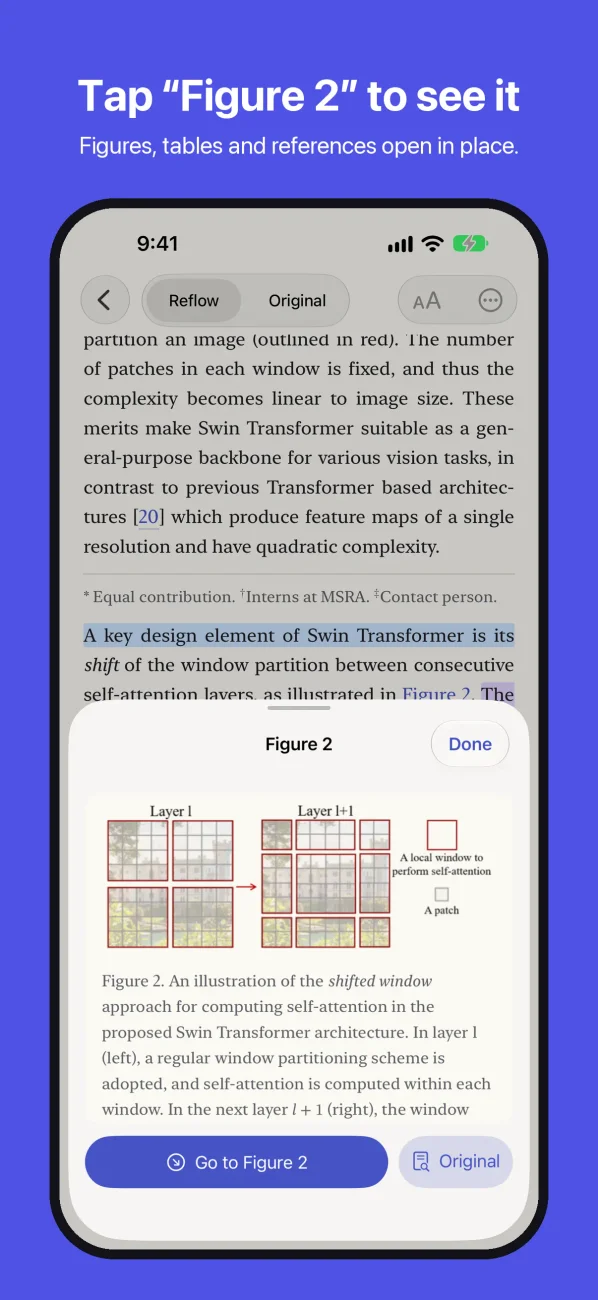
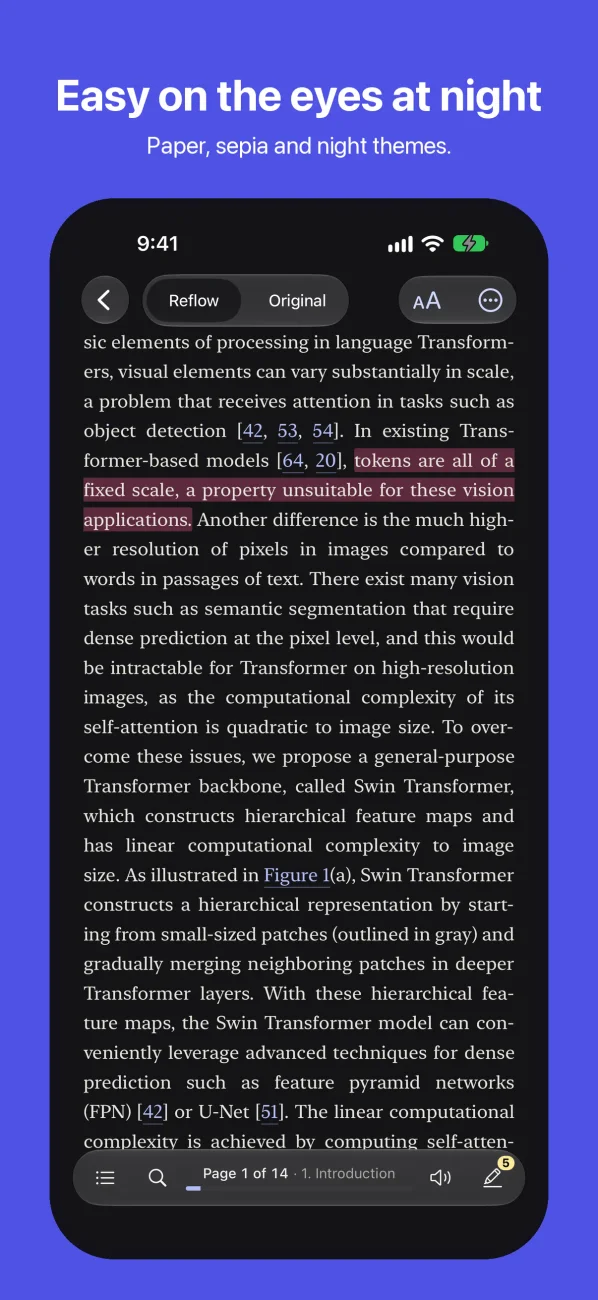
- "Figure 2" and "[12]" become links you can tap
- Search inside a document and across your whole library
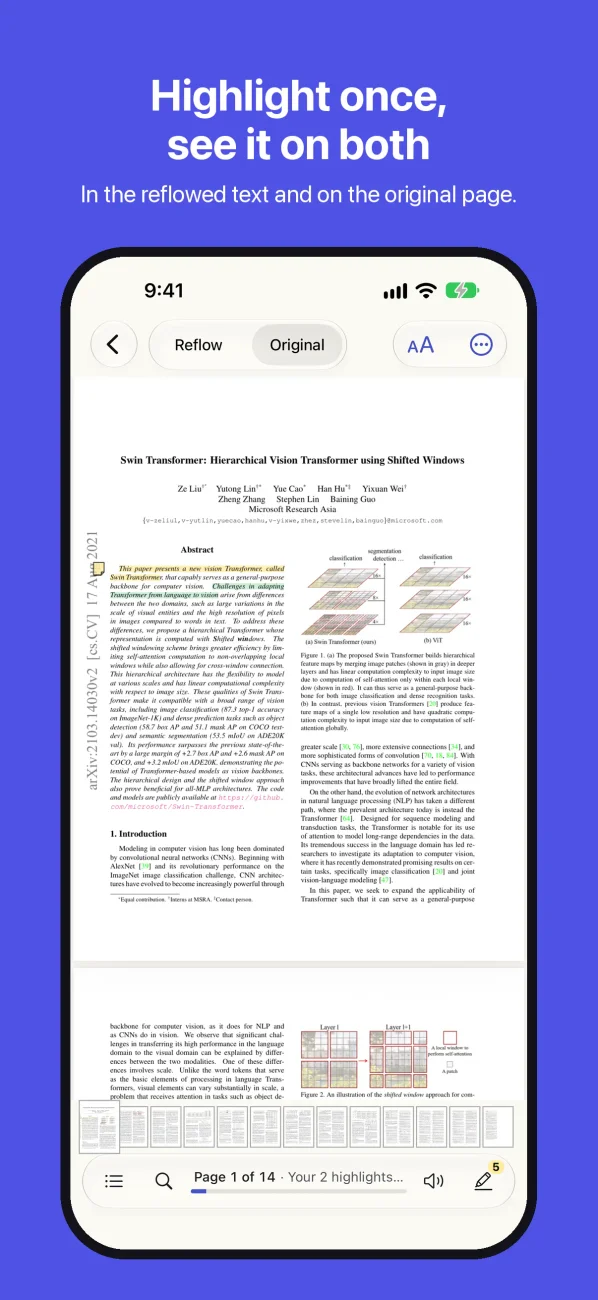
HIGHLIGHTS AND NOTES, IN BOTH VIEWS
Highlight a sentence in the reflowed text, in one of five colours, and it's highlighted on the original page too. Highlights and notes already in a PDF come in with it.
FIX THIS
If a passage came out wrong, read it again, change what it is, or edit it.
PRIVATE BY DESIGN
Documents are converted on your device and never uploaded. There's no account. Your library syncs through your own iCloud, if you want it to.
FREE TO START, PAY ONCE
Add 3 documents a week free, converted with any setting. Unpage Pro, a one-time purchase, adds every document, every export, editing the Contents and bookmarks, and Explain and Ask. Try Pro's features free for 3 days first. One purchase works on iPhone, iPad and Mac.
Unpage needs iOS 18 on iPhone or iPad, or a Mac with Apple silicon and macOS 26. Converting tables and equations on the device needs an A14 chip or later (iPhone 12, iPad Air 4th generation, iPad 10th generation, iPad mini 6th generation, iPad Pro with M1, or later); older iPhones and iPads get a quick reading, and the full conversion syncs from your newer devices.
What’s new
Version 1.11.0 · Nov 24, 2026
• Read EPUB books too. Add an EPUB from Files and read it in the same reader, with highlights, notes, the Contents and read aloud. Export it as Markdown, EPUB or PDF, and it syncs through iCloud like your PDFs.
• The reader's bars now float over the page: the text, and the original page too, runs on under the bottom bar and the read-aloud player. The original no longer has a strip of page thumbnails.
• Read aloud says text in brackets, words in capitals, signs and Greek letters, year ranges and ratios the way you'd read them.
• Equations: the dots of time derivatives sit right on their letter.
• Code listings keep their lines and indentation as printed, and a book's running heads no longer turn up as headings.
• Headings printed in capitals read correctly, and the words set inside a figure stay with the figure.
• Title Case and Sentence case for the Contents leave math alone.
• Long documents convert faster. To apply this version's conversion fixes to a document you already have, use Convert Again.
App privacy
What TSUNG-HENG WU declares on the App Store about how this app handles data.
-
Data not collected
The developer does not collect any data from this app.
Privacy practices may vary, for example with the features you use or your age.
Information
- Seller
- TSUNG-HENG WU
- Category
- Productivity
- Version
- 1.11.0
- Updated
- Nov 24, 2026
- Released
- Nov 10, 2026
- Size
- 765.8 MB
- Requires
- iOS 18.0 or later
- Age rating
- 4+
- Price
- Free
- In-app purchases
- Yes
- Languages
- English, French, German, Japanese, Korean, Portuguese, Simplified Chinese, Spanish, Traditional Chinese
- Copyright
- © 2026 Tsung-Heng Wu
You might also like
-
 PaperDesk - Office ToolsEdit, Sign, Scan & Convert
-
 Memento: Record & TranscriptsUnlimited AI Transcriptions
-
 Aloud MailProductivity
-
 TapLogOne-Tap Activity Tracking
-
 Beginary: Just StartStart tasks with ADHD
-
 PDF Editor: Scan, Merge, SignView, Convert, Merge & Split
-
 Ata ResearchAI Research Workspace
-
 Offline Text to Speech: ProTTSPDFs, EPUBs & 70,000+ books
-
 MoltSearchAI Search Engine
-
 slowDigestSend Articles to Your E-Reader