
- Age rating4+
- CategoryProductivity
- DeveloperPeter Underwood
- LanguagesEnglish
- Size14.7 MB
Links to the official App Store page
Download.org hosts no file of TapLog. The button opens its official App Store page, published by Peter Underwood. Listing last checked on Nov 20, 2026.
Screenshots

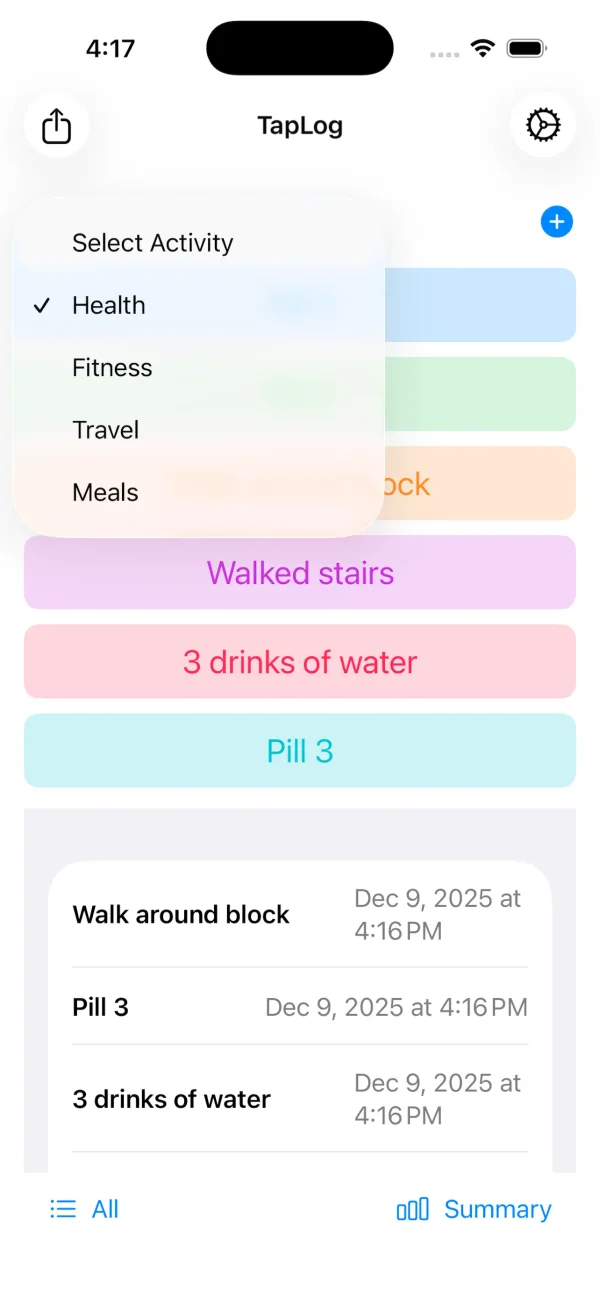

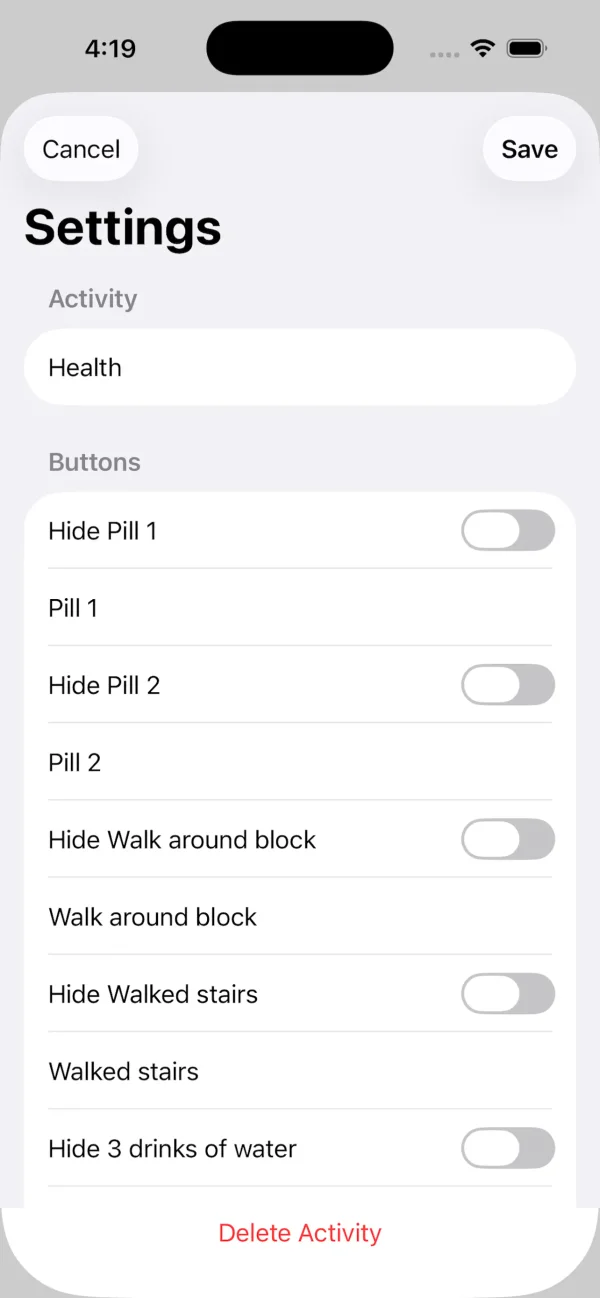
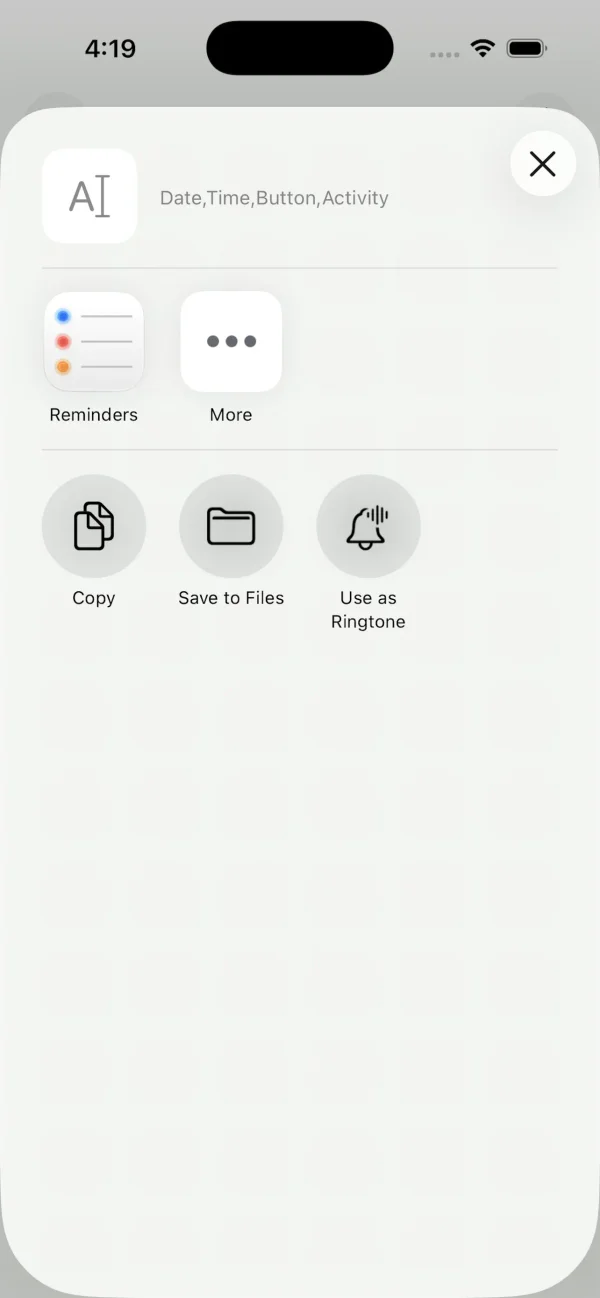
About
TapLog is the fastest way to track activities throughout your day.
Whether you’re logging workouts, steps at the gym, meditation sessions, hydration, medication, laps, or any custom activity—you can record it instantly with a single tap.
Designed for speed and simplicity, TapLog runs on both iPhone and Apple Watch, letting you capture moments as they happen.
FEATURES
• Instant Tap Logging – One tap records the activity with time and date.
• Fully Customizable Buttons – Create activities, assign colors, rename them, and reorder with ease.
• Apple Watch Support – Log directly from your wrist for hands-free tracking.
• Activity History – Review past logs with timestamps and quick filtering.
• Daily Summaries – View totals for the current day or any date in the past.
• Simple, Clean Interface – No complex menus, no clutter—just your activities.
• iCloud Sync (if enabled) – Keep history accessible across devices.
• Dark Mode Support
PERFECT FOR
• Workouts (reps, sets, exercises, stretches)
• Lap counting (swim, run, row, circuits)
• Medications & supplements
• Meal tracking or fasting windows
• Productivity tasks
• Water intake
• Repeated daily habits
• Travel or location-based logs (your specialty!)
• “Two-button logging” use cases (start/finish)
• Anything you can track with a tap
WHY USERS LOVE TAPLOG
TapLog is built for speed. You open the app, tap your activity, and it’s logged. That’s it.
No typing, no swiping, no forms—just tap and go.
What’s new
Version 1.05 · Sep 6, 2026
elapsed time is shown on main view
App privacy
What Peter Underwood declares on the App Store about how this app handles data.
-
Data not collected
The developer does not collect any data from this app.
Privacy practices may vary, for example with the features you use or your age.
Information
- Seller
- Peter Underwood
- Category
- Productivity
- Version
- 1.05
- Updated
- Sep 6, 2026
- Released
- Dec 10, 2025
- Size
- 14.7 MB
- Requires
- iOS 26.0 or later
- Age rating
- 4+
- Price
- $0.99
- Languages
- English
- Copyright
- © 2025 Peter Underwood
You might also like
-
 TapLog TrackerSimple way to log actions
-
 Last Time: Habit & Event LogHow long ago? Elapsed tracker
-
 ControlistSmart list manager for you
-
 Notes and Memos - NoteNotepad. No account. Offline.
-
 Unpage: PDF ReaderRead any PDF, reflowed
-
 FreshboardWhen did I last..?
-
 Goals Tracker – Goals Labto do tasks & habits tracking
-
 Luckynote: Message YourselfSave reels, links & notes
-
 Noreel: Scroll without reelsBlock Brainrot From Your Feed
-
 Click Counter – Multi CounterPeople Group Category Counters