
Untap: Limit Screen Time
Apps & Website Blocker, Timer
Designed for iPhone, iPad
Free · In-app purchases
- Age rating4+
- CategoryProductivity
- DeveloperVishal Pawar
- LanguagesEnglish+ 10 more
- Size31.4 MB
Links to the official App Store page
Download.org hosts no file of Untap: Limit Screen Time. The button opens its official App Store page, published by Vishal Pawar. Listing last checked on Nov 23, 2026.
Screenshots



About
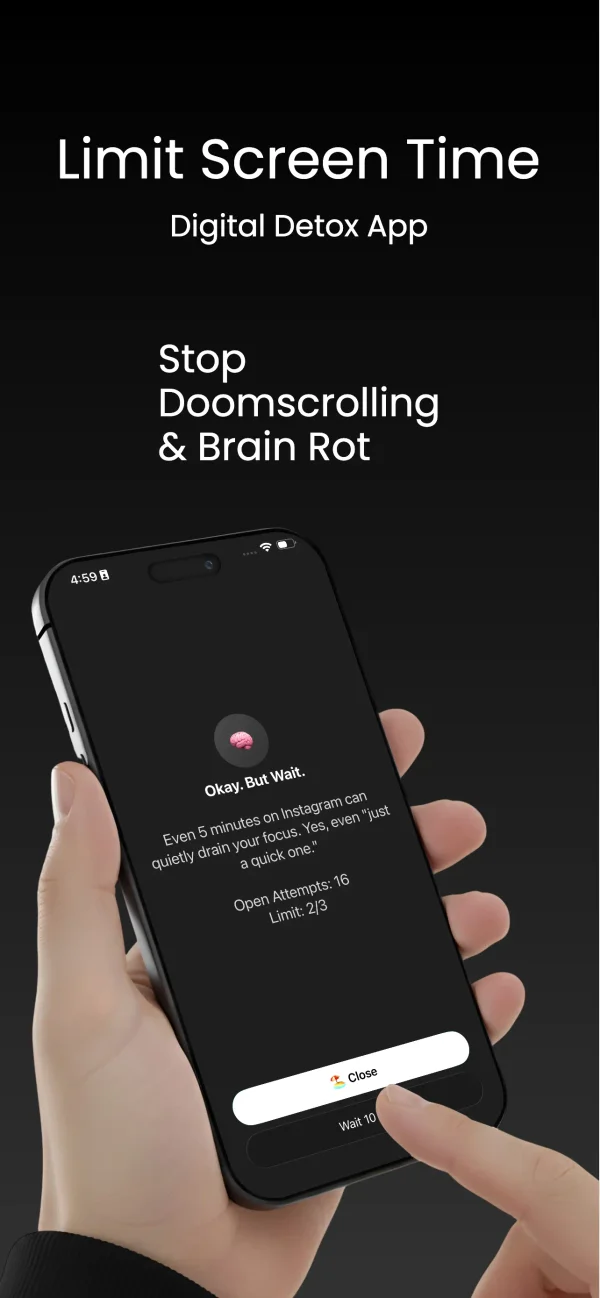
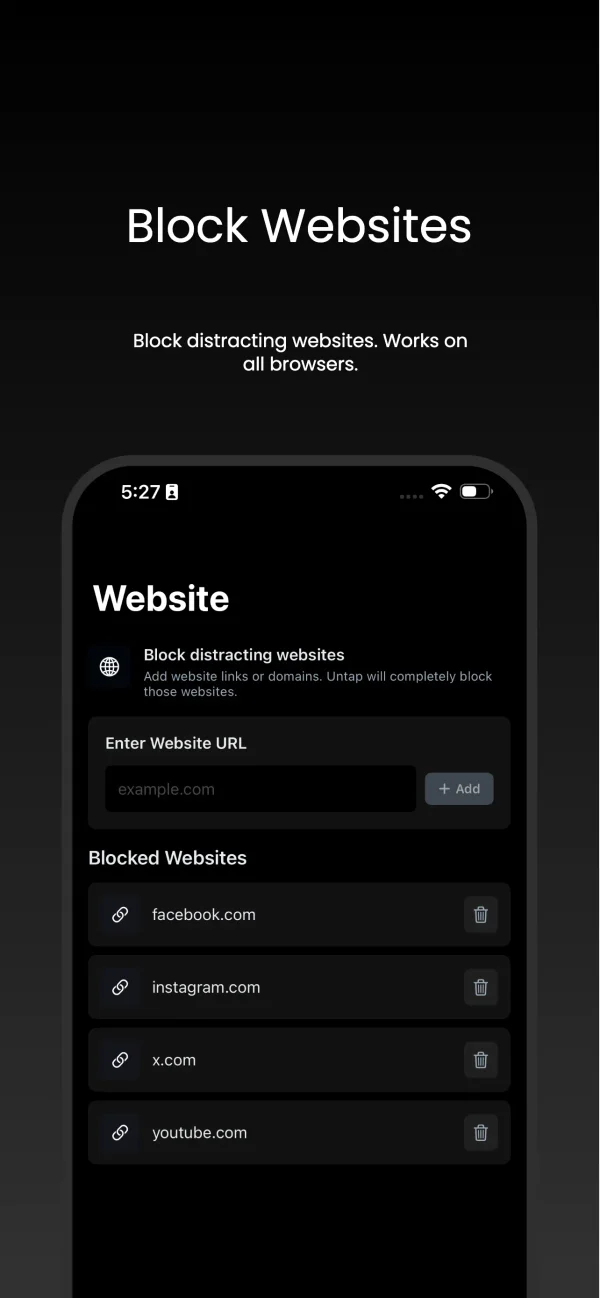
Make space for studying, work and life beyond your phone. Untap helps you limit screen time, block distracting apps and choose more deliberately when to open social media.
PROTECT YOUR FOCUS HOURS
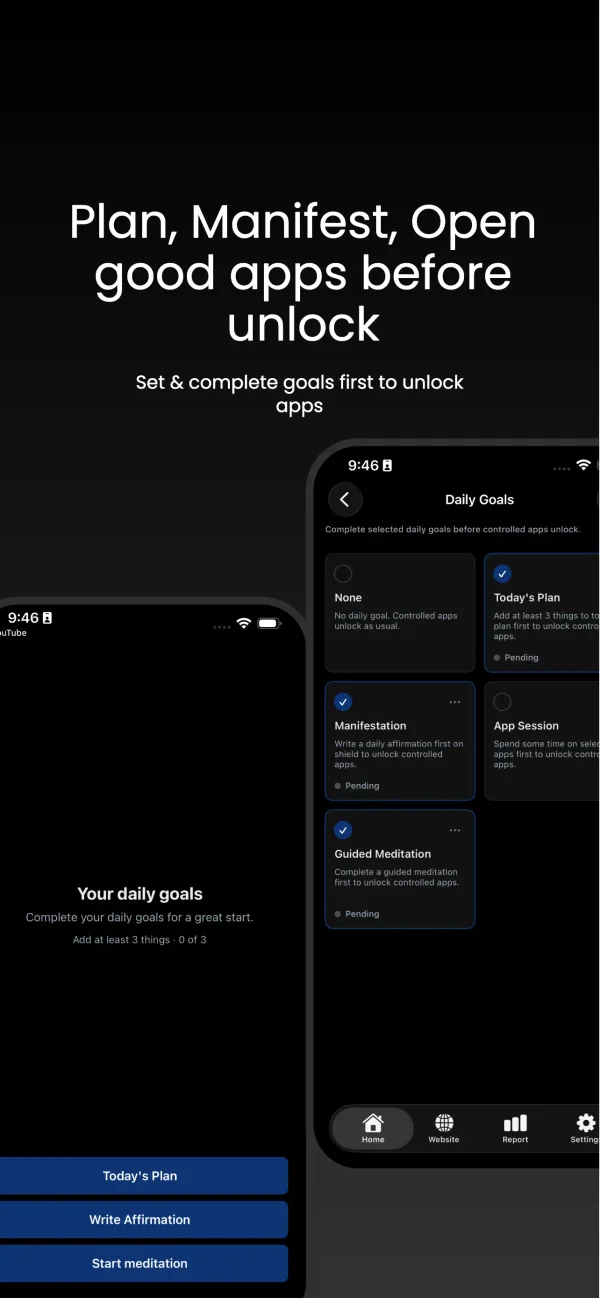
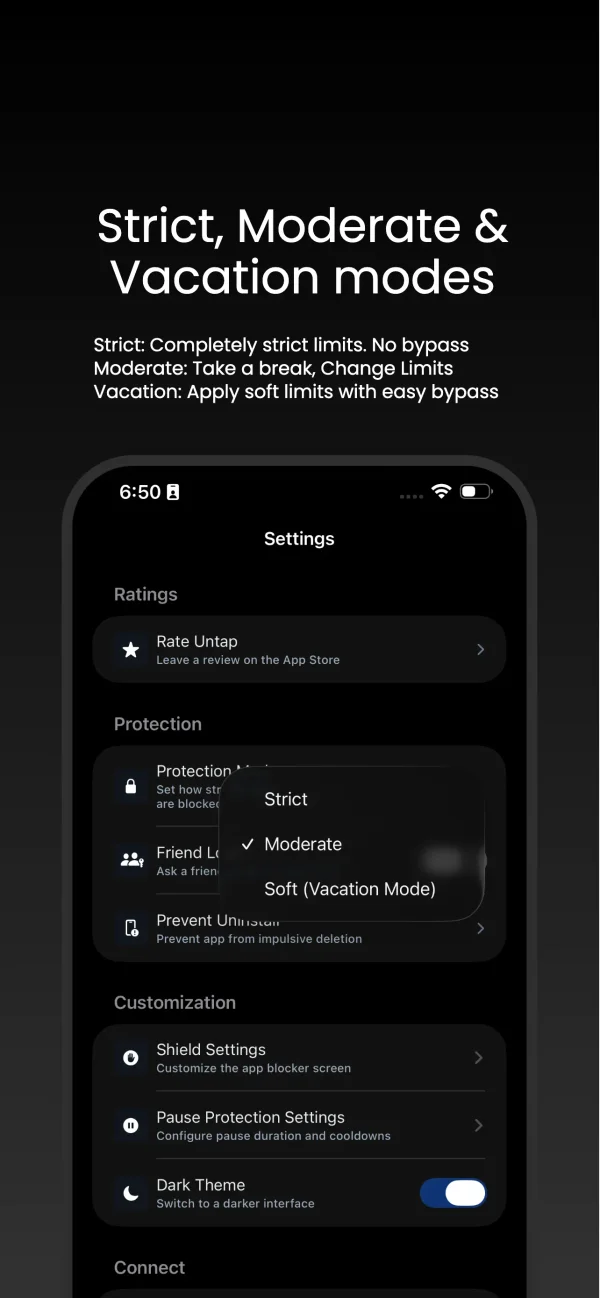
Choose the days and times you want to keep for studying, work or reading. Restrict selected apps during those hours. Use the available strict settings when you want a firmer boundary, and review your rules before starting.
LIMIT THE REST OF YOUR DAY
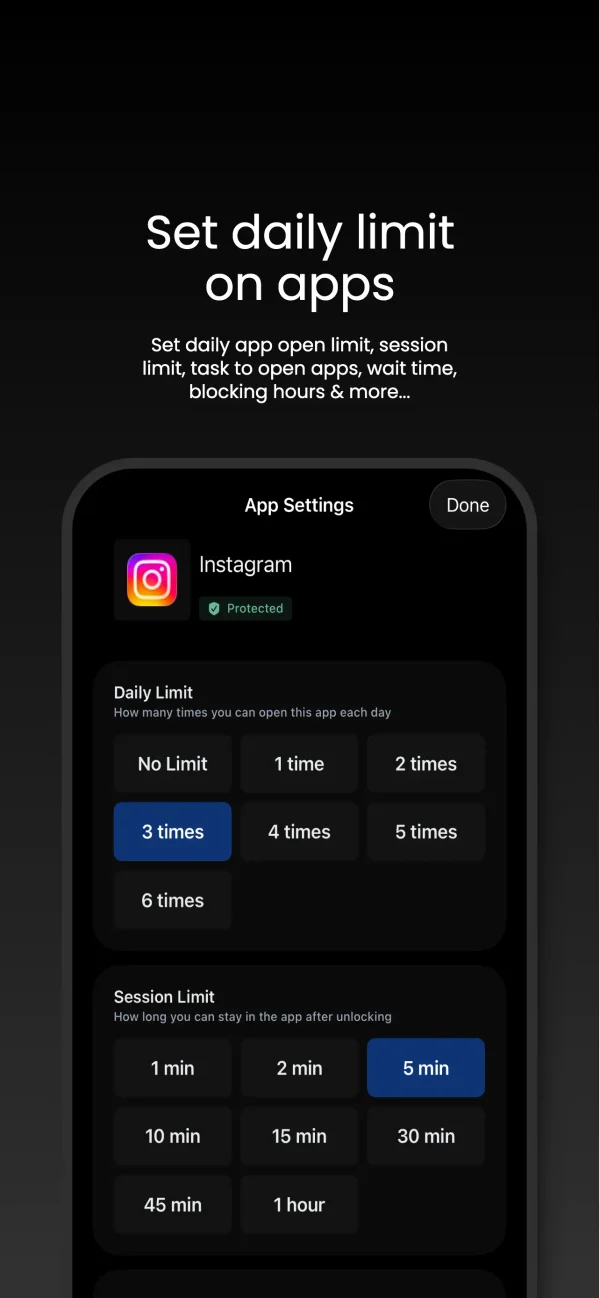
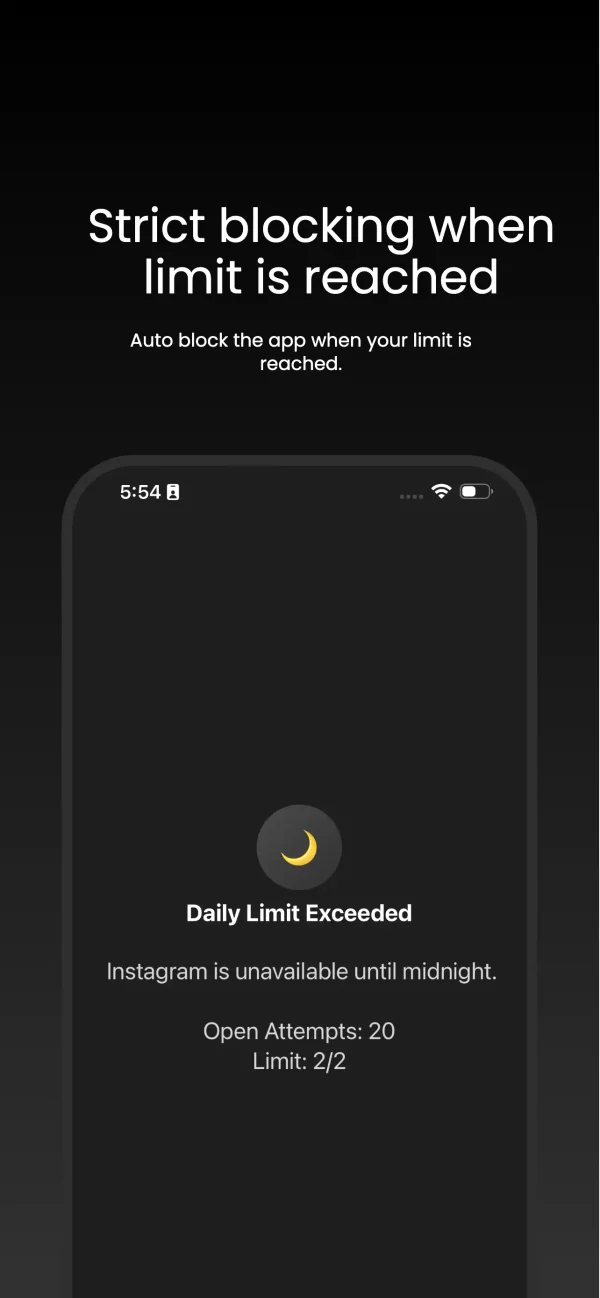
Set how many times you can open an app each day and how long each session can last. Lock settings to make impulsive changes harder. Combine focus hours with daily opening limits and session caps.
QUIZ YOURSELF BEFORE YOU SCROLL
Turn an unlock into a study check. Upload a PDF or photos of your notes, or enter a topic, to create quiz questions. Answer a question correctly before opening the selected app. Use the pause to review what you are learning rather than jump straight into a feed.
READ A PAGE OR TAKE A PAUSE
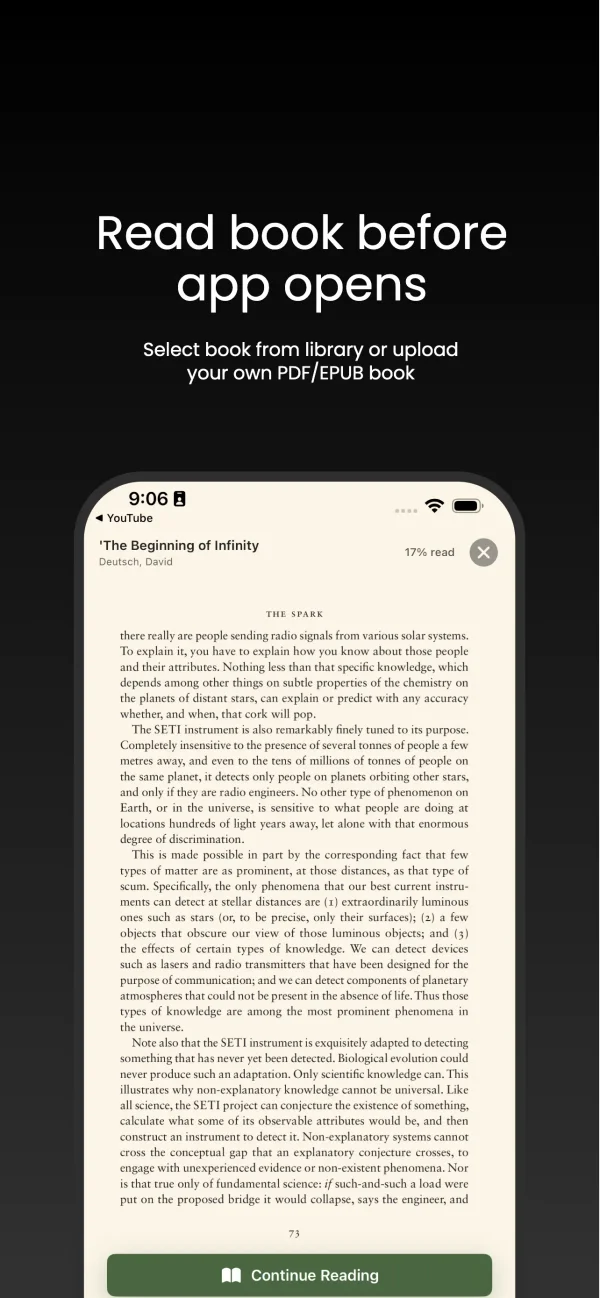
Choose an available reading passage before opening an app, then decide whether to continue reading or unlock. Or add a short waiting period to interrupt automatic app checking.
UNDERSTAND YOUR SCREEN TIME
See your daily screen time, most-used apps and protection streak. Review your habits and adjust your limits as your routine changes.
FOR STUDY AND EVERYDAY FOCUS
Protect revision time, keep social media breaks within a limit and make room for projects, books and offline plans. Untap provides controls for the boundaries you choose; results depend on your settings and use.
GET STARTED
Select the apps you want to control, authorize the required Screen Time access and set your schedule and limits. Some features require a paid plan; review the options and prices shown in the app.
PRIVACY AND QUIZ GENERATION
Untap uses Apple’s Screen Time API. App blocking runs on your device. If you upload study files for quizzes, those files are sent to Google’s Gemini AI to generate quiz questions. Quiz generation is separate from on-device app blocking.
Privacy Policy: https://www.getuntap.com/privacy
Terms: https://www.getuntap.com/terms
What’s new
Version 1.8.0 · Nov 17, 2026
Improved Pause Protection
Advanced Focus Hour Scheduling
App privacy
What Vishal Pawar declares on the App Store about how this app handles data.
-
Data used to track you
May be used to track you across apps and websites owned by other companies.
- Identifiers
- Usage data
-
Data not linked to you
May be collected but is not linked to your identity.
- Identifiers
- Usage data
- Diagnostics
Privacy practices may vary, for example with the features you use or your age.
Information
- Seller
- Vishal Pawar
- Category
- Productivity
- Version
- 1.8.0
- Updated
- Nov 17, 2026
- Released
- Feb 23, 2026
- Size
- 31.4 MB
- Requires
- iOS 17.0 or later
- Age rating
- 4+
- Price
- Free
- In-app purchases
- Yes
- Languages
- English, Arabic, Dutch, French, German, Italian, Japanese, Korean, Portuguese, Simplified Chinese, Spanish
- Copyright
- © Untap: Limit Screen Time
You might also like
-
 LockedIn: Earn Screen TimeHabittracker & Focus
-
 Waddles: Unrot Your BrainGamified App Blocker
-
 Blocus: Earn Screen TimeApp Blocker & Focus Timer
-
 Unglue: Screen Time FriendApp Blocker & Habit Tracker
-
 Handy CleanSmart Storage Manager
-
 Photo Gallery - Photo RecoveryPrivate Voice Gallery Vault
-
 Screen Time TrackerApp & Website Blocker Control
-
 Limit – Control the ScrollMake screen time intentional
-
 Swipe to Clean: Photo GalleryAI Storage Clean & Declutter
-
 Flux Cleaner-Space OptimizeCleanup Master