
Unzip Extractor pro
Best zip rar 7z unpacker
Designed for iPhone, iPod touch
Free · In-app purchases
- Age rating4+
- CategoryProductivity
- Developer俊銮 褚
- LanguagesEnglish+ 1 more
- Size18.2 MB
Links to the official App Store page
Download.org hosts no file of Unzip Extractor pro. The button opens its official App Store page, published by 俊銮 褚. Listing last checked on Nov 13, 2026.
Screenshots



About
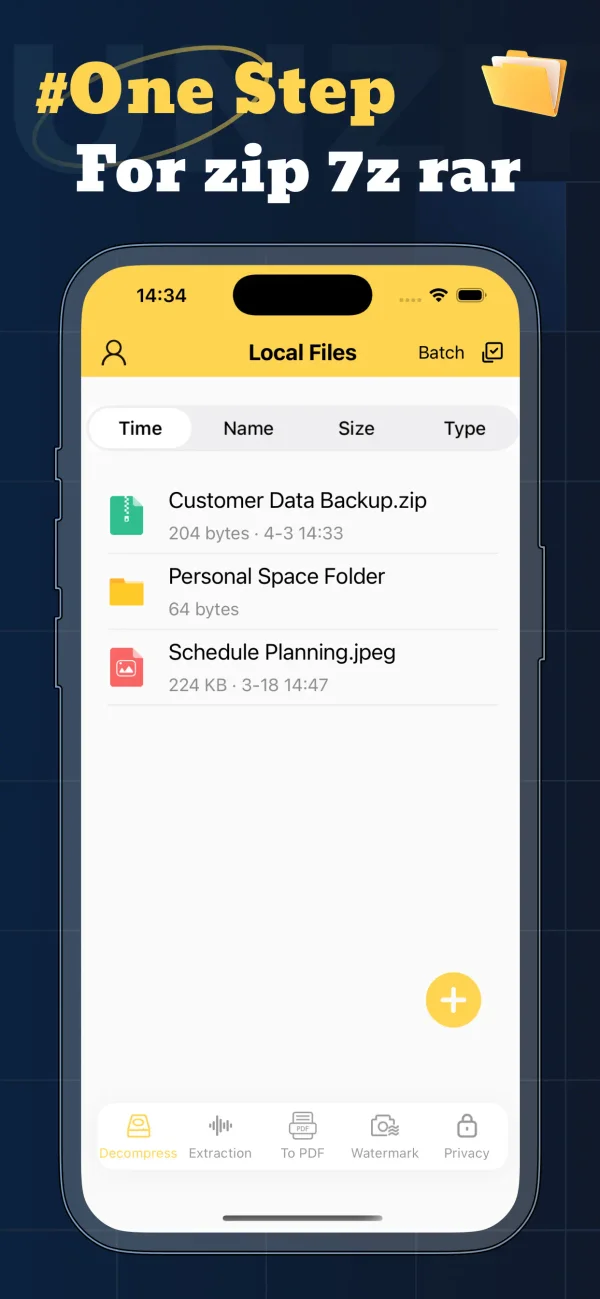
Decompression Expert -- RAR, ZIP, 7Z, Haoya Split-File Decompression Tool
Audio Extraction – Quickly extract audio from videos. No more worrying about not finding the BGM for short videos!
Private Space – A secure space tailored for privacy-conscious users, where you can safely store your important files!!!
In the digital world, compressed files are everywhere, but decompressing them can often be a challenge. Now, with Extreme Decompression Master, everything becomes simple and fast!
[Key Features]:
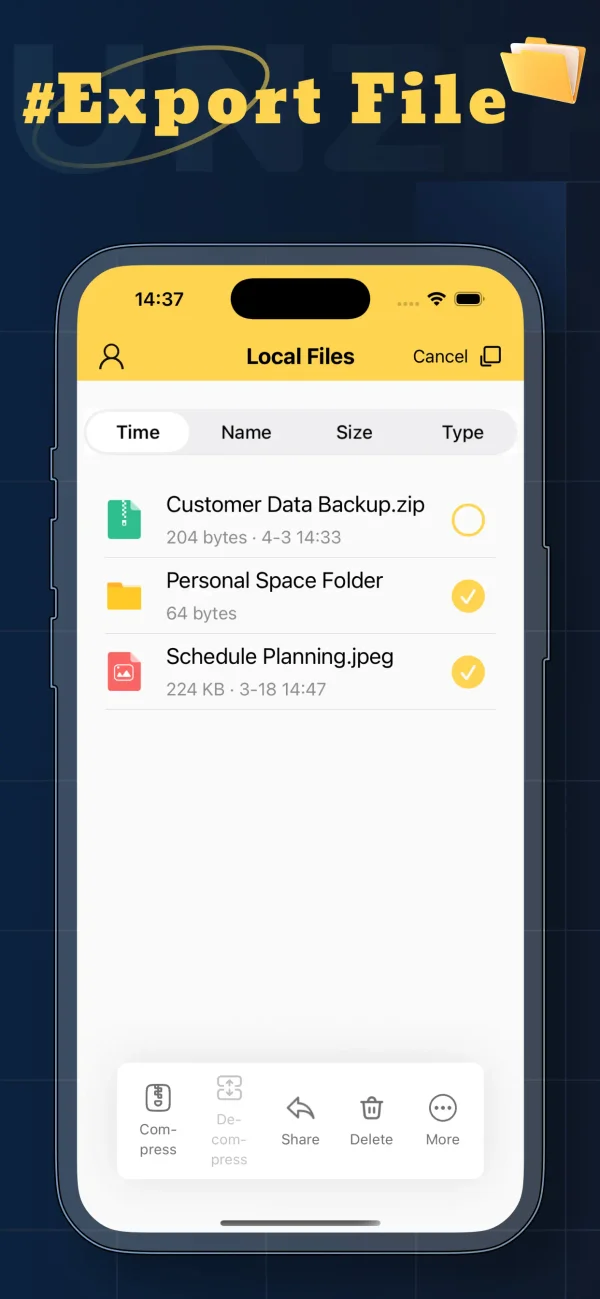
- Multiple Formats: Supports mainstream compression formats such as ZIP, RAR, 7z, and TAR. No matter where your files come from, Extreme Decompression Master handles them effortlessly.
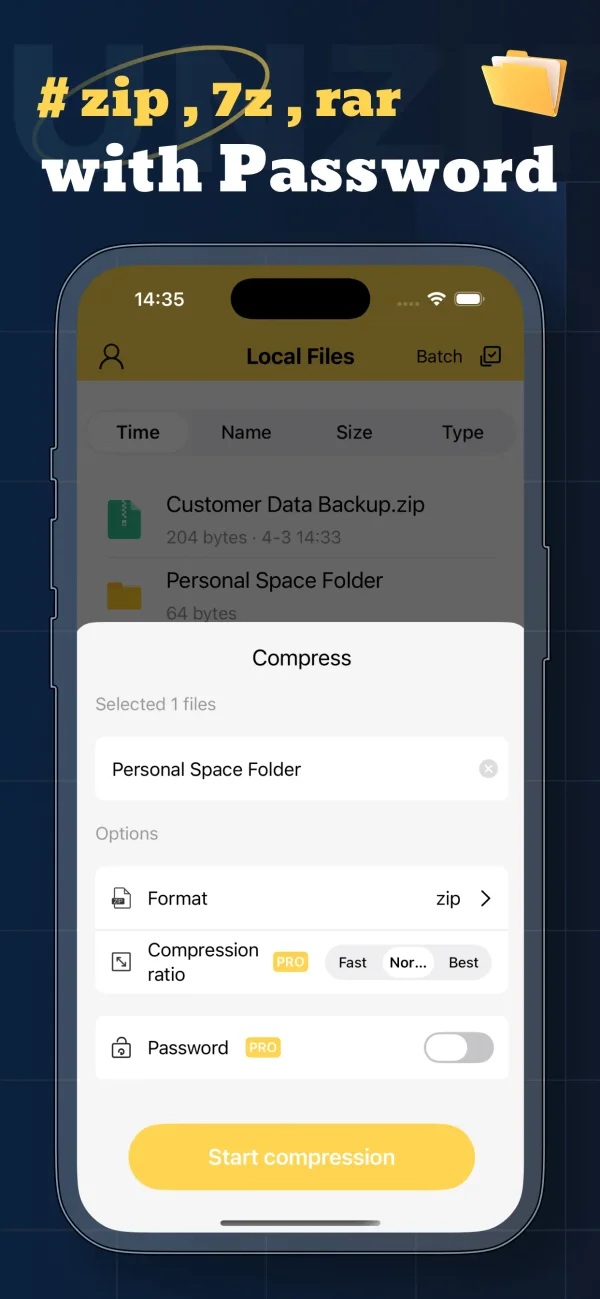
- Compression Ratio: Allows you to set compression ratios – Fast, Standard, Best.
- File Renaming: Supports renaming files.
- Password Protection: Set a password to protect file access when compressing. Also supports decompressing password-protected files.
- Secure Decompression: Built-in security scan ensures that decompressed files are safe and virus-free, protecting your device from threats.
- Batch Operations: Supports batch decompression of multiple files to boost productivity.
- File Preview: Preview files inside an archive without needing to decompress.
- Extreme Speed: Utilizes advanced decompression algorithms to significantly increase speed – your files are extracted as fast as lightning.
- Smart Recognition: Automatically identifies file types – no need to manually select decompression methods. One-click extraction, hassle-free.
- User-Friendly Interface: Clean and intuitive UI makes it easy for first-time users to get started.
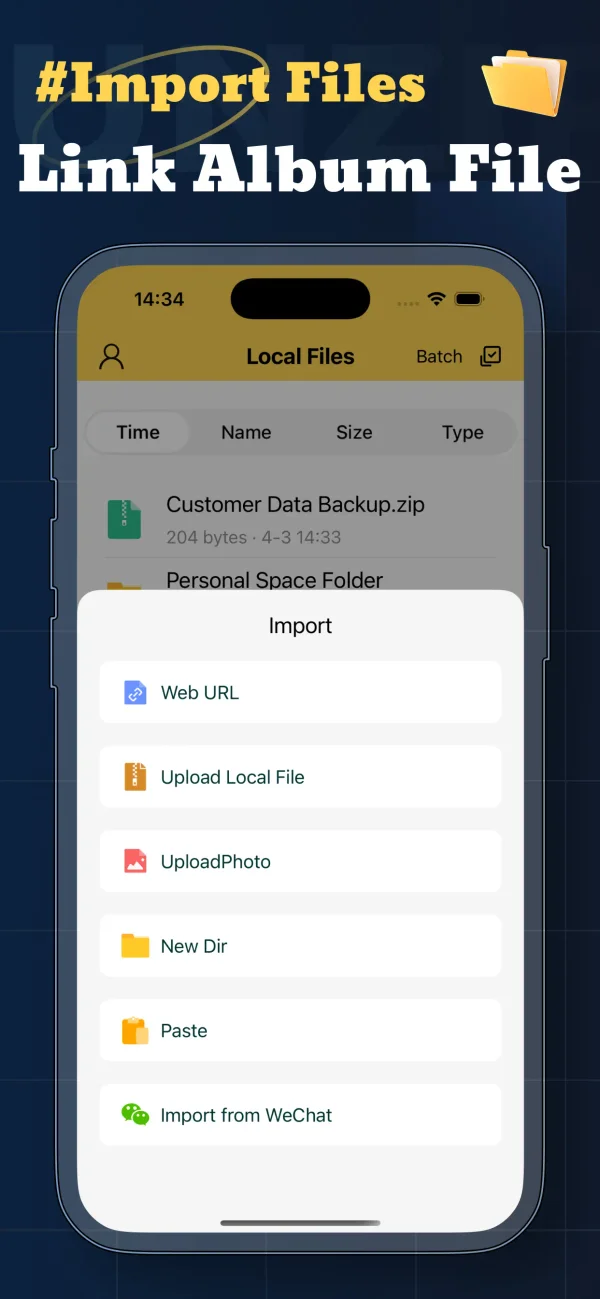
- Cloud Sync: Supports cloud service synchronization, allowing you to access your decompressed files anytime, anywhere.
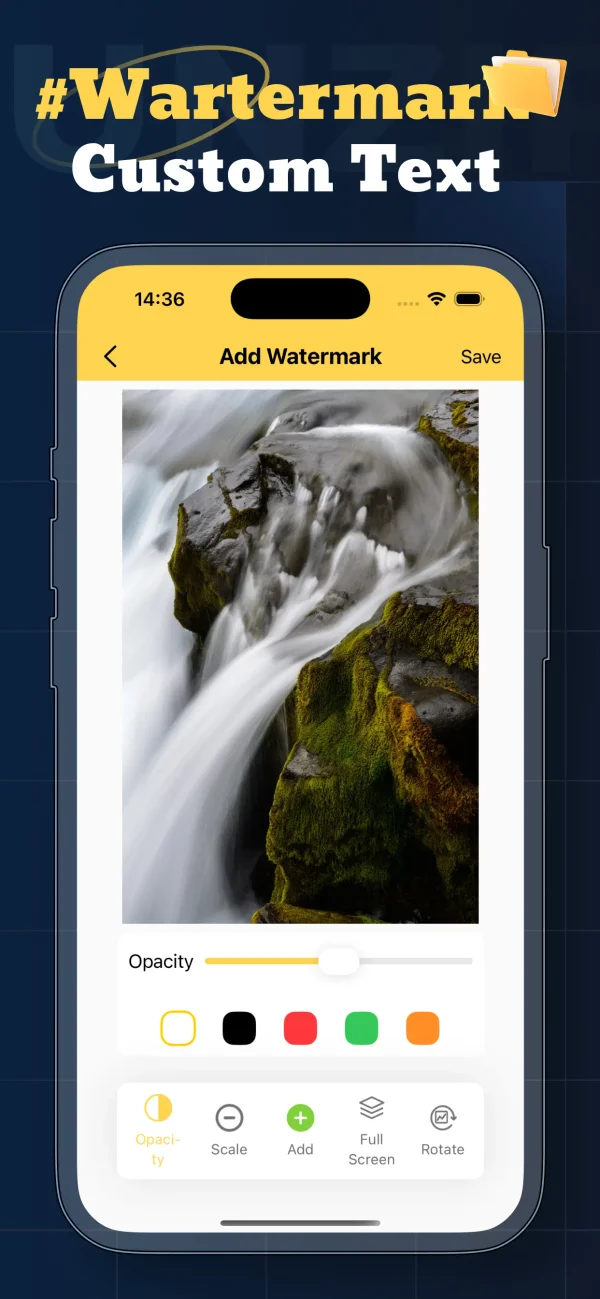
- Image Watermark: Freely add watermarks to images.
[Use Cases]:
- Office workers: Quickly decompress email attachments to improve work efficiency.
- Designers: Unpack design assets and get instant inspiration.
- Developers: Extract code packages and deploy projects rapidly.
- Students: Decompress study materials and learn with ease.
- Download Extreme Decompression Master and experience unprecedented decompression speed and convenience!
- Some features in the app require payment. To cancel your subscription, please do so within 24 hours before the next subscription period begins.
Membership Subscription Agreement: https://www.apple.com/legal/internet-services/itunes/dev/stdeula/
Privacy Policy: https://www.termsfeed.com/live/becaa0c4-7a06-4497-bd1d-33eac8242c41
What’s new
Version 1.2.7 · Apr 10, 2026
- Support English
App privacy
What 俊銮 褚 declares on the App Store about how this app handles data.
-
Data not collected
The developer does not collect any data from this app.
Privacy practices may vary, for example with the features you use or your age.
Information
- Seller
- 俊銮 褚
- Category
- Productivity
- Version
- 1.2.7
- Updated
- Apr 10, 2026
- Released
- Sep 26, 2024
- Size
- 18.2 MB
- Requires
- iOS 15.0 or later
- Age rating
- 4+
- Price
- Free
- In-app purchases
- Yes
- Languages
- English, Simplified Chinese
- Copyright
- © gosearch.top 2024
You might also like
-
 BajoSeek-智能搜索AI助手Productivity
-
 记账有钱-AI自动记账&家庭生活记账软件Productivity
-
 倒计时备忘录-倒数正数日闹钟提醒定时提醒,不错过任何重要事项
-
 幻灯片手机版-实用幻灯片演示设计Productivity
-
 法考直通车-法考学习Productivity
-
 Unzip - RAR ZIP 7z ExtractorFile Manager and Unarchive ZIP
-
 Private Vault:Lock PhotosEncrypted Storage • Passwords
-
 手机优化管家-手机清理存储优化整理与相册视频压缩Productivity
-
 图纸通-CAD快速看图,手机看图神器Productivity
-
 Phone Transfer-Clone PhoneCopy my data between devices.