
- 対象年齢4+
- カテゴリ仕事効率化
- 開発元俊銮 褚
- 言語英語ほか1言語
- サイズ18.2 MB
App Storeの公式ページにリンクしています
Download.orgはUnzip Extractor proのファイルを一切ホストしていません。ボタンを押すと、俊銮 褚が公開しているApp Storeのアプリページが開きます。ページの最終確認:2026/11/13。
スクリーンショット



概要
開発元はこのテキストをお使いの言語で提供していません。
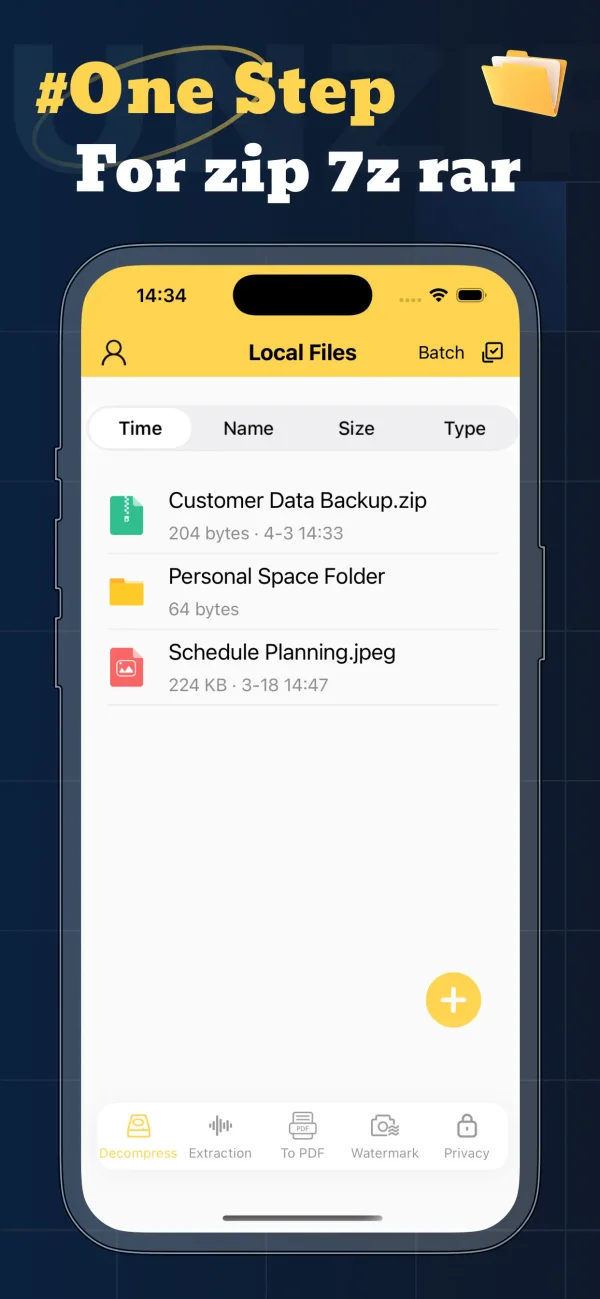
Decompression Expert -- RAR, ZIP, 7Z, Haoya Split-File Decompression Tool
Audio Extraction – Quickly extract audio from videos. No more worrying about not finding the BGM for short videos!
Private Space – A secure space tailored for privacy-conscious users, where you can safely store your important files!!!
In the digital world, compressed files are everywhere, but decompressing them can often be a challenge. Now, with Extreme Decompression Master, everything becomes simple and fast!
[Key Features]:
- Multiple Formats: Supports mainstream compression formats such as ZIP, RAR, 7z, and TAR. No matter where your files come from, Extreme Decompression Master handles them effortlessly.
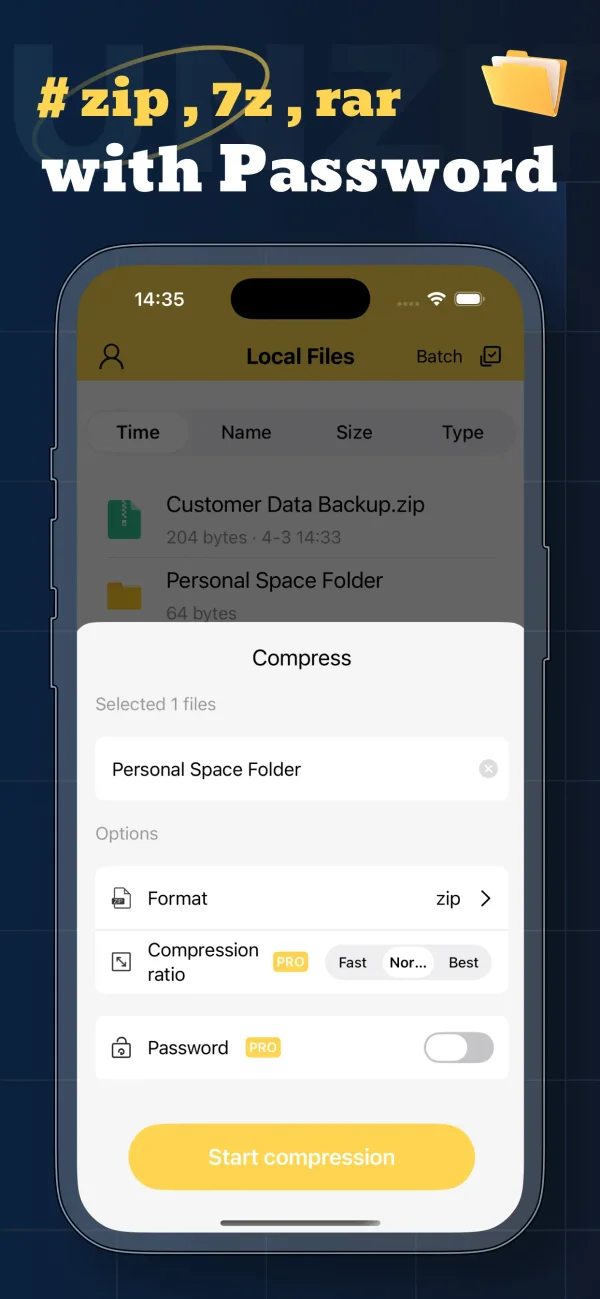
- Compression Ratio: Allows you to set compression ratios – Fast, Standard, Best.
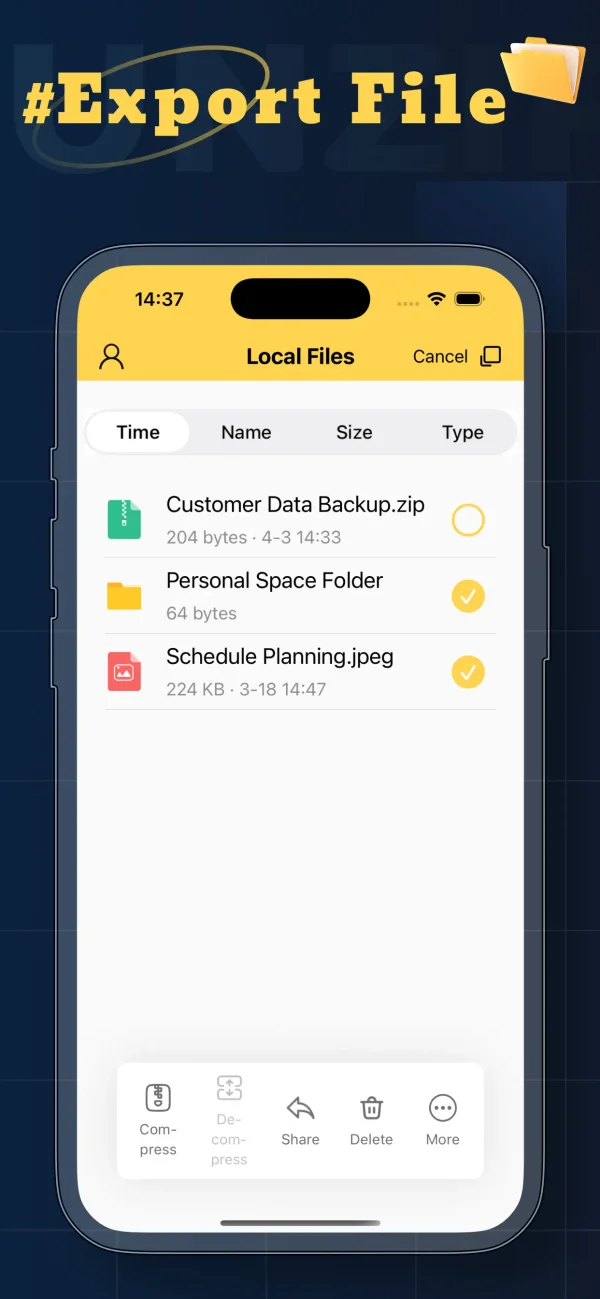
- File Renaming: Supports renaming files.
- Password Protection: Set a password to protect file access when compressing. Also supports decompressing password-protected files.
- Secure Decompression: Built-in security scan ensures that decompressed files are safe and virus-free, protecting your device from threats.
- Batch Operations: Supports batch decompression of multiple files to boost productivity.
- File Preview: Preview files inside an archive without needing to decompress.
- Extreme Speed: Utilizes advanced decompression algorithms to significantly increase speed – your files are extracted as fast as lightning.
- Smart Recognition: Automatically identifies file types – no need to manually select decompression methods. One-click extraction, hassle-free.
- User-Friendly Interface: Clean and intuitive UI makes it easy for first-time users to get started.
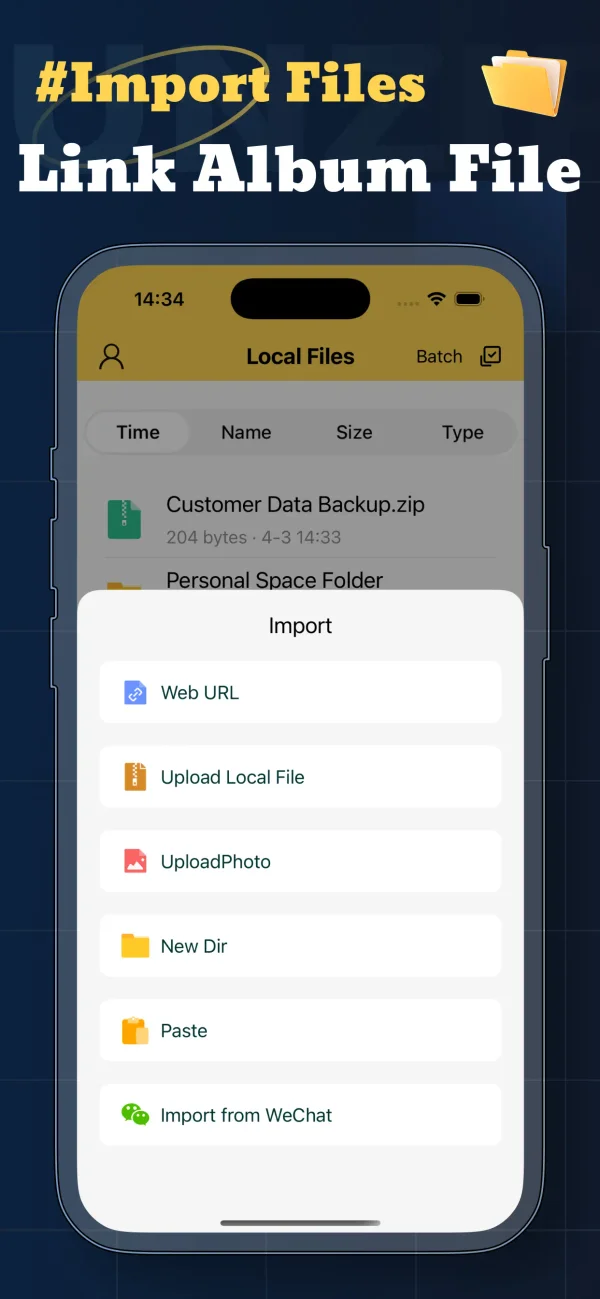
- Cloud Sync: Supports cloud service synchronization, allowing you to access your decompressed files anytime, anywhere.
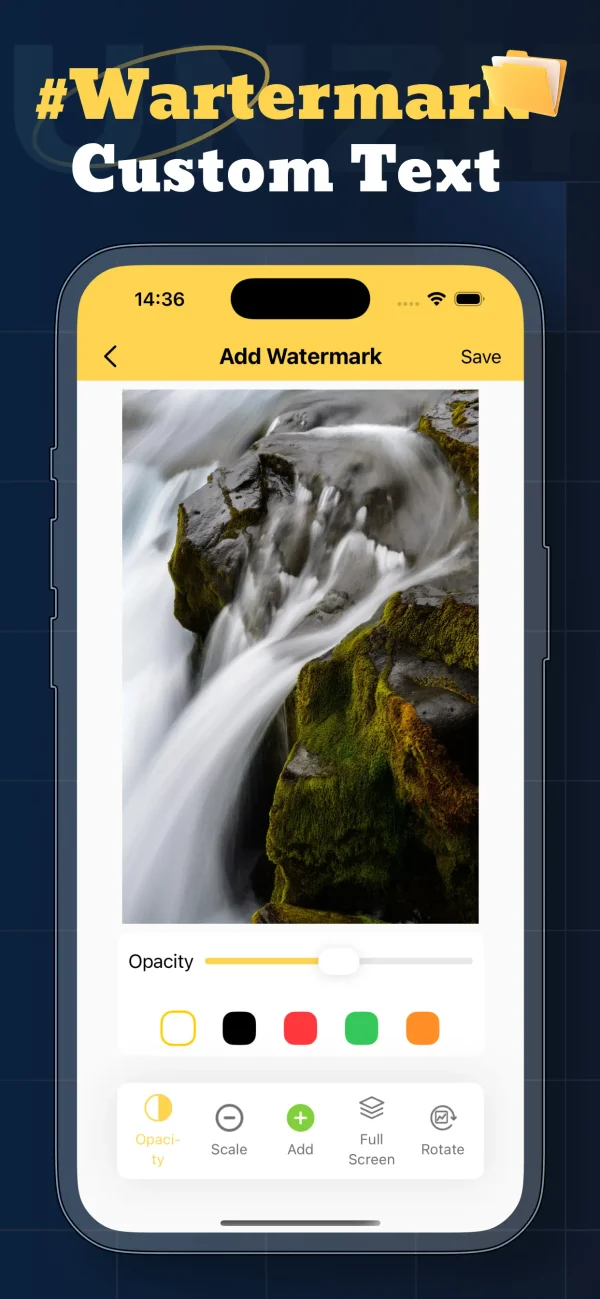
- Image Watermark: Freely add watermarks to images.
[Use Cases]:
- Office workers: Quickly decompress email attachments to improve work efficiency.
- Designers: Unpack design assets and get instant inspiration.
- Developers: Extract code packages and deploy projects rapidly.
- Students: Decompress study materials and learn with ease.
- Download Extreme Decompression Master and experience unprecedented decompression speed and convenience!
- Some features in the app require payment. To cancel your subscription, please do so within 24 hours before the next subscription period begins.
Membership Subscription Agreement: https://www.apple.com/legal/internet-services/itunes/dev/stdeula/
Privacy Policy: https://www.termsfeed.com/live/becaa0c4-7a06-4497-bd1d-33eac8242c41
新機能
バージョン 1.2.7 · 2026/4/10
- Support English
アプリのプライバシー
このアプリのデータの取り扱いについて、俊銮 褚がApp Storeで申告している内容です。
-
データの収集なし
開発元はこのアプリからデータを収集しません。
プライバシーの取り扱いは、ご利用の機能やお客様の年齢などに応じて異なる場合があります。
情報
- 販売元
- 俊銮 褚
- カテゴリ
- 仕事効率化
- バージョン
- 1.2.7
- 更新日
- 2026/4/10
- リリース
- 2024/9/26
- サイズ
- 18.2 MB
- 必要条件
- iOS 15.0以降
- 対象年齢
- 4+
- 価格
- 無料
- アプリ内課金
- あり
- 言語
- 英語, 簡体字中国語
- 著作権
- © gosearch.top 2024