UP100: Teleprompter & Camera
AI Captions, Vlog & Auto Cut
Designed for iPhone, iPad
Free · In-app purchases
- Age rating4+
- CategoryPhoto & Video
- Developer珍 黄
- LanguagesEnglish+ 1 more
- Size26.2 MB
Links to the official App Store page
Download.org hosts no file of UP100: Teleprompter & Camera. The button opens its official App Store page, published by 珍 黄. Listing last checked on Nov 17, 2026.
Screenshots



About
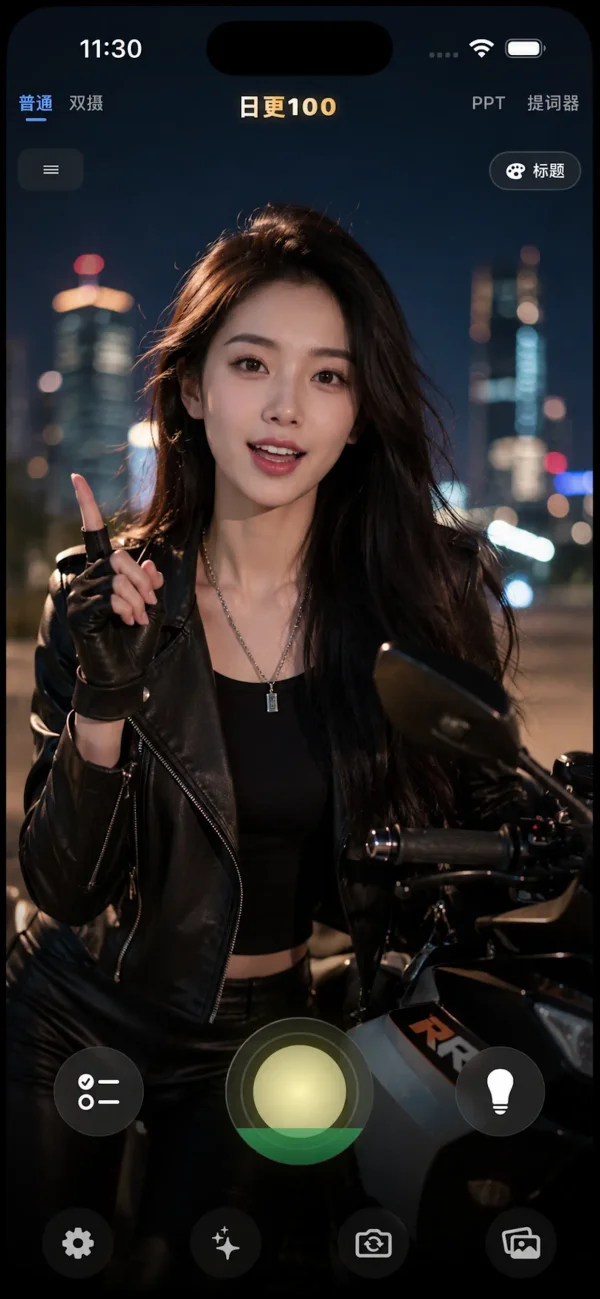
UP100 — the all-in-one studio for talking-head creators.
Teleprompter → Shoot → AI Captions → Edit → Music → AI Copy → Publish, without ever switching apps.
You focus on what you say. It handles everything else.
[ TELEPROMPTER THAT KEEPS YOUR EYES ON THE LENS ]
A floating prompter sits right next to the camera. Adjust font size, speed, mirroring, portrait or landscape. Voice-tracking
auto-scroll follows you as you speak — no memorizing, no shifty eyes.
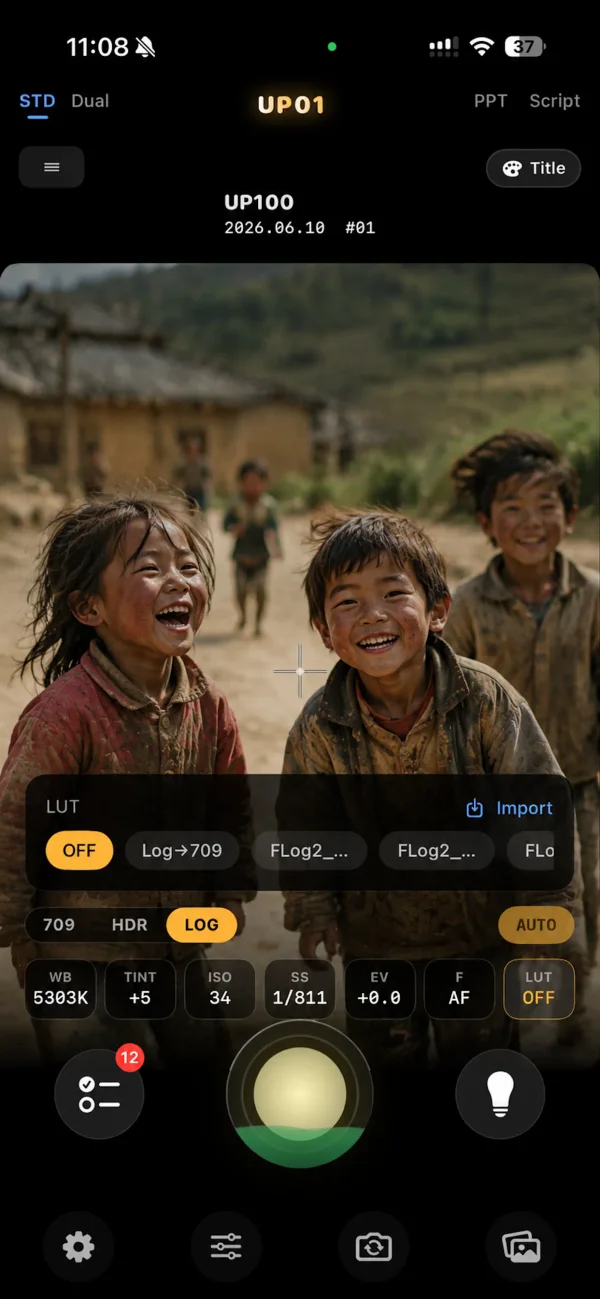
[ A FULL MANUAL CAMERA ]
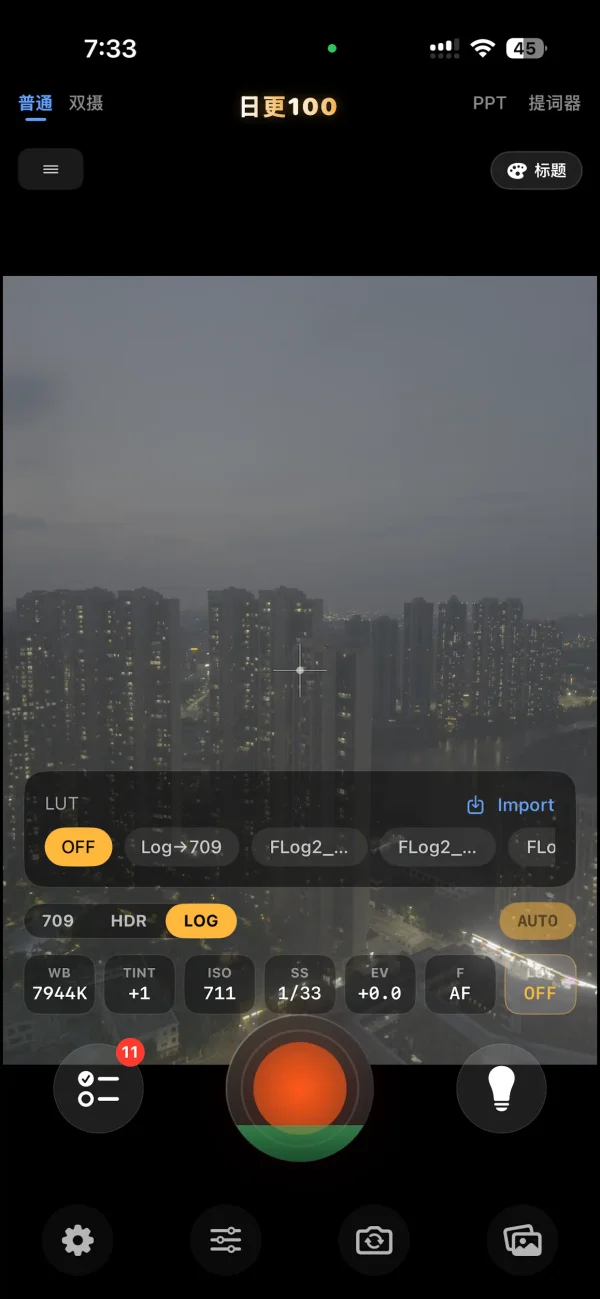
ISO, shutter, white balance, tint, EV and manual focus on pro-style magnetic dials, with one-tap AUTO to go back. Your
settings are remembered for the next take. Record in Apple Log + HDR with built-in Log→709 monitoring, import third-party
.cube LUTs — monitor only and keep the flat log file for grading, or bake the LUT straight into the final video. Center,
rule-of-thirds and golden-ratio guides, portrait and landscape.
[ INSTANT PLAYBACK, CINEMA-CAMERA STYLE ]
Review every take full-screen right after you cut, with your monitoring LUT applied to Log footage. Decide on the spot: keep
rolling, or start editing.
[ DUAL CAMERA, FREE-FORM PICTURE-IN-PICTURE ]
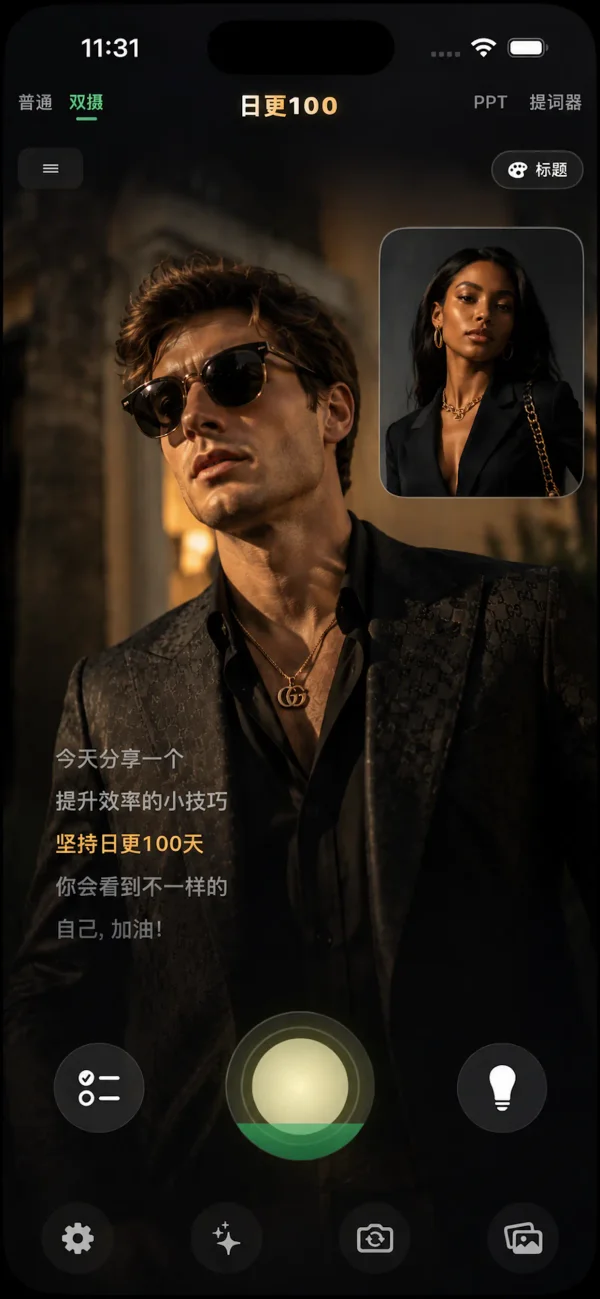
Record front and back cameras at once. Drag and resize the PiP window anywhere, and dial in exposure, white balance and focus
for each lens independently. Face on camera + product in frame, in a single take.
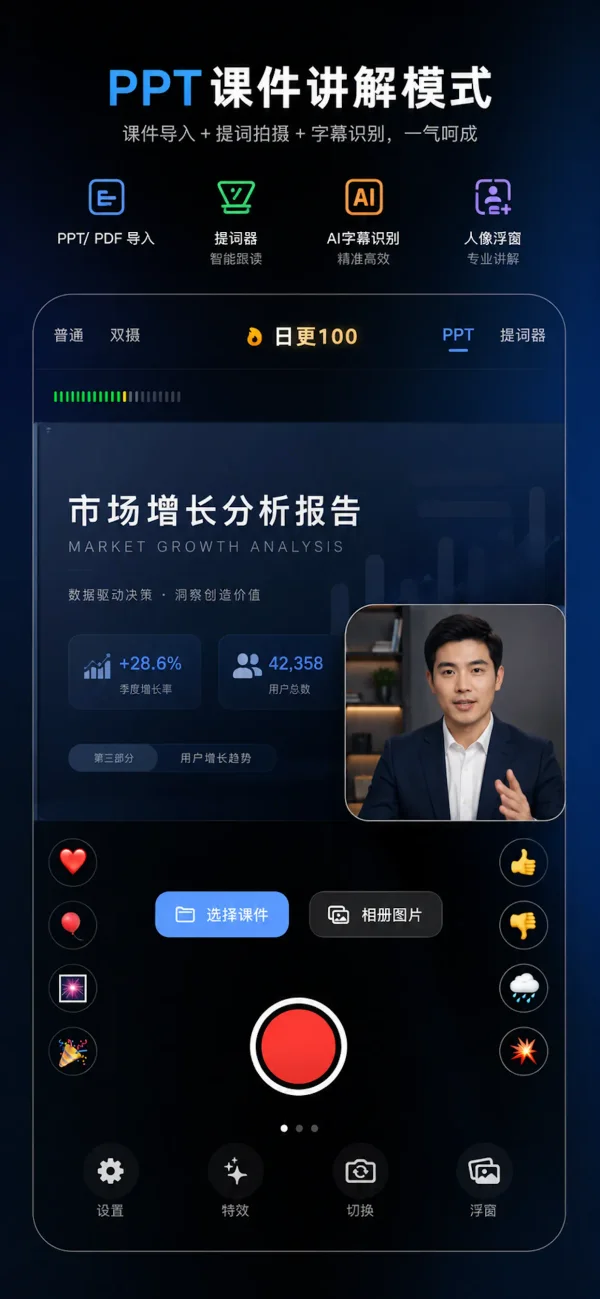
[ TEACH WITH SLIDES ]
Import a deck and record while you present, with your camera overlaid picture-in-picture. Online courses, knowledge content
and product demos in one pass.
[ AI CAPTIONS, ACCURATE TO THE WORD ]
Captions are recognized automatically with word-level timing. Pick a style template and burn them in with one tap.
[ AN EDITING SUITE THAT'S ENOUGH FOR TALKING-HEAD VIDEO ]
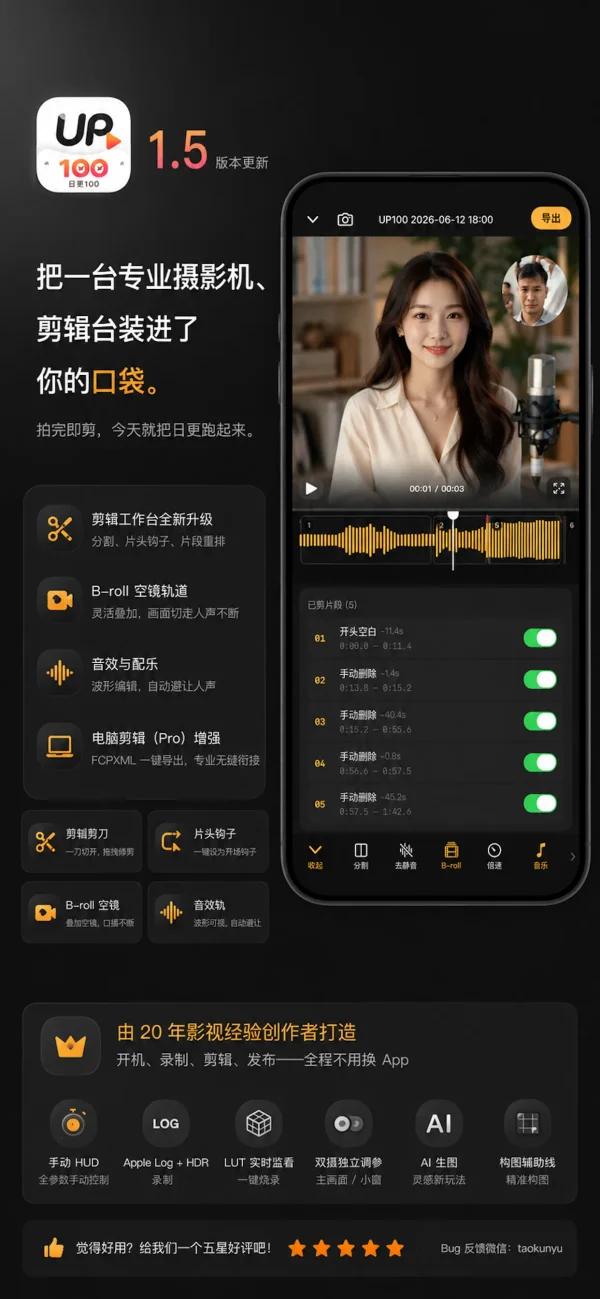
Auto-detect pauses and filler words and delete them in one tap. Split at the playhead, trim with drag handles, long-press to
delete or reorder — every cut is reversible. Multi-take recordings reorder freely, with captions and covers following
automatically. Speed-up export without pitch shift. Fully non-destructive: your original footage is never touched.
[ OPENING HOOK — STOP GAMBLING ON THE FIRST 3 SECONDS ]
Long-press any segment to set it as your opening hook; export stitches it to the very front. Lead with your strongest line
and watch your completion rate.
[ B-ROLL, SFX & MUSIC ]
Overlay videos and photos from your library — or footage shot inside the app — on top of your talking head. The picture cuts
away, your voice keeps going. Trim in/out points on import with Photos-style handles, then adjust size, position and volume.
A dedicated SFX track with visible waveforms; a music library shared across projects, with auto-ducking under speech and
independent voice volume. You can even drop audio files in from your computer via Finder.
[ COVER, TITLES & WATERMARK ]
Auto-stitched first-frame cover, title style templates, and a daily-streak watermark that counts your Day N.
[ AI COPY & PUBLISHING ]
Paired with the Iceonix AI assistant, the words you spoke become your post — title, body, hashtags and first comment
generated in one go, styled per platform for Douyin, RED and WeChat Channels. By the time your video is rendered, the copy is
already waiting. Publish to all three without typing a word.
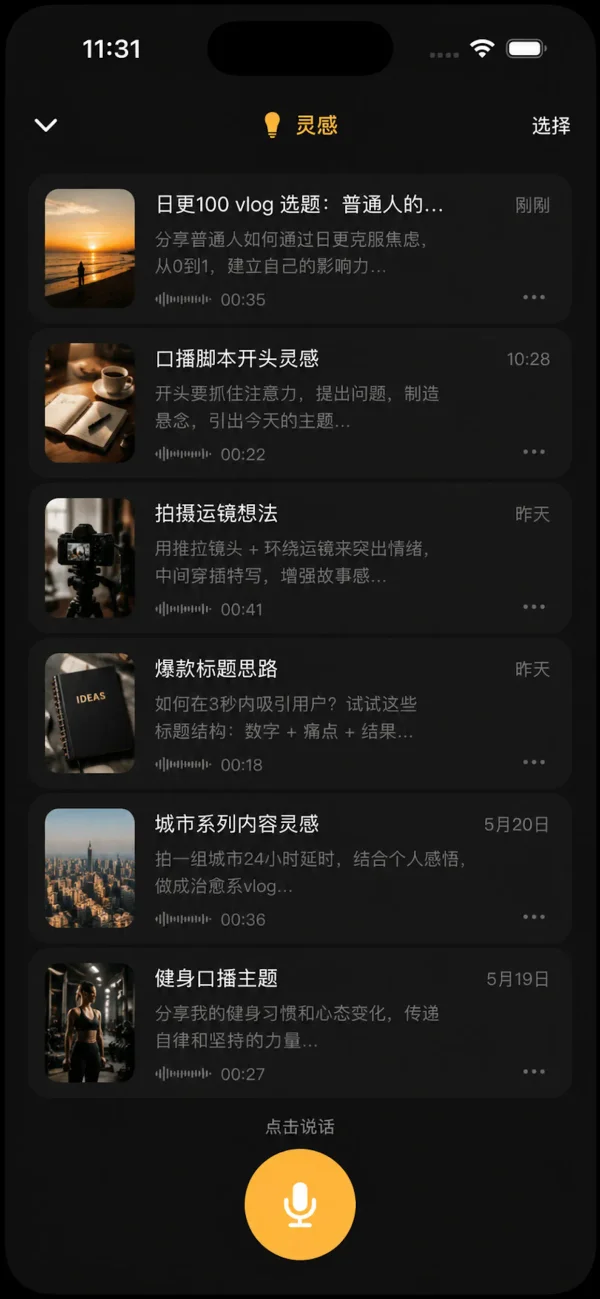
[ IDEA CAPTURE, WITH AI PLANNING ]
Got an idea on the go? Snap a photo or talk it out — Iceonix AI turns scraps into topics, scripts and ready-to-shoot plans.
Open the app and you know exactly what to film today, and what to say.
Notes:
· Dual-camera recording, Apple Log and ProRes require iPhone 15 Pro or later
· AI copywriting and publishing are powered by the Iceonix AI assistant
· Requires iOS 18 or later UP100 is built by a creator with 20 years in the film industry, part of the ayu product family.
Terms of Use (EULA): https://www.apple.com/legal/internet-services/itunes/dev/stdeula/
What’s new
Version 1.62 · Sep 19, 2026
- Full-Screen Teleprompter: Added full-screen mode with text mirroring for easier, distraction-free reading.
- Smoother Voice Following: Optimized smart prompter tracking to keep up with faster reading without stuttering.
- AI Subtitle Transcription: Added AI speech-to-text with higher accuracy and faster caption generation.
- Performance & Stability: Fixed dual-camera recording and export issues for a smoother experience.
App privacy
What 珍 黄 declares on the App Store about how this app handles data.
-
Data linked to you
May be collected and linked to your identity.
- User content
- Other data
Privacy practices may vary, for example with the features you use or your age.
Information
- Seller
- 珍 黄
- Category
- Photo & Video
- Version
- 1.62
- Updated
- Sep 19, 2026
- Released
- Apr 8, 2026
- Size
- 26.2 MB
- Requires
- iOS 18.0 or later
- Age rating
- 4+
- Price
- Free
- In-app purchases
- Yes
- Languages
- English, Simplified Chinese
- Copyright
- © 2026 Ayugo ONE term
You might also like
-
 Teleprompter Master - VideoFloating script, auto scroll
-
 ClipReady: Talking Head VideoAI Teleprompter & Captions
-
 SpeakCam - Voice TeleprompterFloats over apps, follows you
-
 RTL TeleprompterYour iDevice to Teleprompter
-
 Teleprompter Interview NotesAuto Subtitles & Script Reader
-
 CueCam 口播相机-跟读提词器 悬浮题词 双摄拍摄Photo & Video
-
 Fuci: Floating TeleprompterFollows your voice as you read
-
 Fold Cue: Voice TeleprompterScript Reader & Video Recorder
-
 JH相机提词器Photo & Video
-
 Taylormade CameraPodcast Camera & Teleprompter