
UrbanLoop: Digital Signage
Manage TVs, slides & playlists
Designed for iPhone, iPad, Mac, iPod touch
Free
- Age rating4+
- CategoryBusiness
- DeveloperBehrang Nosrat Makouei
- LanguagesEnglish
- Size96.6 MB
Links to the official App Store page
Download.org hosts no file of UrbanLoop: Digital Signage. The button opens its official App Store page, published by Behrang Nosrat Makouei. Listing last checked on Nov 15, 2026.
Screenshots
About
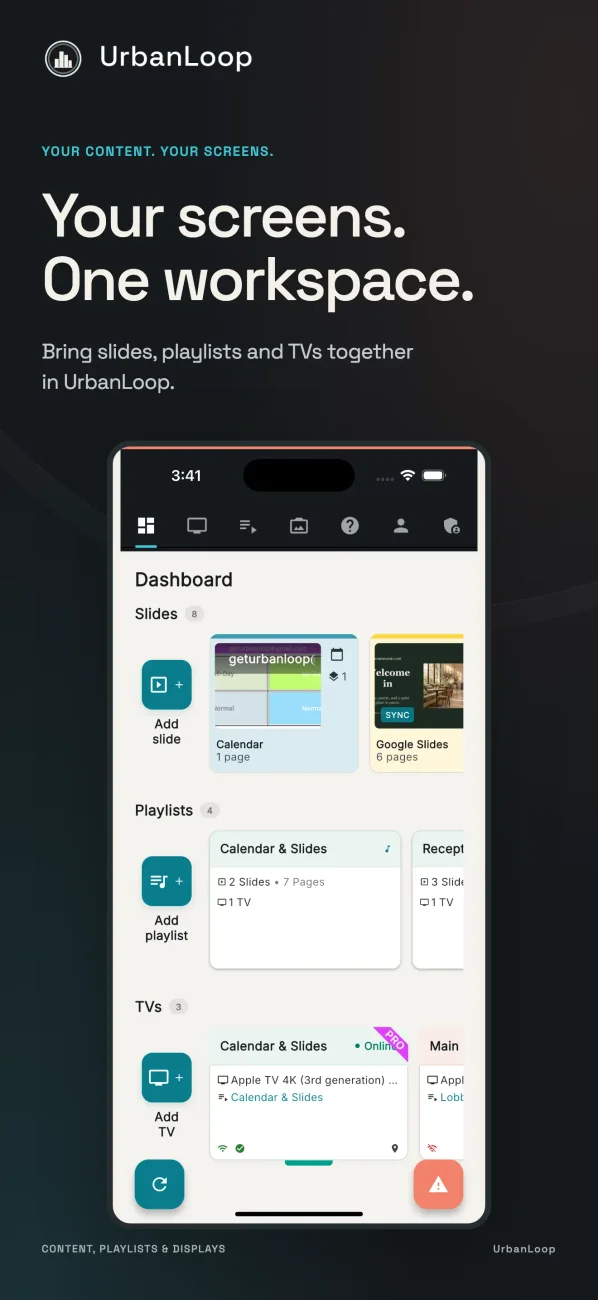
Manage your digital signage from one workspace. Add content, build playlists and update your Apple TV displays in real time from your iPhone, iPad or Mac.
Keep restaurant menus current, share classroom announcements, welcome visitors and promote products across your locations. Whether you manage one TV or hundreds, UrbanLoop puts your content and screens in one place.
BRING YOUR CONTENT TO THE SCREEN
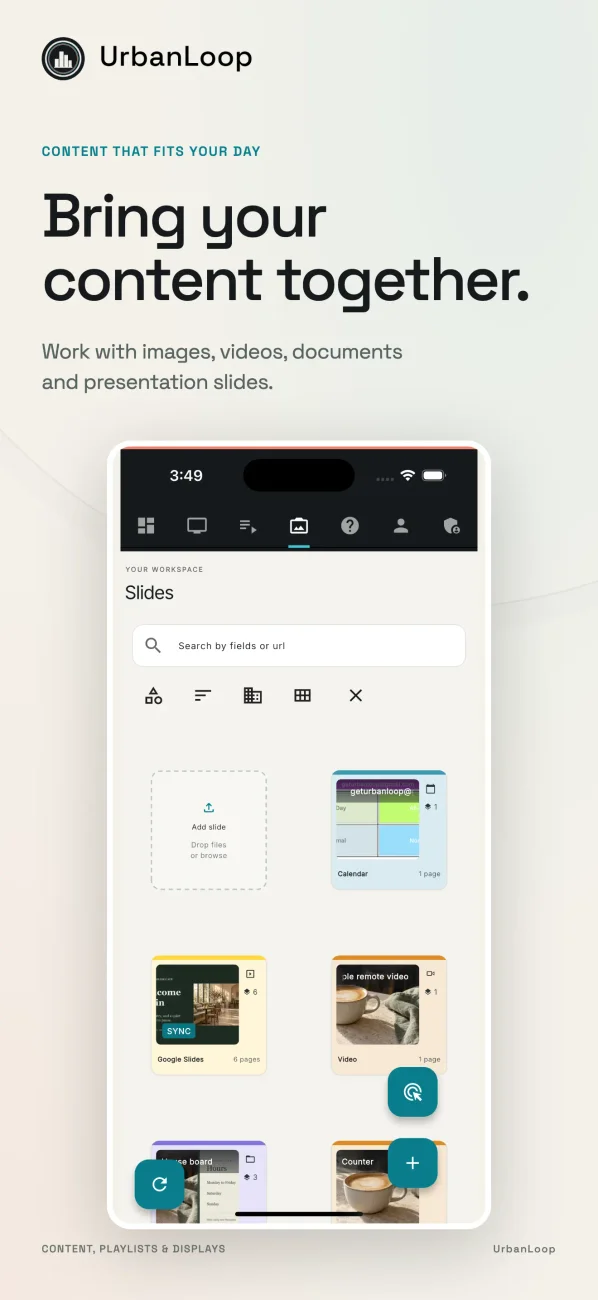
• Add images, videos and documents.
• Connect Google Slides, Google Calendar and Google Drive folders.
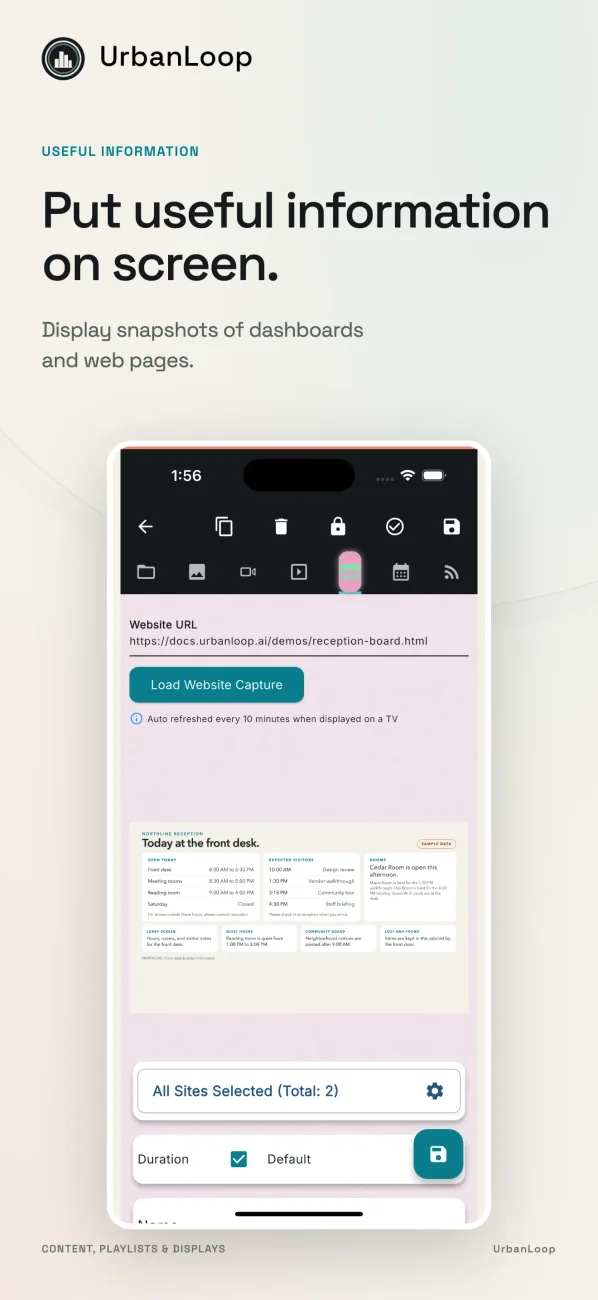
• Turn web pages into display content for dashboards, business metrics and other information.
• Add HLS live video streams, news, and RSS, Atom or JSON feeds.
Edit your Google Slides online or drop new files into a connected Drive folder, and UrbanLoop keeps your displays in sync. On Mac, drag files straight into your workspace to create slides.
PLAN WHAT PLAYS
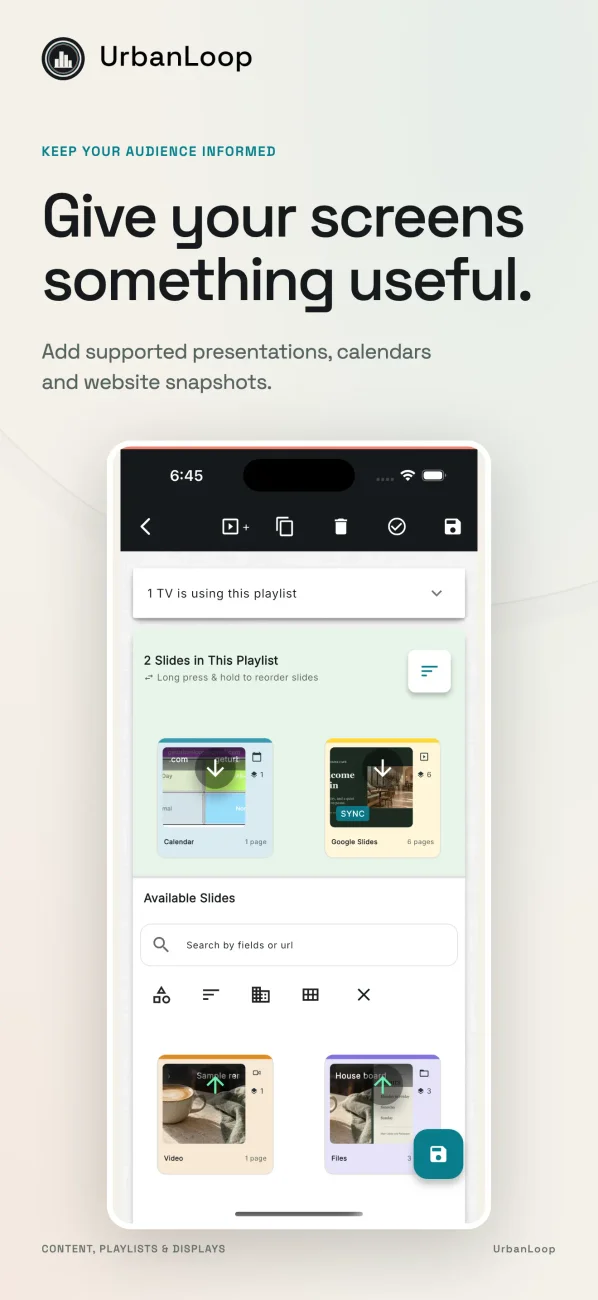
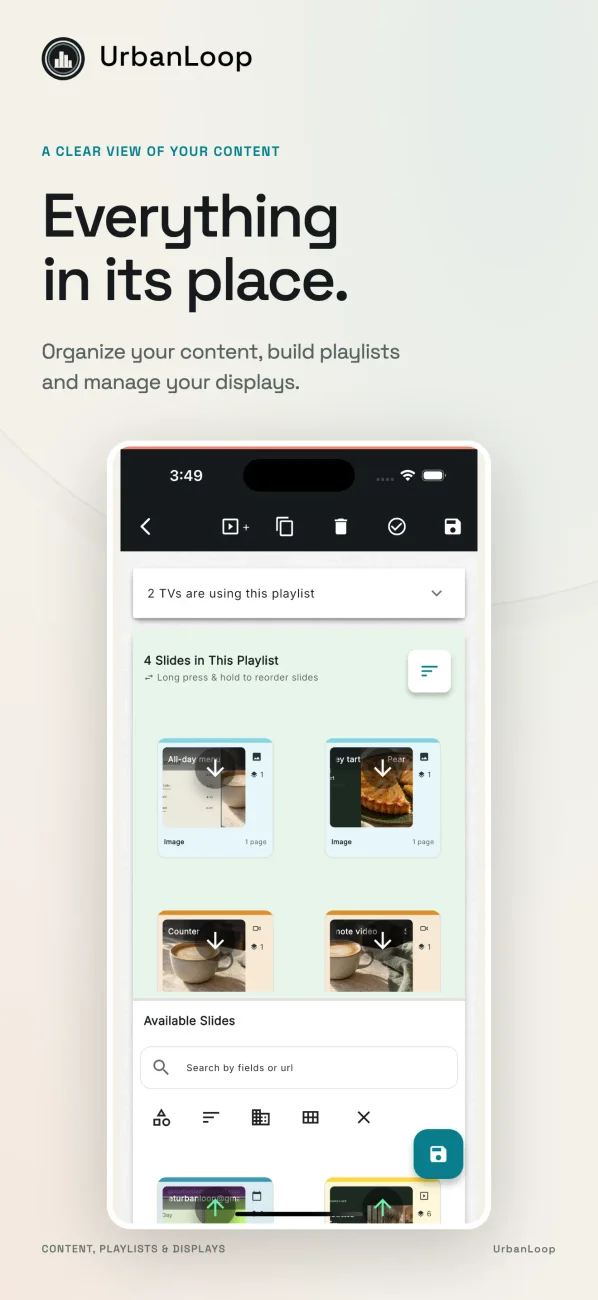
• Build playlists and arrange content in the order you want.
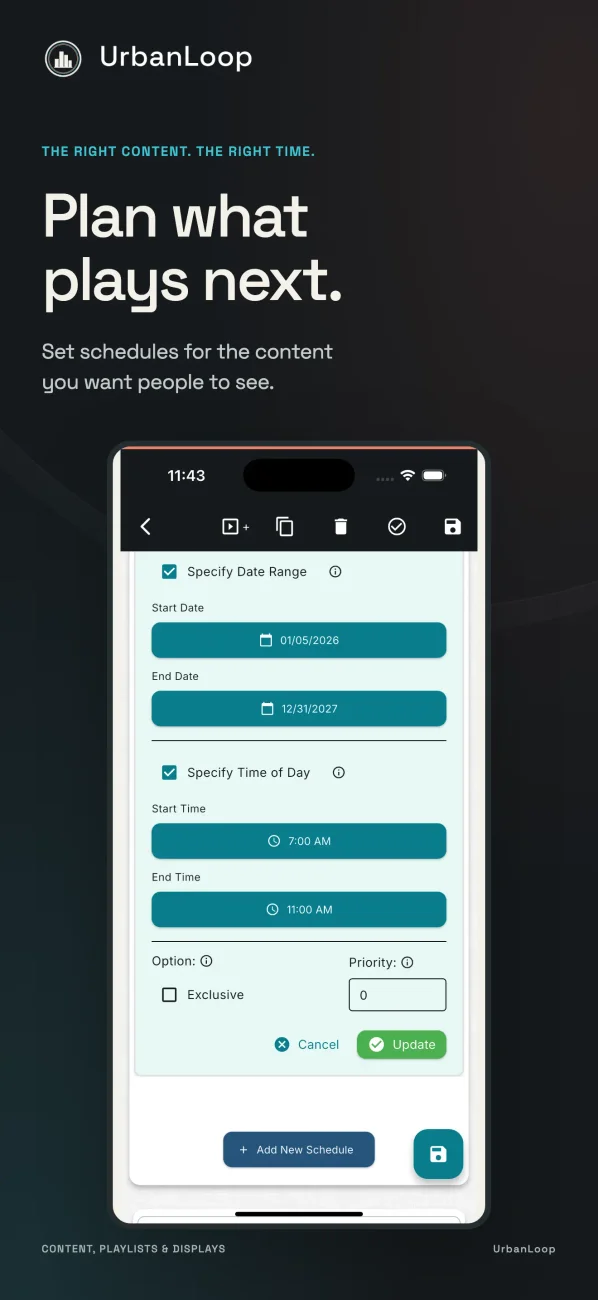
• Set durations, transitions and schedules for different times of day.
• Schedule recurring slides, promotions and announcements.
• Set automatic sleep and wake times for your displays.
UPDATE ONE TV OR A WHOLE GROUP
• Send content and configuration changes to connected TVs in real time.
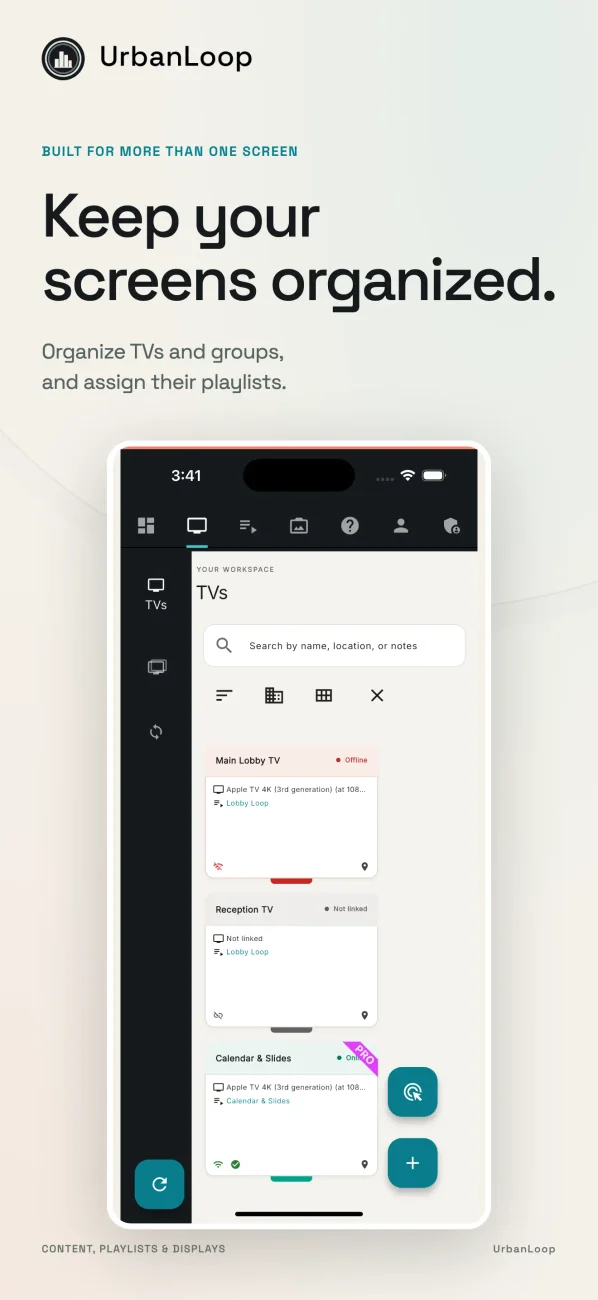
• Assign playlists and settings to individual TVs or TV groups.
• Check connection status, playback and auto-advance settings.
• Use live view and remote screenshots to see what's on your screens.
• Refresh content and troubleshoot without visiting each display.
The Apple TV app is built for always-on signage, with local media caching that helps your screens keep playing when the internet drops and reduces repeat downloads.
MAKE YOUR DISPLAYS YOUR OWN
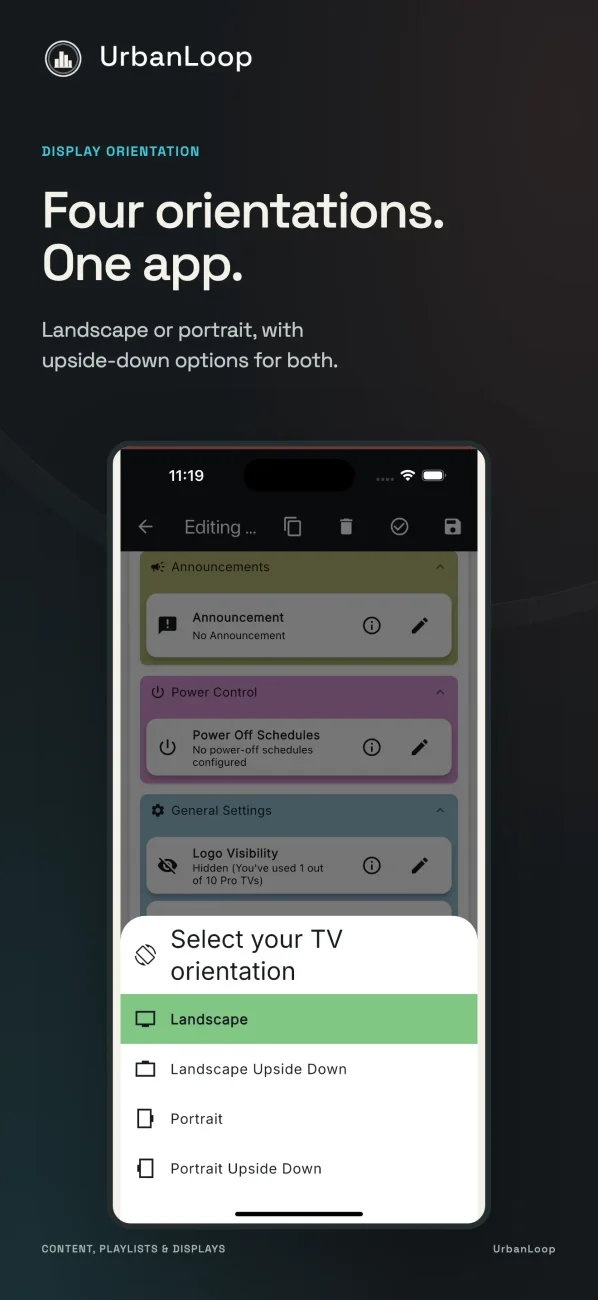
• Choose landscape, portrait or either upside-down orientation.
• Show weather as a full-size overlay, a mini overlay or its own slide.
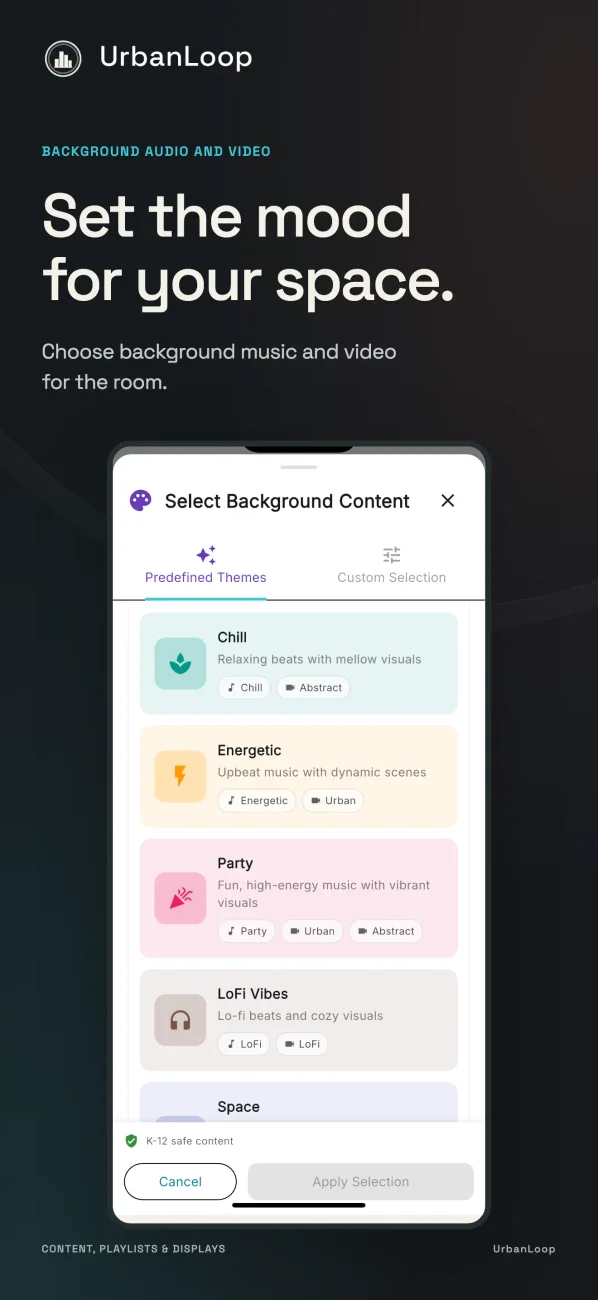
• Set the mood with background music and video themes.
• Build custom themes, choose your media and control how background audio behaves when videos play.
• Mix your content with news and conference-room availability.
Send important messages when they are needed, with manual broadcasts and feed-triggered alerts.
KEEP YOUR WORKSPACE ORGANIZED
Find content with search, filters and sorting. Choose small, medium or large tiles, see useful details at a glance and select multiple items when it's time to tidy up.
Share the work with user roles, organize displays by site and use MDM deployment to help set up Apple TV fleets. Moving from Google Sign Builder? Keep using familiar Google Slides and Drive workflows.
GET STARTED
Sign in with Google, Apple or email. A web dashboard is also available, so you can keep working from your browser.
An UrbanLoop account is required. Signage playback requires an Apple TV running the UrbanLoop display app.
UrbanLoop was previously called EZ Plus (EZTV).
What’s new
Version 17.0.1 · Oct 27, 2026
EZ Plus is now UrbanLoop, with a redesigned management workspace and new ways to sign in.
• Sign in or create an account with Google or Apple, alongside email sign-in.
• Updated server connections to use HTTPS on the standard web port.
• Ordering control for synced Google Folders
• Global font size control in the account tab
• A refreshed dashboard and clearer cards for slides, playlists and TVs.
• Better layouts and easier access to editing controls on smaller screens.
• Clearer email verification, account connection and password recovery screens.
• Stability and usability improvements.
App privacy
What Behrang Nosrat Makouei declares on the App Store about how this app handles data.
-
Data linked to you
May be collected and linked to your identity.
- Location
- Diagnostics
Privacy practices may vary, for example with the features you use or your age.
Information
- Seller
- Behrang Nosrat Makouei
- Category
- Business
- Version
- 17.0.1
- Updated
- Oct 27, 2026
- Released
- Mar 21, 2020
- Size
- 96.6 MB
- Requires
- iOS 15.6 or later
- Age rating
- 4+
- Price
- Free
- Languages
- English
- Copyright
- © 2020 Behrang Makouei
You might also like
-
 Kitcast: Digital SignageScreen management made simple
-
 Continuity Digital SignageProductivity
-
 DigiBoard RemoteYour Remote for DigiBoard TV
-
 OptiSigns Digital SignageDigital Signage made simple
-
 DS-GO: Digital Signage AppRemote Control & Ads Manager
-
 XOGO Player | Digital SignageDigital Signage Made Easy
-
 EZ TV PlayerBusiness
-
 1GlanceAppBusiness & Personal TV Signage
-
 MYAZEZPAWNBusiness
-
 key Digital SignageDisplay media content