Utility Vault
QR scanner translator TTS WiFi
Designed for iPhone, iPad
Free · In-app purchases
- Age rating4+
- CategoryUtilities
- DeveloperITHK
- LanguagesEnglish
- Size15.5 MB
Links to the official App Store page
Download.org hosts no file of Utility Vault. The button opens its official App Store page, published by ITHK. Listing last checked on Nov 18, 2026.
Screenshots
About
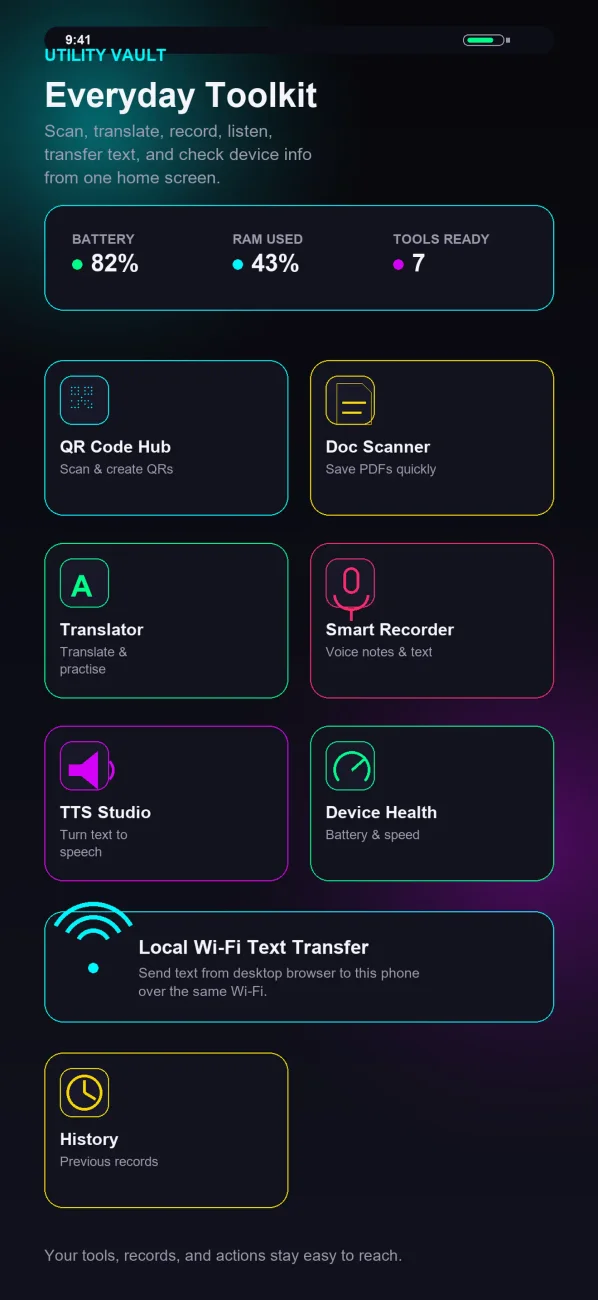
Utility Vault is a polished everyday toolbox for quick tasks on your phone. Scan QR codes, digitize documents, translate text, listen to phrases, record voice notes, send text from desktop to phone, check device info, and review previous records in one clean workspace.
ALL YOUR DAILY TOOLS
QR CODE HUB
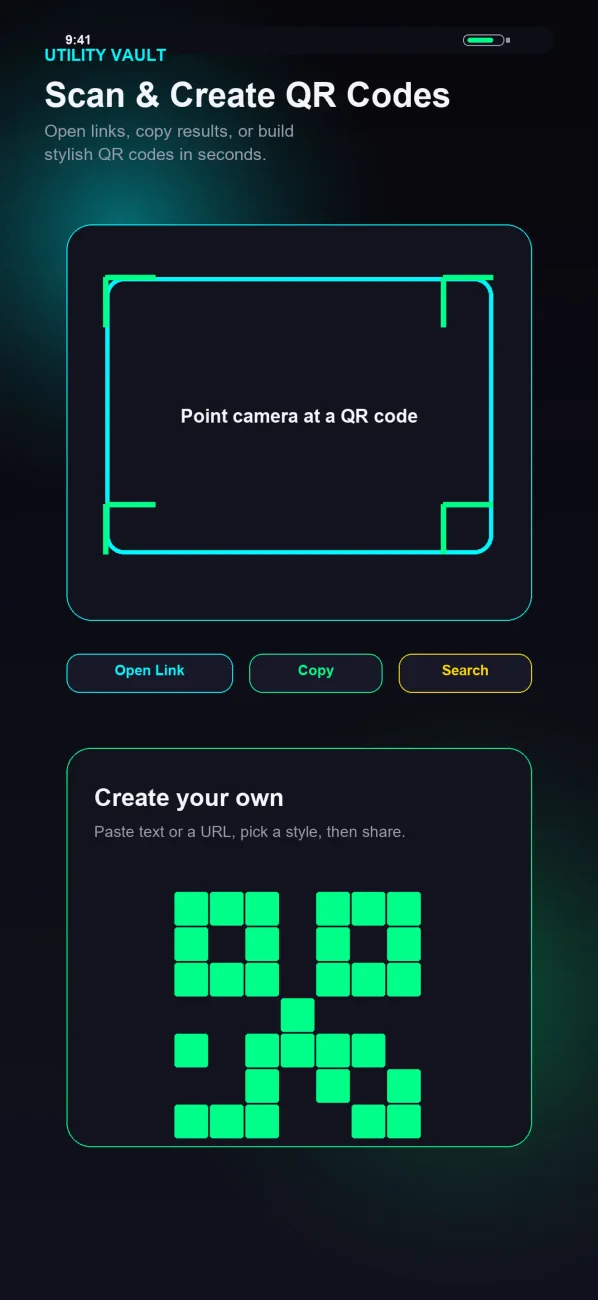
Scan QR codes and barcodes, open links, copy results, search content, and create custom QR codes with stylish themes.
DOCUMENT SCANNER
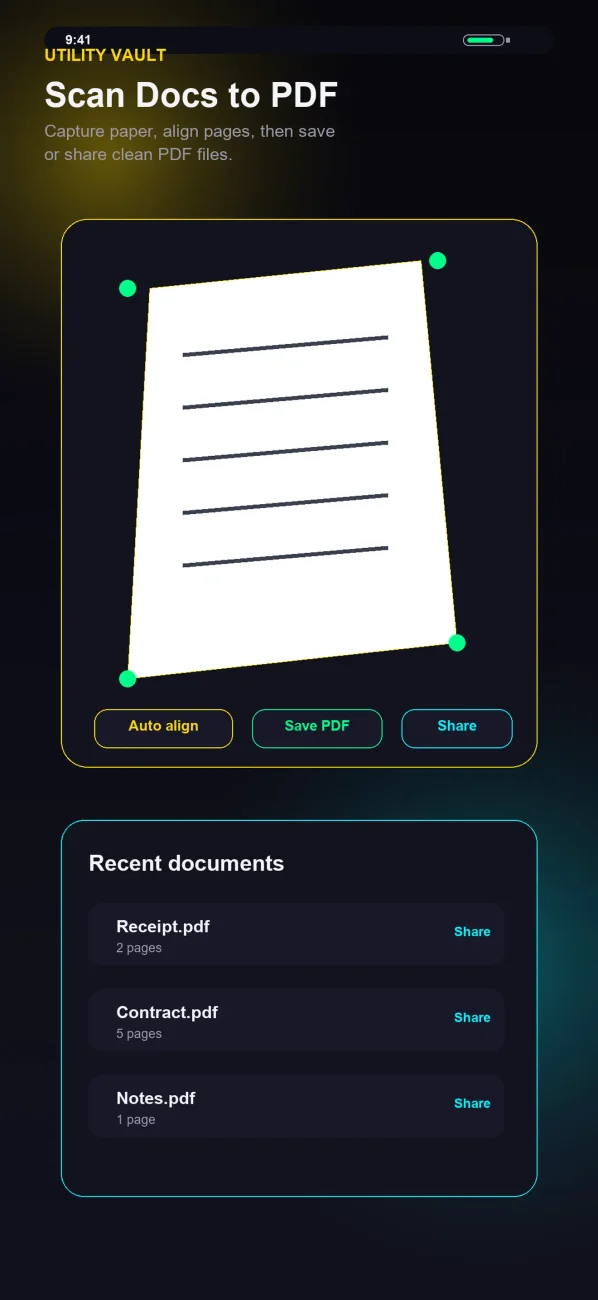
Capture paper documents, align pages, save PDFs locally, and share them when you need to send receipts, notes, forms, or records.
TRANSLATOR
Translate text, auto-detect language, listen with text-to-speech, and practise with daily-life example sentences, vocab, synonyms, and antonyms.
SMART RECORDER
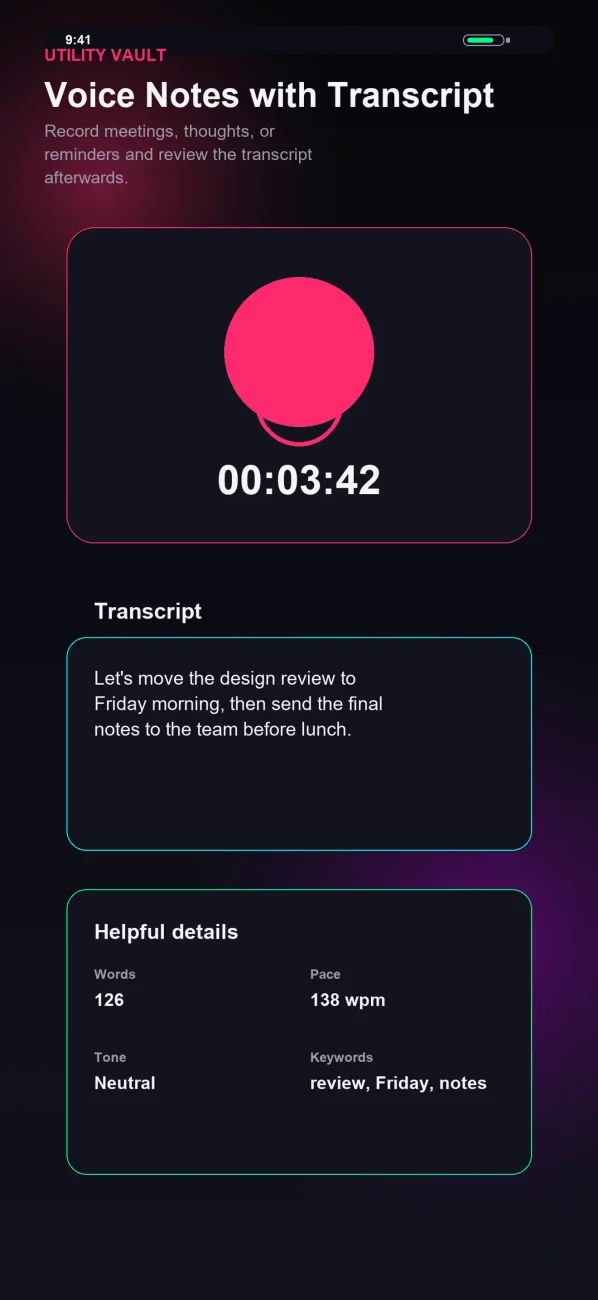
Record voice notes and review transcripts, useful details, keywords, speaking pace, and saved recording history.
TTS STUDIO
Turn typed text into speech with adjustable speed and pitch, multiple available voices, playback, and shareable audio.
LOCAL WI-FI TEXT TRANSFER
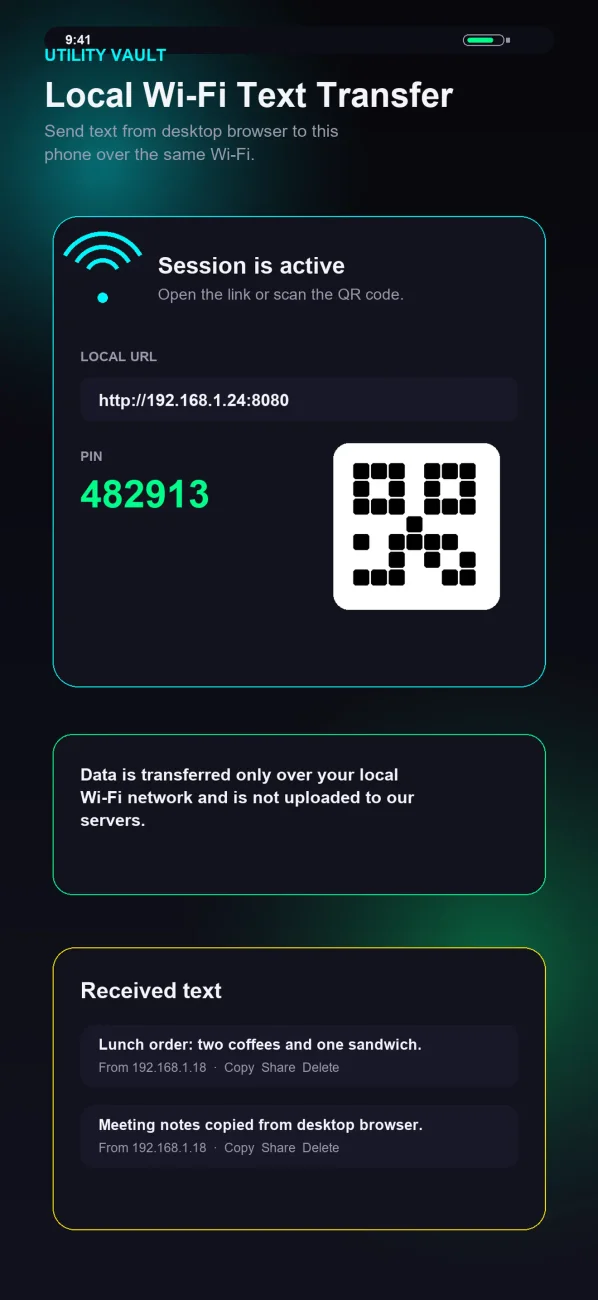
Send text from a desktop browser to this phone over the same Wi-Fi. Start a session, scan the QR code or open the local URL, enter the PIN, then copy, share, or delete received text on your phone.
Data is transferred only over your local Wi-Fi network and is not uploaded to our servers.
DEVICE HEALTH
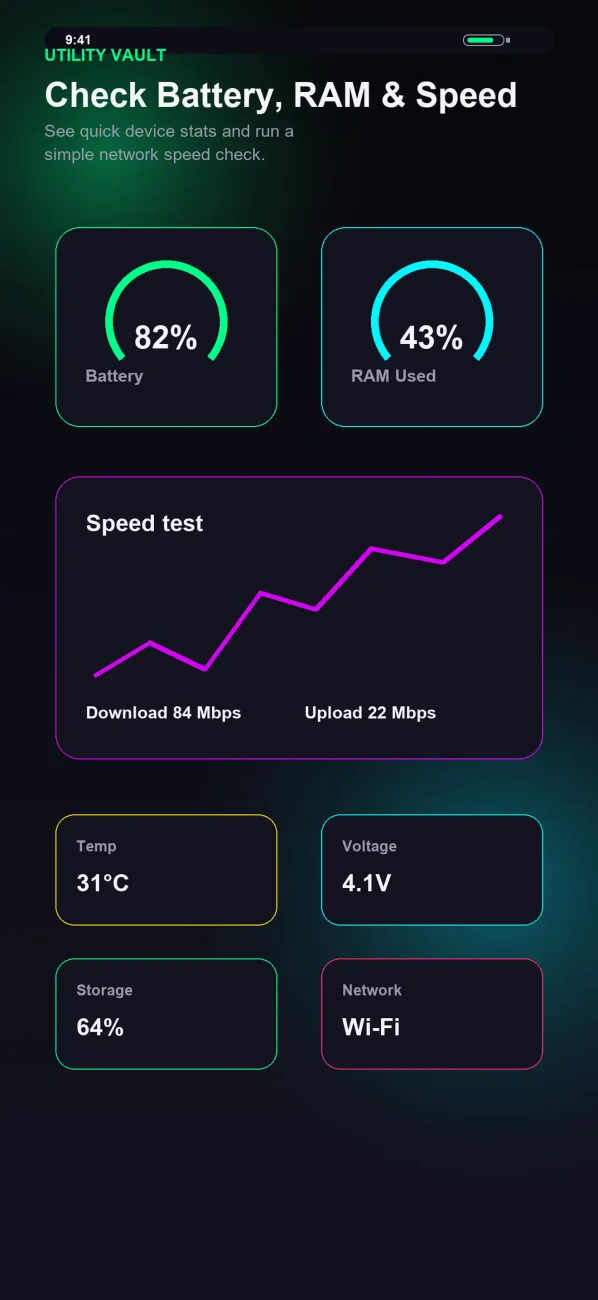
Check battery, RAM, storage, temperature, voltage, and network speed from a simple visual dashboard.
HISTORY
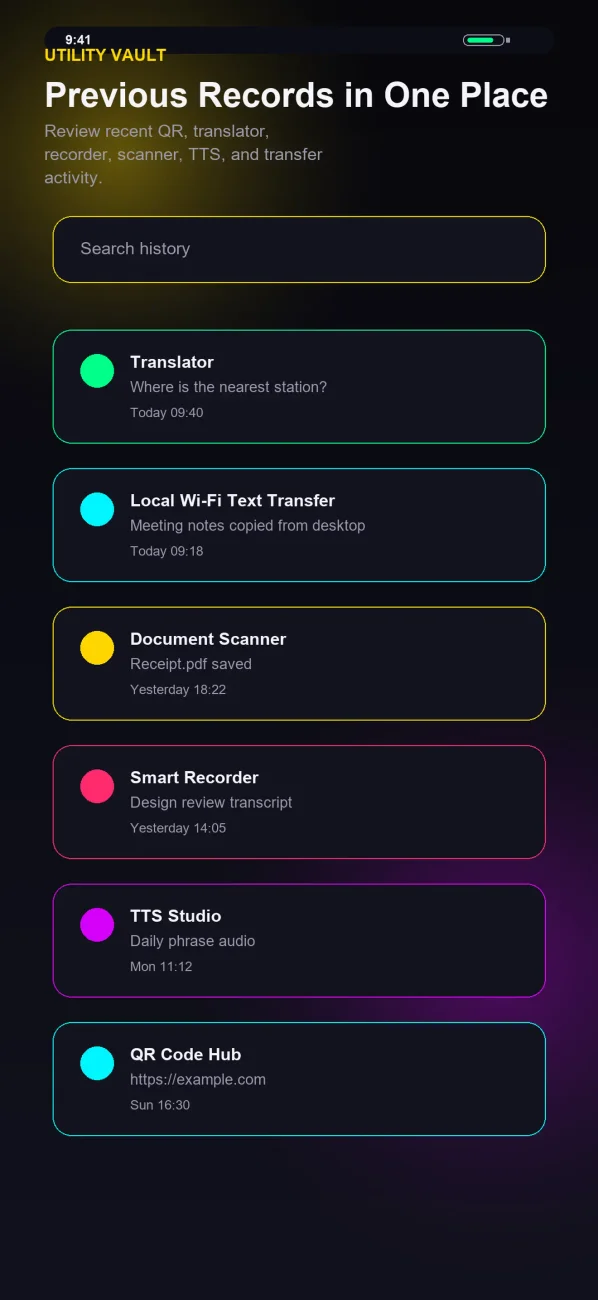
Review previous records from your tools in one place, including translations, scanned documents, voice notes, TTS items, QR activity, and Wi-Fi text transfers.
WHY UTILITY VAULT
- One app for everyday phone tasks.
- Clean neon interface with fast access to each tool.
- No account or sign-up required.
- Manual control for copying, sharing, and deleting saved items.
- Optional one-time purchase to remove ads. No subscription required.
Download Utility Vault and carry a full everyday toolkit in your pocket.
What’s new
Version 1.1 · Jul 9, 2026
What's New in Version 1.1
This update makes every tool faster, smarter, and easier to use:
• Real on-device translation — the Translator now translates fully on your device across 12 languages, including Chinese (Simplified & Traditional), Japanese, Korean, Spanish, and French, with automatic language detection. Private, fast, and works offline once language packs are downloaded. (Requires iOS 18.)
• Smarter Text-to-Speech — voices are now organized by language with your device's language shown first, so the right voice is one tap away. A new Auto Voice mode automatically speaks whatever language you type. You can also save speech as an audio file and share it.
• Live voice transcription — the Smart Recorder now transcribes speech in real time as you record and picks up quieter voices more reliably.
• Polished interface — every button now has a clear icon, and the keyboard tucks away with a tap of Done or a simple scroll, so it never blocks your work.
• Bug fixes and stability improvements, including more reliable speech playback.
Enjoying Utility Vault? A rating or review really helps us keep improving!
App privacy
What ITHK declares on the App Store about how this app handles data.
-
Data not collected
The developer does not collect any data from this app.
Privacy practices may vary, for example with the features you use or your age.
Information
- Seller
- IT HK SERVICE LIMITED
- Category
- Utilities
- Version
- 1.1
- Updated
- Jul 9, 2026
- Released
- Jul 8, 2026
- Size
- 15.5 MB
- Requires
- iOS 17.0 or later
- Age rating
- 4+
- Price
- Free
- In-app purchases
- Yes
- Languages
- English
- Copyright
- © Mr. Iu Ping Chung
You might also like
-
 SwiftSpeechUtilities
-
 OfflineTTSPrivate Offline Text-to-Speech
-
 Copy & Clip -Clipboard ManagerOn-device clipboard history
-
 EasyTierSimple, Secure, Decentralized
-
 Voice Generator TTSYour Voice Generator
-
 WristWeb - Watch BrowserWeb Browser for Apple Watch
-
 Cheque Helper: Amount in WordsWrite amounts in words. Print.
-
 Hourline: Widgets & WallpapersWorld Clock, Weather & Focus
-
 MayLikeWallpaper - best hiapkYoung Like This Wallpaper!
-
 AI Humanizer - Paraphrase ToolRewrite Text Naturally, Detect