Vault PDF - create, edit
Scan, sign & edit PDFs offline
Designed for iPhone, iPod touch
In-app purchases
- Age rating4+
- CategoryProductivity
- DeveloperAleksandr Kazakov
- LanguagesRussian+ 7 more
- Size34.0 MB
Links to the official App Store page
Download.org hosts no file of Vault PDF - create, edit. The button opens its official App Store page, published by Aleksandr Kazakov. Listing last checked on Nov 12, 2026.
Screenshots



About
VaultPDF is a private PDF toolbox built for offline document work. Scan, sign, merge, compress, rotate and export documents on your device. The app does not upload your files.
WORKS OFFLINE
No accounts. No cloud uploads. PDF processing happens locally on your iPhone.
SMART SCAN
Turn your camera into a document scanner. Edge detection, perspective correction, and color, black & white, or original filters.
PHOTO TO PDF
Create PDFs from camera scans or photos from your library. Turn receipts, labels, forms, notes and screenshots into one clean document.
SIGN DOCUMENTS
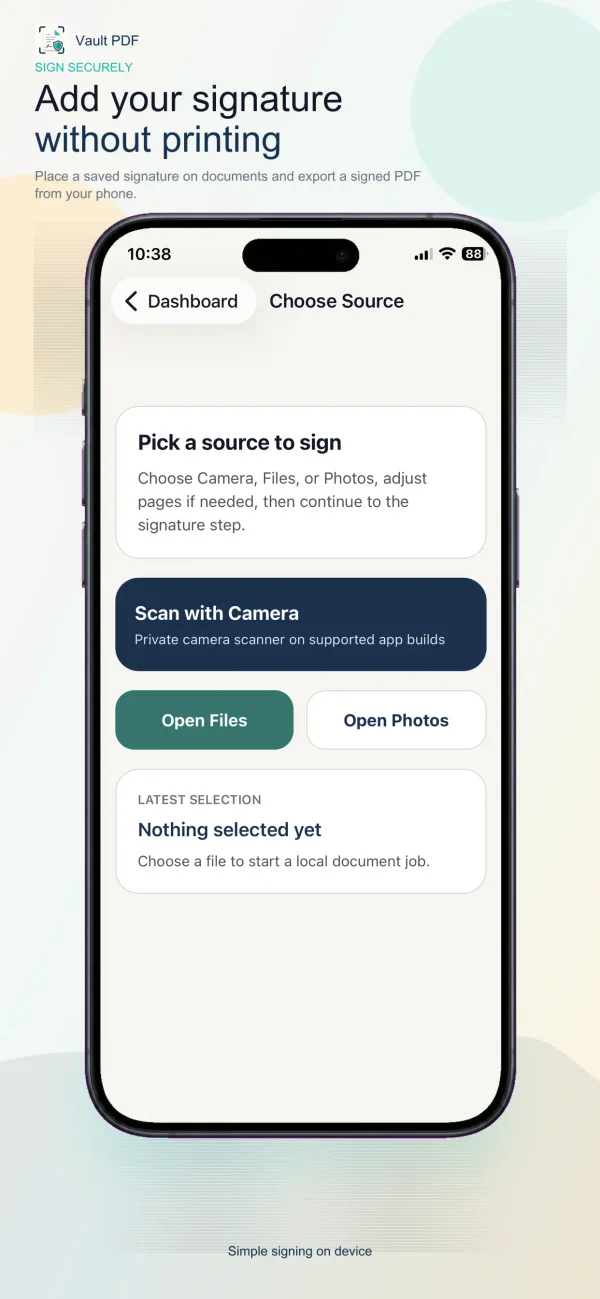
Draw your signature on the screen and place it on any page. Save multiple signatures for reuse. Black and blue ink.
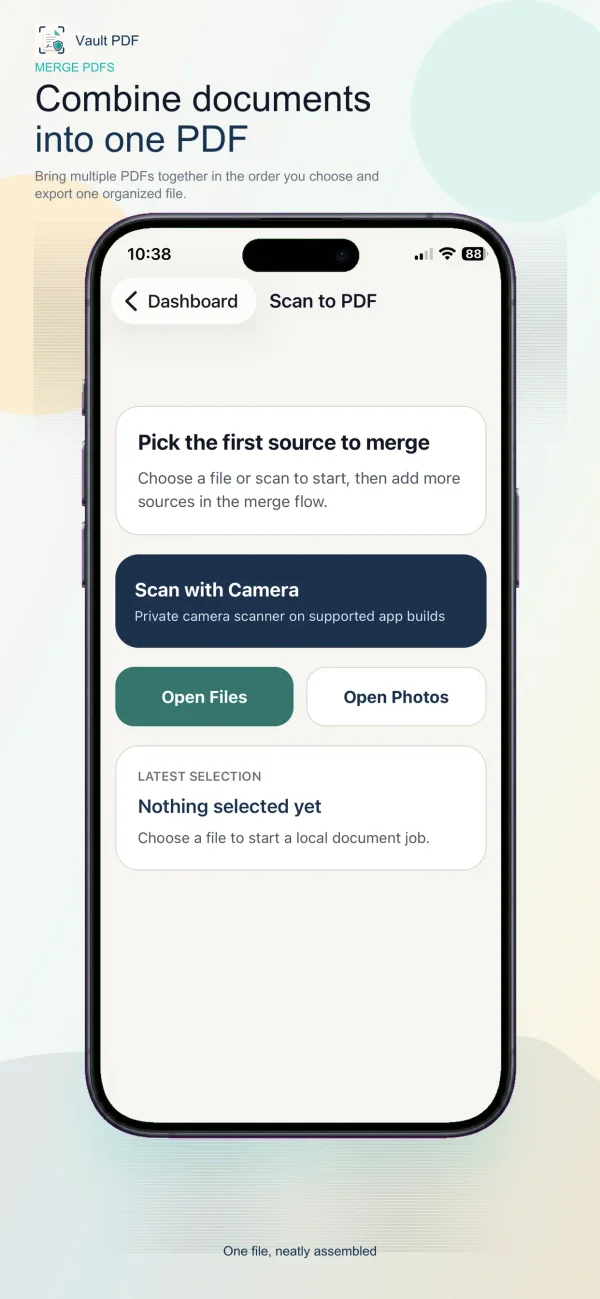
MERGE
Combine PDFs and photos into one document. Reorder pages, remove what you don't need.
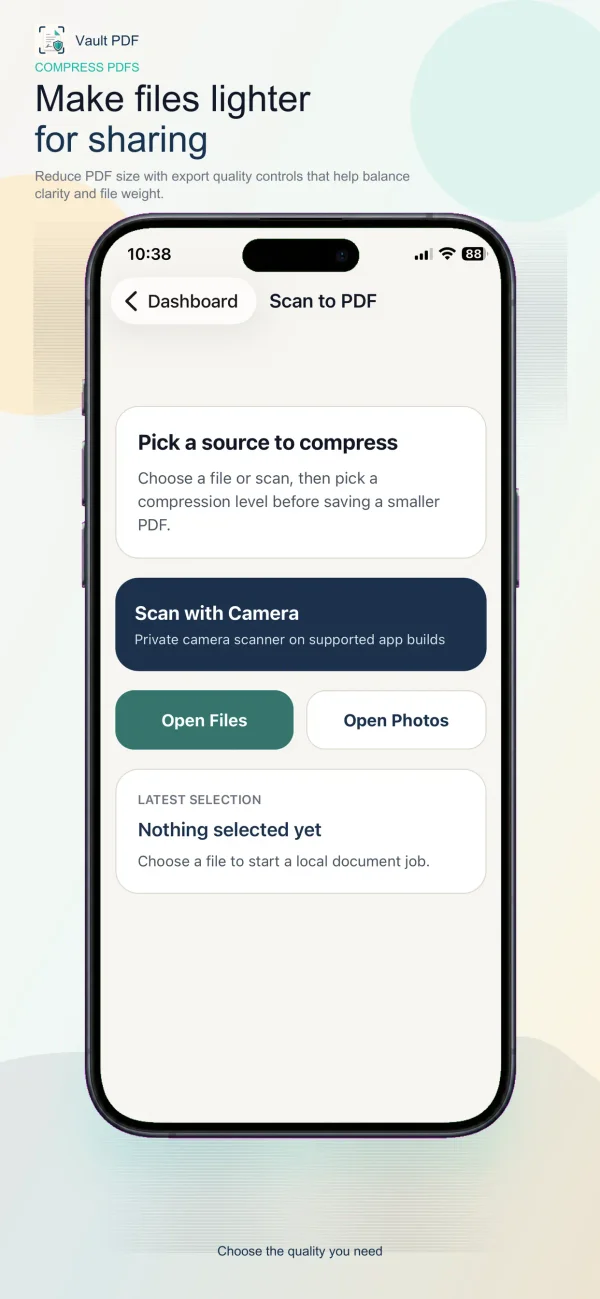
COMPRESS
Make image-based PDFs smaller for easier sharing. See before and after sizes before you export.
EXTRACT & ROTATE
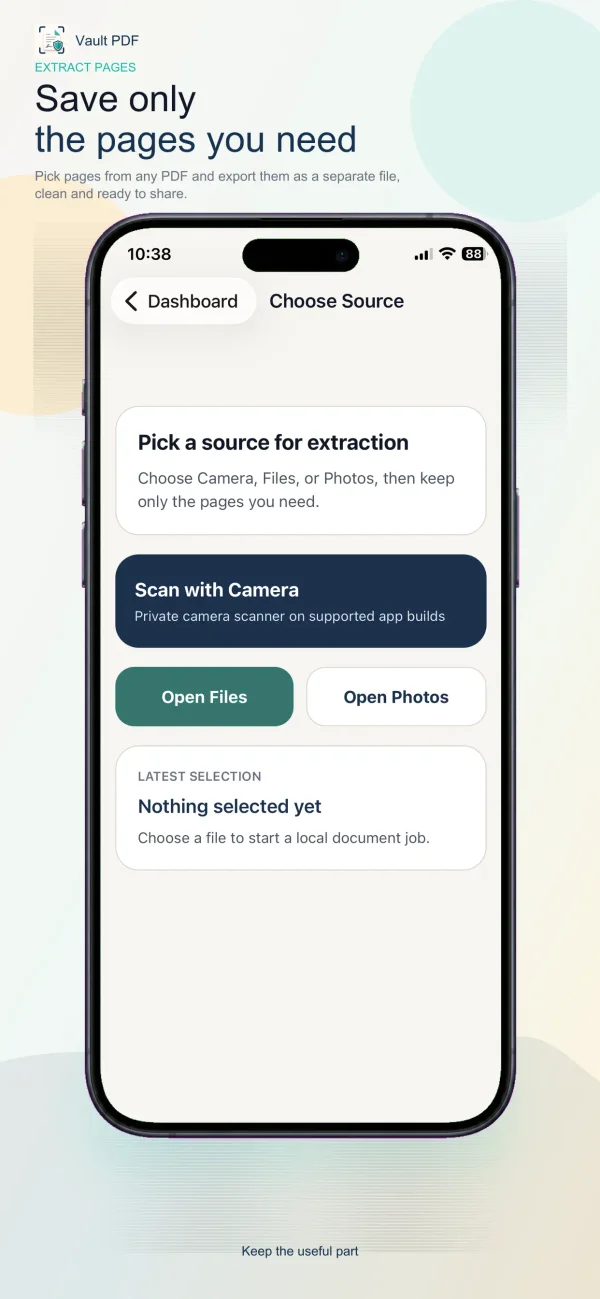
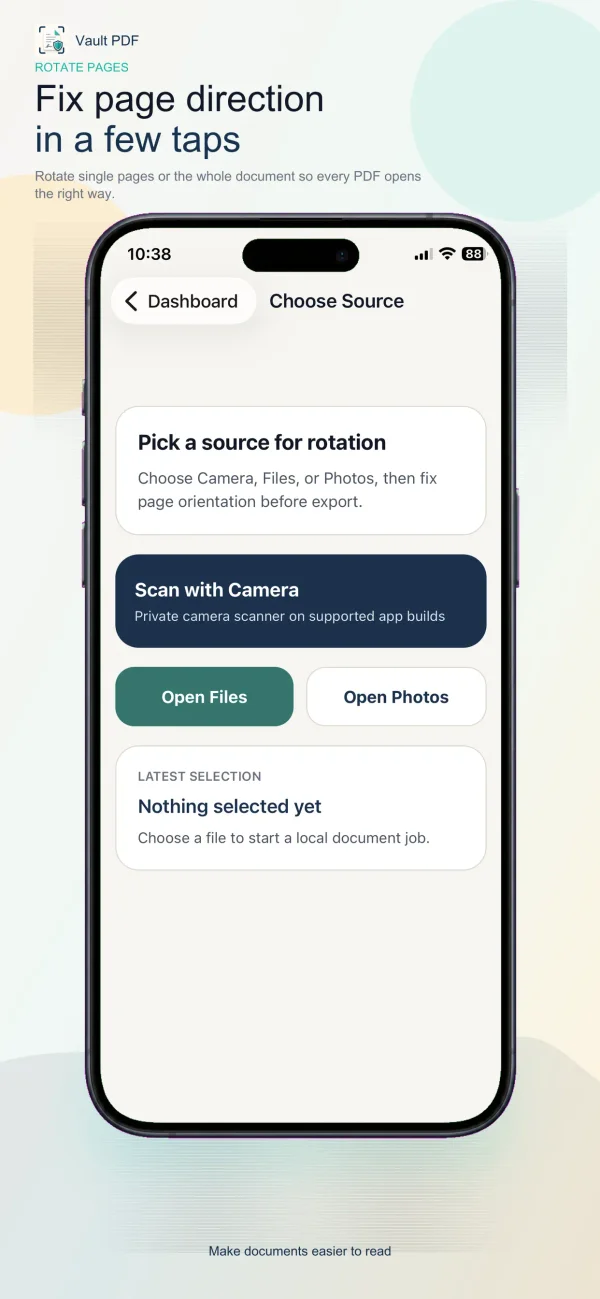
Pull specific pages out of a document. Rotate any page before exporting.
PRIVATE BY DESIGN
VaultPDF does not upload your documents. Your files stay on your device.
Core offline tools are available on the free plan. VaultPDF Plus raises limits for more exports, larger documents, bigger merge jobs, high-quality export, and more saved signatures.
Terms of Use (EULA): https://www.apple.com/legal/internet-services/itunes/dev/stdeula/
App privacy
What Aleksandr Kazakov declares on the App Store about how this app handles data.
-
Data not collected
The developer does not collect any data from this app.
Privacy practices may vary, for example with the features you use or your age.
Information
- Seller
- Aleksandr Kazakov
- Category
- Productivity
- Version
- 1.0
- Updated
- Jul 10, 2026
- Released
- Jul 10, 2026
- Size
- 34.0 MB
- Requires
- iOS 15.1 or later
- Age rating
- 4+
- In-app purchases
- Yes
- Languages
- Russian, English, Arabic, Spanish, German, Turkish, Simplified Chinese, French
- Copyright
- © 2026 Aleksandr Kazakov
You might also like
-
 Vault Docs: Secure File VaultPrivate AI Scanner & Organizer
-
 SignFast: Sign PDF & eSignSignature, fill & sign forms
-
 Kajr: AI Bookmark ManagerSave Links & Read It Later
-
 Document Vault - VaultSecure Personal Doc Organiser
-
 Signlyus — Fill & Sign DocsSignature Maker: PDFs & Forms
-
 Image to excel sheet - xlsxConvert picture to excel
-
 PDF Writer & Editor ProCreate, edit & sign PDFs
-
 Dayleaf: Paper Planner & DiaryCalendar Journal with Stickers
-
 Goval: planner, to do listTasks, habits, goals, diary
-
 JPG To PDF: Converter ScannerFast Photo & Image to PDF