VBCC - VibeCoding remote
Speech recognition & keybinds
Designed for iPhone, iPad
Free · In-app purchases
- Age rating4+
- CategoryUtilities
- Developer洋 刘
- LanguagesEnglish+ 16 more
- Size9.6 MB
Links to the official App Store page
Download.org hosts no file of VBCC - VibeCoding remote. The button opens its official App Store page, published by 洋 刘. Listing last checked on Nov 18, 2026.
Screenshots

About
Turn your iPhone into a remote control for your Mac.
VBCC combines voice input, keyboard shortcuts, custom commands, and a trackpad in one app. Work, write, present, and code with convenient Mac controls on your iPhone.
VOICE INPUT — SPEAK AND SEND
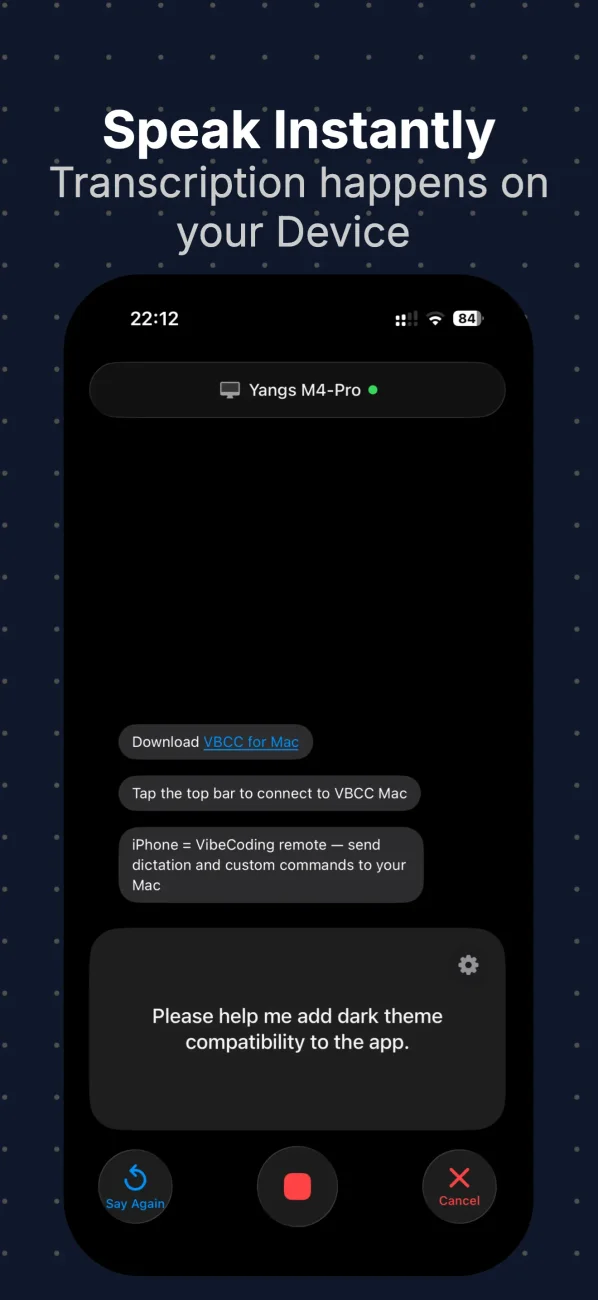
Dictate on your iPhone and send recognized text directly to the active input field on your Mac. Use Apple's built-in speech recognition or configure Doubao ASR. Choose your recognition language and audio input device.
REMOTE KEYBOARD — CONTROLS AT YOUR FINGERTIPS
Send navigation and editing keys from your iPhone, including modifier key combinations. Save frequently used text, prompts, and key combinations as customizable shortcut buttons. Integrate them with Apple Shortcuts and the Action Button on supported iPhones.
REMOTE TRACKPAD
Control your Mac's cursor directly from your iPhone:
• One-finger cursor movement
• Tap to click and double-tap to double-click
• Long-press and drag
• Two-finger tap for right-click
• Two-finger horizontal and vertical scrolling with momentum
• Adjustable cursor and scrolling sensitivity
THREE HOME LAYOUTS
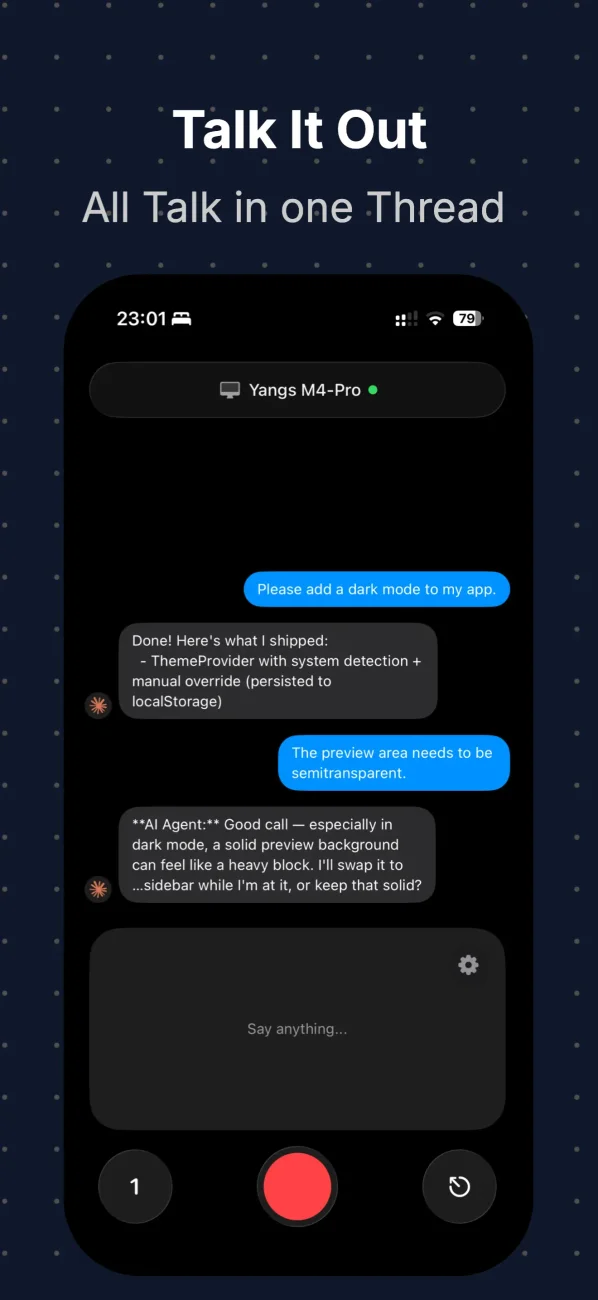
Switch between the Messages layout for dictation and history, the Shortcuts layout for quick actions, and the Trackpad layout for pointer control.
MESSAGES AND DEVELOPER TOOLS
Keep your message history locally, with copy, resend, and Markdown preview support. You can even dictate and save messages while disconnected, then manually resend them when your Mac reconnects.
MORE TOOLS
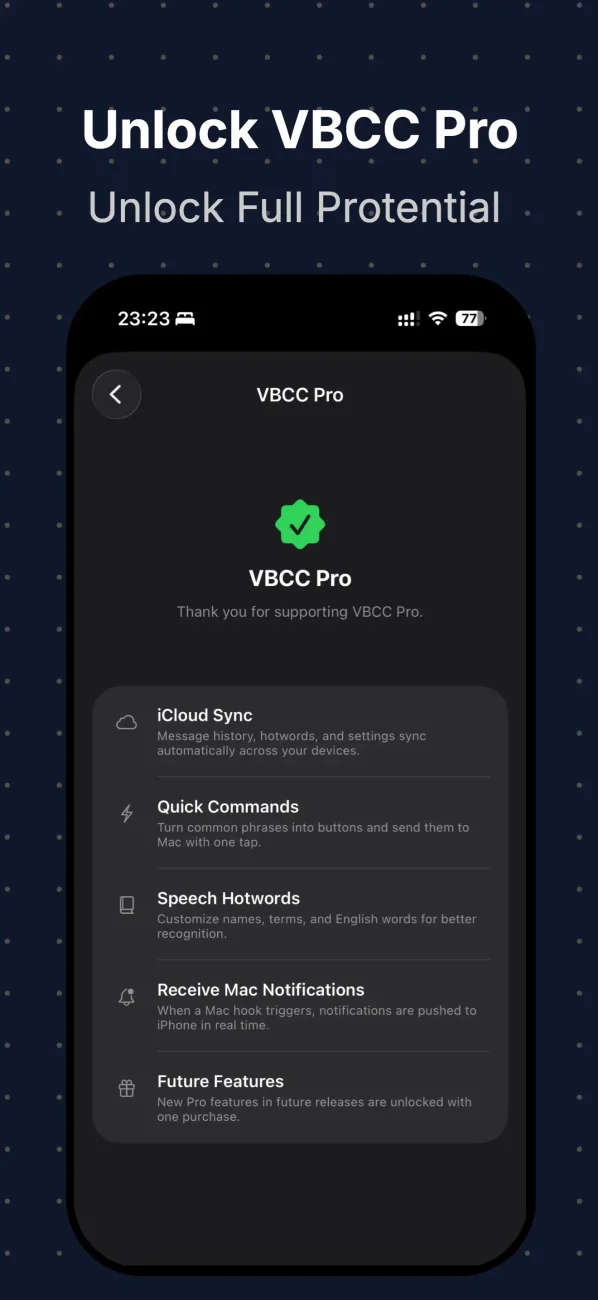
• Custom speech vocabulary and hotwords
• iCloud sync for messages, shortcuts, and settings
• Notifications from Claude Code, Codex, and Cursor via Mac Hooks
On your Mac, you can optionally configure Ollama or Doubao for text refinement. Model services are configured separately and are not included with VBCC.
YOUR LANGUAGE, YOUR WORKFLOW
Use VBCC in 17 languages: English, Simplified and Traditional Chinese, Spanish, German, Japanese, Korean, French, Italian, Brazilian Portuguese, Russian, Turkish, Indonesian, Arabic, Hindi, Thai, and Vietnamese. Switch the interface language in Settings or follow your system. Speech recognition language is configured separately.
PRIVATE, SIMPLE, AND DIRECT
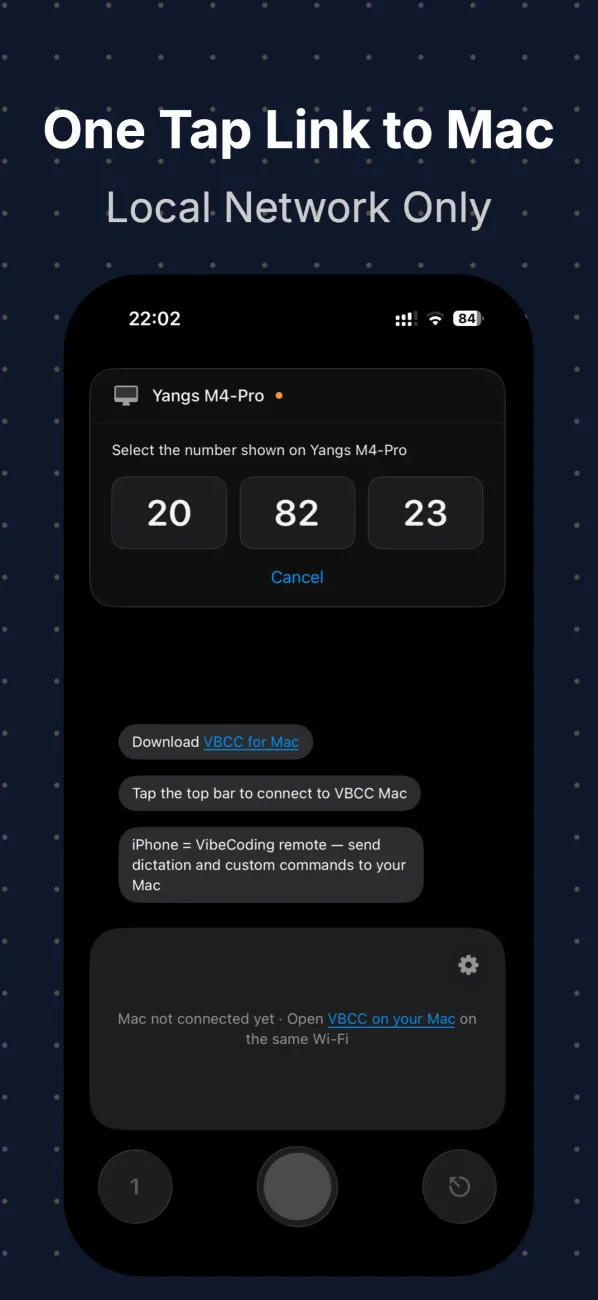
Connect your iPhone and Mac over a local network or supported P2P/AWDL connection. No VBCC account required.
REQUIREMENTS
• iPhone with iOS 26 or later
• VBCC Mac companion app, macOS 13 or later
• Local Network permission on iPhone
• Accessibility permission on Mac
• Trackpad requires VBCC Mac 2.0 or later
Download the Mac app and explore the setup guide:
https://imyiangyang.top/app/vbcc/
What’s new
Version 2.1.0 · Nov 5, 2026
• VBCC now supports 17 interface languages, including Arabic, Hindi, Thai, and Vietnamese.
• Choose your language in Settings or follow the system, with changes applied immediately.
• Added right-to-left interface support for Arabic.
• Improved localized text and message layouts. Region formats and speech recognition language remain independently controlled.
App privacy
What 洋 刘 declares on the App Store about how this app handles data.
-
Data not collected
The developer does not collect any data from this app.
Privacy practices may vary, for example with the features you use or your age.
Information
- Seller
- 洋 刘
- Category
- Utilities
- Version
- 2.1.0
- Updated
- Nov 5, 2026
- Released
- Jun 11, 2026
- Size
- 9.6 MB
- Requires
- iOS 26.0 or later
- Age rating
- 4+
- Price
- Free
- In-app purchases
- Yes
- Languages
- English, Arabic, French, German, Hindi, Indonesian, Italian, Japanese, Korean, Portuguese, Russian, Simplified Chinese + 5 more
- Copyright
- © 2026 VBCC